Experiment results reader
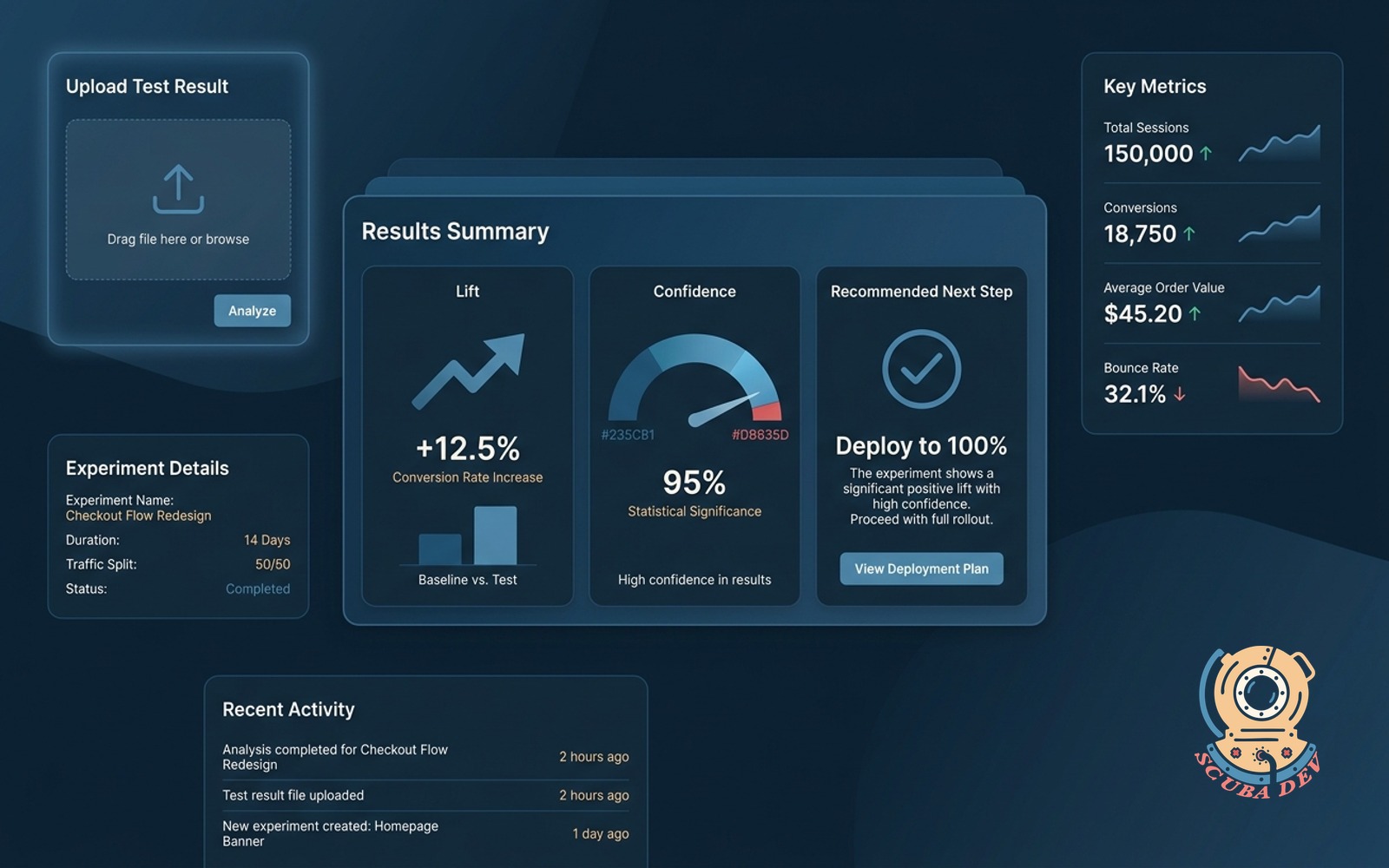
Upload a test result, get a plain-language read on the lift, confidence, and recommended next step.
Possibilities
Where this could go
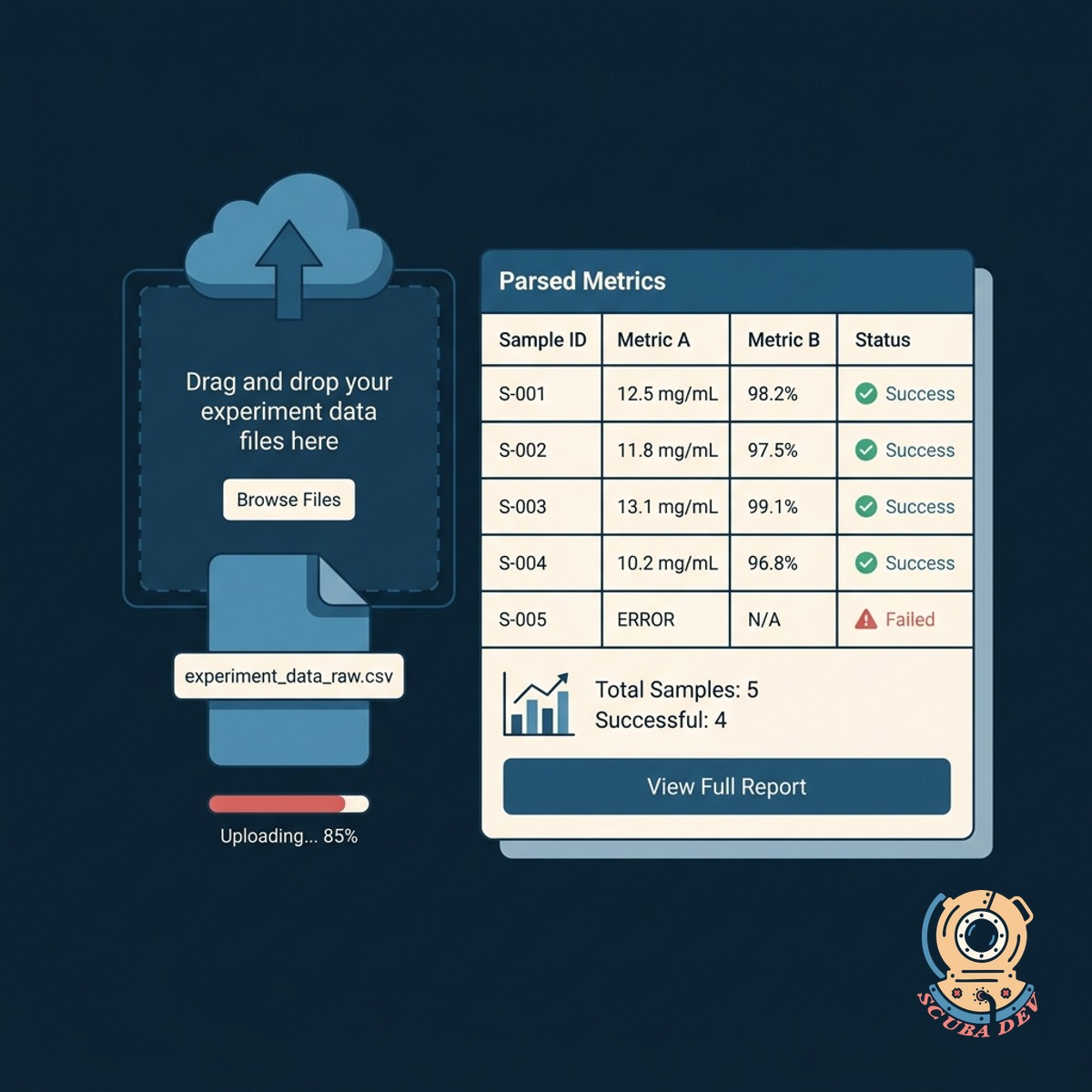
Simple Test Result File Upload
Upload your raw experiment data files to automatically parse the metrics without manual data entry.
- Accepts CSV and Excel files
- Reads standard testing platform outputs
- Maps control and variant data
- Secures uploaded information
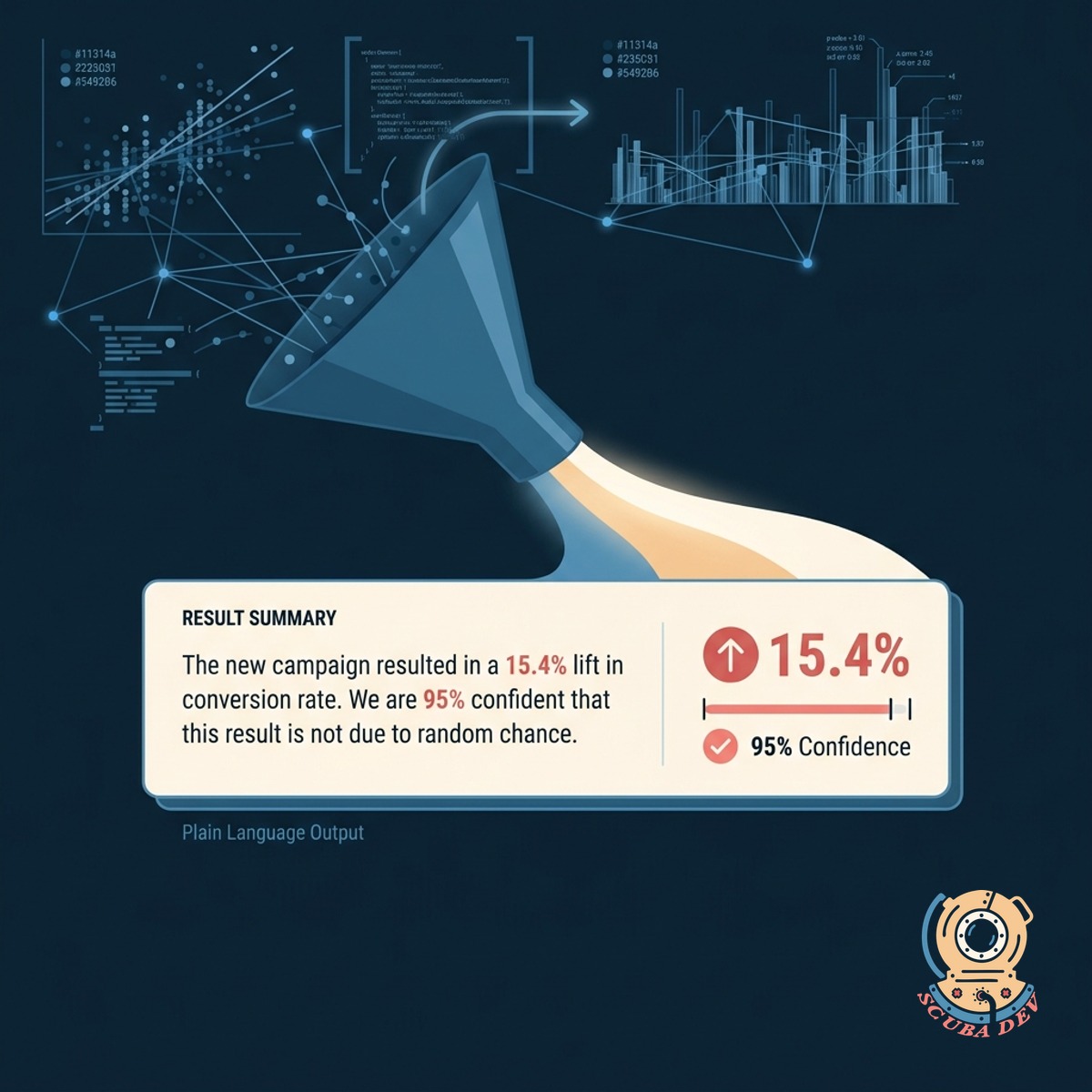
Clear Plain Language Result Summaries
Convert complex statistical outputs into simple sentences that explain the exact lift and confidence levels.
- Removes statistical jargon
- Highlights primary metric lift
- Explains statistical significance
- Formats for quick reading
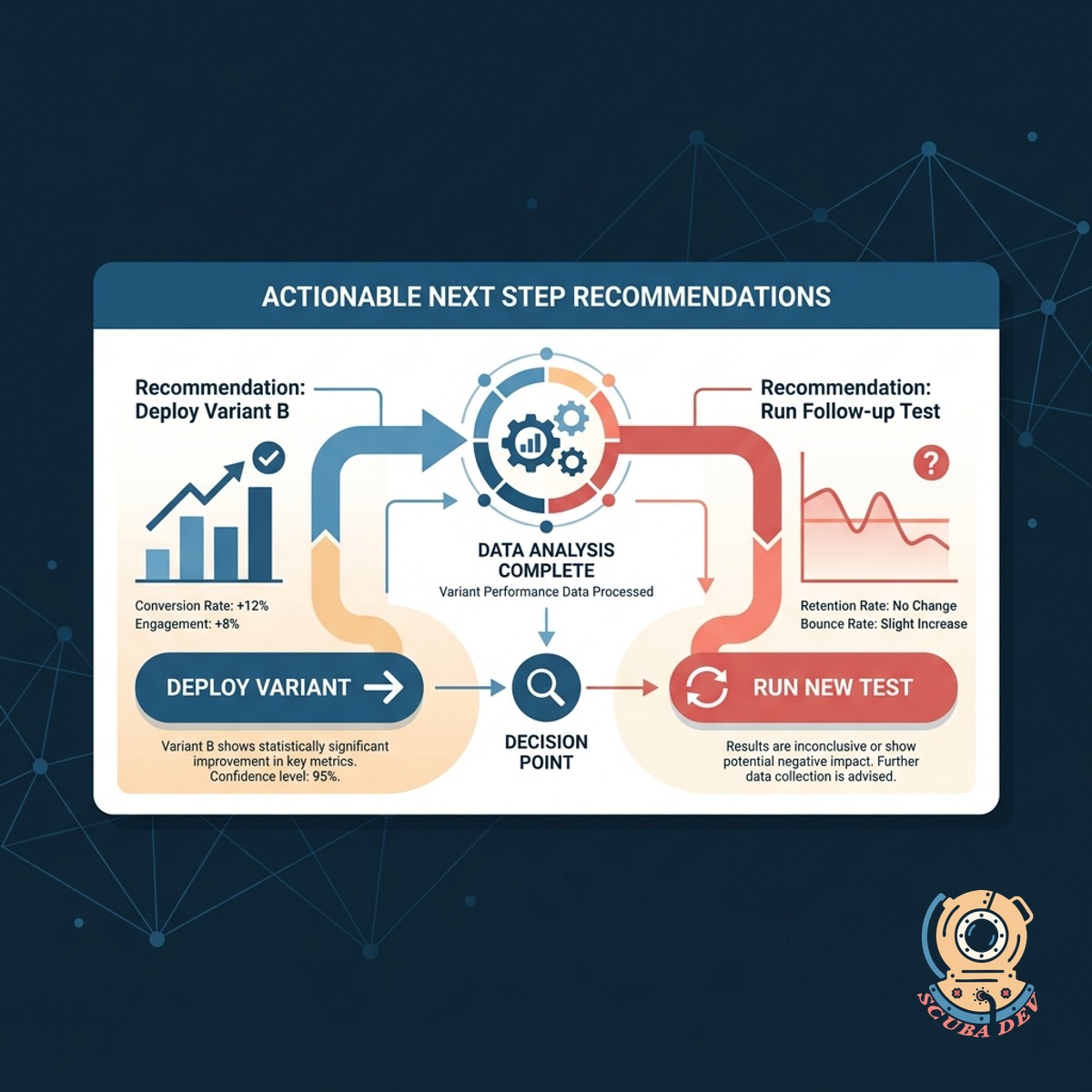
Actionable Next Step Recommendations
Receive a definitive recommendation on whether to deploy the variant or run a new test based on the data.
- Provides clear rollout advice
- Suggests follow up experiments
- Flags inconclusive results
- Helps prevent false positives
Questions
Things people ask
What file types can I upload to the reader?
The tool accepts standard CSV and Excel files exported from your testing platforms. It can also be configured to read JSON exports if you use custom analytics setups.
Which testing platforms does this support?
It works with data from standard platforms like Optimizely, VWO, and Google Analytics 4. We map the columns from your specific export format so the tool knows exactly where to look for the metrics.
How does it determine statistical significance?
The reader uses standard statistical models to evaluate the confidence level of your data. It looks at the sample size, conversion rates, and variance to confirm if the results are reliable.
Can it handle experiments with multiple variants?
Yes. The tool compares each variant against the control group individually. It provides a separate plain language summary and recommendation for every variant in the test.
Will it tell me why a test failed?
It explains the mathematical reasons behind an inconclusive or losing test. For example, it will note if the sample size was too small or if the negative lift reached statistical significance.
Can I share these reports with my team?
The plain language summaries are designed specifically for sharing with non-technical stakeholders. You can copy the text directly into emails, Slack messages, or presentation decks.
Is my experiment data kept secure?
All uploaded data is processed securely and is not used to train public models. The files are parsed strictly to generate your summary and are deleted from the server after the session ends.