Contractor Crew Daily Log App
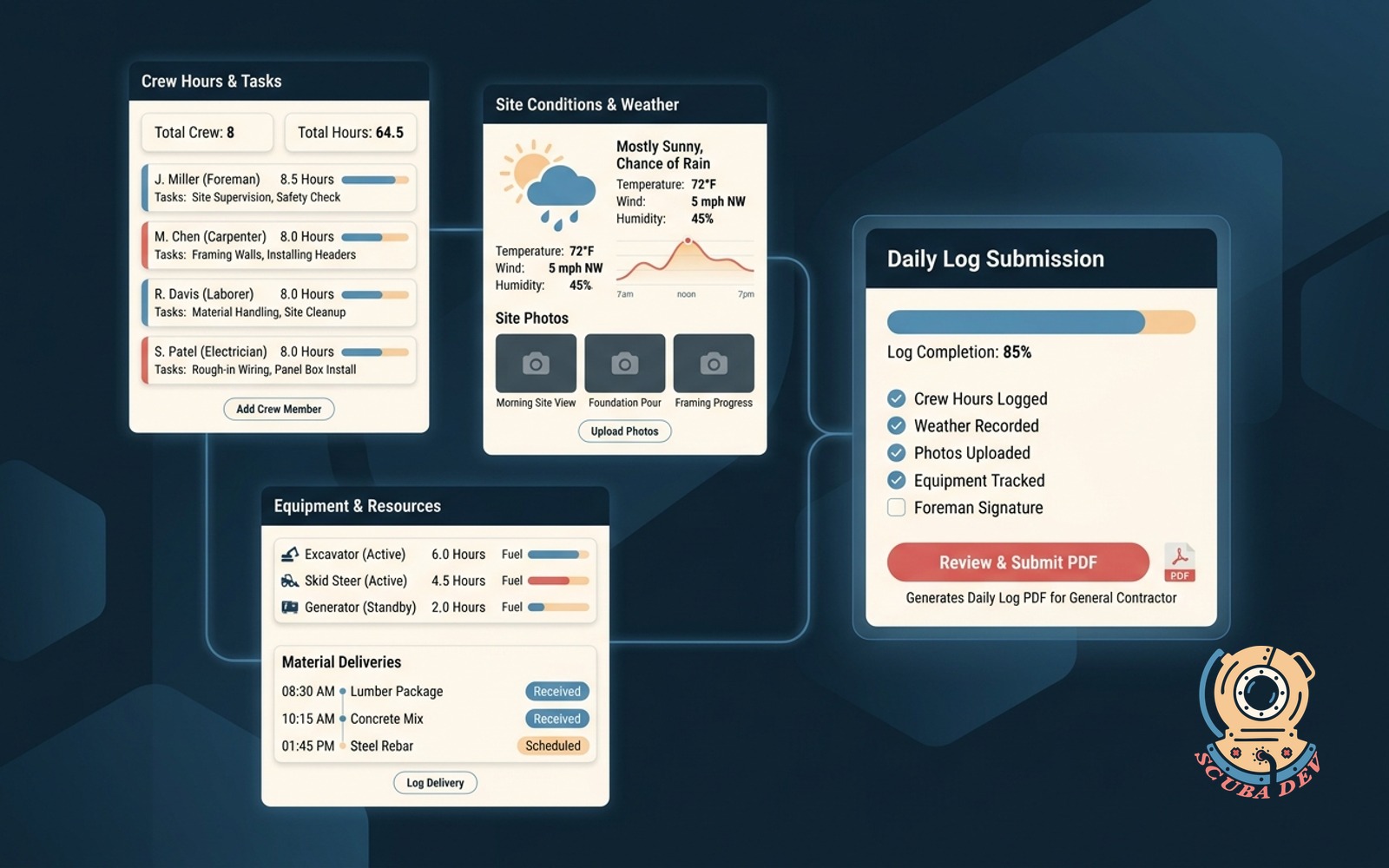
Foreman logs crew hours, weather, photos, equipment, and deliveries, then submits the daily log PDF to the general contractor.
Possibilities
Where this could go
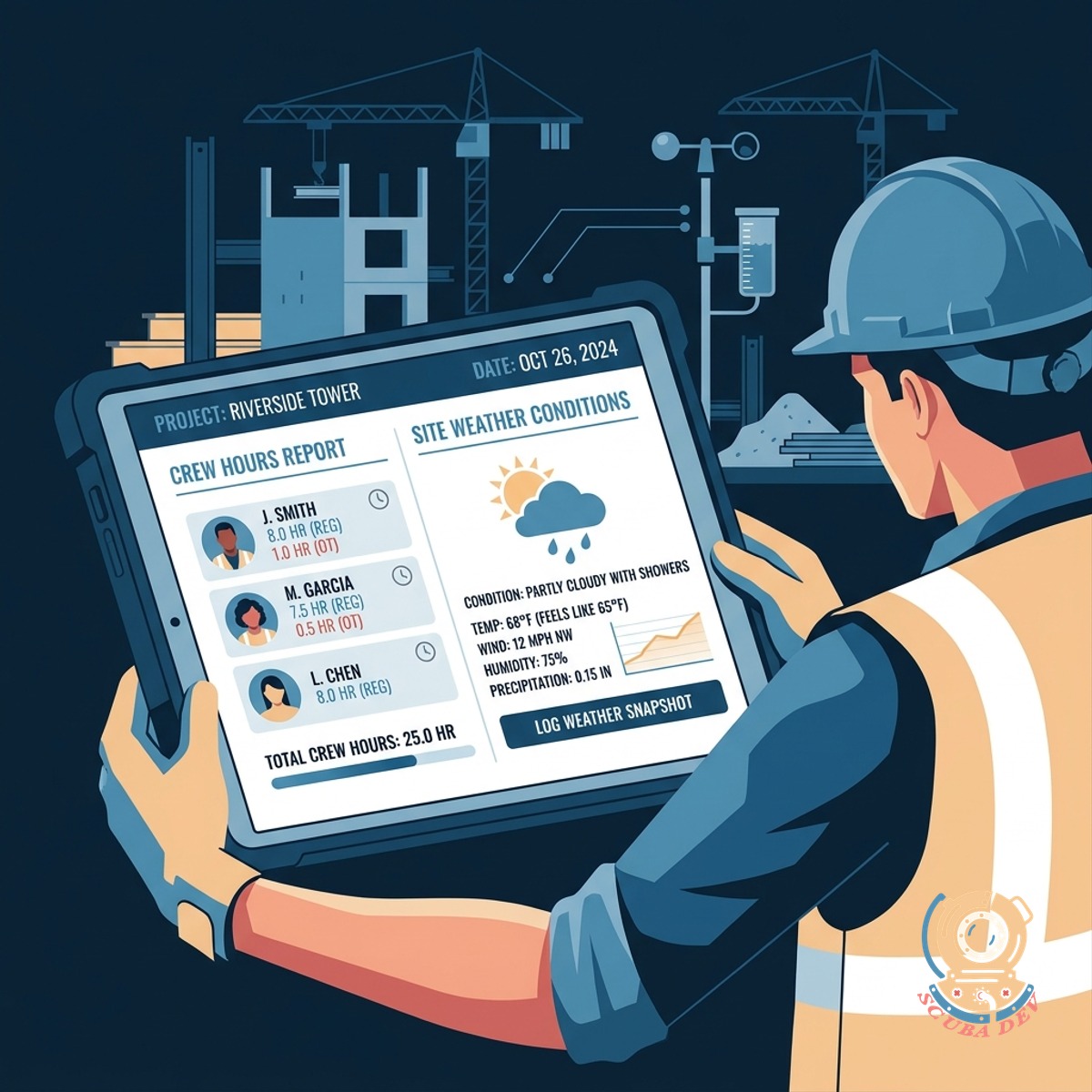
Track Crew Hours And Site Weather
Foremen record worker hours and capture daily weather conditions to maintain an accurate site record.
- Log individual worker shift times
- Pull local weather data automatically
- Record site conditions and delays
- Track subcontractor presence
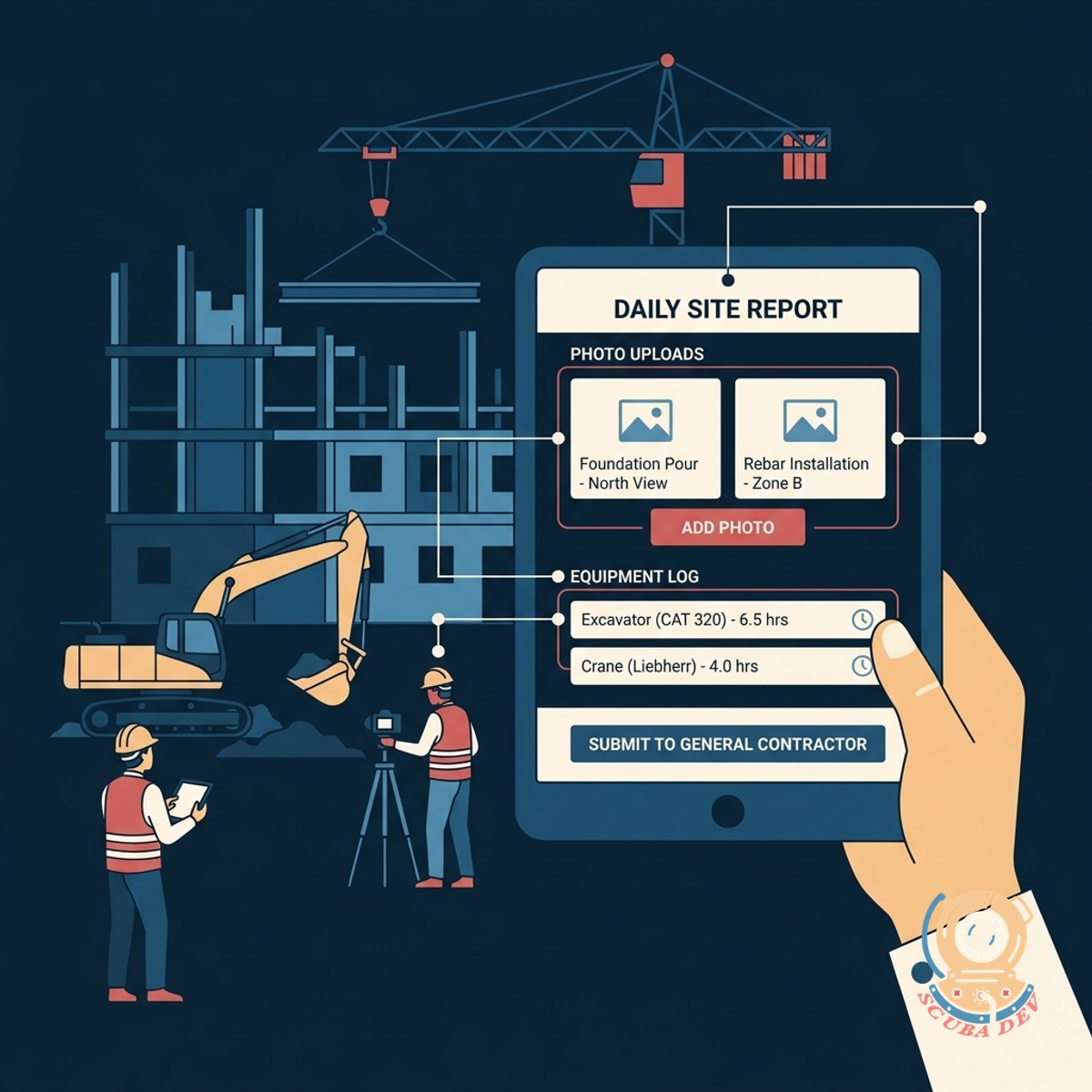
Document Site Progress And Equipment
Users upload site photos and log equipment usage to keep the general contractor informed of daily progress.
- Upload photos directly from a mobile device
- Add text notes to specific images
- Track heavy equipment utilization
- Log daily material deliveries
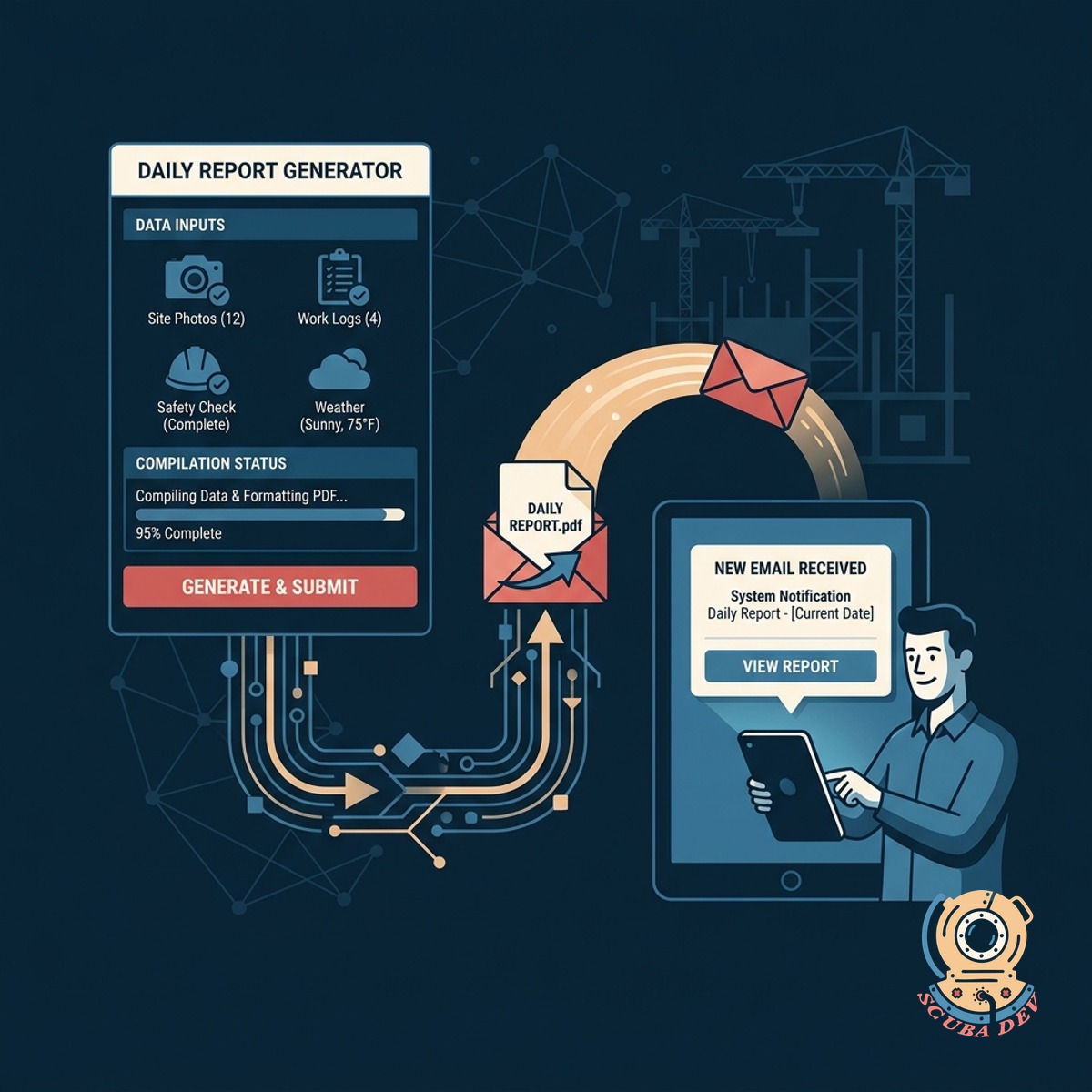
Generate And Submit Daily Reports
The system compiles all daily data into a formatted PDF report and emails it directly to the general contractor.
- Compile daily entries into a standard layout
- Generate a shareable PDF document
- Email reports directly to stakeholders
- Store historical logs in a central database
Questions
Things people ask
Does the app work offline if the job site has poor service?
The mobile interface can store data locally when cellular service is unavailable. The app syncs the daily log to the cloud once the device reconnects to a reliable network.
Can we automatically pull weather data into the daily log?
Yes. The app integrates with external weather APIs to automatically populate temperature, precipitation, and wind conditions based on the geographic location of the job site.
How does the general contractor receive the daily reports?
The application generates a PDF document at the end of the shift. It then automatically emails this file using a delivery service like SendGrid to a predefined list of project managers and general contractors.
Can foremen upload photos directly from their phones?
Foremen can take photos using their mobile device camera and upload them straight into the daily log. The application attaches these images to the final PDF report.
Is it possible to track specific equipment and material deliveries?
The log includes dedicated sections for equipment tracking and deliveries. Foremen can select equipment from a dropdown list and type in details about materials received that day.
Where are the historical daily logs stored?
All submitted logs are saved in a central database like PostgreSQL, with the actual PDF files stored securely via Amazon S3. Office staff can access this database via a web portal to search and download past reports.
Can we customize the PDF layout to match our company branding?
We design the PDF template to include your company logo and preferred layout. The generated reports match your standard company documents and formatting requirements.