Warehouse Picker Scanner App
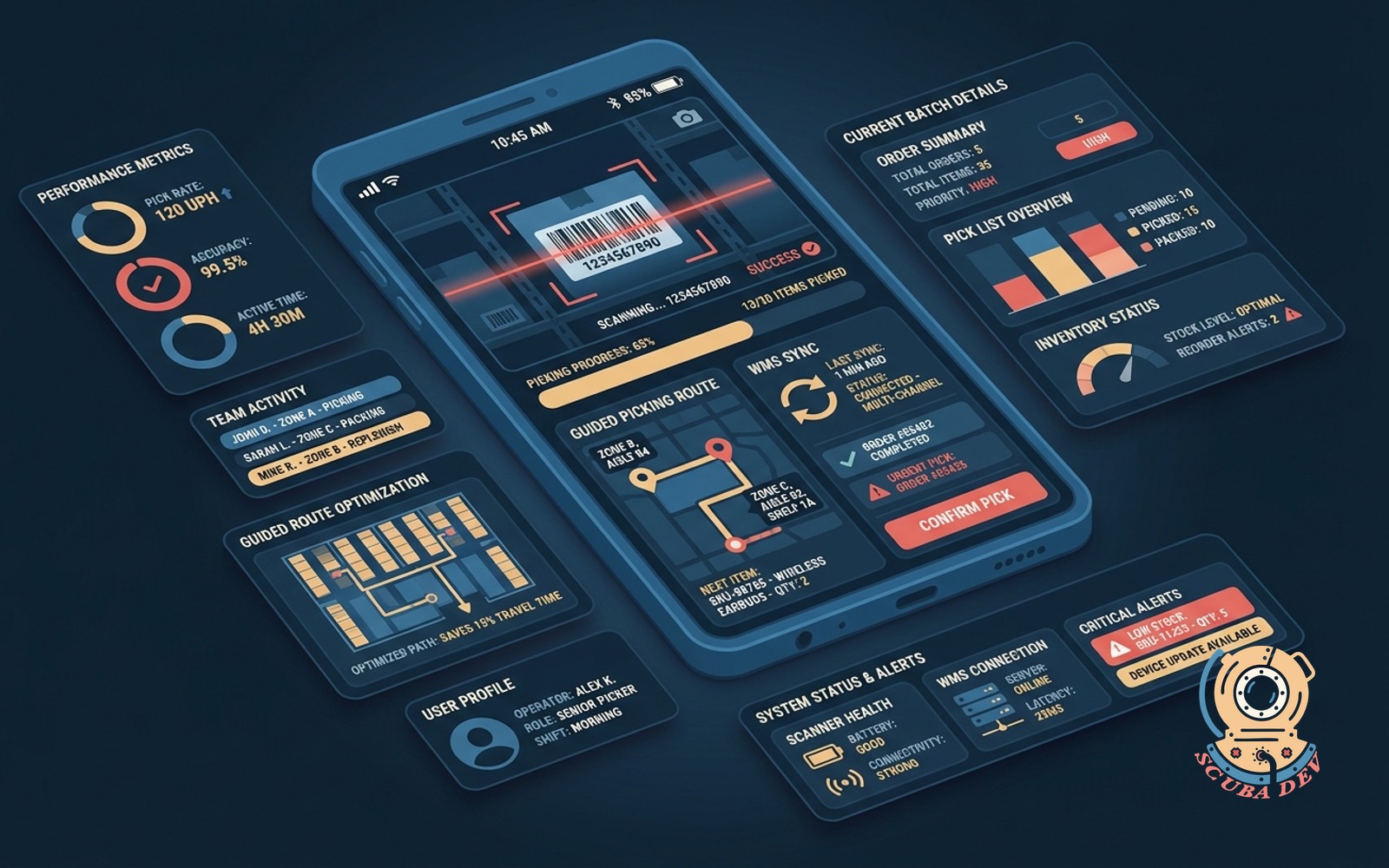
Android app with camera barcode scanning, guided picking routes, and WMS sync for multi-channel warehouse operations.
Possibilities
Where this could go
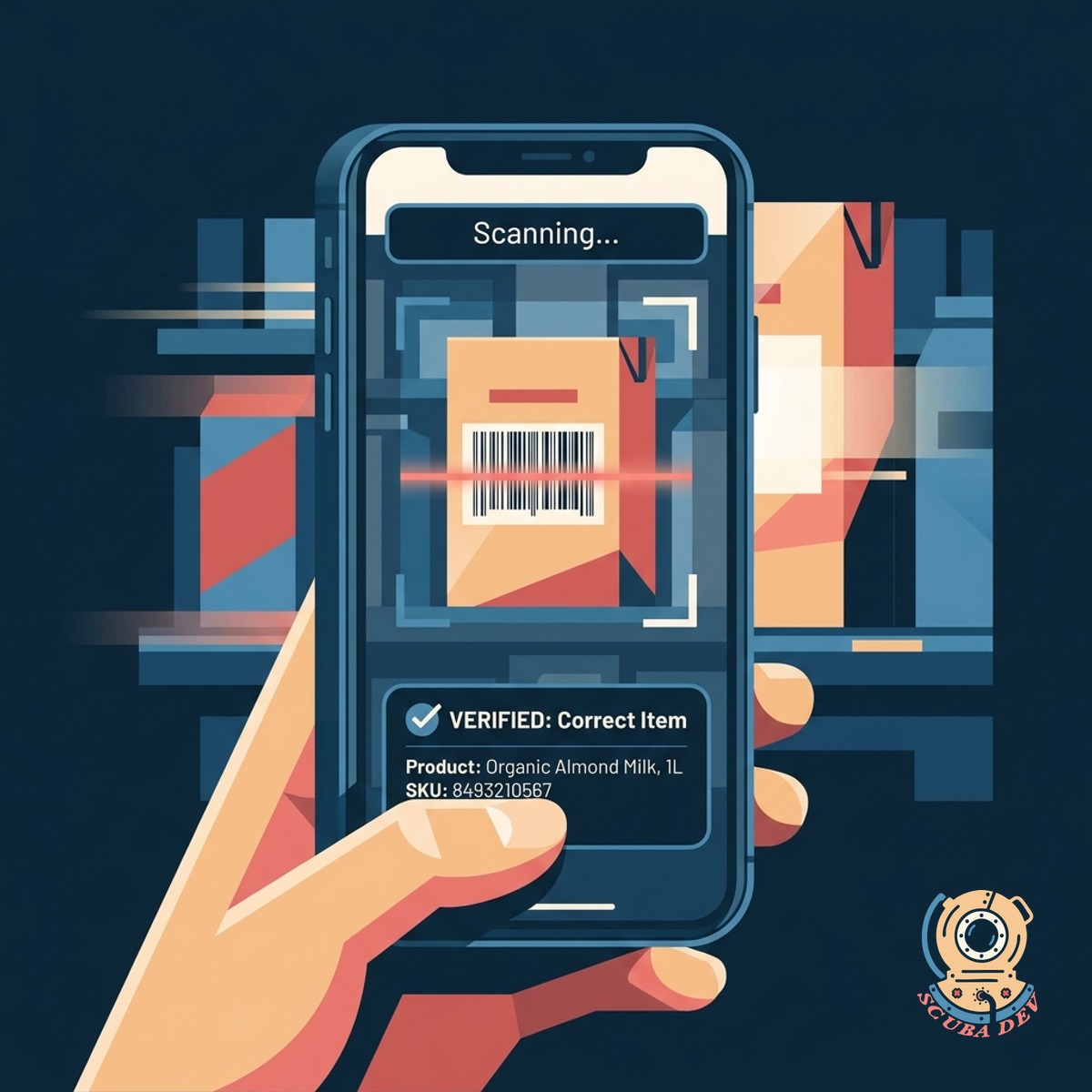
Smartphone Camera Barcode Scanning
The app uses the native device camera to read product barcodes and verify correct item selection.
- Fast barcode recognition
- Support for QR and standard barcodes
- Instant visual feedback
- Error prevention alerts
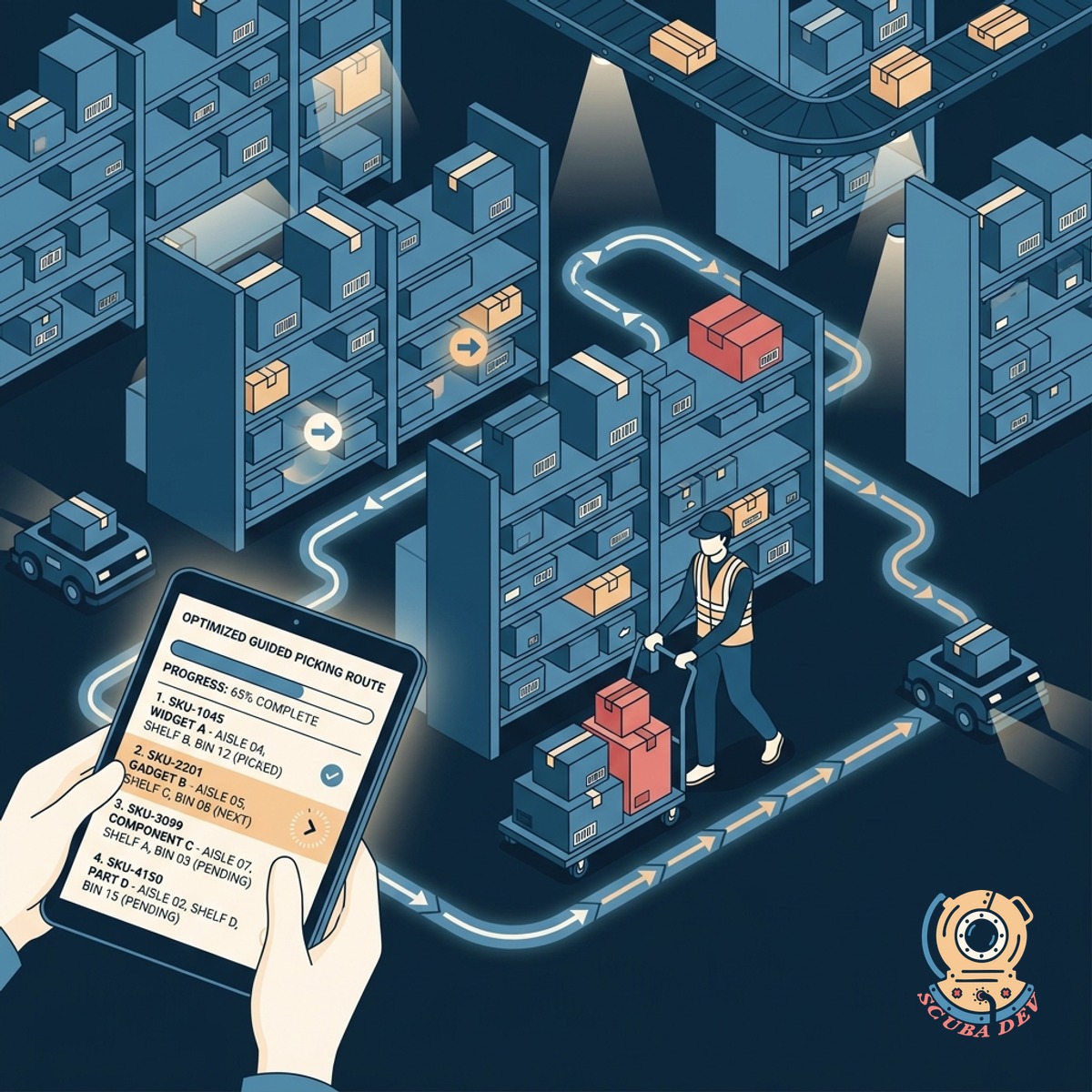
Optimized Guided Picking Routes
The application directs warehouse staff through the most efficient path to collect items for multiple orders.
- Turn-by-turn aisle navigation
- Batch picking support
- Location sequence optimization
- Real-time route adjustments
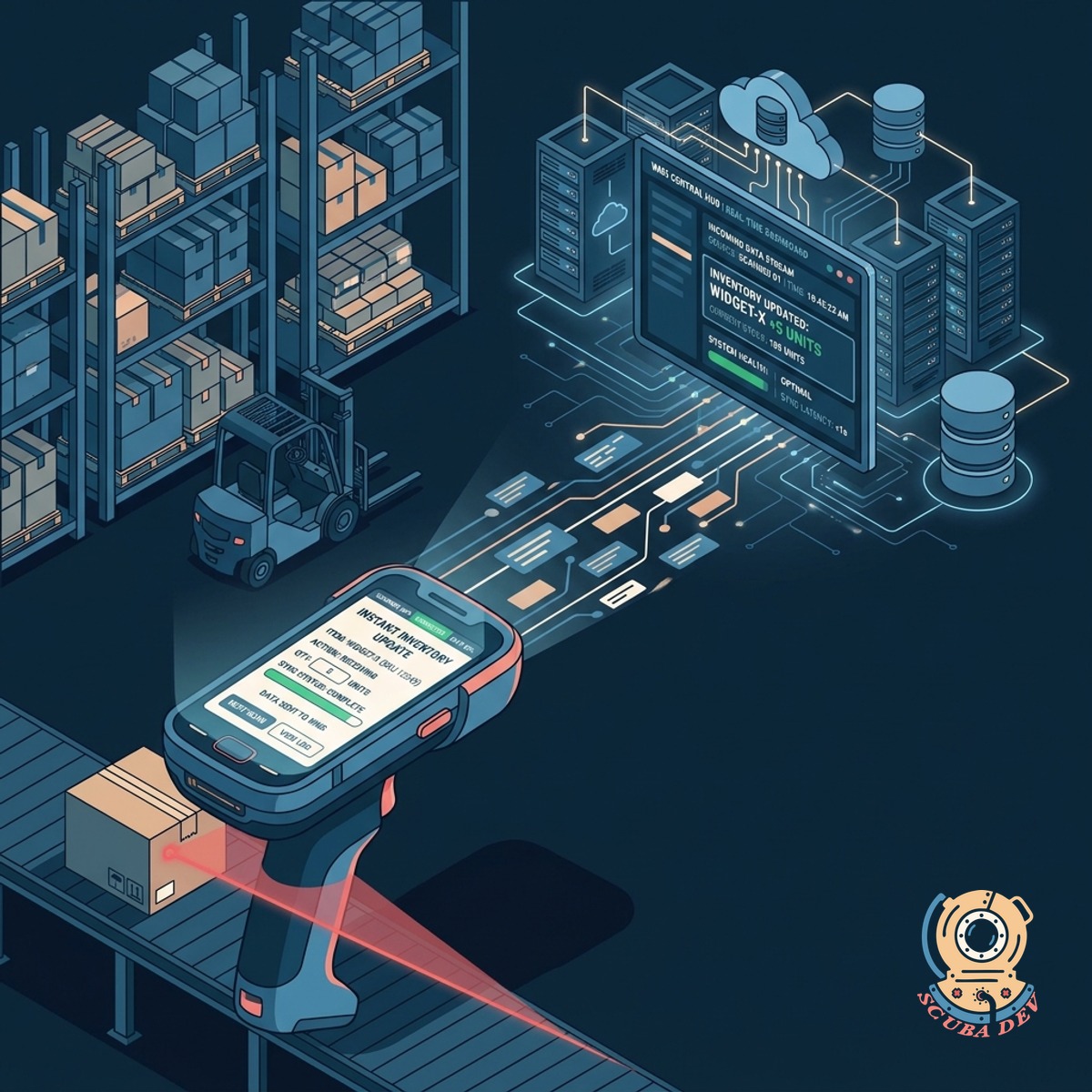
Real-Time Warehouse System Sync
The scanner application connects directly to your central warehouse management system to update inventory levels instantly.
- Live inventory deduction
- Multi-channel order updates
- Out-of-stock reporting
- Seamless API integration
Questions
Things people ask
Can this app integrate with our existing WMS like Fishbowl or NetSuite?
Yes. We connect the Android application to your existing warehouse management system using standard APIs. This ensures your inventory counts stay accurate across all channels.
Does the app work if the warehouse has dead zones with poor Wi-Fi?
The application includes offline capabilities for areas with weak network coverage. The device stores picking data locally and synchronizes with your main database once the connection is restored.
Do we need to purchase specialized rugged scanning hardware?
You can use standard Android smartphones to run the application. If your environment requires it, the app also functions on ruggedized Android devices from brands like Zebra or Honeywell.
How does the app handle batch picking for multiple orders?
The system groups items from several orders into a single optimized route. The screen directs the picker to the correct location and specifies exactly which items go into which order bin.
Can the camera scanner read damaged or faded barcodes?
The software utilizes advanced image processing to read standard and slightly worn barcodes. For completely unreadable tags, the application provides a manual entry fallback option.
How do we update the warehouse layout in the application?
Your warehouse layout maps directly from your central inventory system. When you change bin locations or aisle structures in your WMS, the application updates the picking routes automatically.
What happens if a picker selects the wrong item?
The app requires a barcode scan to confirm every pick. If the scanned barcode does not match the requested item, the screen displays an error and prevents the user from moving to the next step.