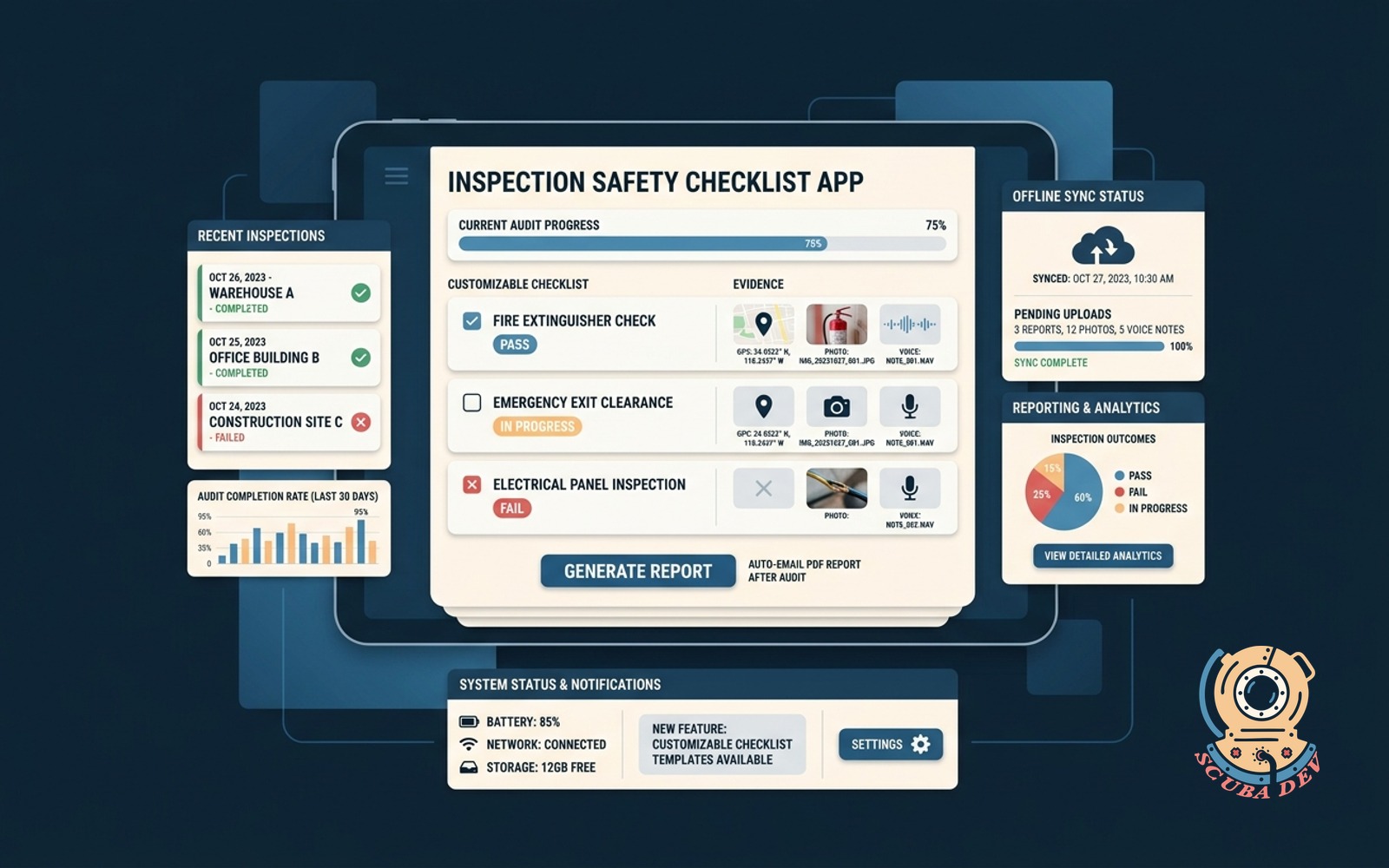
Inspection Safety Checklist App
Customizable checklist with GPS evidence, photo and voice notes, offline sync, and auto-emailed PDF report after each audit.
Possibilities
Where this could go
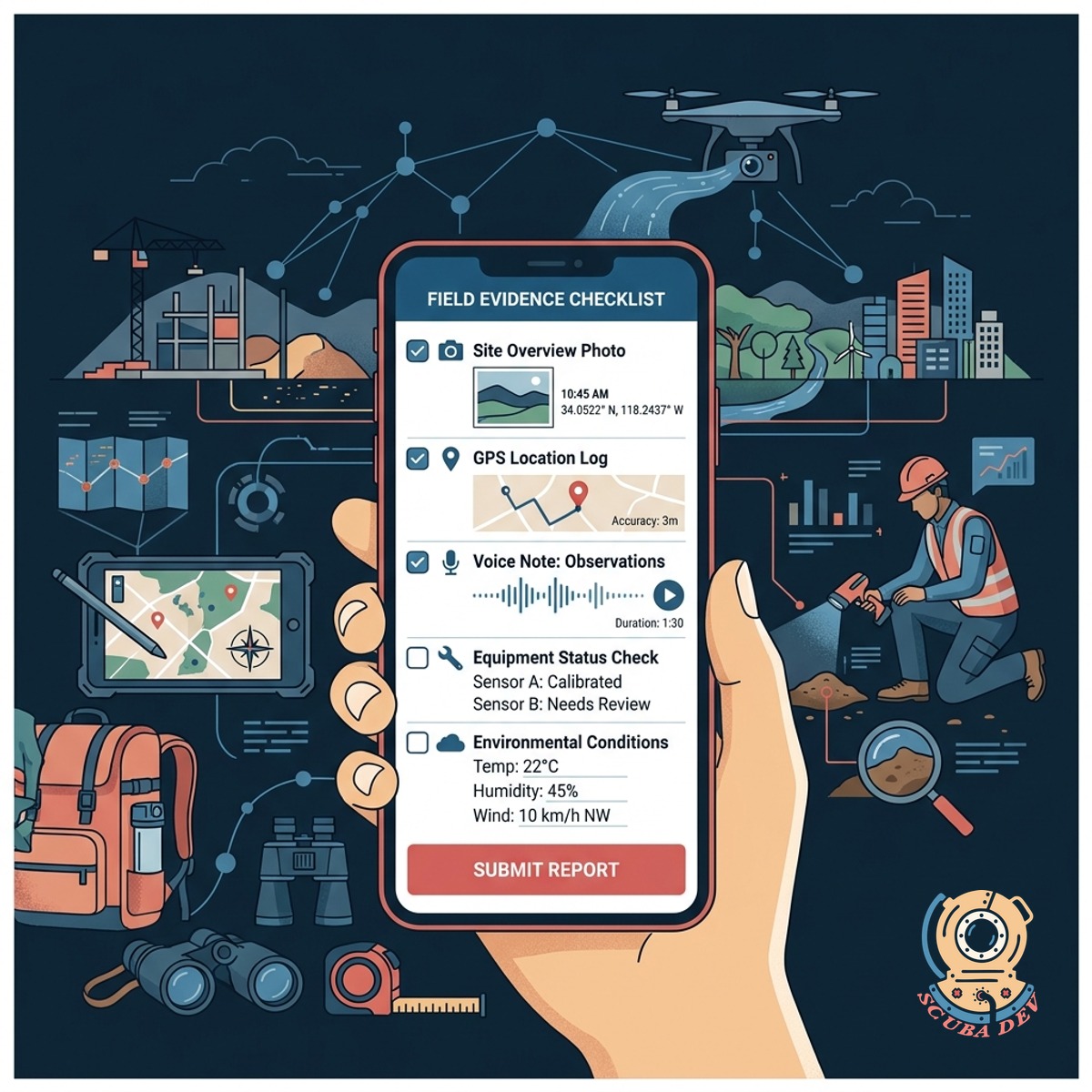
Gather Field Evidence With Custom Checklists
Build tailored inspection forms that capture precise GPS coordinates alongside photo and voice note documentation.
- Custom form builder
- GPS location tagging
- Photo capture integration
- Voice note recording

Sync Audit Data Without Internet Access
Field workers can complete full safety inspections in remote areas and automatically sync data once a connection is restored.
- Local data storage
- Automatic background sync
- Conflict resolution
- Connection status indicator

Generate And Email PDF Audit Reports
The system compiles all checklist data and media into a formatted PDF report and emails it to stakeholders immediately.
- Instant PDF generation
- Automated email routing
- Custom report branding
- Complete audit trails
Questions
Things people ask
How does the app handle offline data collection?
The application stores all checklist responses, photos, and voice notes locally on the device. When the device detects an internet connection, it automatically pushes the stored data to the central database.
Can we customize the checklists for different types of inspections?
Yes. Administrators can build specific forms for various equipment, sites, or compliance standards using a drag and drop form builder.
How accurate is the GPS location tagging?
The app uses the native GPS hardware of the mobile device to pinpoint the exact location where the inspection takes place. This provides verifiable proof of presence for the audit.
What happens to the voice notes recorded during an audit?
Voice notes are saved as audio files and attached directly to the specific checklist item. They are stored securely and linked within the final PDF report for easy playback.
Who receives the automated PDF reports?
You can configure routing rules so the system automatically emails the completed PDF report to specific supervisors, safety managers, or clients based on the type of inspection.
Are the submitted photos stamped with any metadata?
Yes. The application automatically embeds the date, time, and GPS coordinates into the metadata of every photo taken through the app to ensure authenticity.
Does this tool integrate with our existing safety management software?
We can build the application to connect with your current systems via API. This allows inspection data to flow directly into your existing compliance or maintenance databases.