Change request form
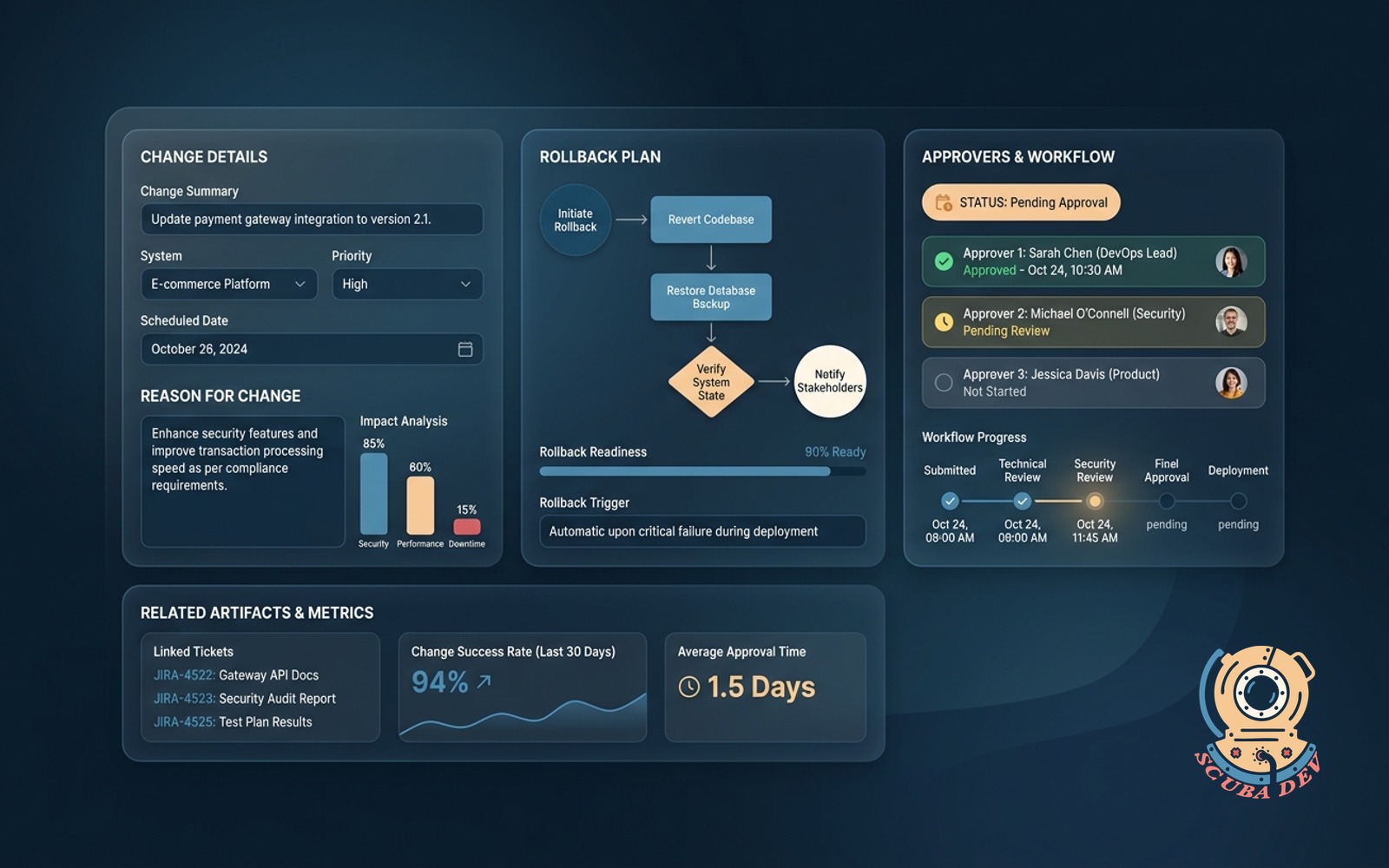
Captures the change, the reason, the rollback plan and the approvers, opens a tracked workflow.
Possibilities
Where this could go
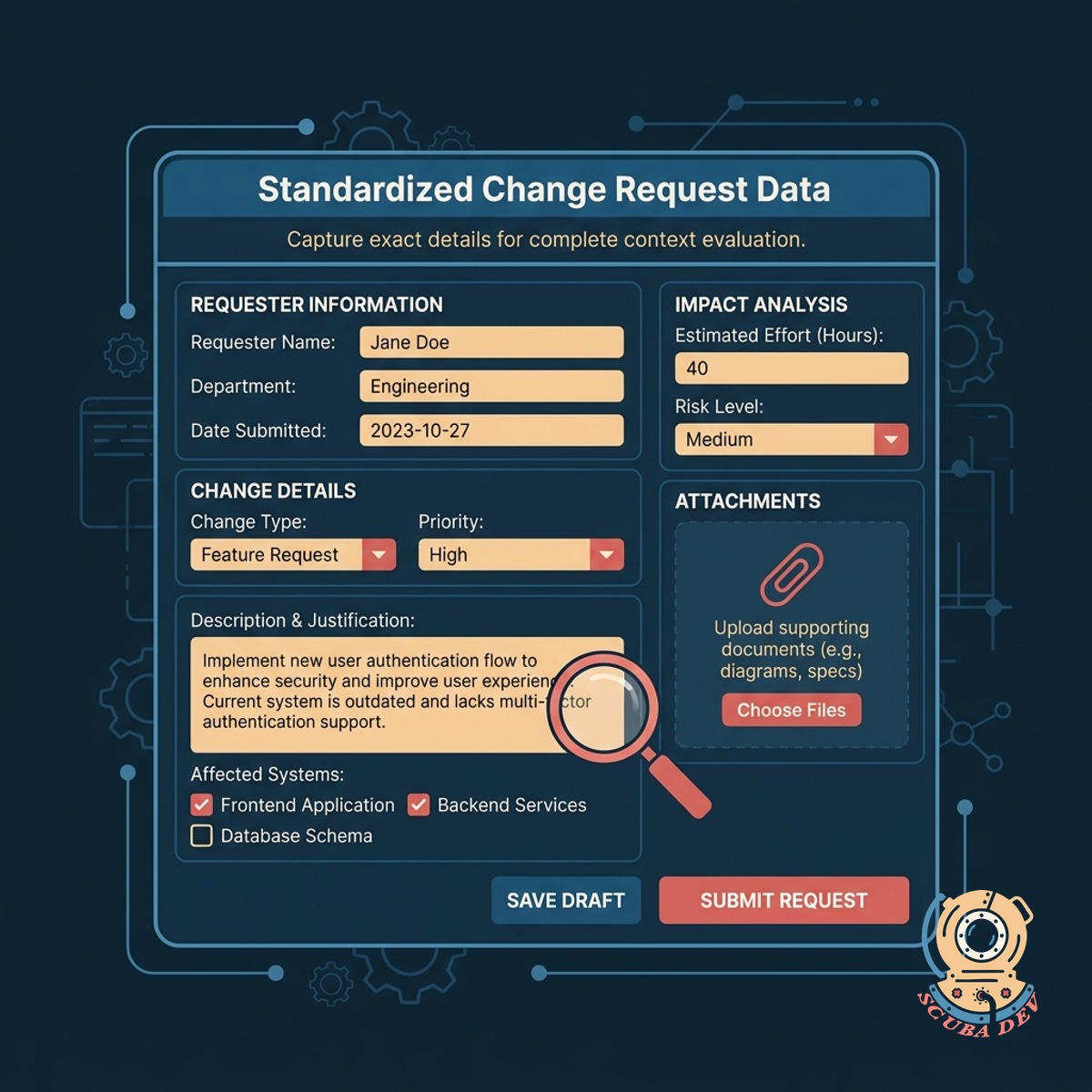
Capture Standardized Change Request Data
The form collects the exact details required to evaluate a change so reviewers have complete context.
- Record the proposed change
- Document the business reason
- Detail the specific rollback plan
- Identify the required approvers
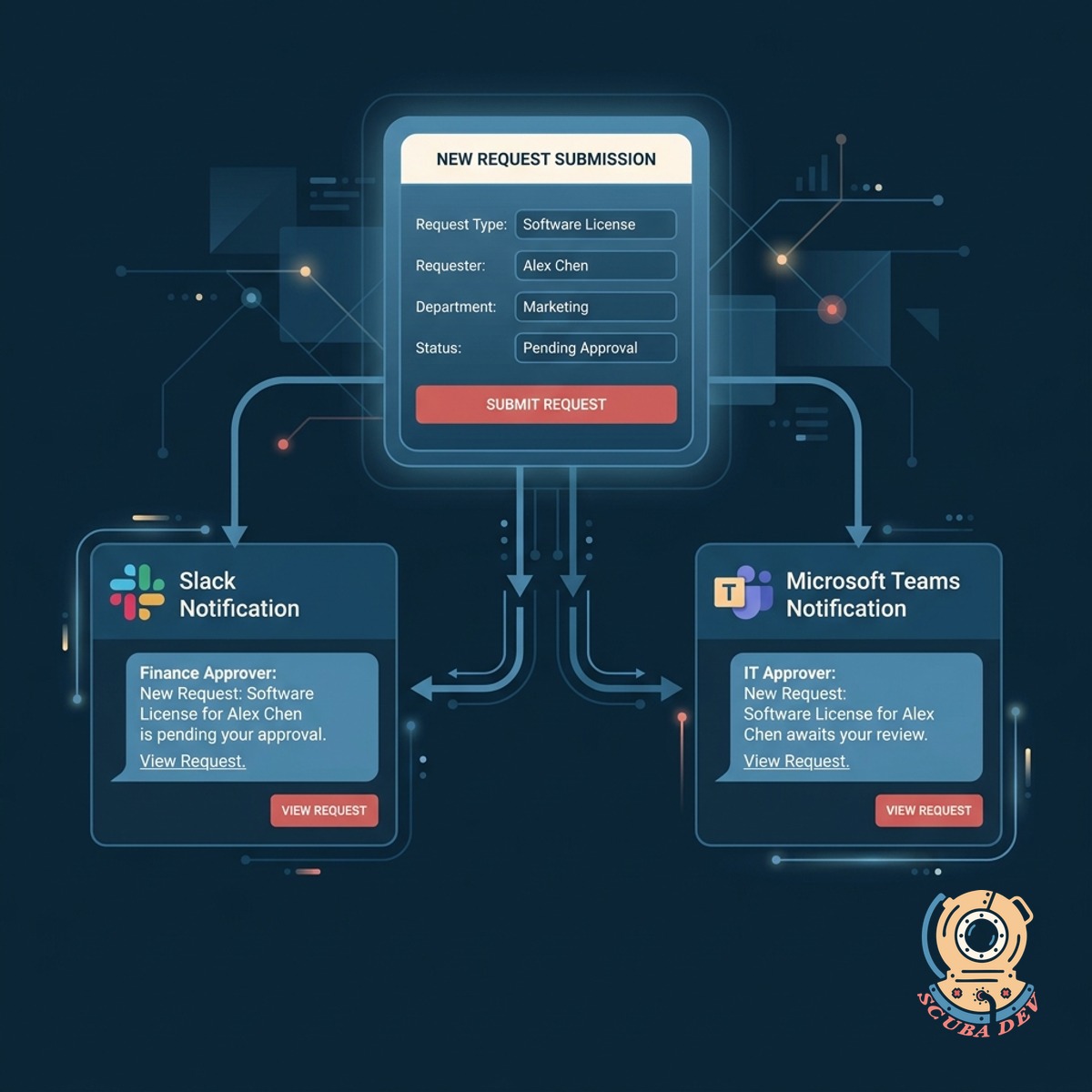
Route Requests To Designated Approvers
The system automatically notifies the right stakeholders via Slack or Microsoft Teams when a new request is submitted.
- Assign reviewers based on the affected system or department
- Send approval notifications directly to Slack channels or Microsoft Teams chats
- Allow managers to approve or reject requests directly from their chat client
- Set up escalation rules if an approver does not respond within a specific timeframe
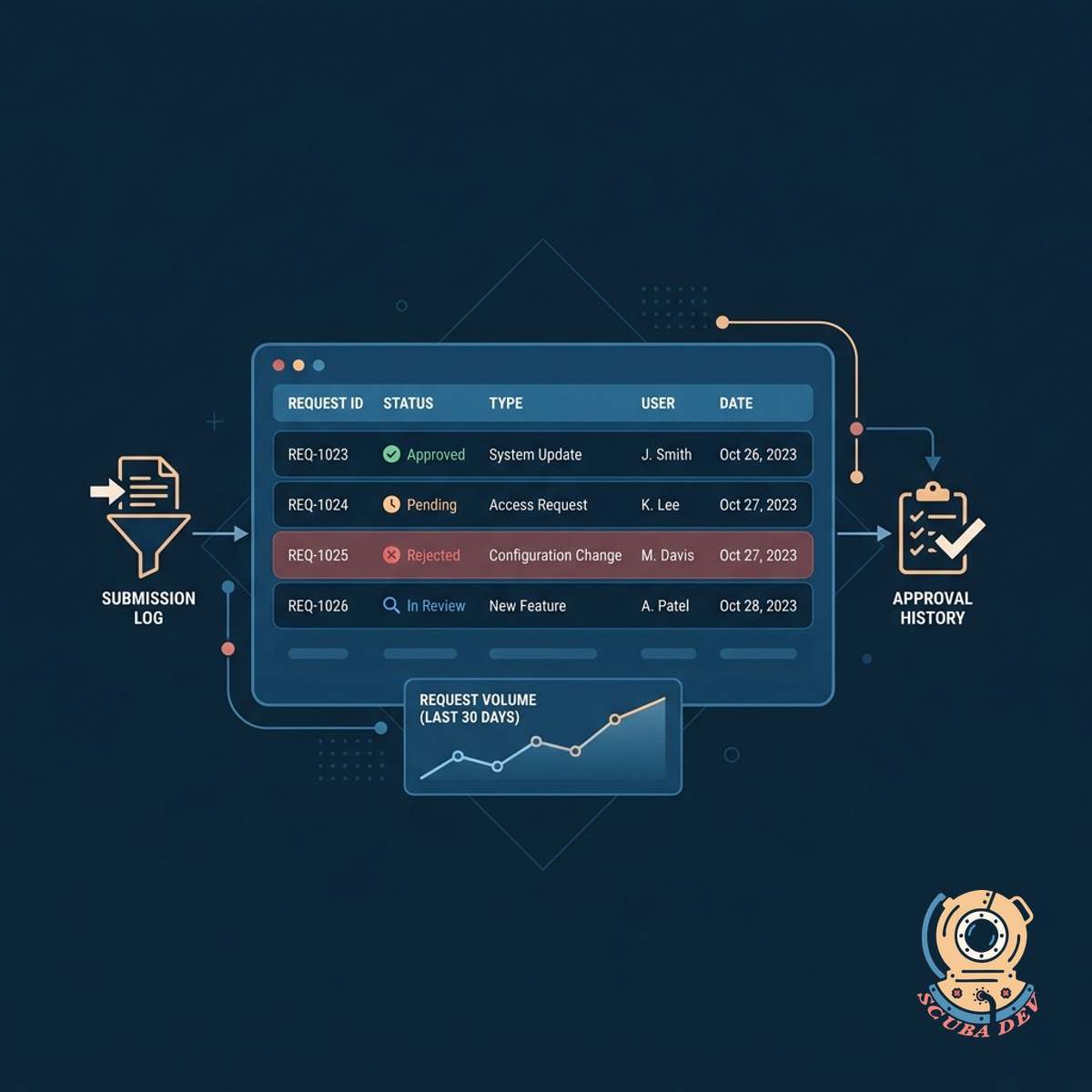
Track The Status Of Every Request
A central dashboard logs every submission and approval to maintain a clear historical record of system changes.
- View pending approvals
- Archive completed requests
- Search past change records
- Export logs for compliance audits
Questions
Things people ask
Where does the change request data live?
The data is stored in a secure database of your choosing. We commonly route form submissions into tools like Jira, ServiceNow, or a dedicated PostgreSQL database.
Can we customize the form fields?
Yes. We build the form to match your specific compliance requirements. You can add custom dropdowns, file attachments, or specific text fields as needed.
How do approvers get notified?
The workflow integrates with your existing communication tools. Approvers receive automated alerts via email, Slack, or Microsoft Teams with a direct link to review the request.
Does this tool enforce the rollback plan requirement?
The form requires users to complete the rollback plan field before they can submit the request. This ensures reviewers always have mitigation steps available during their evaluation.
Can we set up multi-step approvals?
The workflow supports sequential and parallel approval steps. You can require sign-off from a technical lead followed by a department manager before the status changes to approved.
How do we view the history of a specific change?
Every request generates a unique tracking record. Users can search the dashboard by date, requester, or system to view the original submission and the complete approval trail.
Can we require multiple approvals for high-risk changes?
Yes, you can configure the workflow to require multiple sign-offs before a change moves forward. We let you set rules based on the risk level or the specific system involved. This ensures critical updates get the necessary oversight without slowing down routine requests.