Research brief agent
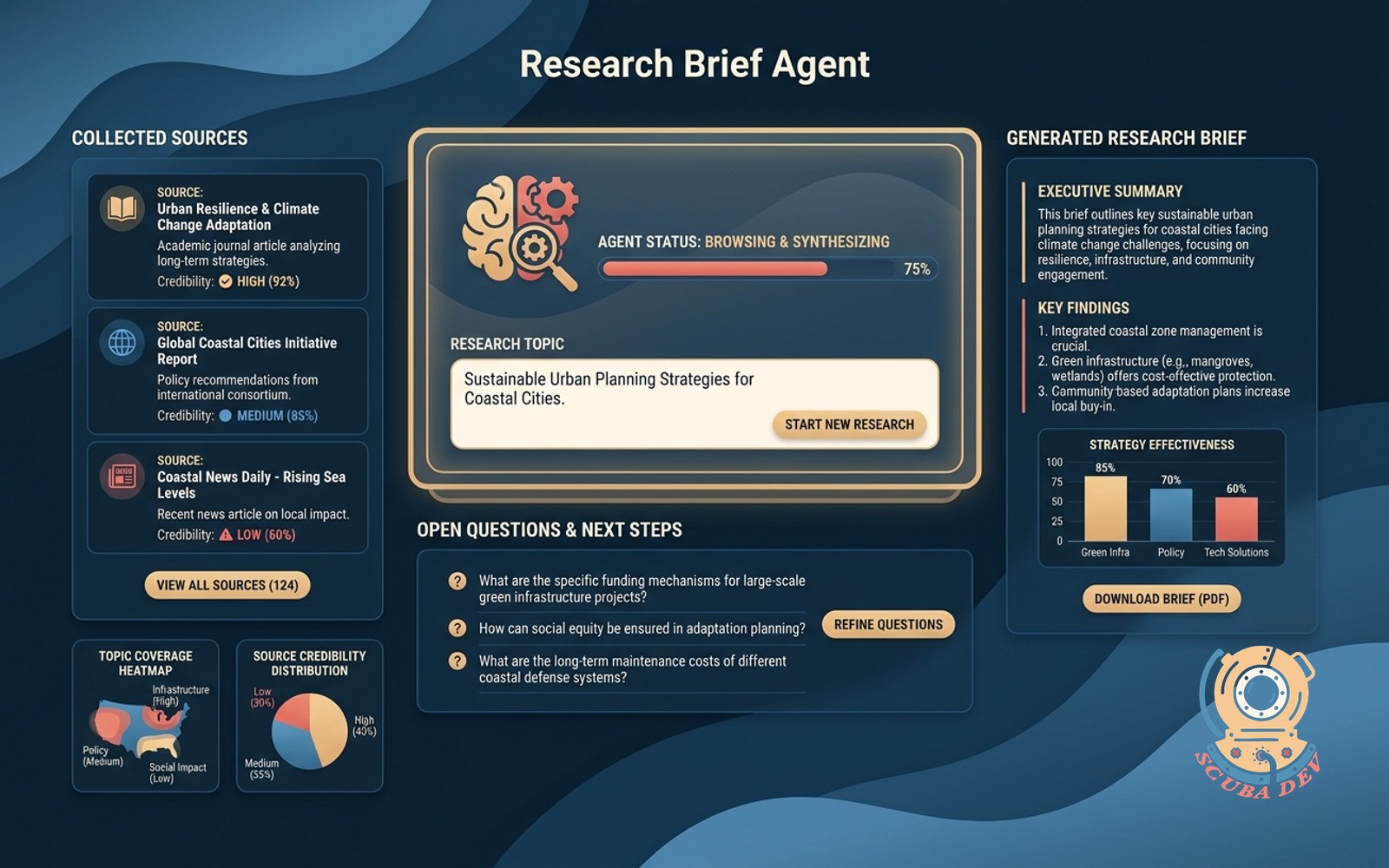
You name the topic, the agent browses, collects sources, writes the brief and lists the open questions.
Possibilities
Where this could go
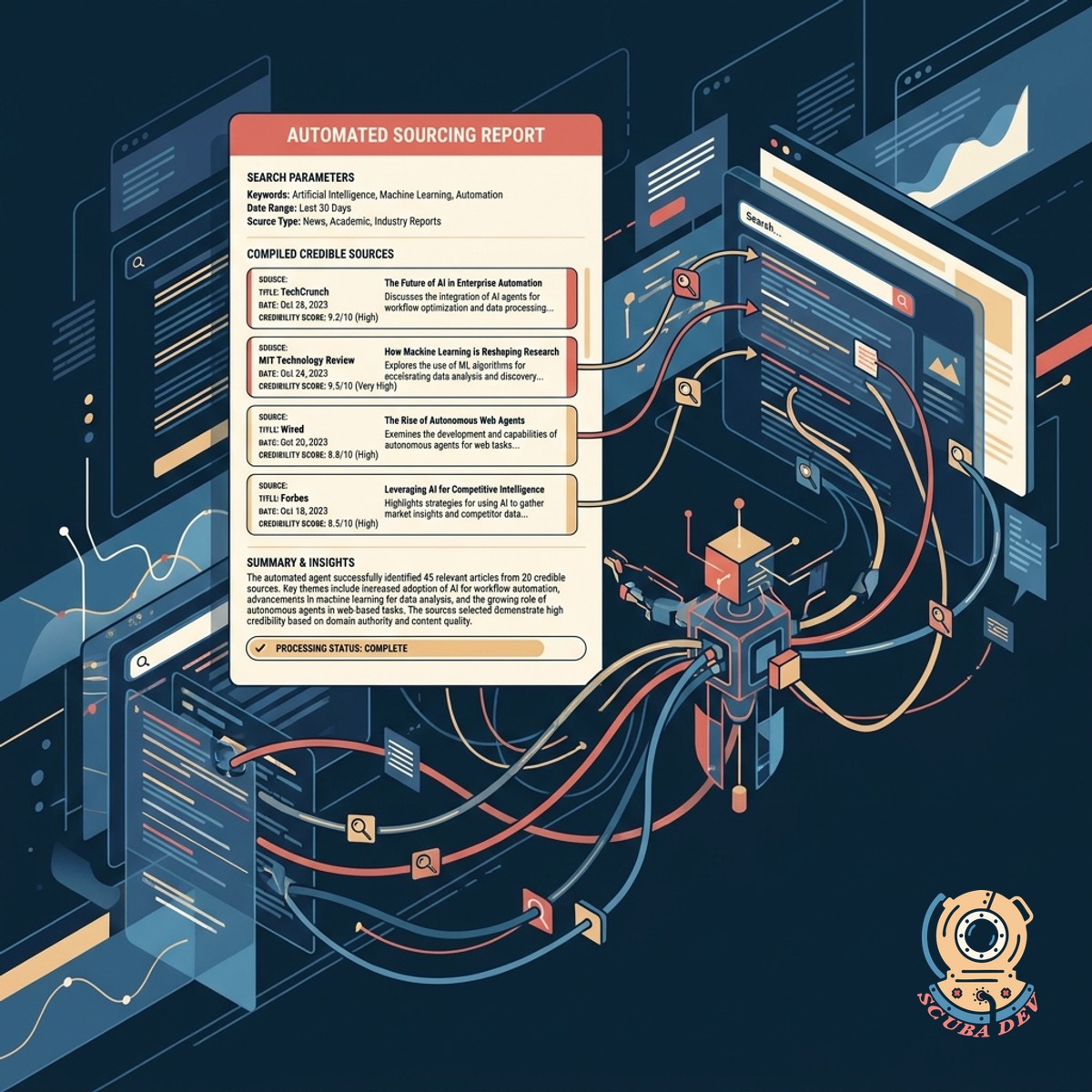
Automated Web Browsing And Sourcing
The agent navigates search engines to find relevant articles and compiles a list of credible sources for your review.
- Executes targeted search queries
- Filters out low quality domains
- Extracts text from articles and reports
- Logs all URLs for citations
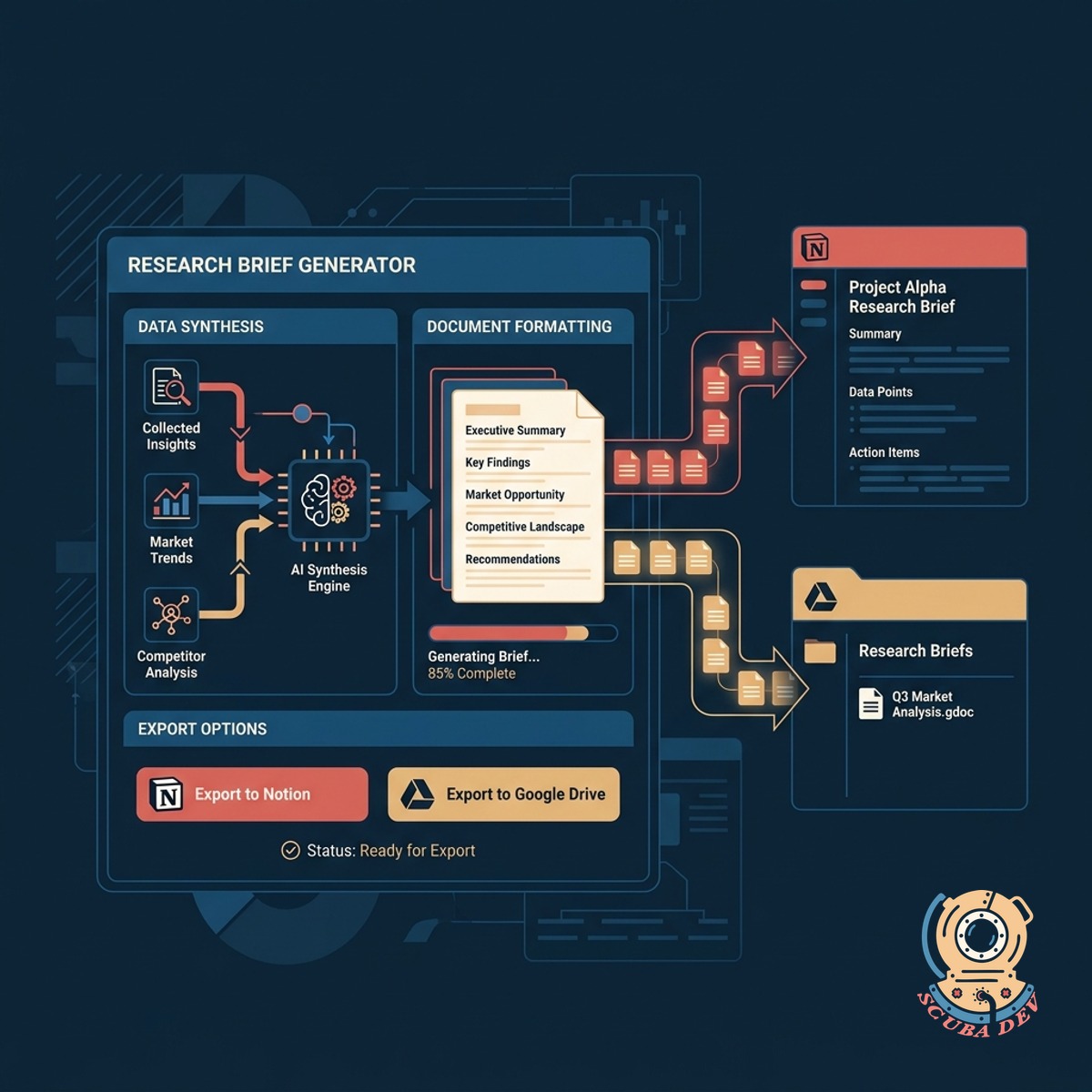
Structured Research Brief Generation
The system synthesizes the collected data into a formatted document and exports it directly to Notion or Google Drive.
- Summarizes key findings and trends
- Organizes content by thematic sections
- Formats output in markdown or plain text
- Pushes final drafts to your workspace
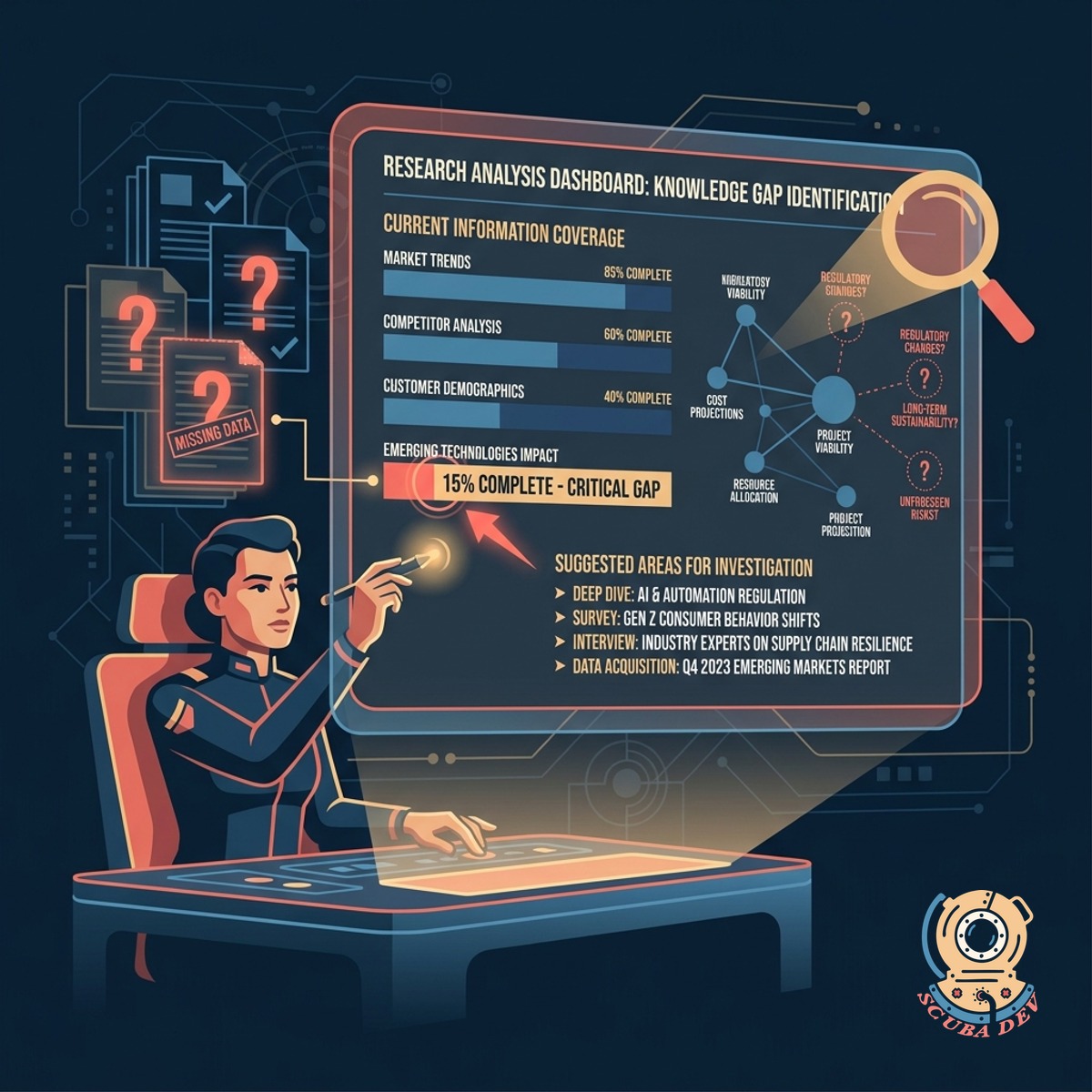
Open Question And Gap Identification
The agent reviews the compiled research to highlight missing information and suggests areas for further investigation.
- Cross references claims across sources
- Flags contradictory information
- Lists unanswered questions from the prompt
- Suggests follow up search terms
Questions
Things people ask
How do I submit a topic to the agent?
You can trigger the agent by sending a message in a dedicated Slack channel or by submitting a form. The prompt should include your topic and any specific angles you want covered.
What sources does the agent use?
The agent uses standard search engine APIs like Google or Bing to find public web pages. We can also configure it to search specific academic databases or industry websites if they allow automated access.
Where does the final brief go?
The agent can send the finished brief to several platforms. Most clients choose to have it create a new page in Notion or a document in Google Drive.
Can it bypass paywalls or login screens?
No. The agent can only read publicly available information. If a site requires a subscription or login, the agent will skip it and look for open sources.
How long does it take to generate a brief?
The process typically takes two to five minutes depending on the complexity of the topic. The agent needs time to run searches, load pages, read the text, and write the summary.
Does the agent provide links to its sources?
Yes. Every brief includes a dedicated section listing the URLs of the pages the agent read. This allows you to verify the information and read the original context.
What happens if the agent cannot find enough information?
If the topic is too obscure, the agent will write a brief based on what it found. It will then use the open questions section to explicitly state what information was missing from the search results.