Product analytics event auditor
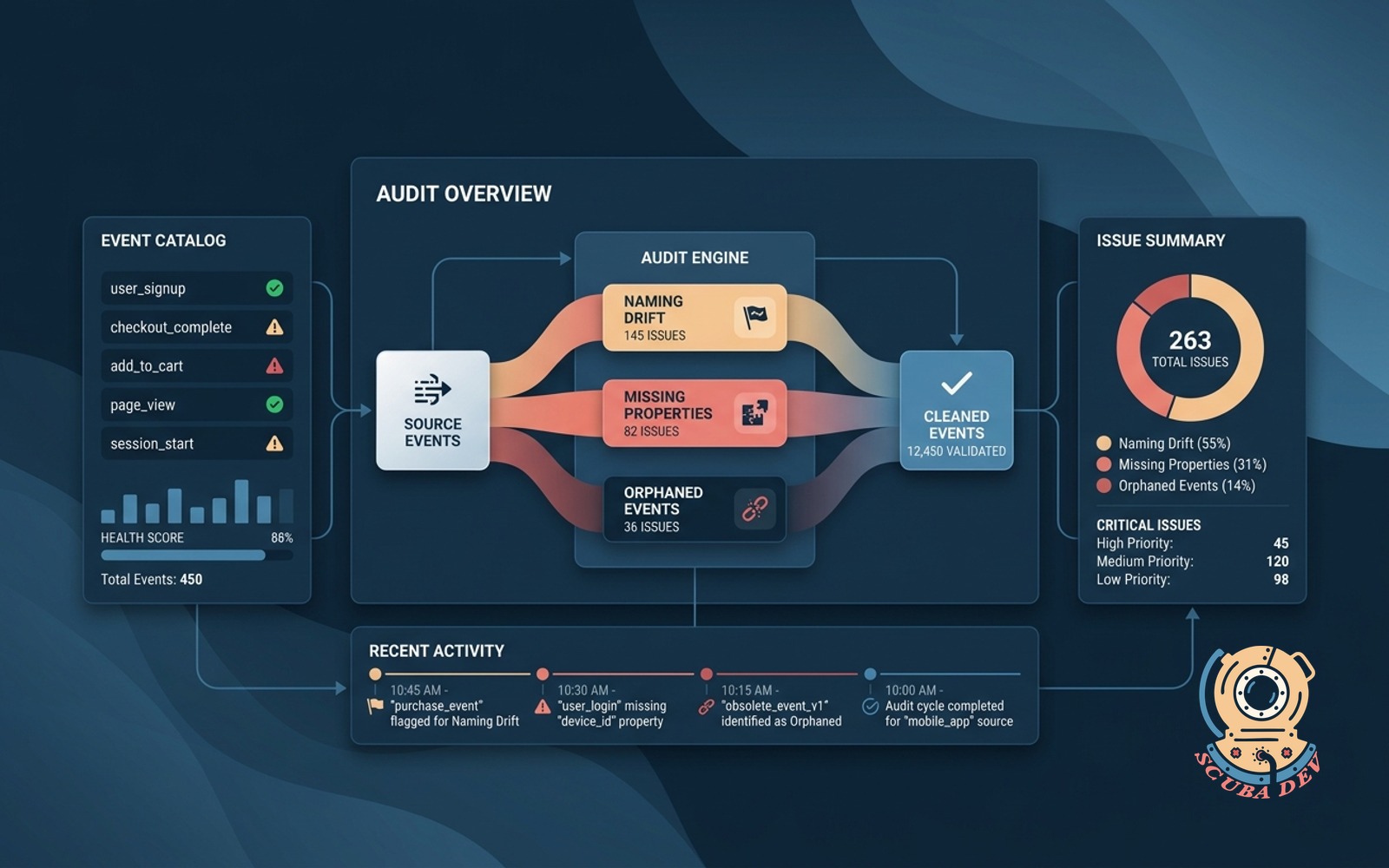
Crawls your analytics events and flags naming drift, missing properties, and orphans before they pollute reports.
Possibilities
Where this could go
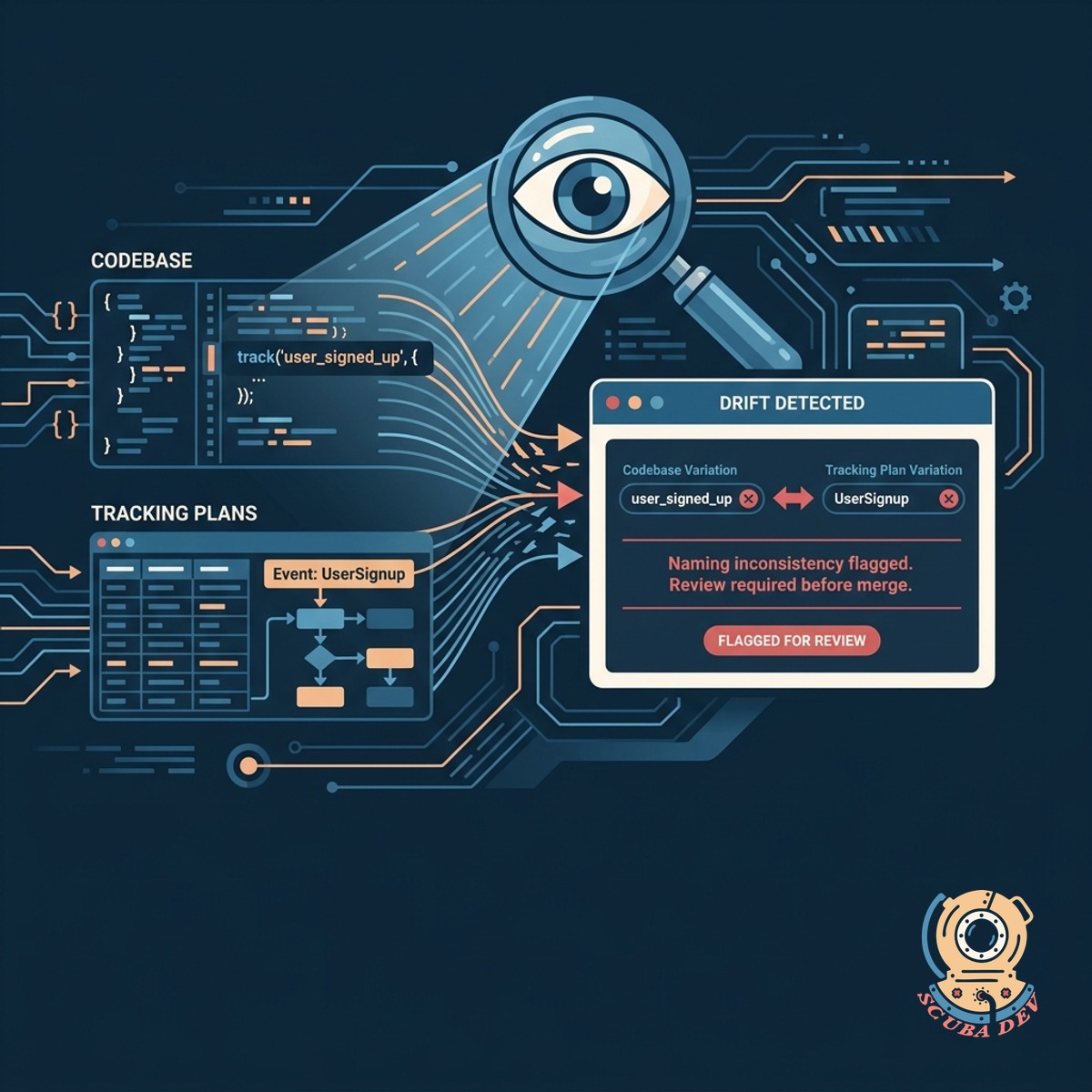
Catch Event Naming Drift Automatically
Scan your codebase and analytics platform to detect when developers accidentally change event names or casing.
- Compare incoming event streams against your defined tracking plan.
- Flag casing inconsistencies like camelCase versus snake_case.
- Alert your team when an unknown event name enters the production environment.
- Block malformed events from reaching your data warehouse.
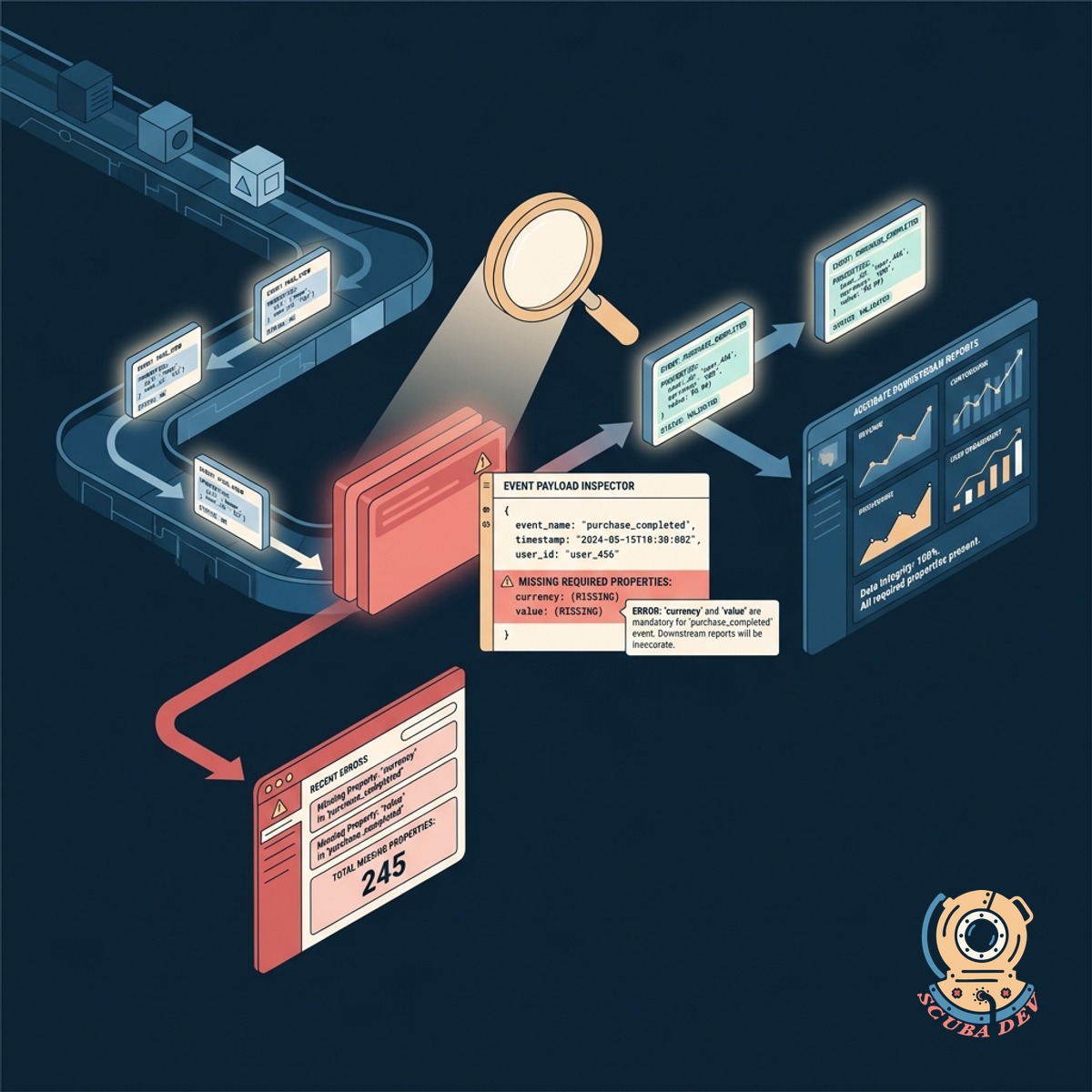
Identify Missing Required Event Properties
Ensure every tracked event includes the necessary payload properties to keep your downstream reports accurate.
- Validate event payloads to ensure required fields like user ID or session ID are present.
- Highlight specific code locations where properties are dropped.
- Filter out incomplete events into a dead letter queue for review.
- Generate property coverage reports for each product feature.
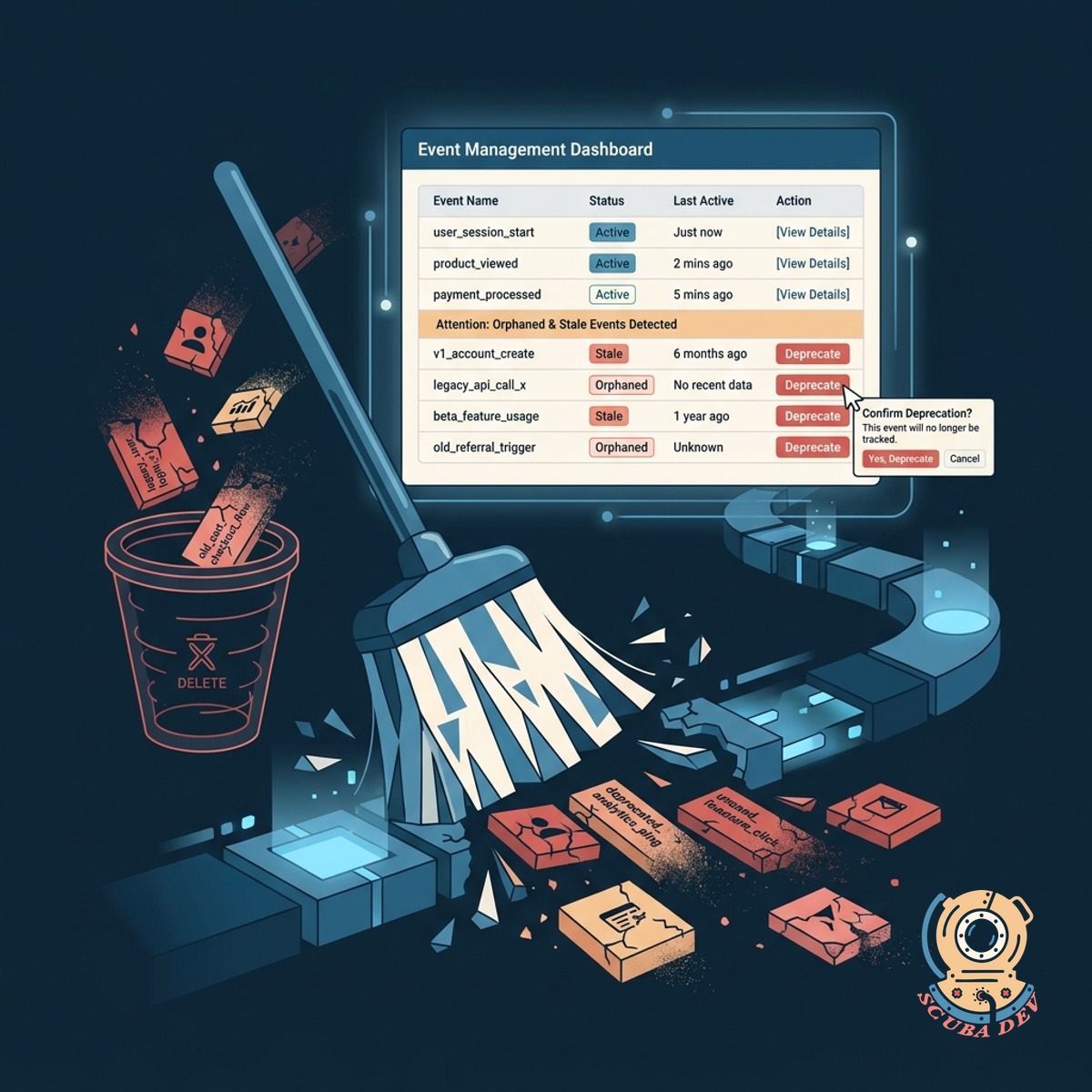
Clean Up Orphaned And Stale Events
Find and deprecate legacy events that no longer receive data or exist in the product.
- Scan your analytics schema for events that have not received data in thirty days.
- Identify tracking calls in your codebase that are no longer attached to active UI elements.
- Provide a safe deprecation workflow to remove stale events from your tracking plan.
- Archive historical data for deprecated events without breaking current dashboards.
Questions
Things people ask
Which analytics platforms does the auditor support?
The auditor integrates with major product analytics tools like Amplitude, Mixpanel, and PostHog. It also connects directly to customer data platforms like Segment and RudderStack.
How does it detect missing properties?
It compares your incoming event payloads against a predefined JSON schema or tracking plan. If an event fires without a required property, the system flags it immediately.
Does this tool integrate with our existing analytics providers?
We connect directly to platforms like Amplitude, Mixpanel, and Segment through their APIs. You can also point the auditor at your raw data warehouse tables. This lets us read your current schema and compare it to your tracking plan.
What happens when it finds an orphaned event?
You control the strictness of the validation rules. We can either block malformed events entirely or simply flag them in a daily report. This ensures you never lose critical data while you fix tracking bugs.
Does the auditor fix the bad data automatically?
We provide a command line interface that runs in your continuous integration pipeline. Developers see tracking errors as failed checks on their pull requests. This catches naming drift before the code ever reaches production.
How do we define our tracking plan for the auditor?
You can import an existing tracking plan from tools like Avo or define your schemas using standard JSON. The auditor uses this schema as the source of truth for all validation checks.
Will this slow down our application performance?
Events that fail validation are routed to a separate quarantine table. You can review these events, fix the underlying code, and replay the corrected data back into your main analytics stream.