
Geofenced Time And Attendance App
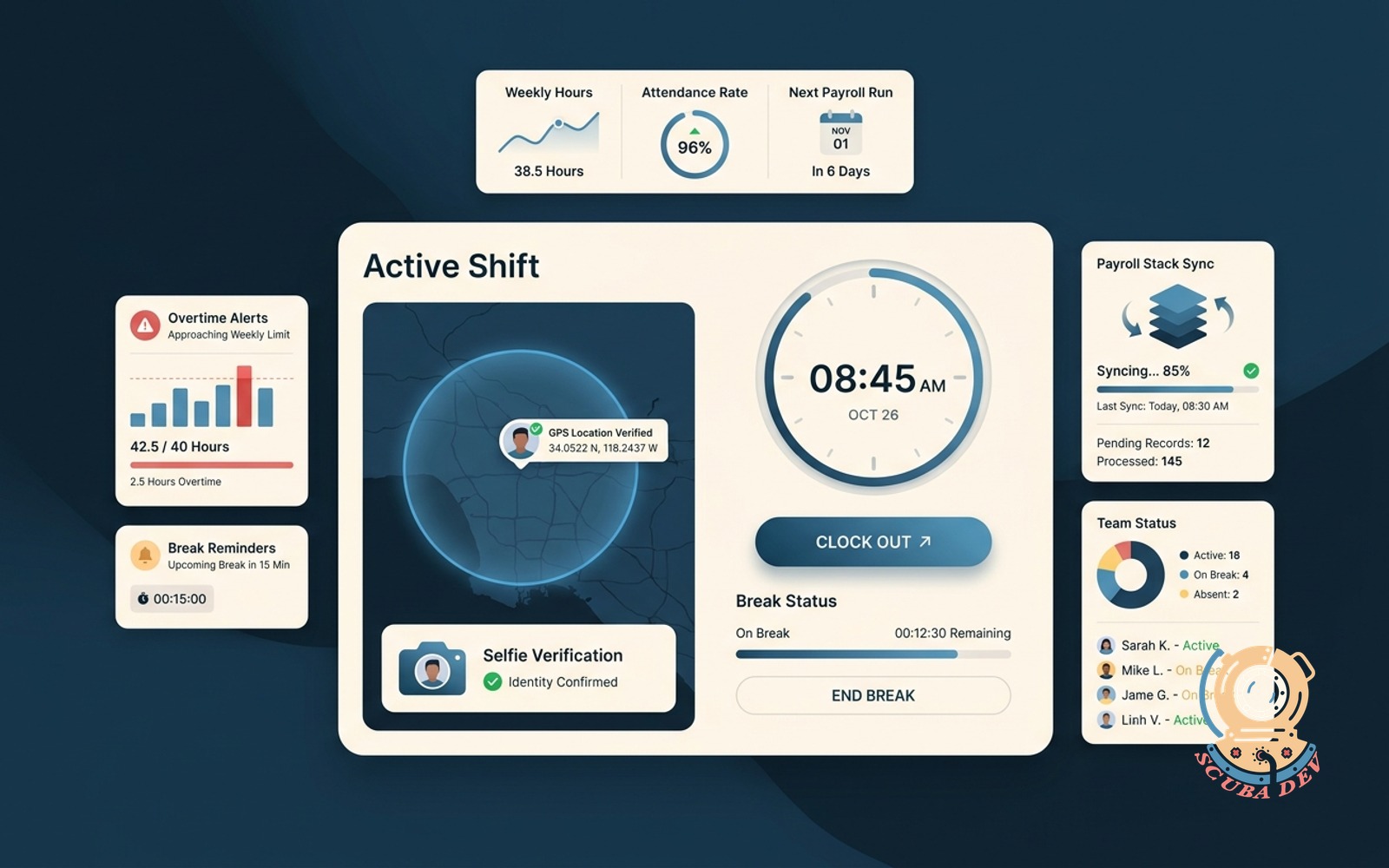
Clock in and out with GPS geofence, selfie verification, break reminders, overtime alerts, and a payroll stack sync.
Possibilities
Where this could go
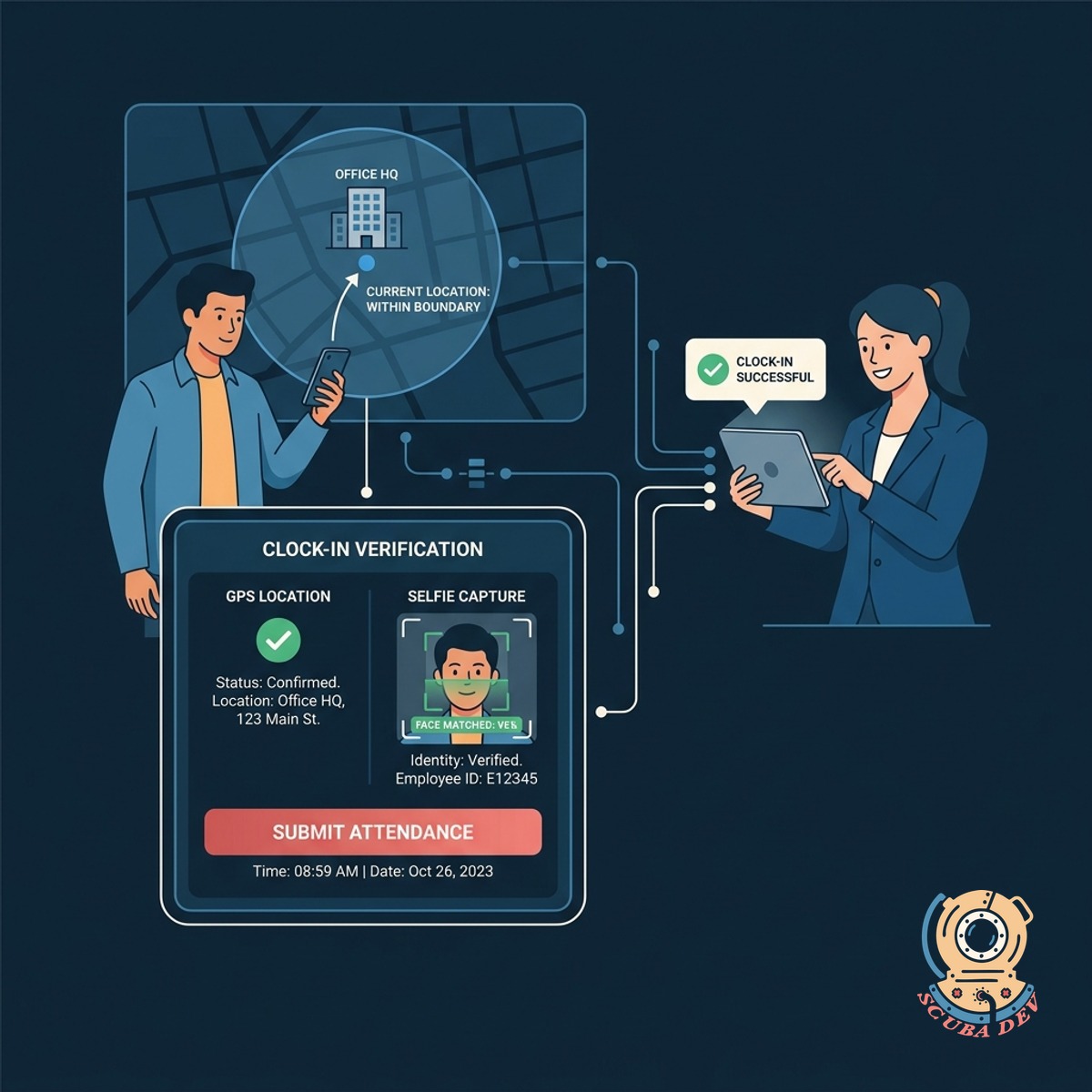
Location And Identity Verification System
Employees clock in using GPS boundaries and selfie capture to ensure accurate attendance records.
- Set custom GPS radii around specific job sites to restrict where employees can clock in
- Require a live photo capture at the moment of clocking in to prevent buddy punching
- View a daily log of timestamped location pins and photos for every shift start and end
- Trigger automatic clock-outs if a device leaves the designated geofenced boundary
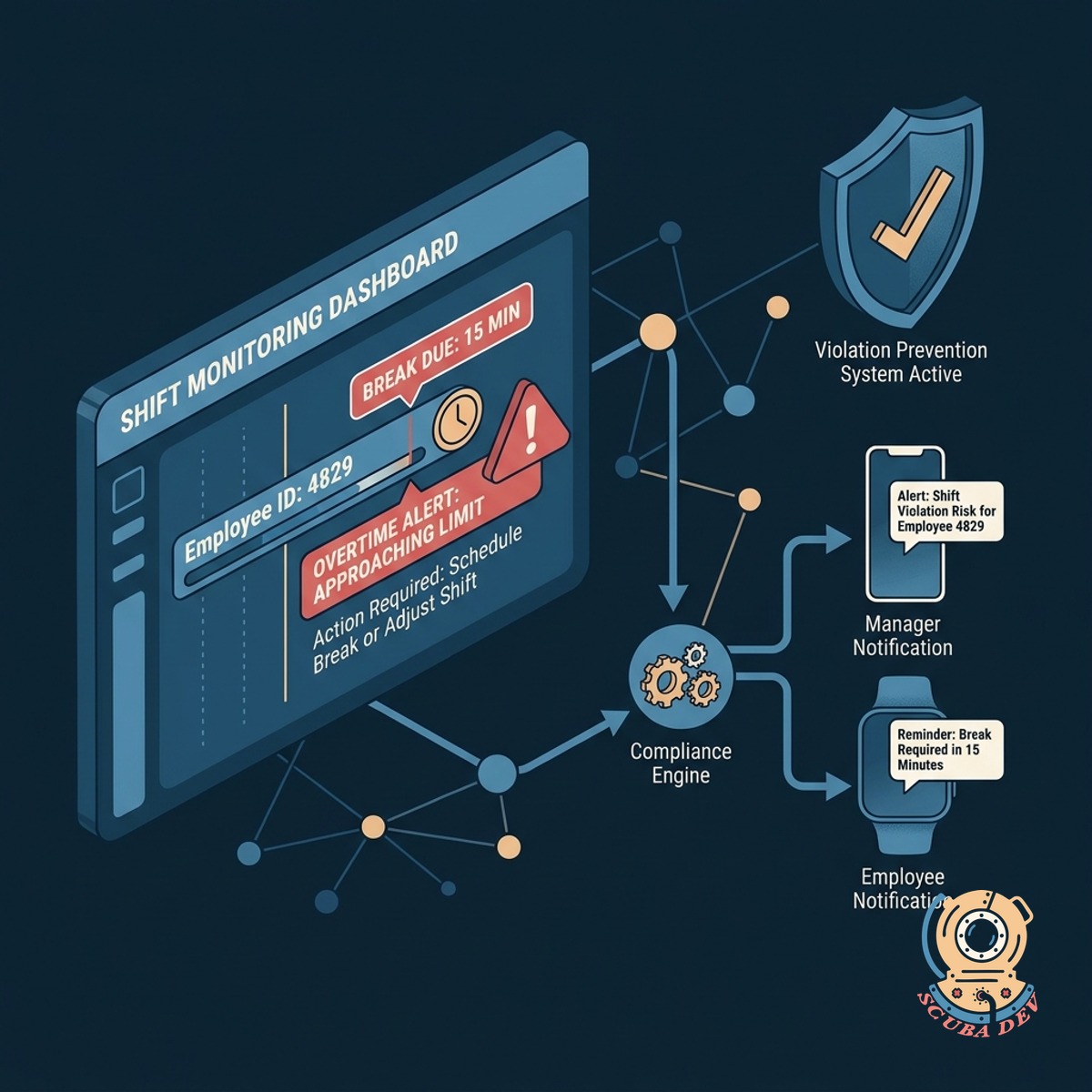
Automated Break And Overtime Alerts
The system monitors shift durations and sends notifications to prevent scheduling violations.
- Send automated push notifications for mandatory breaks
- Trigger alerts to managers as employees approach overtime
- Auto-clock out workers after a maximum shift duration
- Track meal penalties and rest period compliance
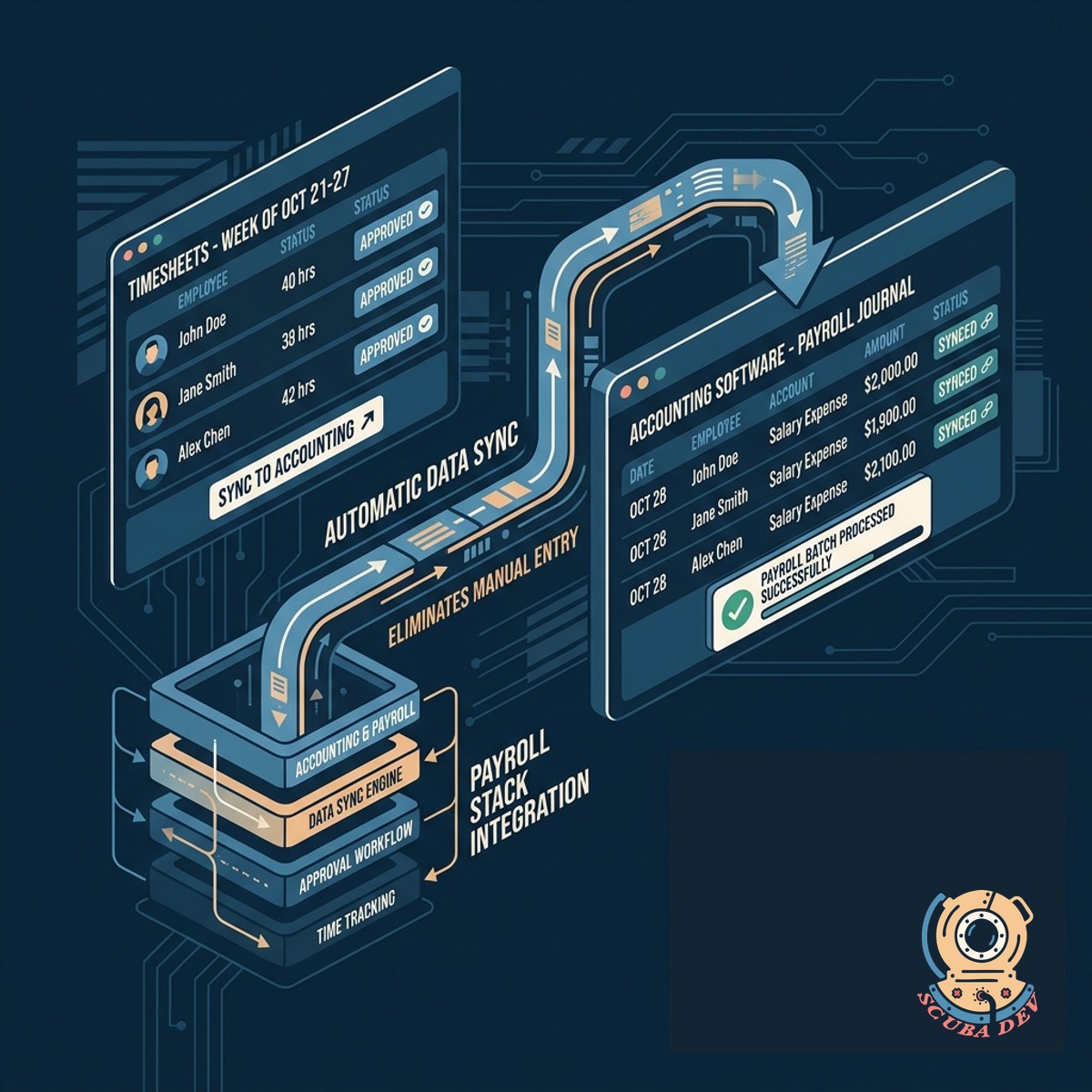
Direct Payroll Stack Integration
Approved timesheets sync directly to your accounting software to eliminate manual data entry.
- Connect directly to Gusto, ADP, and Paychex
- Map custom pay rates and shift differentials
- Export formatted CSV files for legacy systems
- Flag missed punches for manager review before sync
Questions
Things people ask
How accurate is the GPS tracking for the geofence?
The application relies on the native location services of the user device. Accuracy typically ranges from five to twenty meters depending on satellite visibility and local network signals.
Can employees clock in if they lose cellular service?
Yes. The app stores offline punches locally on the device along with the timestamp and last known GPS coordinates. It automatically syncs the data to the server once a connection is restored.
How does the selfie verification process work?
The app prompts the user to take a live photo using their front-facing camera when they tap the clock-in button. This photo is attached to the time record for managers to review alongside the location data.
Which payroll systems can this application connect with?
We can build API integrations for modern platforms like Gusto, ADP Workforce Now, Paychex, and QuickBooks Online. We can also generate custom CSV exports for proprietary or legacy payroll software.
What happens if an employee loses cell service while working inside the geofence?
You can define an unlimited number of geofenced locations within the administrative dashboard. You can assign specific employees or teams to specific sites to restrict where they are allowed to clock in.
How do managers receive overtime alerts?
The system monitors cumulative hours for the day and the week. When an employee approaches a predefined threshold, the app sends an automated alert via email, SMS, or a direct Slack message to the assigned supervisor.
What happens if an employee forgets to clock out?
The system flags the incomplete shift on the manager dashboard for manual review. You can also configure the app to automatically clock out an employee after a specific number of hours or when they leave the geofenced area.