Expense approval agent
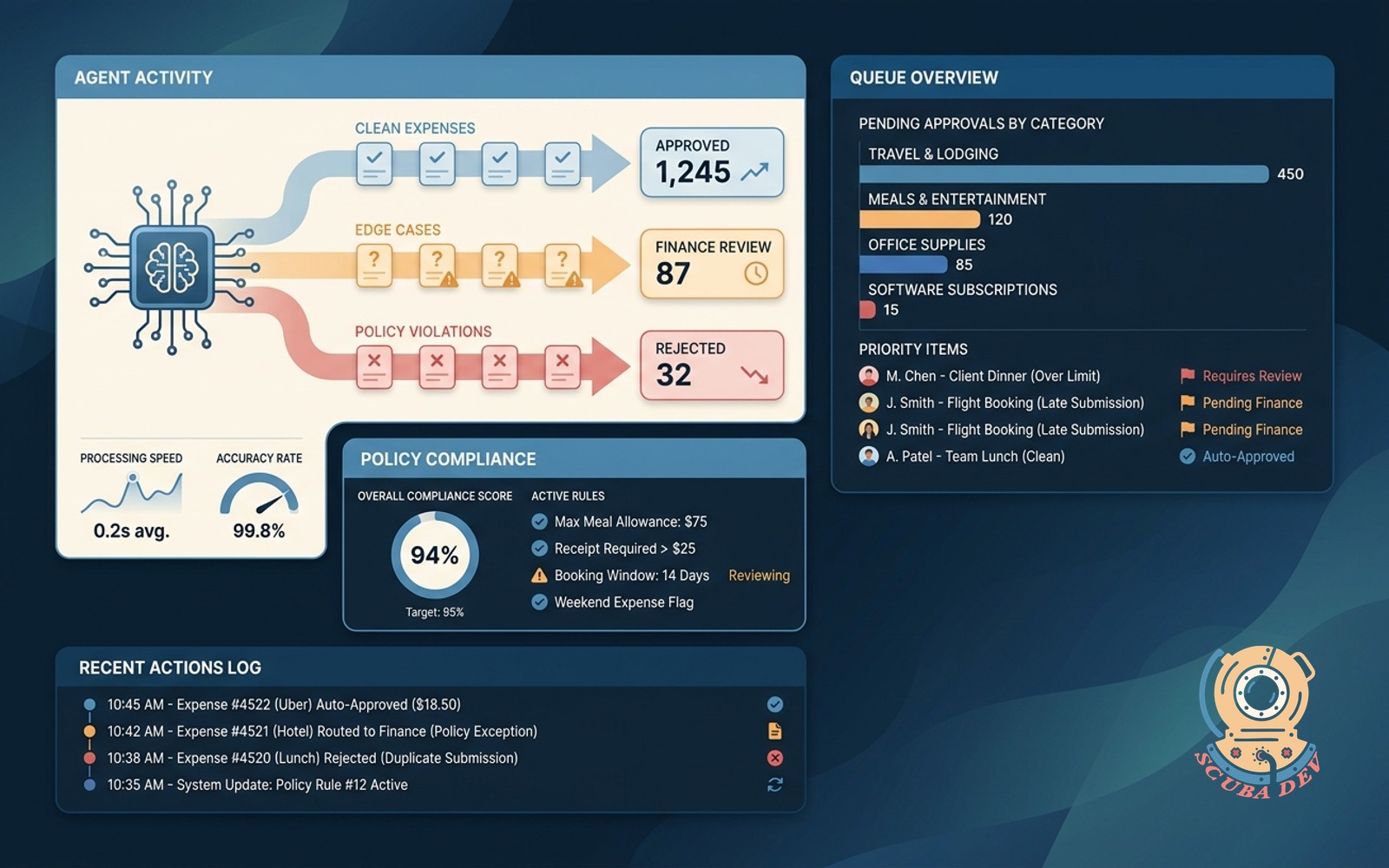
Reviews every submitted expense against policy, approves clean ones, routes edge cases to finance.
Possibilities
Where this could go
Automated Expense Policy Verification
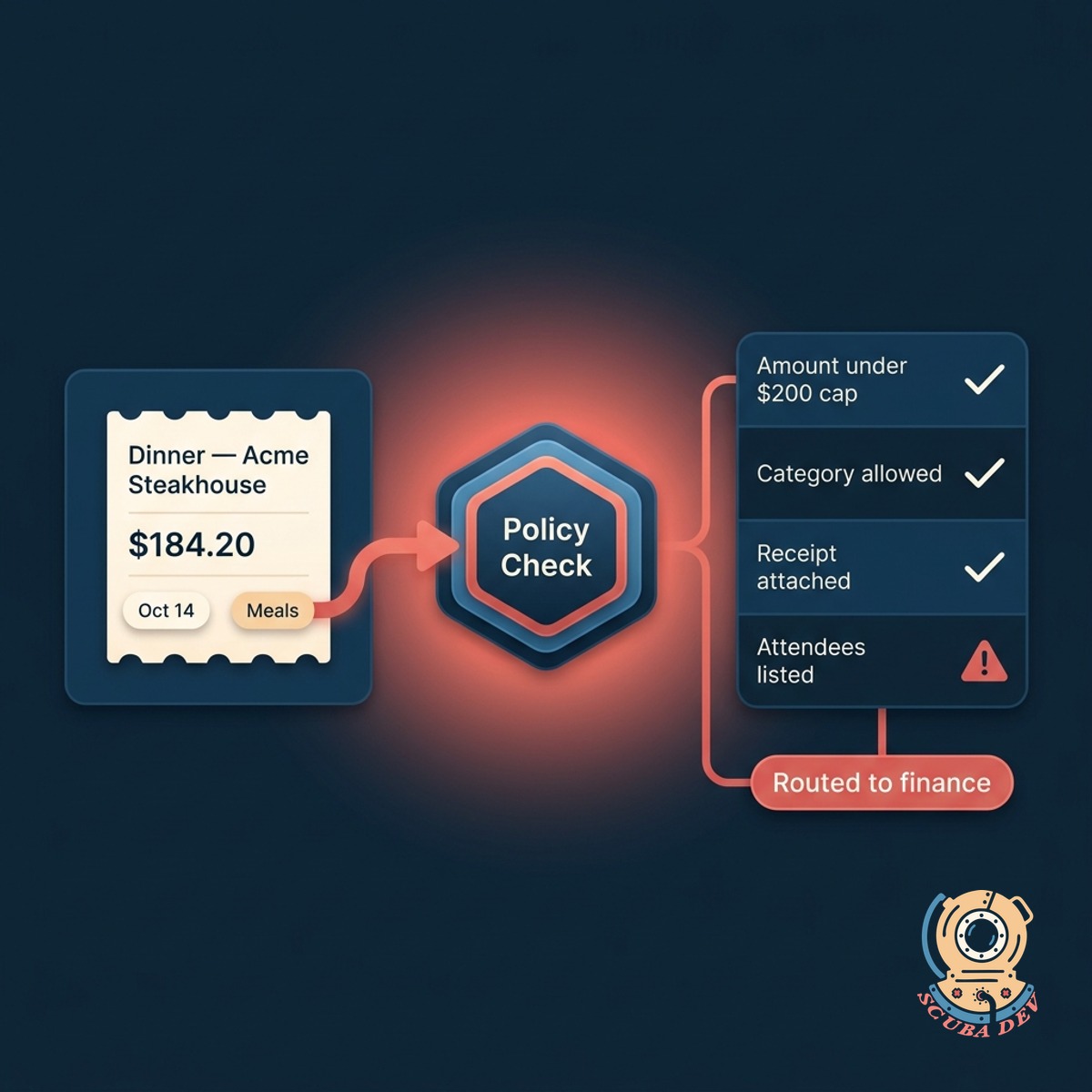
The agent reads submitted receipts and checks them against your exact corporate spending rules.
- Extracts text from receipts
- Cross-references spending limits
- Checks merchant categories
- Verifies date and time constraints
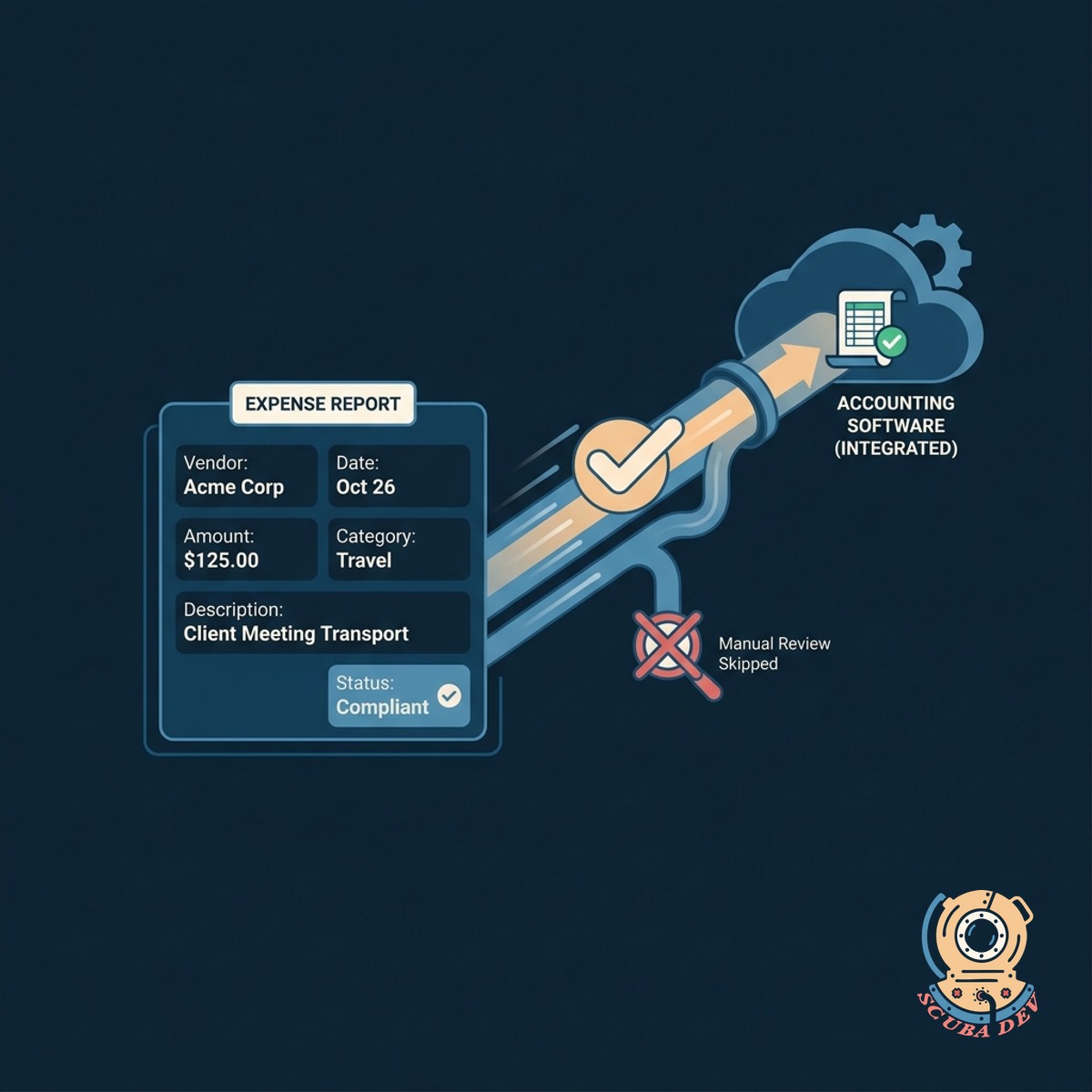
Instant Approval For Compliant Expenses
Clear submissions pass through immediately to your accounting software without requiring manual review.
- Integrates with Expensify and Concur
- Approves standard transactions instantly
- Updates employee reimbursement status
- Logs approval rationale for audits

Intelligent Routing For Edge Cases
The system flags ambiguous or out-of-policy expenses and sends them directly to your finance team.
- Flags policy violations
- Highlights missing receipt data
- Routes to specific department heads
- Adds context notes for reviewers
Questions
Things people ask
Which expense management platforms does the agent support?
The agent connects directly to popular platforms like Expensify, Ramp, and SAP Concur via their native APIs. It can also read data from custom internal portals if you have an existing database.
How does the agent know our specific company policies?
We configure the agent using your existing policy documentation. You provide the rules regarding per diems, acceptable merchant categories, and spending limits. The system uses these exact parameters to evaluate every submission.
What happens if a receipt is blurry or hard to read?
The agent uses optical character recognition to extract text from uploaded images. If the text is illegible or missing key information, the agent automatically flags the expense and routes it to a human reviewer.
Can it handle different rules for different departments?
Yes. The agent looks at the employee profile attached to the expense report. It applies the specific spending limits and rules assigned to that department or seniority level.
Does the agent notify employees if their expense is rejected?
The agent does not outright reject expenses. It approves clean submissions and routes exceptions to your finance team. The finance team retains the final authority to reject an expense and notify the employee.
How are edge cases presented to the finance team?
Flagged expenses appear in a dedicated dashboard or are sent via Slack or Microsoft Teams. The agent includes a brief note explaining exactly which policy rule triggered the manual review.
Is the approval logic documented for auditing purposes?
Every action taken by the agent is logged in your system. When it approves an expense, it leaves an audit trail detailing the specific policy checks it performed and passed.