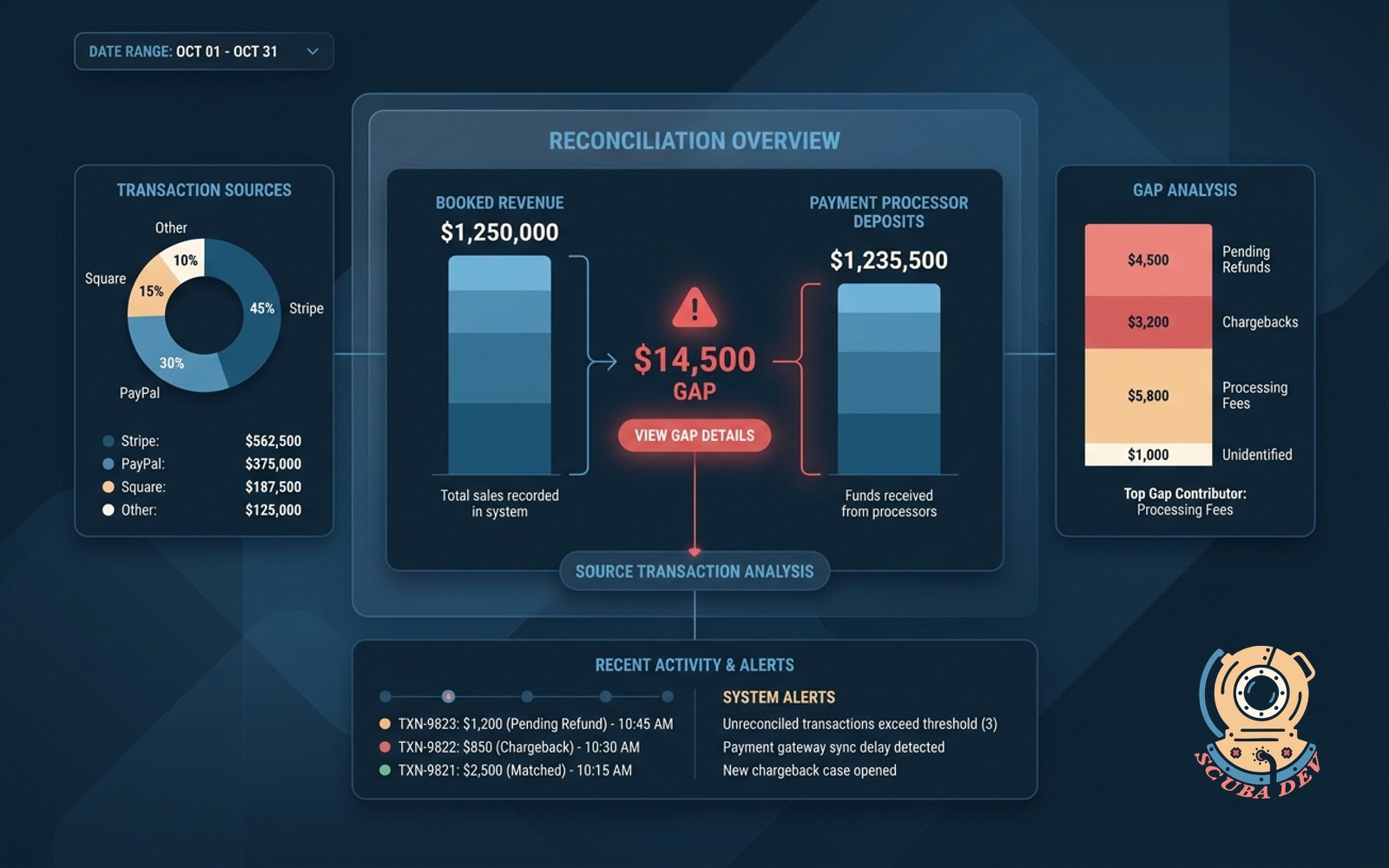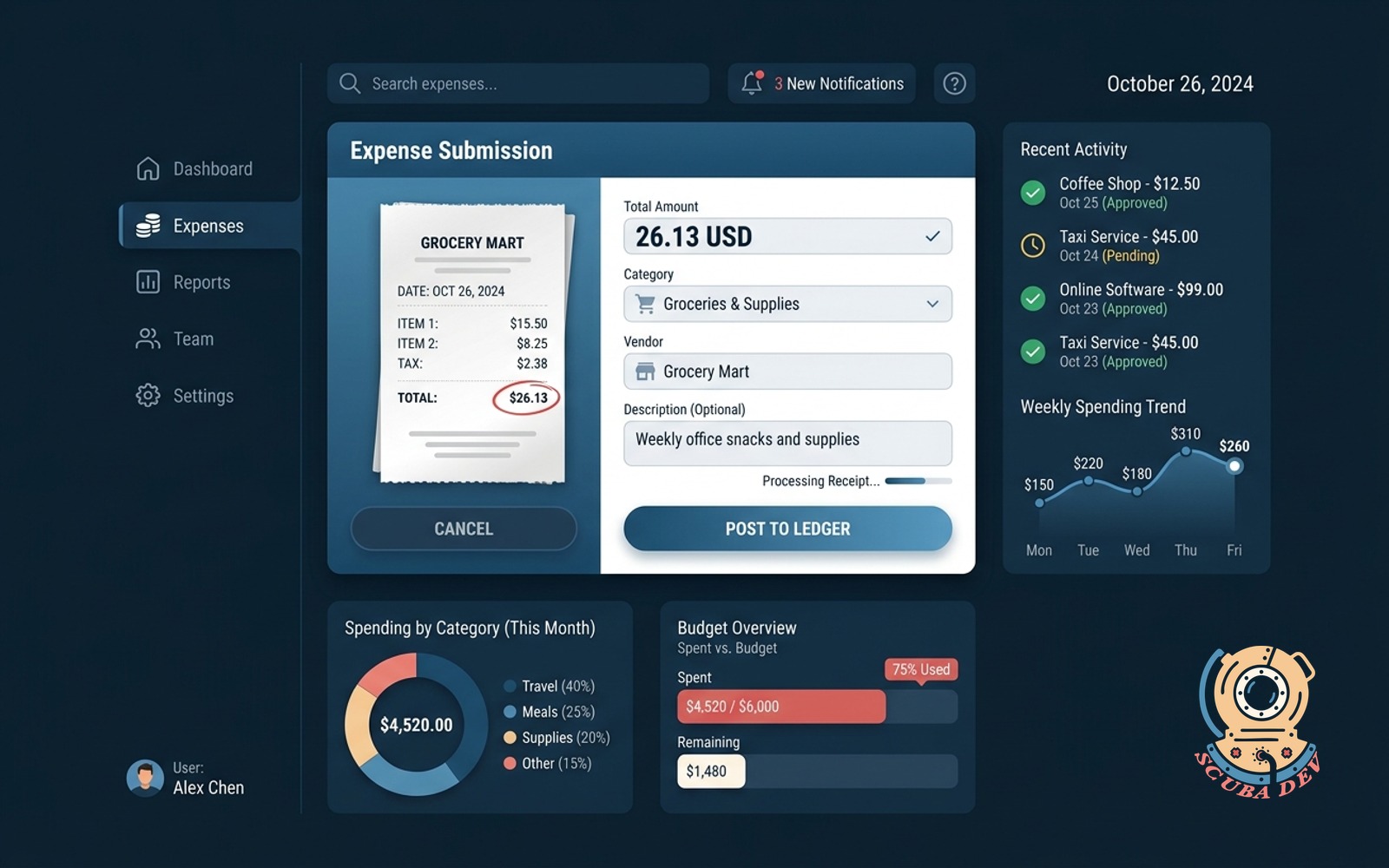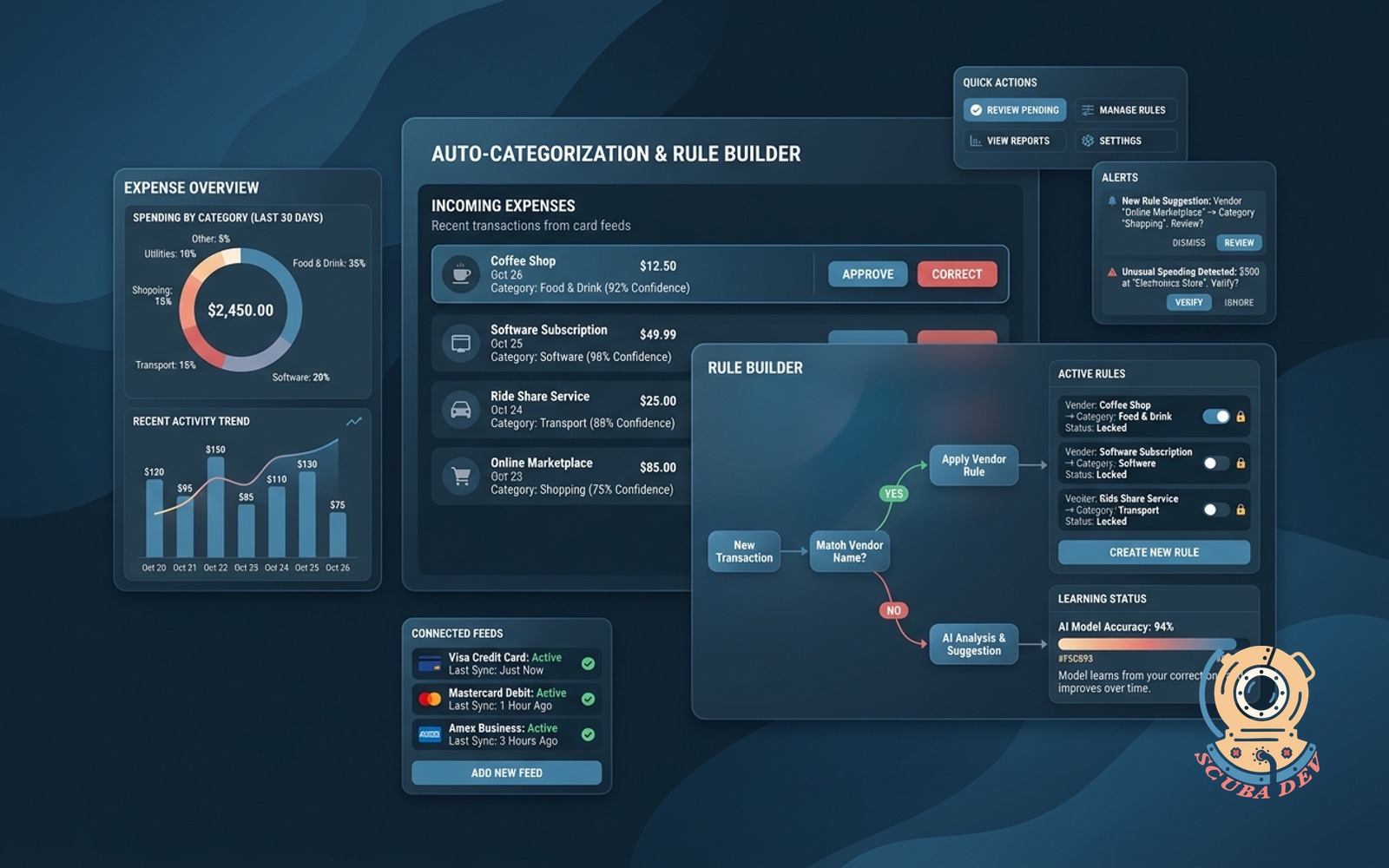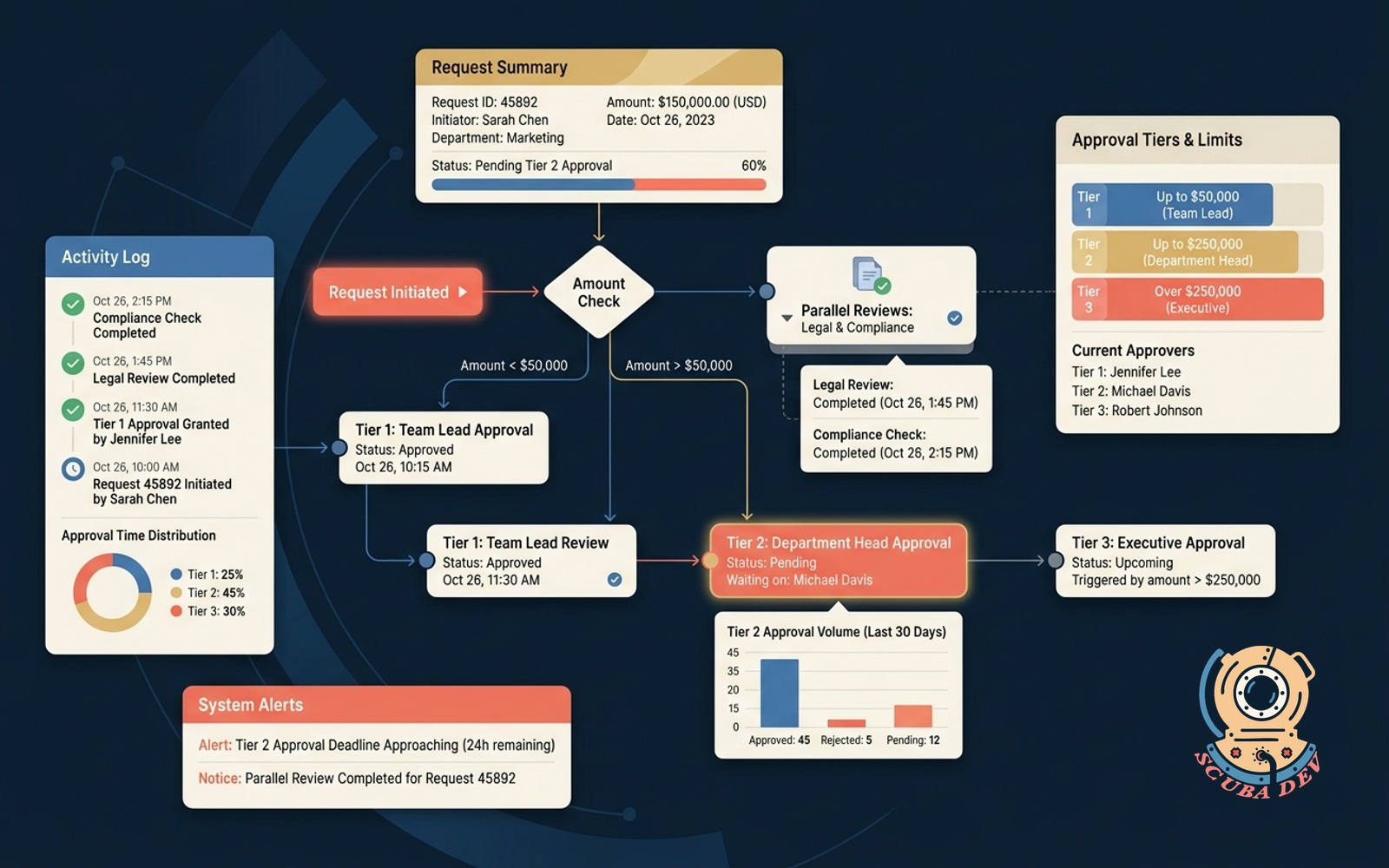
Approval chain with tiered limits
Amount decides the approver tier, requests route sequentially, parallel branches collapse cleanly.
Possibilities
Where this could go
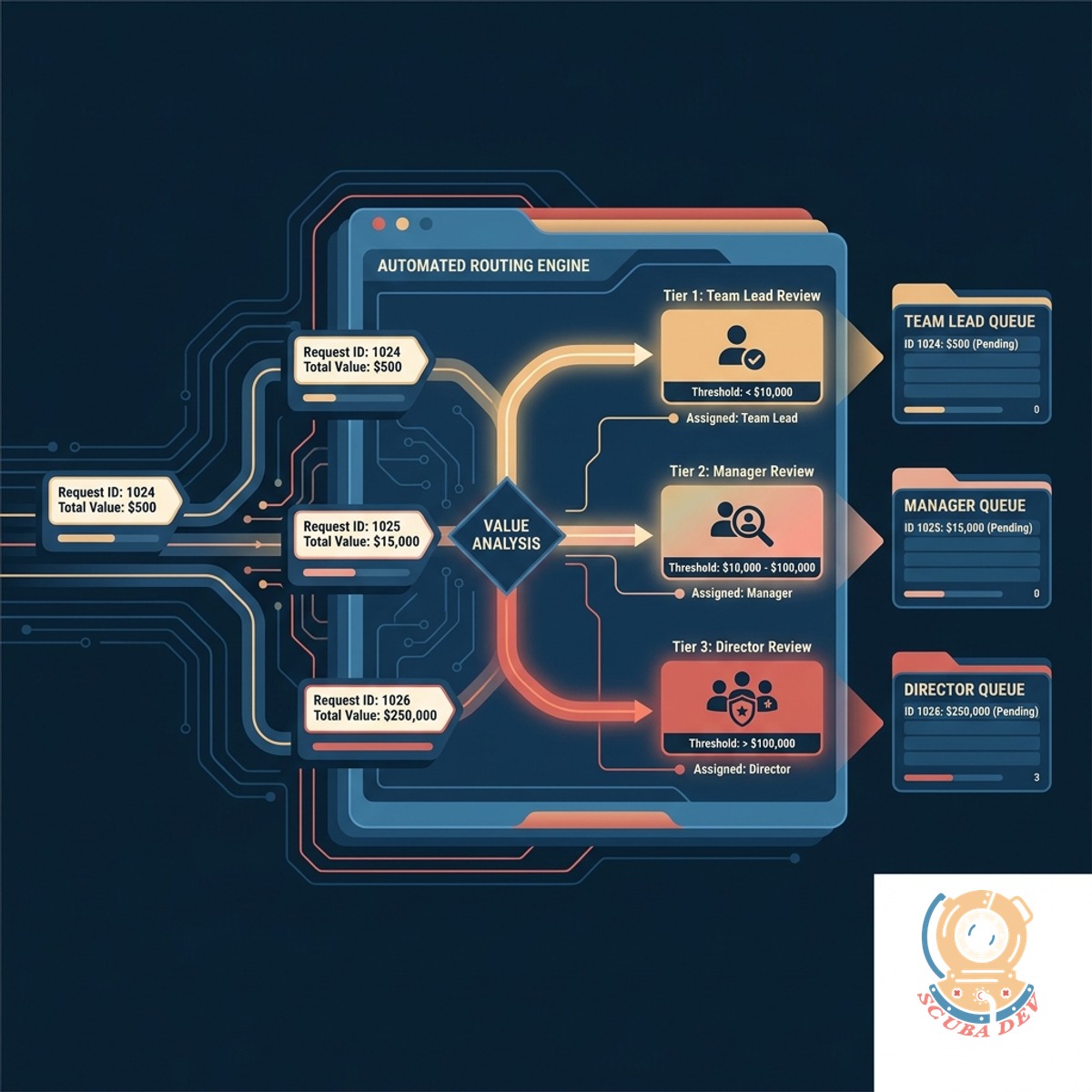
Route Requests By Dollar Amount
The system reads the total value of a request and automatically assigns it to the correct management tier for review.
- Set custom monetary thresholds
- Assign specific roles to each tier
- Bypass lower tiers for high values
- Require multiple signoffs for large sums
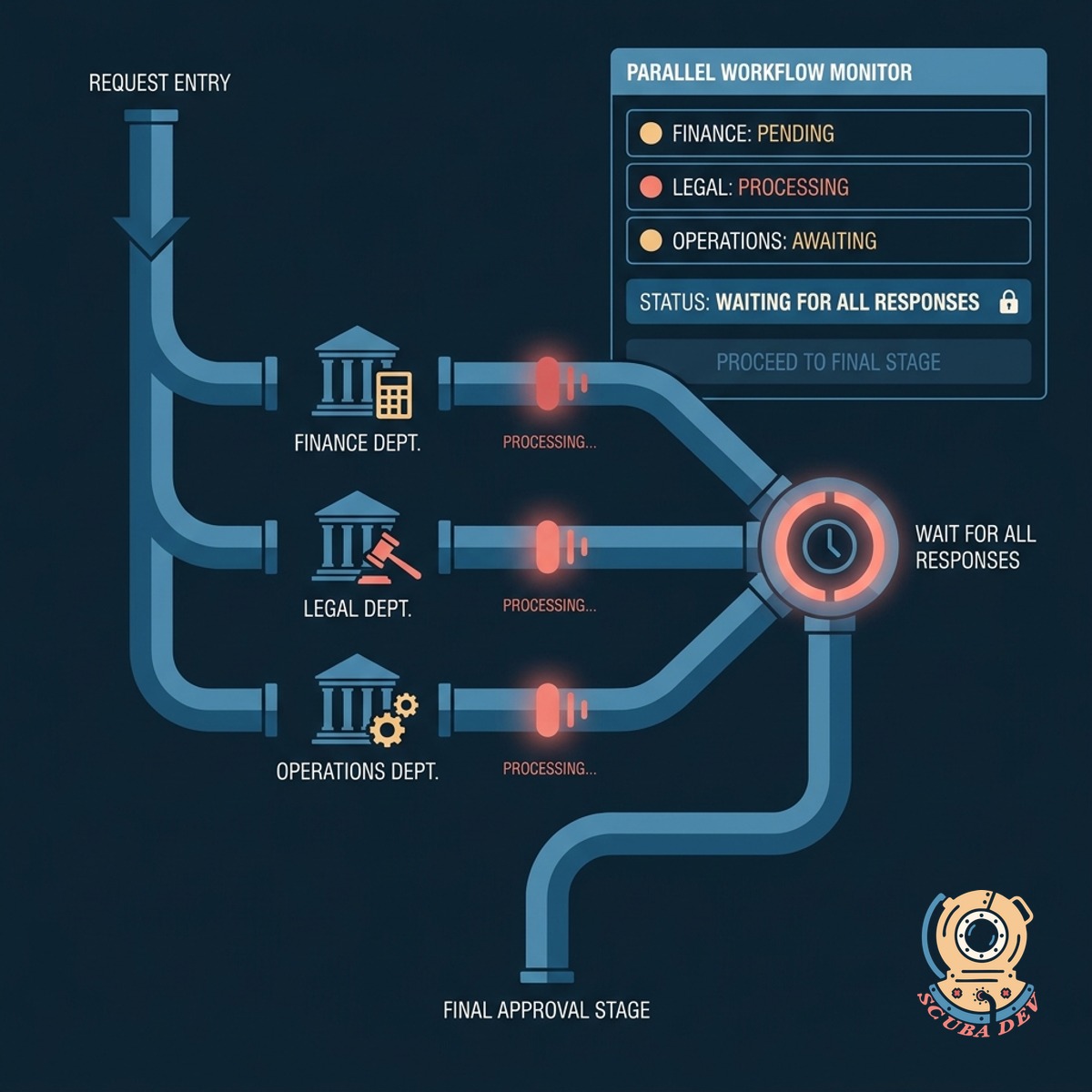
Manage Sequential And Parallel Branches
Send requests to multiple departments at the same time and wait for all responses before moving to the final stage.
- Split requests to legal and finance
- Collect approvals at the same time
- Collapse branches into one final step
- Prevent bottlenecks in the review cycle
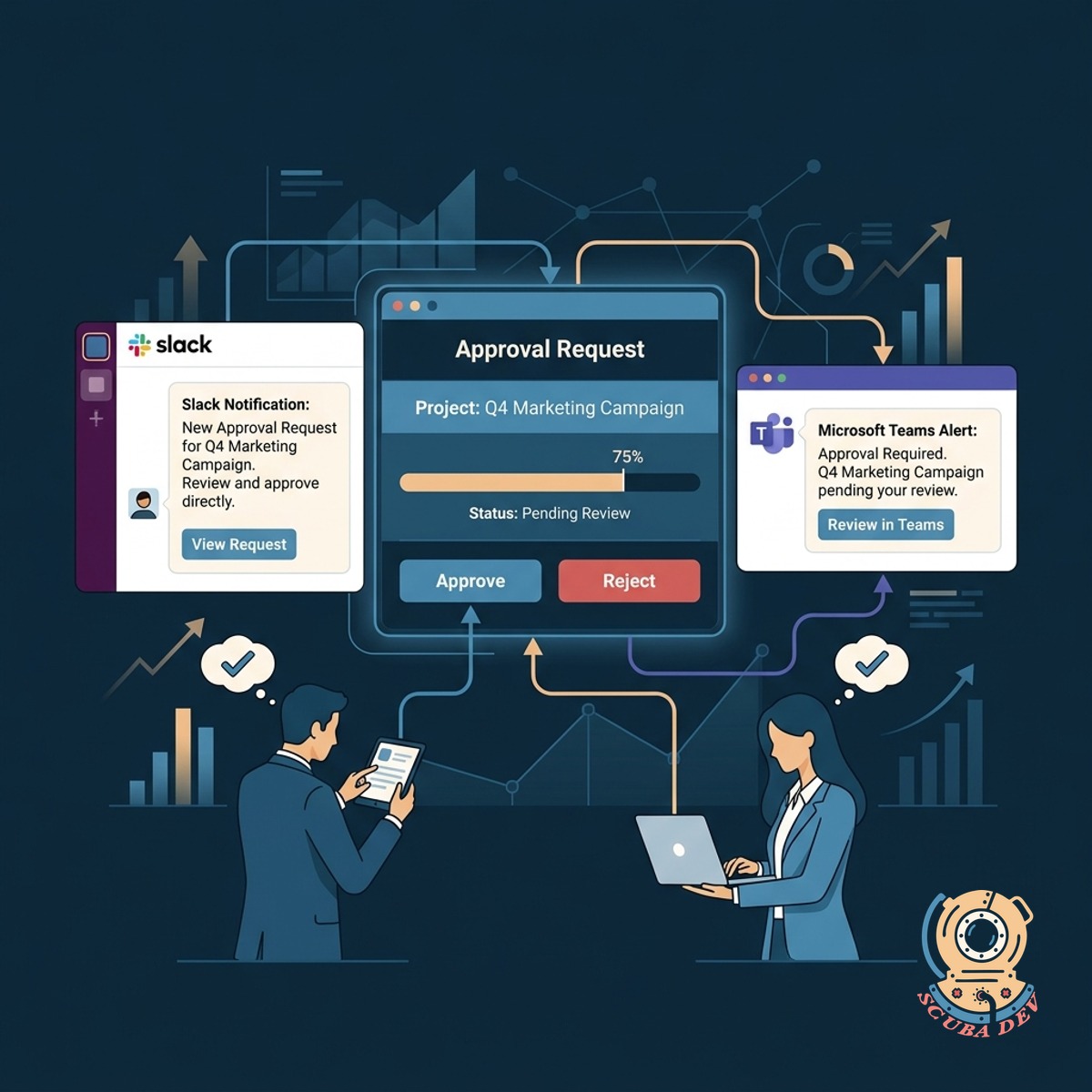
Track Progress With Automated Alerts
Approvers receive instant notifications in Slack or Microsoft Teams so they can review and approve requests directly.
- Connect the approval workflow directly to your company Slack or Microsoft Teams workspace.
- Send automatic direct messages to the assigned manager when a new request enters their queue.
- Allow managers to click approve or reject buttons directly inside the chat interface.
- Log the exact timestamp and user ID of the approver back into the main system database.
Questions
Things people ask
How do we set the dollar amount thresholds?
You define the limits in a central configuration table. When your company policy changes, you update the table without needing to rewrite the underlying logic.
Can one request require both legal and finance approval?
Yes. The system splits the workflow into parallel branches so both departments receive the request at the same time. The process only moves forward once both teams provide their signoff.
Where do managers actually click to approve a request?
Managers receive a notification in Slack, Microsoft Teams, or via email. They can click an approve or deny button directly within that message to log their decision.
What happens if an approver is out of the office?
The system supports delegation rules. You can assign a backup approver for specific date ranges so requests do not stall while someone is on vacation.
How does this integrate with our CRM or ERP?
The workflow connects to tools like Salesforce, HubSpot, or NetSuite via API. It reads the initial deal or quote amount and updates the record status once the approval chain completes.
Is there a record of who approved what and when?
Every action generates a timestamped log. This audit trail records the user, the decision, and the exact time it occurred for compliance purposes.
Can we bypass certain tiers for specific types of requests?
You can add conditional logic based on categories other than price. For example, standard software renewals might skip the IT review tier while new purchases require full routing.