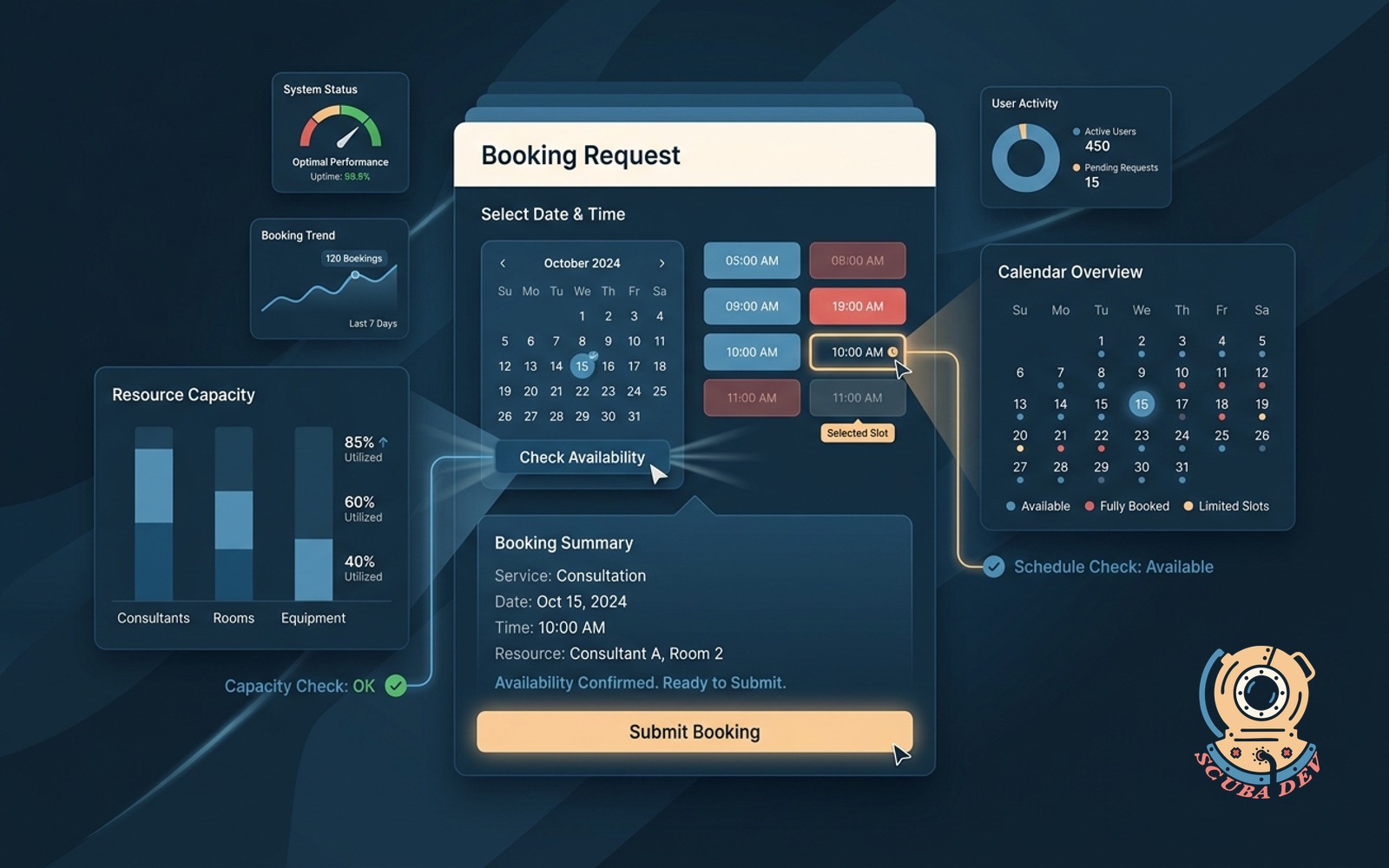
Booking form with availability check
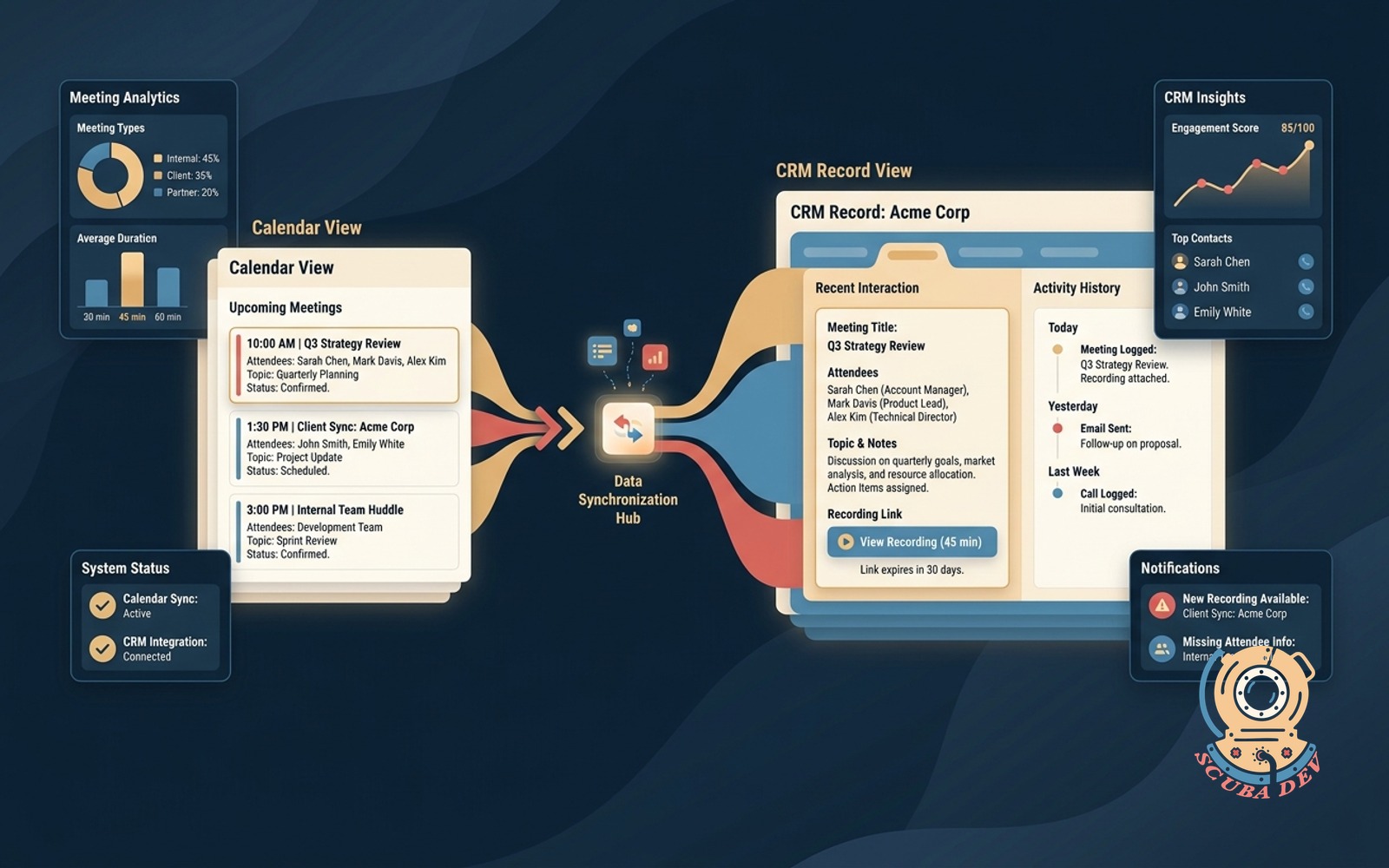
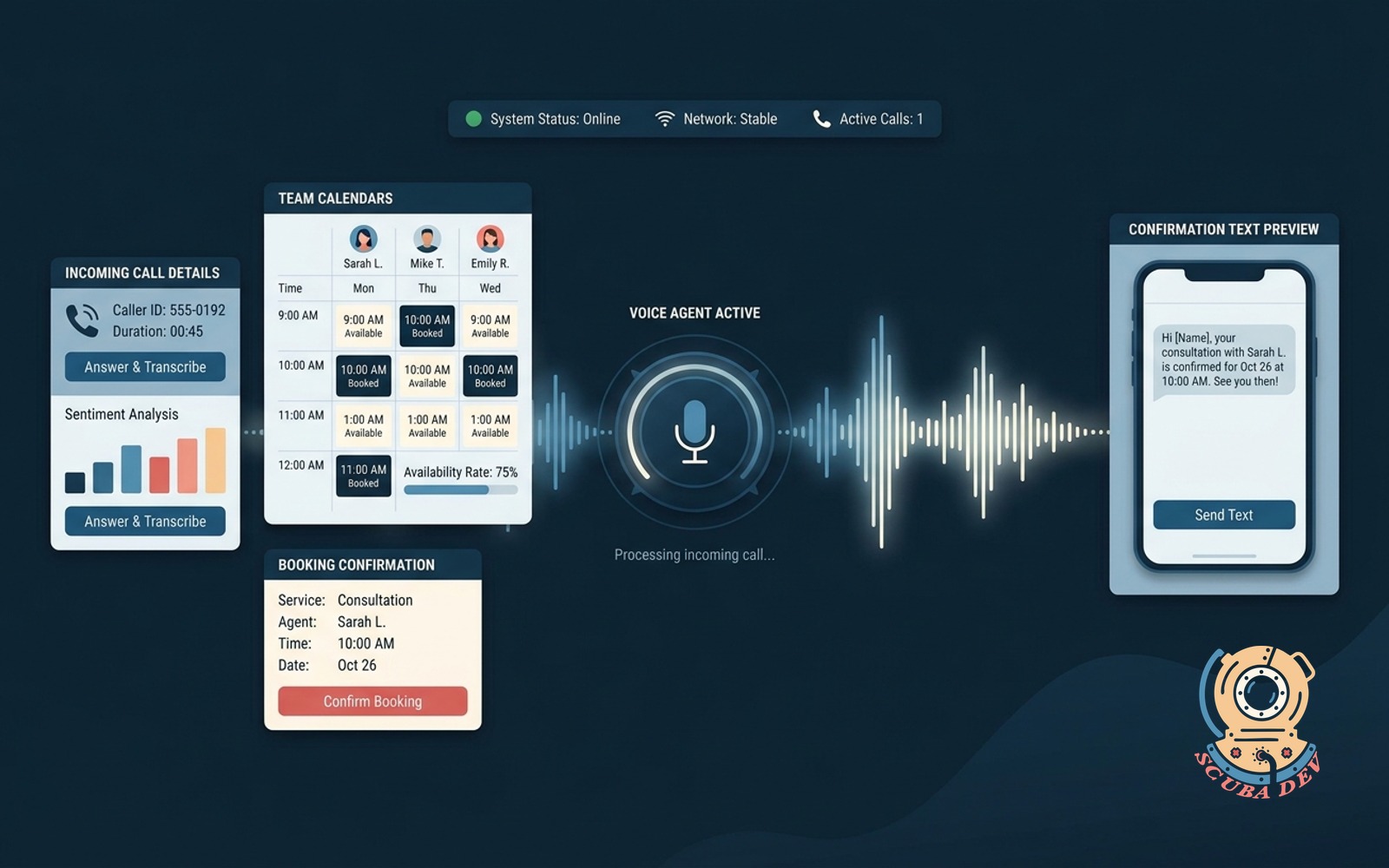
Customer picks a slot, the form checks calendar and resource capacity before it lets them submit.
Possibilities
Where this could go
Sync With Your Existing Calendar
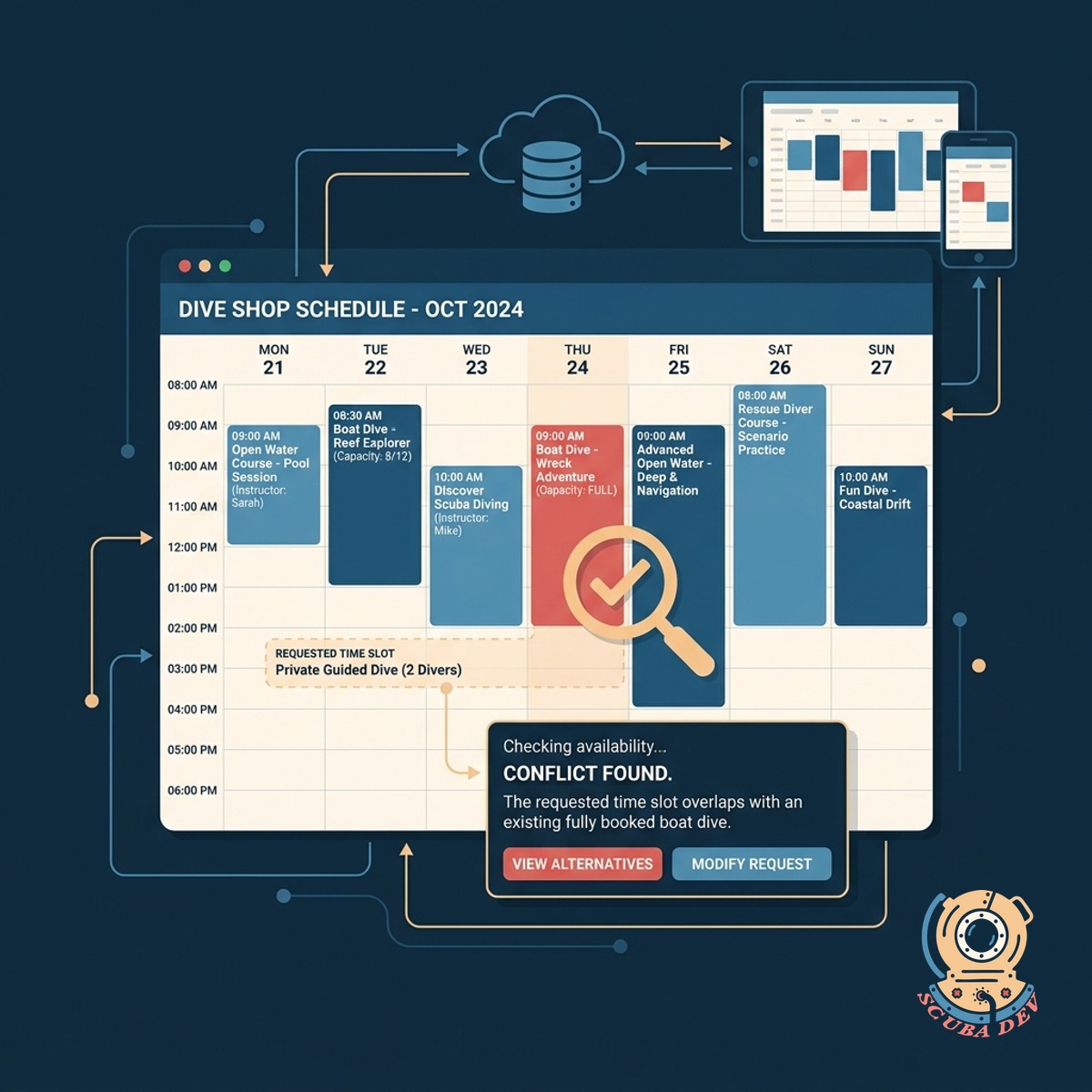
Connect the booking form directly to your shop calendar so availability is always accurate.
- Connects to Google Calendar and Outlook to read existing events.
- Blocks out times automatically when you schedule private appointments.
- Updates availability in real time to prevent double bookings.
- Allows you to set buffer times between scheduled sessions.
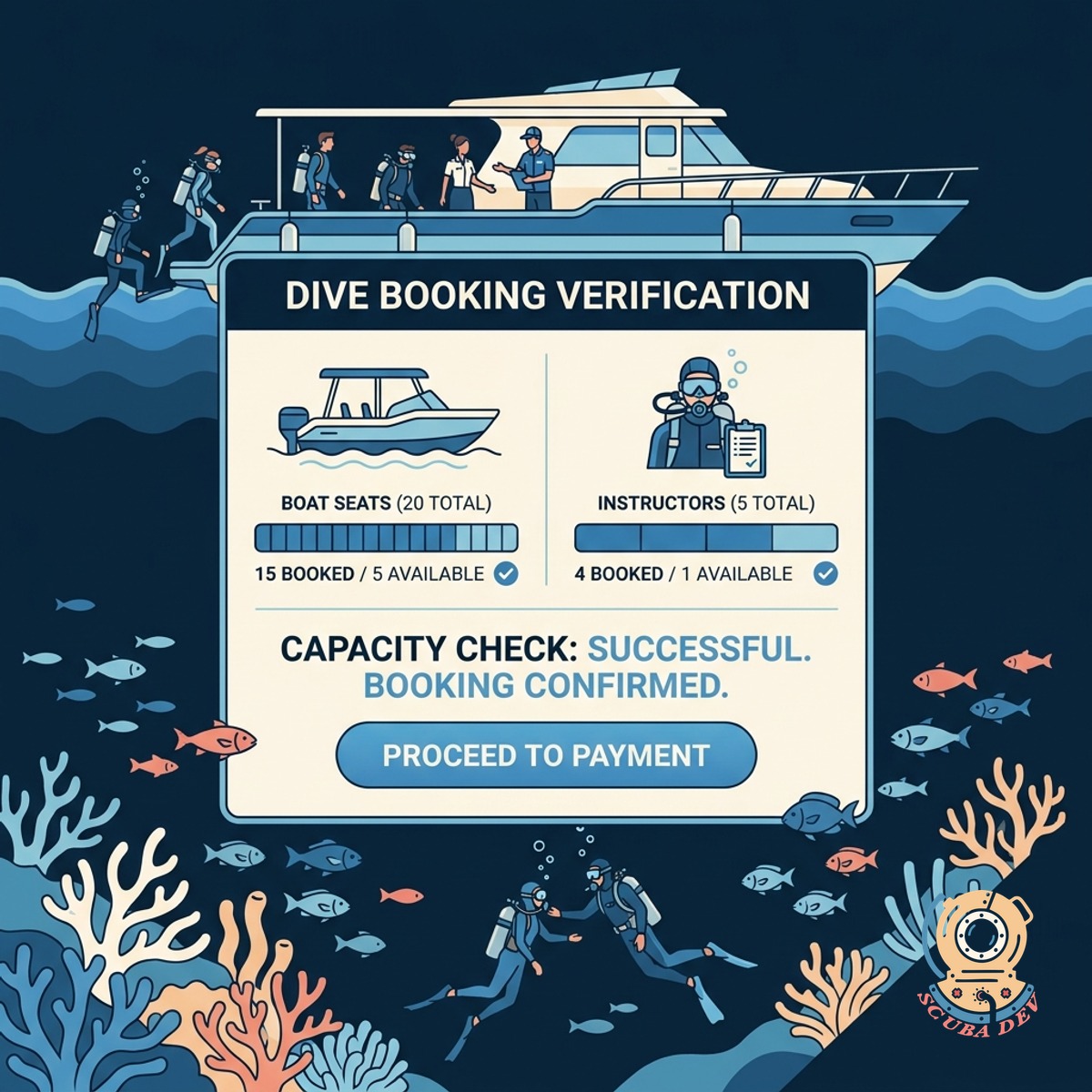
Verify Resource And Staff Capacity
Customers can only book if you have enough staff and resources available for that specific session.
- Counts available seats
- Checks staff schedules
- Tracks equipment inventory
- Blocks overbooked time slots

Guide Customers To Open Slots
The interface hides full sessions and highlights open dates so customers can easily find a time that works.
- Grays out dates on the calendar when all slots are booked.
- Shows a dropdown of available start times for the selected day.
- Displays remaining capacity for sessions that are almost full.
- Skips past days where your shop is closed for holidays or maintenance.
Questions
Things people ask
How Does The Form Check Availability?
It connects directly to your scheduling software or calendar through an API. When a customer selects a date, the form pings your system to confirm there is space before they can proceed.
Can It Check Resource Capacity And Staff Schedules?
Yes. We can configure the form to check multiple resources at once. It will verify that you have both an open seat and an available staff member before approving the slot.
What Happens If A Slot Fills Up While They Are Booking?
The system places a temporary hold on the slot when the customer starts the checkout process. If the hold expires, the slot is released back into your available inventory.
Which Scheduling Platforms Does This Work With?
We can integrate this form with popular scheduling platforms like Calendly, Acuity, and SimplyBook.me, as well as standard tools like Google Calendar.
Will Customers See Our Entire Schedule?
When a customer cancels a booking, the system automatically frees up that slot. The calendar updates immediately so another person can book the newly available time. You can also manually adjust capacity if you need to keep the slot closed.
Can We Set Cutoff Times For Last Minute Bookings?
You can configure custom buffer times before and after each session. This gives your staff time to clean gear and prepare for the next group. The form automatically factors these buffers into the available time slots it shows to customers.
Does The Form Handle Payments After Checking Availability?
Yes. Once the system confirms the space is open, it guides the customer to a secure payment gateway to collect their deposit or full payment.