Calendar to CRM
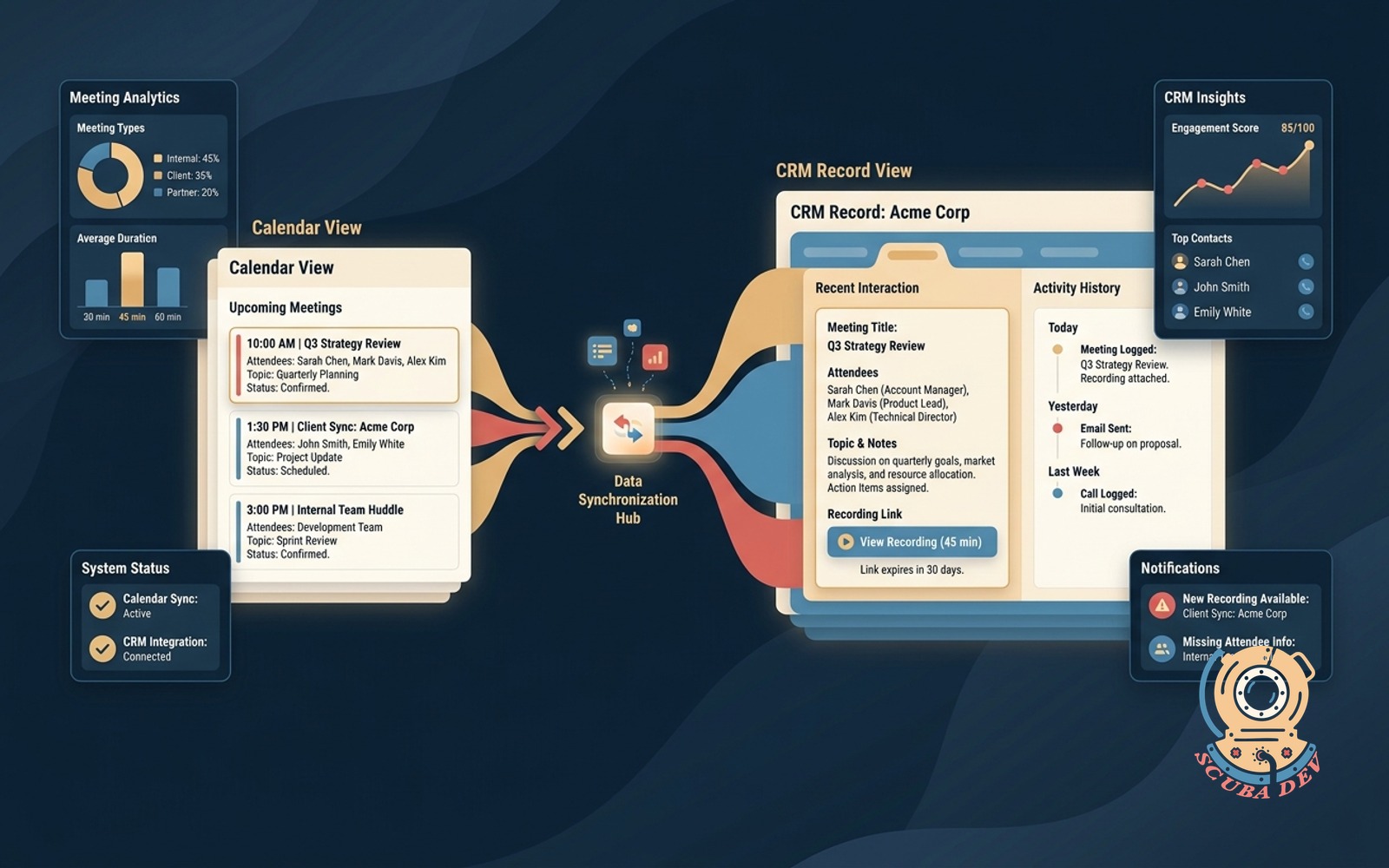
Every booked meeting writes to the right CRM record with attendees, topic and recording link.
Possibilities
Where this could go
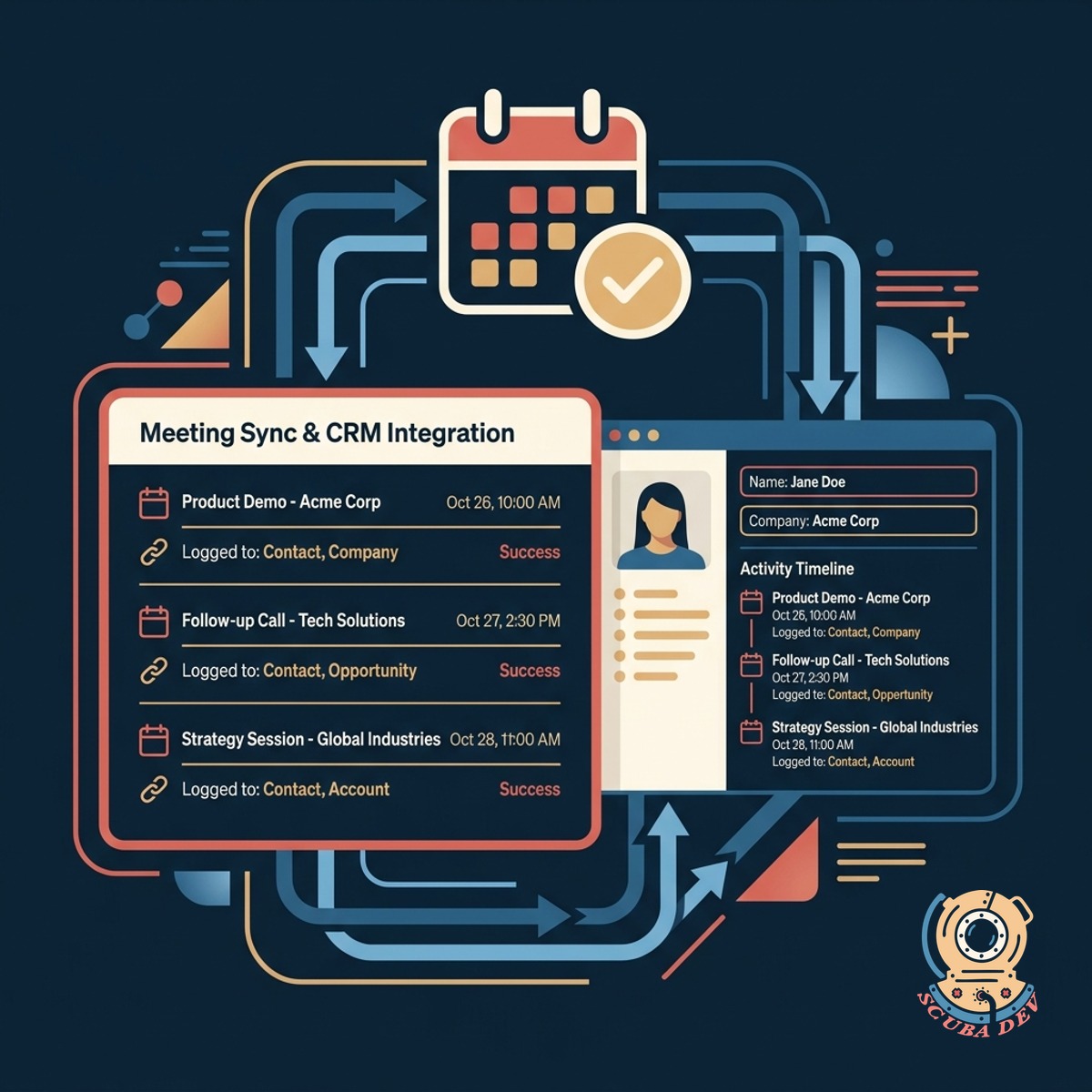
Sync Meetings To CRM Records
The integration automatically logs calendar events to the correct contact and company records so your team has full visibility.
- Matches email addresses to contacts
- Creates new contacts for unknown guests
- Logs event times and durations
- Updates company records automatically
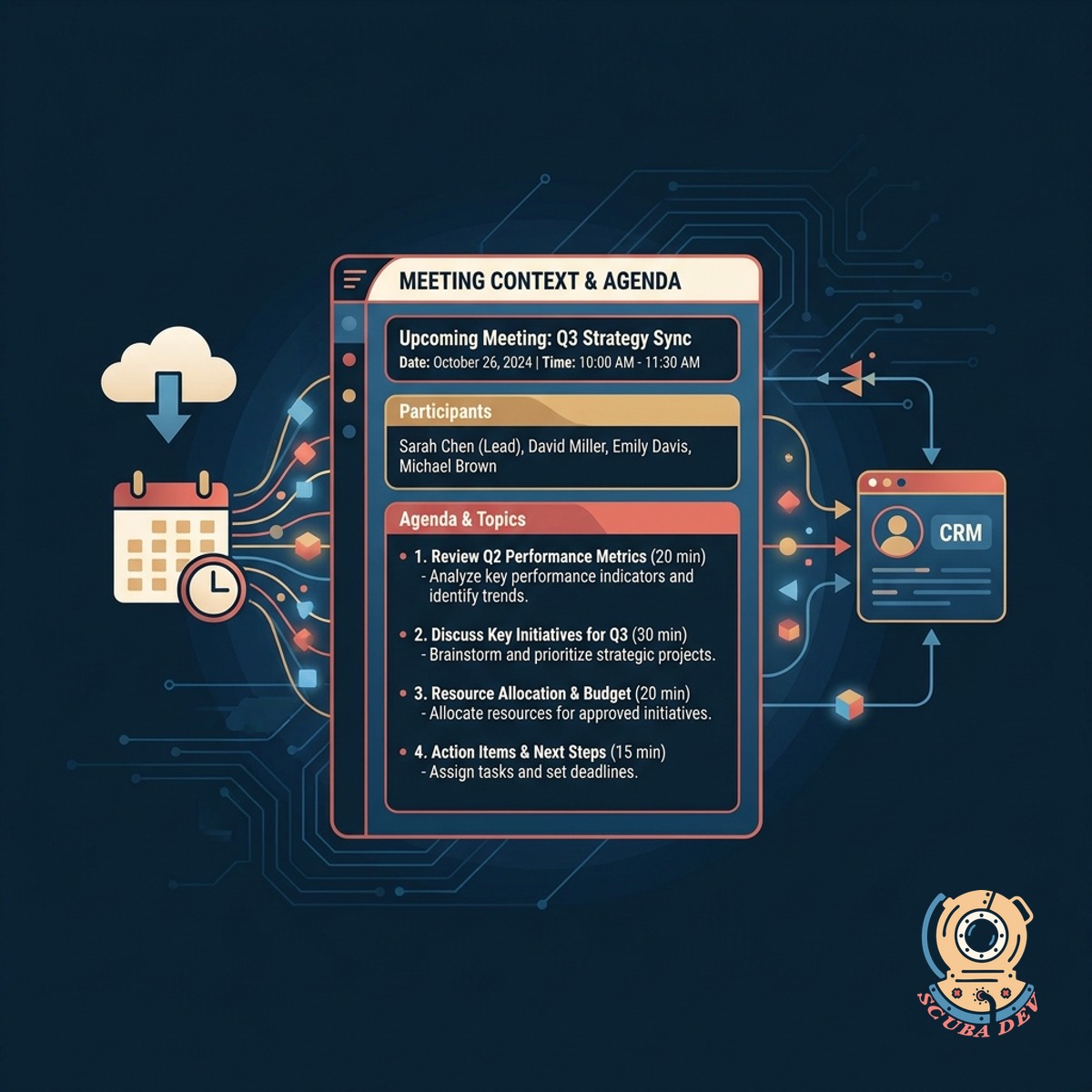
Capture Agendas And Meeting Topics
The system pulls the meeting description and agenda into the CRM so you always know the context of the conversation.
- Extracts calendar event descriptions
- Saves custom scheduling questions
- Formats notes for easy reading
- Appends updates if events change
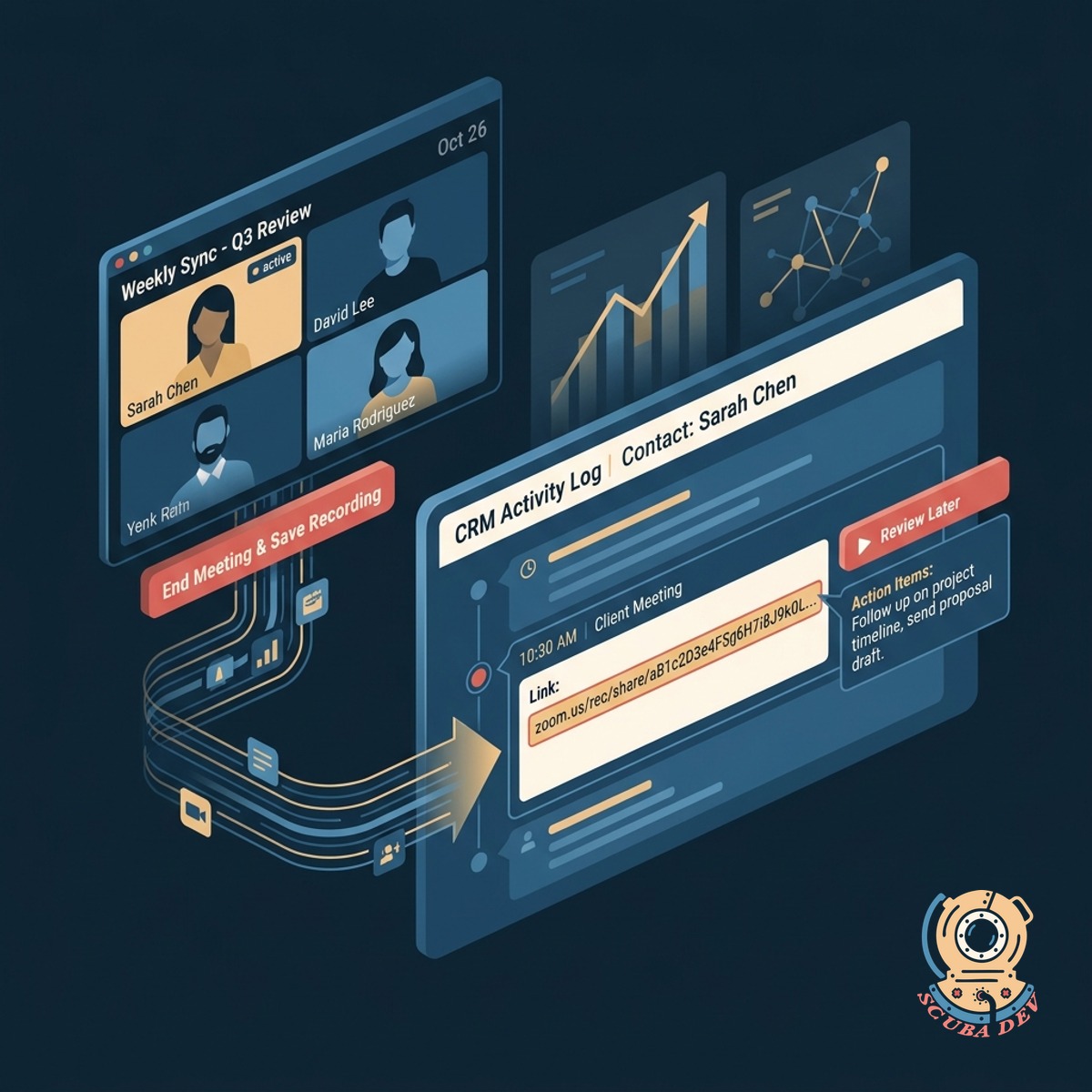
Attach Video Recordings To Contacts
The tool retrieves the video conference recording link and pastes it directly into the CRM activity log for later review.
- Connects with Zoom and Google Meet
- Waits for cloud recordings to process
- Pastes secure playback links
- Stores links on the meeting record
Questions
Things people ask
Which calendar applications does this support?
We build this integration to work with Google Workspace and Microsoft Outlook calendars. It also connects with scheduling tools like Calendly or HubSpot Meetings.
Which CRM platforms can receive the data?
The system integrates with major CRM platforms including Salesforce, HubSpot, and Pipedrive. We can also map the data to custom databases or Airtable bases if needed.
What happens if a meeting guest is not in the CRM?
The integration checks the guest email addresses against your existing database. If no match is found, it can automatically create a new contact record using the available calendar data.
How does the system handle rescheduled meetings?
When a meeting is modified in your calendar, the integration detects the change via webhooks. It then updates the existing CRM activity record with the new date and time.
Can it capture answers to custom scheduling questions?
Yes. If you use tools like Calendly to ask qualifying questions before a meeting, those answers are parsed and saved to the CRM. We can map them to specific custom fields or add them to the meeting notes.
How long does it take for the recording link to appear?
The timing depends on your video conferencing provider. Once Zoom or Google Meet finishes processing the cloud recording, the system immediately pushes the link to the CRM record.
Does this sync internal team meetings?
We configure filters to ignore internal domains. This ensures that internal team syncs or personal appointments do not clutter your CRM with unnecessary records.