North star metric tracker
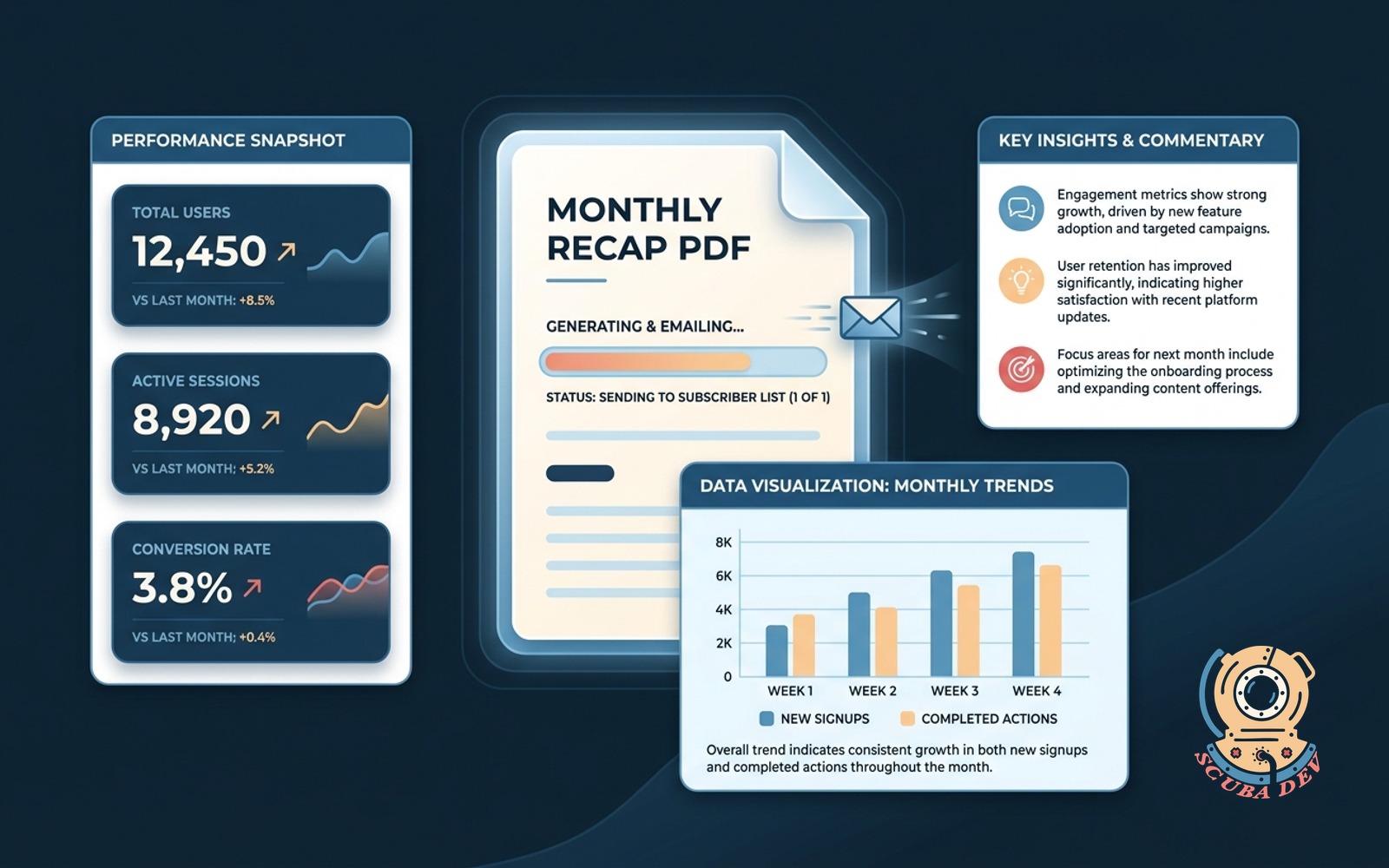
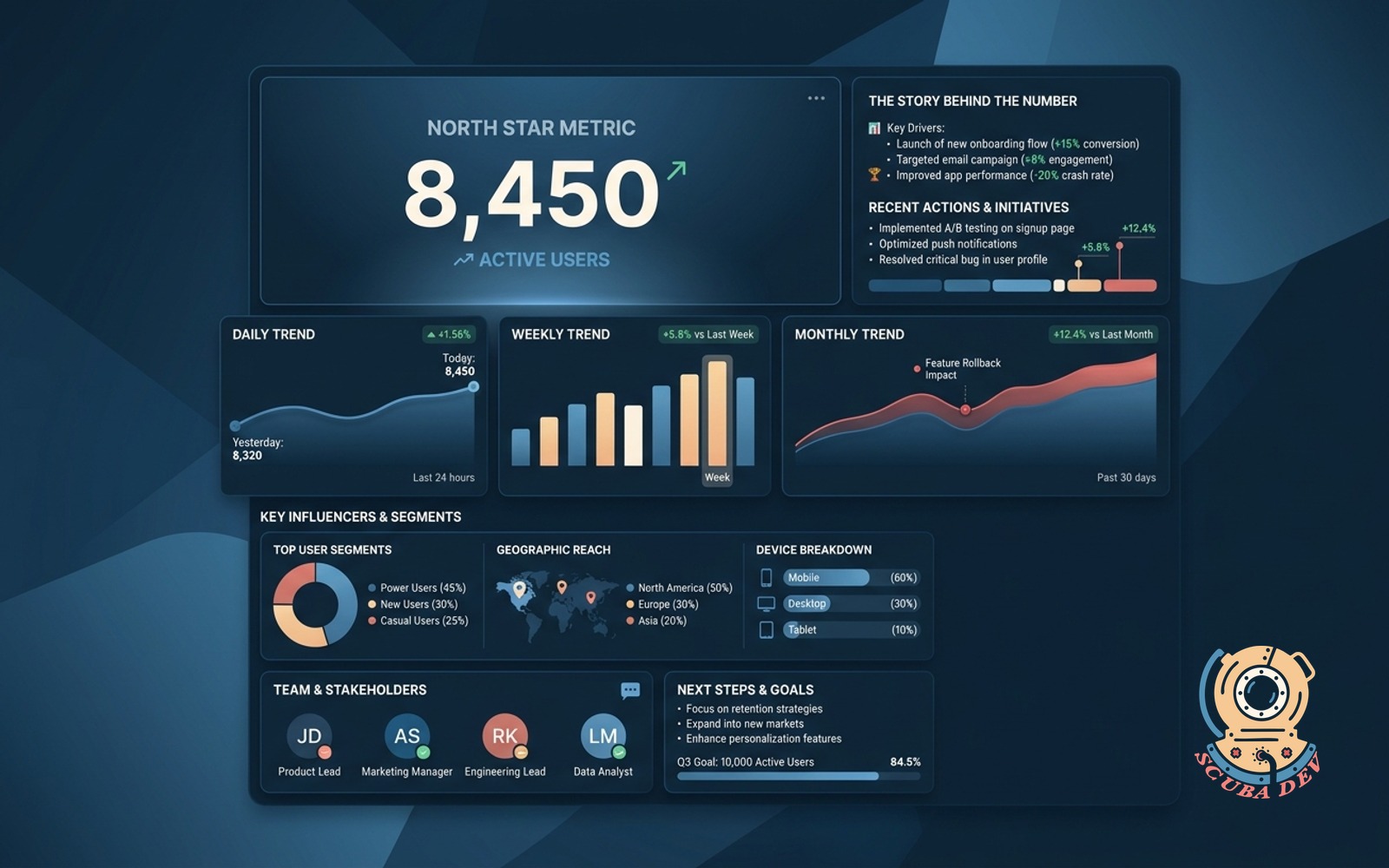
One metric that matters with daily, weekly, and monthly trends. Shared home for the story behind the number.
Possibilities
Where this could go
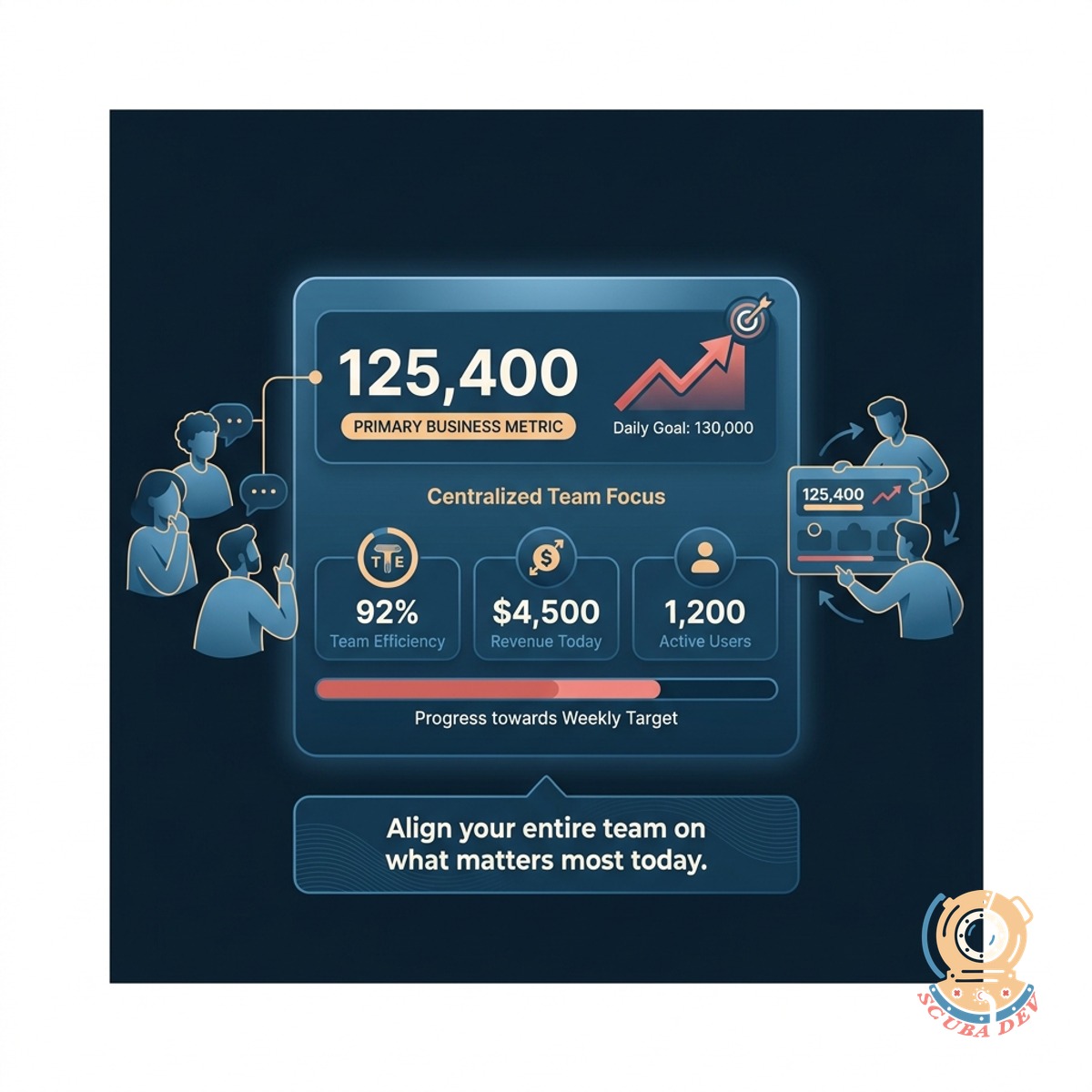
Track Your Primary Business Metric
Centralize your most important number so your entire team knows exactly what to focus on today.
- Set a primary metric
- View current status instantly
- Align team priorities
- Filter by date range
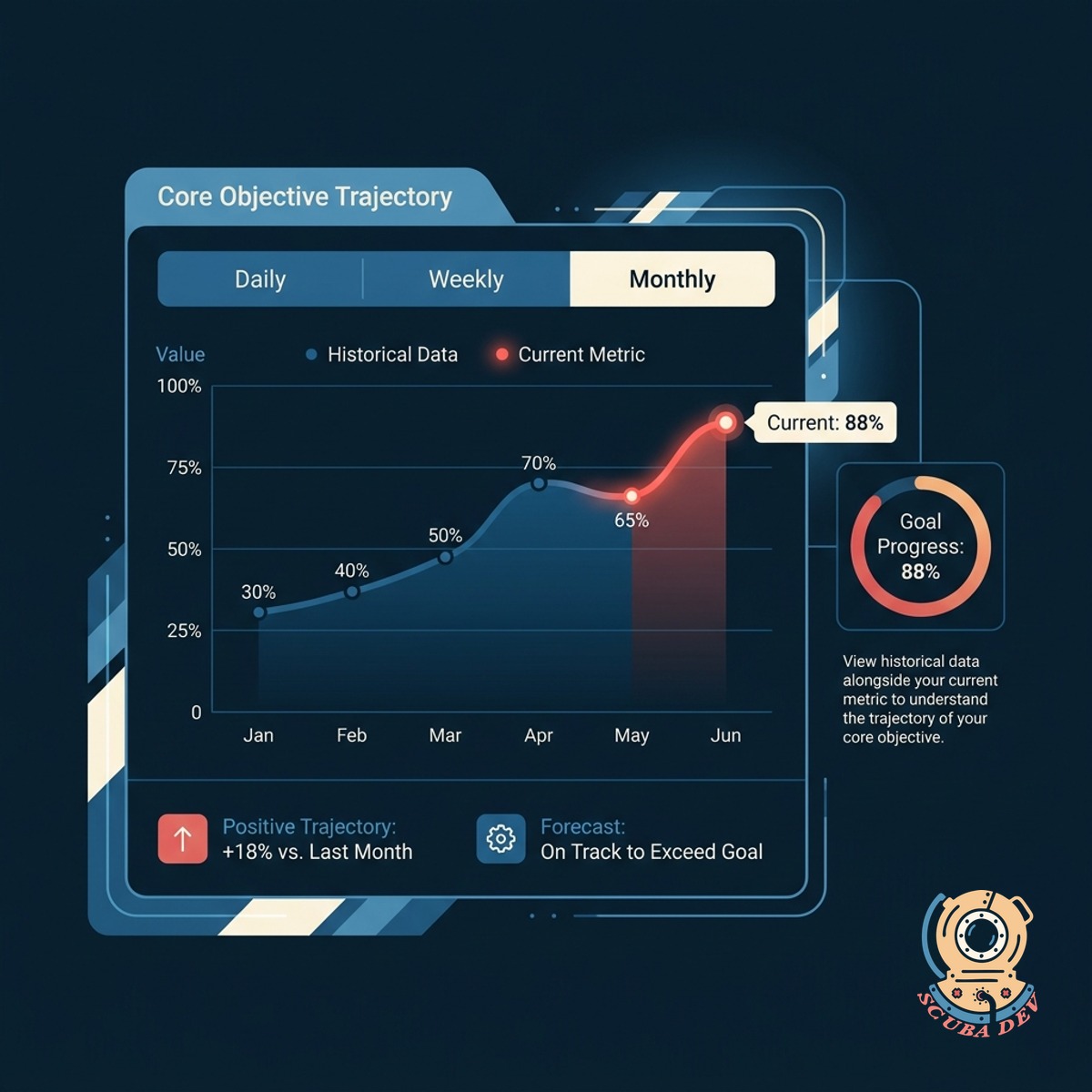
Monitor Daily Weekly And Monthly Trends
View historical data alongside your current metric to understand the trajectory of your core objective.
- Compare daily progress
- Review weekly summaries
- Analyze monthly patterns
- Export trend data
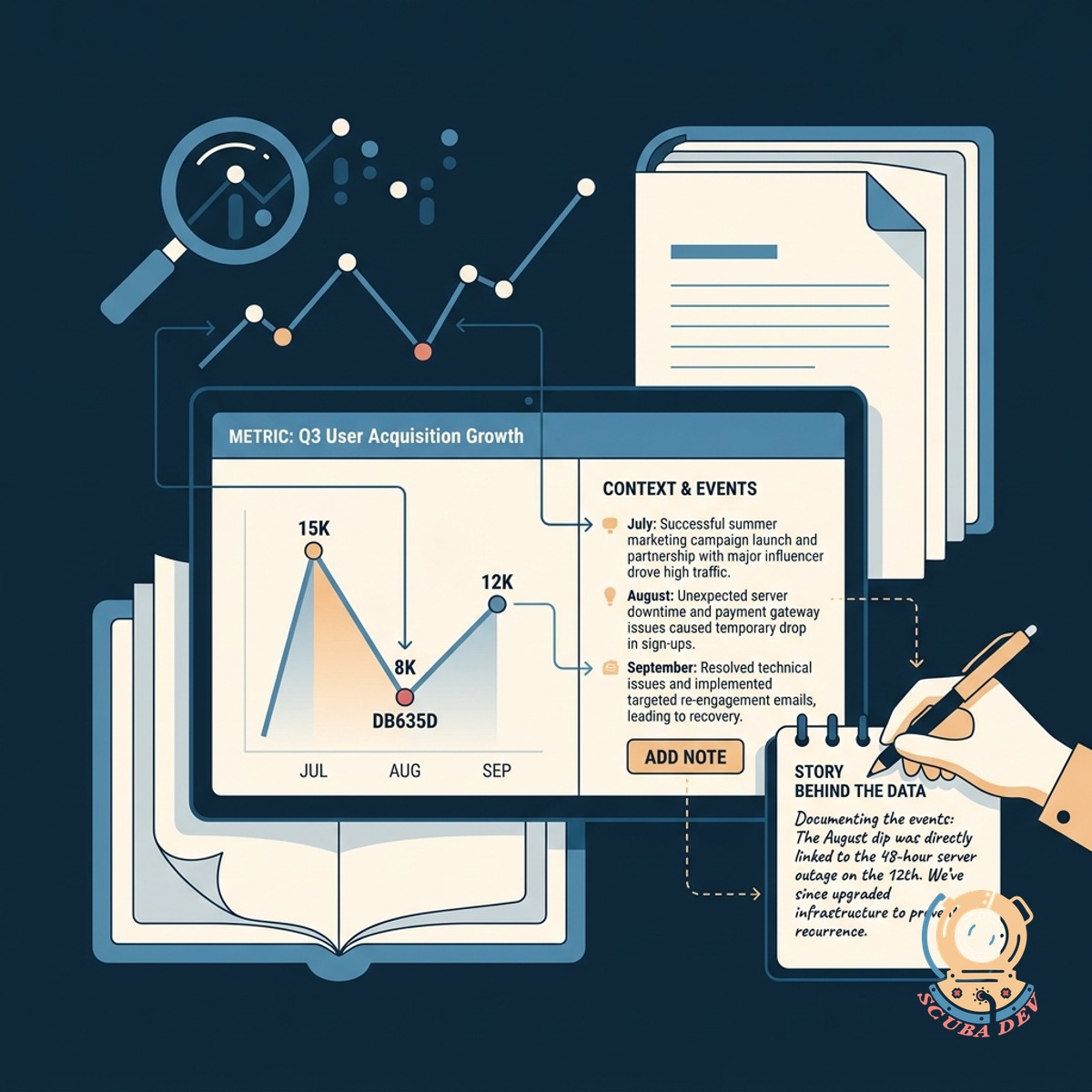
Document The Story Behind The Data
Add written context to your metric so stakeholders understand the events driving the numbers up or down.
- Write weekly updates
- Tag specific events
- Share context with stakeholders
- Review historical notes
Questions
Things people ask
What is a North Star metric?
It is the single key performance indicator that best captures the core value your product delivers to its customers.
How do we pull data into this tracker?
We can connect the tracker to your existing databases or analytics tools like Mixpanel Amplitude or Google Analytics using API integrations.
Can we change our primary metric later?
Yes. The system allows administrators to update the target metric and recalculate historical data based on the new parameters.
Who can write the story updates for the metric?
You can assign specific permissions so that only designated team leads or analysts can publish the written context alongside the data.
Does the tracker support secondary metrics?
The focus remains on one main number but you can display a few supporting metrics that directly influence the primary goal.
How often does the metric update?
The update frequency depends on your data source. It can be configured to refresh in real time or on a set daily schedule.
Can we export the trend reports?
The application includes export options so you can download charts and context notes as PDF or CSV files for team presentations.