Strategic initiative tracker
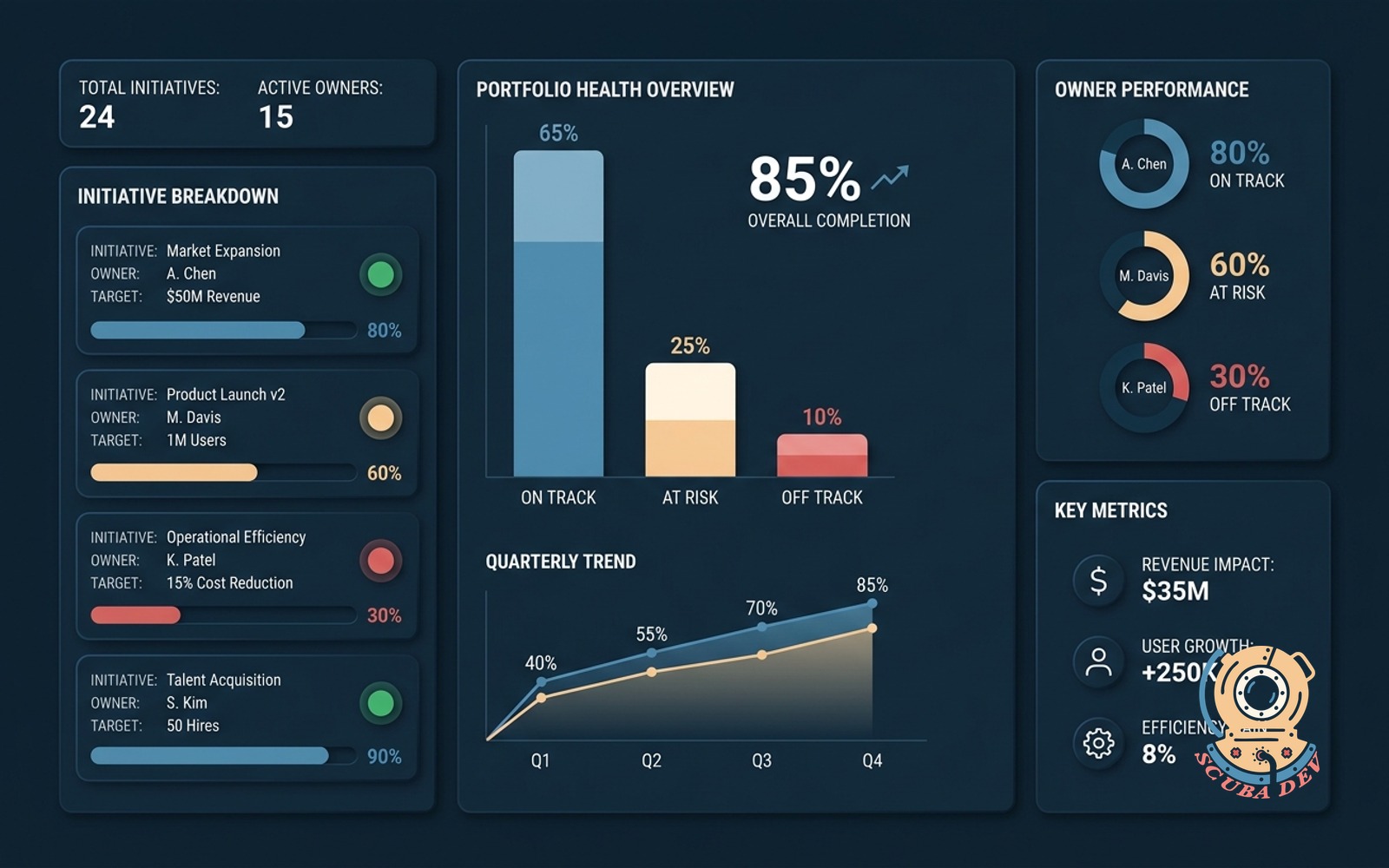
Every initiative has an owner, a target, and a health color. Dashboard rolls the portfolio for the exec meeting.
Possibilities
Where this could go

Assign Owners And Set Clear Targets
Define every strategic initiative with a dedicated owner and specific target metrics to ensure absolute accountability.
- Assign project owners
- Define target metrics
- Track completion dates
- Update status easily
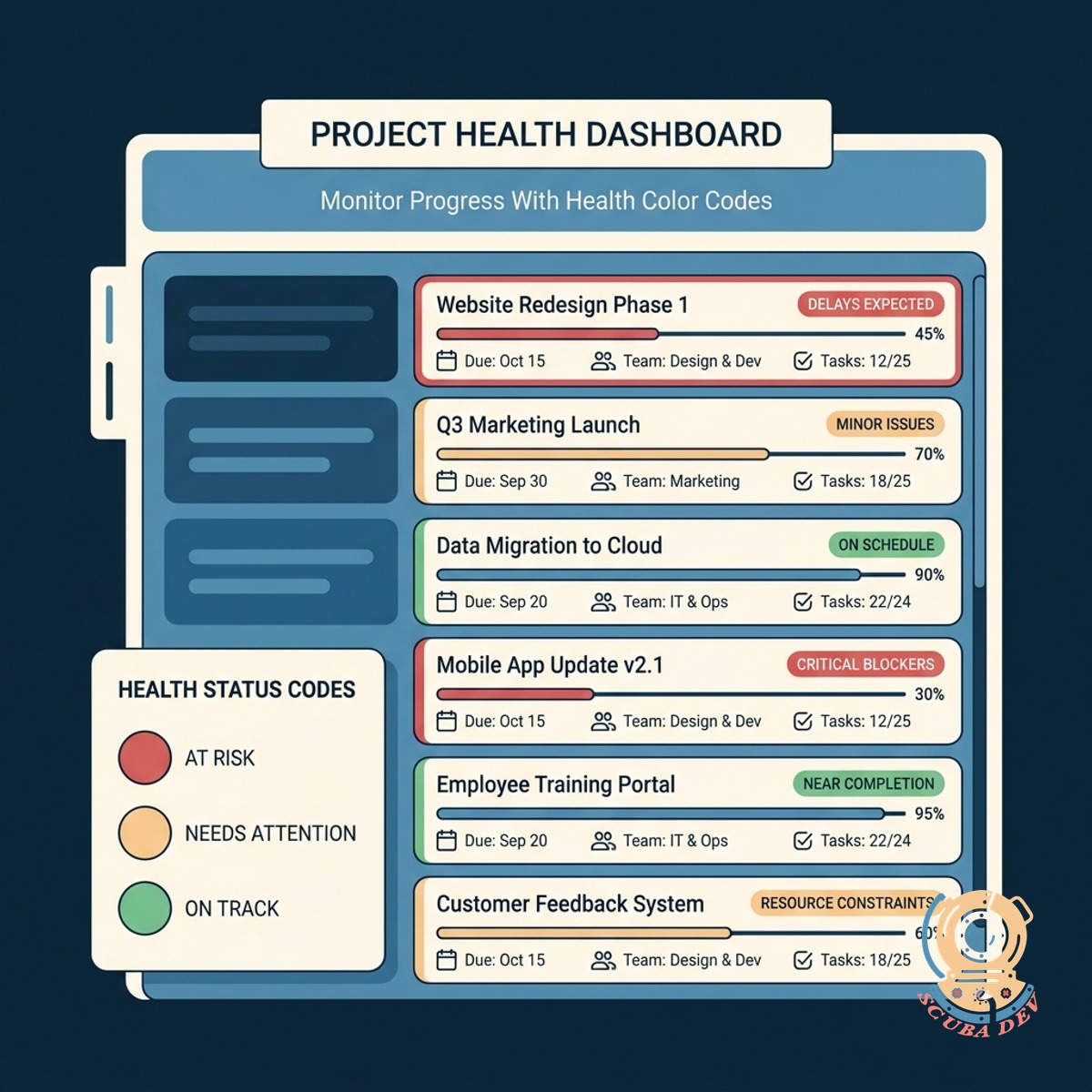
Monitor Progress With Health Color Codes
Apply simple red, yellow, and green color codes to each initiative so you understand project health at a glance.
- Flag at-risk projects
- Highlight healthy progress
- Update status weekly
- Standardize health reporting
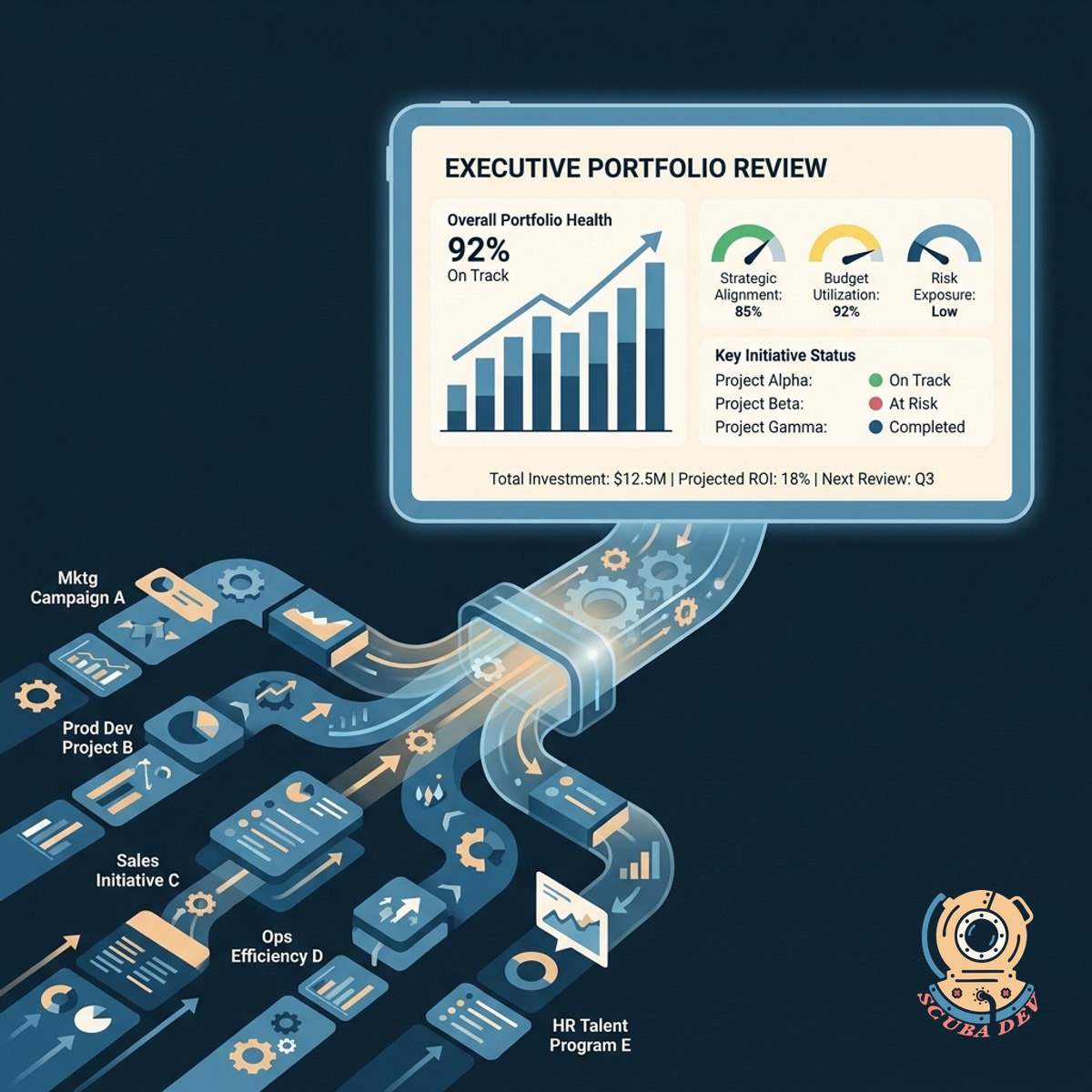
Roll Up Data For Executive Meetings
Consolidate all individual initiatives into a high-level portfolio dashboard designed for executive review sessions.
- View entire portfolio
- Filter by department
- Export meeting reports
- Drill down into details
Questions
Things people ask
How do we assign owners to initiatives?
The application integrates with your identity provider like Okta or Azure Active Directory. You select the owner from a dropdown list when creating or editing an initiative.
What defines the health color of a project?
Project owners manually set the health status to red, yellow, or green based on their assessment of the target timeline and potential roadblocks.
Can we customize the target metrics?
Yes. You can configure targets as financial figures, percentage completion rates, or specific launch dates depending on the nature of the initiative.
How does the executive dashboard aggregate the data?
The dashboard pulls the current status, owner, and target data from every active initiative and displays them in a single summarized view using tools like Retool or Metabase.
Can we filter the portfolio view for different meetings?
The dashboard includes filters so you can sort the portfolio by department, project owner, or health status before your executive review.
Does the system notify owners to update their status?
We can build automated reminders using Slack or Microsoft Teams integrations that prompt project owners to update their health colors before the weekly executive meeting.
Can we drill down into a specific initiative from the dashboard?
Clicking on any initiative in the portfolio view opens a detailed panel showing the project history, recent notes, and specific target progress.