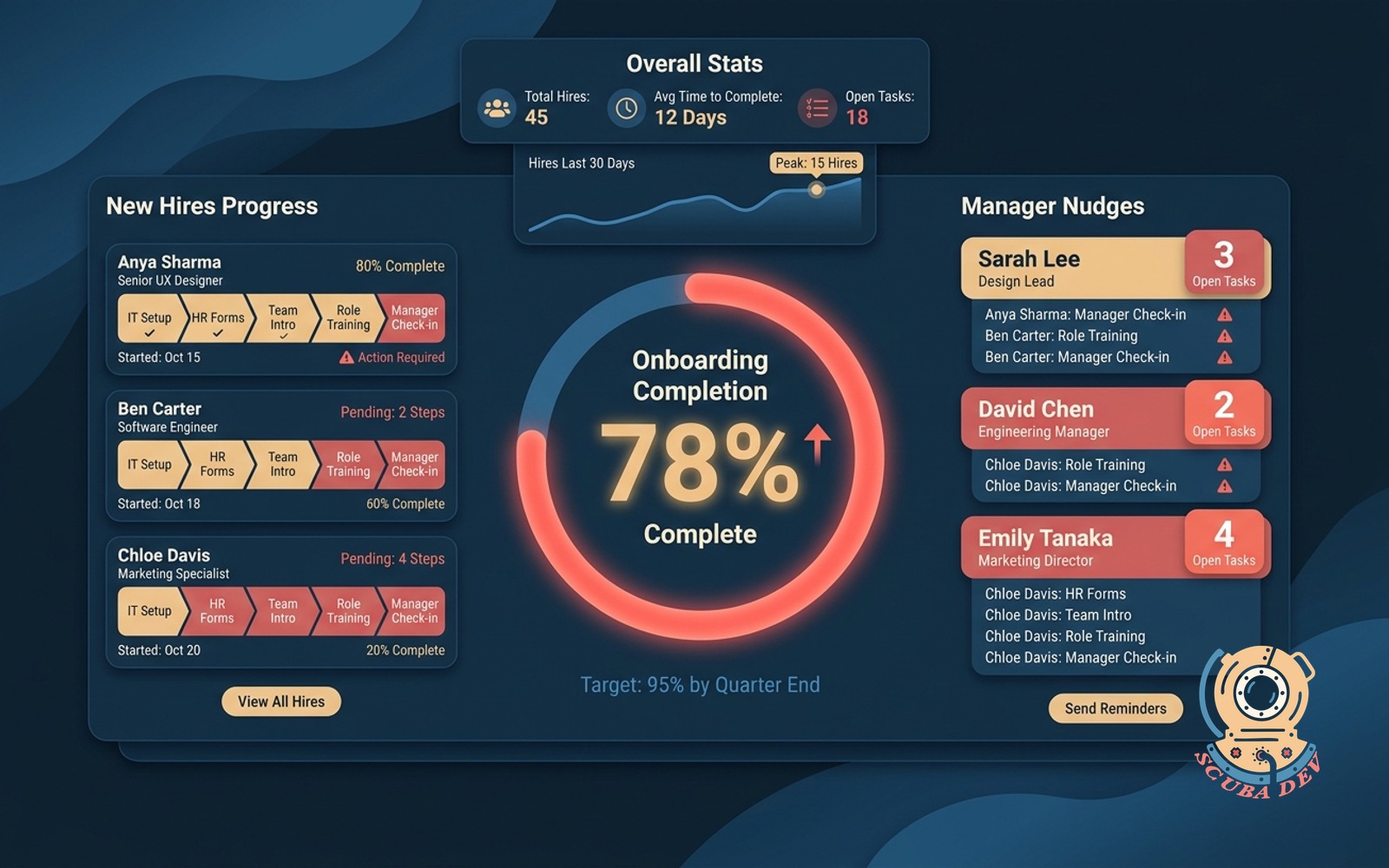
Onboarding completion tracker
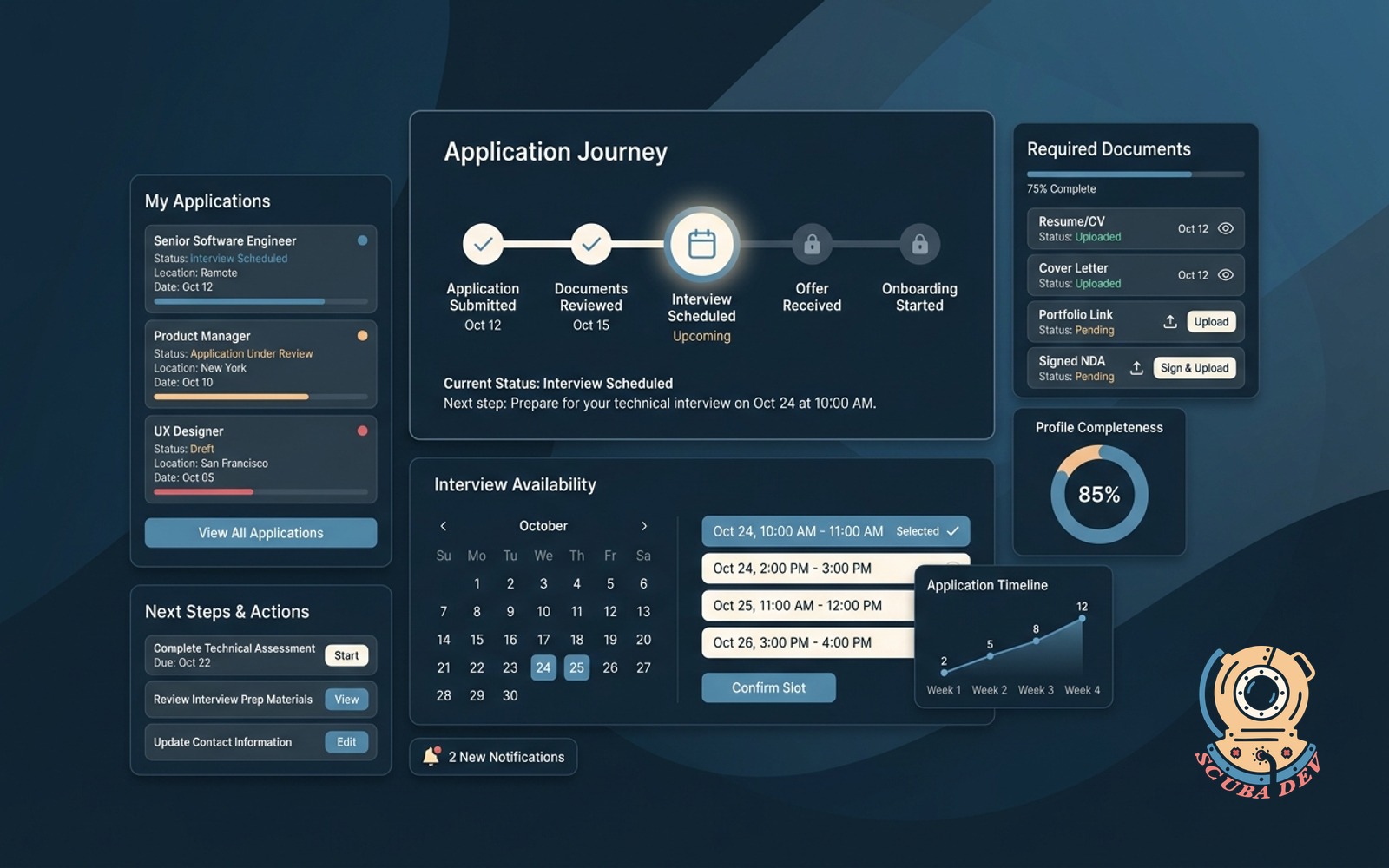
Every new hire shows a progress bar across required steps. Managers get nudged on the ones still open.
Possibilities
Where this could go

Visual Progress Tracking For New Hires
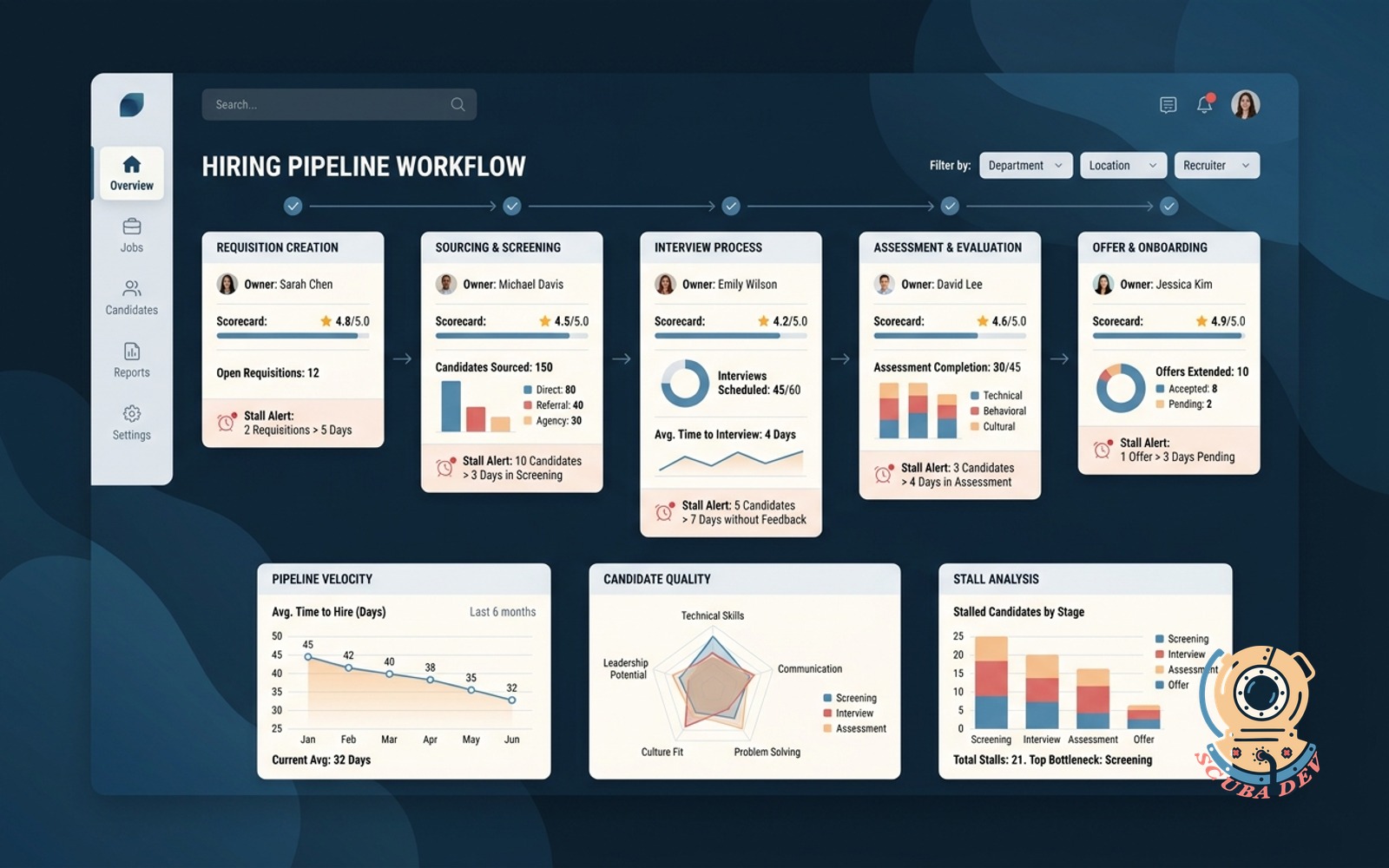
You can see exactly where each new hire stands in their onboarding process through a simple progress bar that updates as they finish tasks.
- View overall completion rates
- See individual task status
- Filter by department or role
- Identify bottlenecks in the process

Automated Manager Alerts For Pending Steps
The system automatically sends targeted reminders to managers via Slack or email when onboarding tasks remain unfinished.
- Set custom reminder schedules
- Route alerts to Slack channels
- Send daily email digests
- Escalate overdue critical items

Standardized Checklists Across All Departments
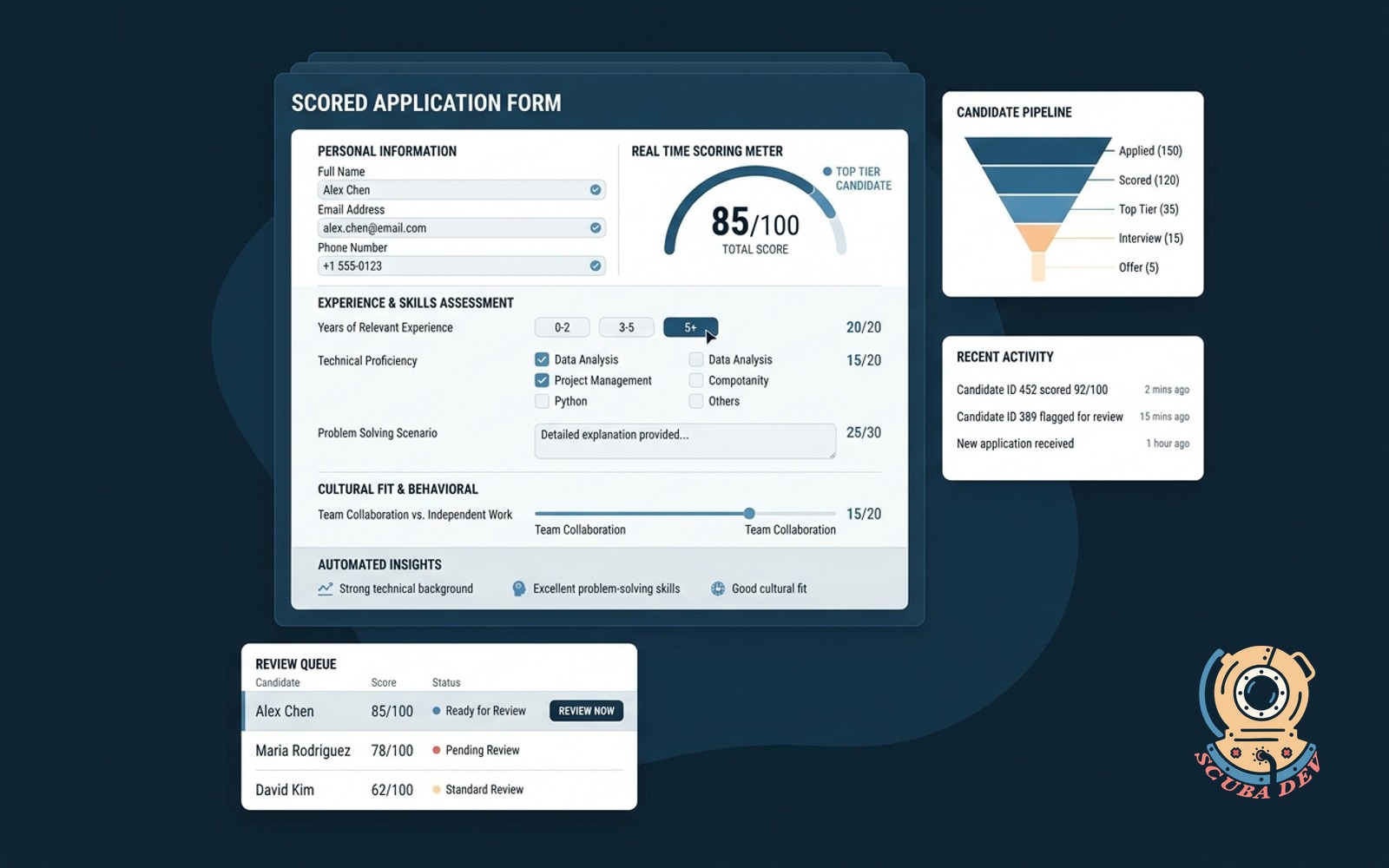
You can build custom onboarding templates for different roles to ensure every new hire receives the exact same foundation.
- Create role specific templates
- Assign due dates to tasks
- Link out to external resources
- Update requirements across all active hires
Questions
Things people ask
How does the tracker integrate with our existing HR software?
The tool connects directly to platforms like BambooHR or Workday via their APIs. When a new employee is added to your HR system, the tracker automatically generates their onboarding checklist.
Can we customize the onboarding steps for different roles?
Yes, you can create distinct templates for various departments and seniority levels. The system assigns the appropriate checklist based on the job title of the new hire.
Where do managers receive their notification nudges?
You can configure the system to send alerts through Slack, Microsoft Teams, or standard email. Managers receive direct messages highlighting exactly which tasks are holding up the process.
What happens if a task requires input from IT or Facilities?
You can assign specific checklist items to different departments. The system will notify the IT team to set up a laptop while simultaneously reminding the manager to schedule a welcome lunch.
Does the new hire interact directly with this tracker?
New hires can log in to a simplified view to check off their self guided tasks. Their progress instantly updates the main dashboard that managers and HR administrators monitor.
Can we attach documents or links to the checklist items?
Every task can include rich text descriptions, hyperlinks to your company intranet, and downloadable PDF files. This keeps all necessary resources in one place for the new employee.
How do we handle tasks that are consistently delayed?
The dashboard highlights tasks that frequently miss their deadlines across multiple new hires. This data allows you to review and adjust your onboarding timeline or provide additional resources.