Candidate portal
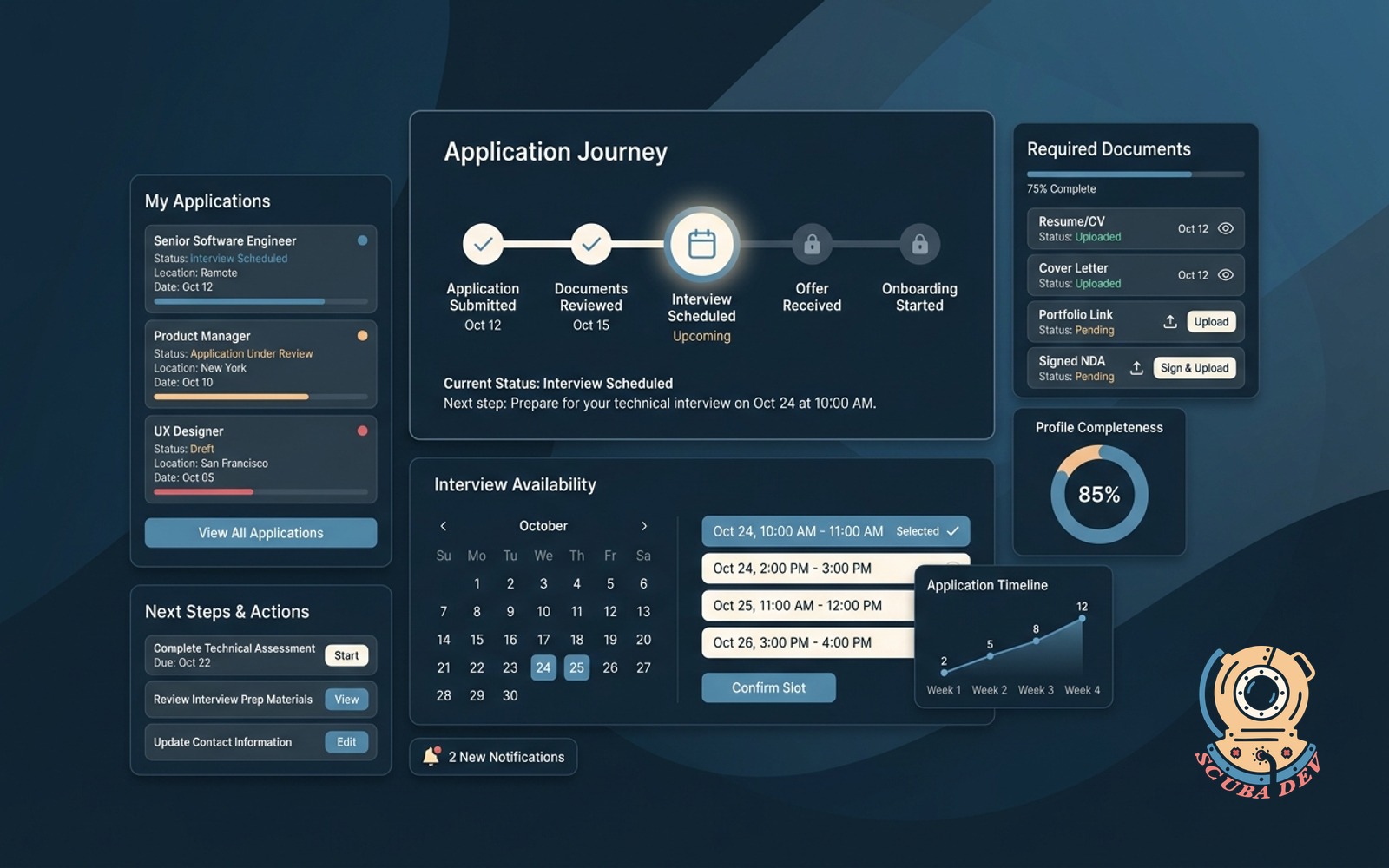
Candidates track their application, upload signed docs, pick interview slots and see next steps clearly.
Possibilities
Where this could go

Application Progress And Status Tracking
Candidates log in to see exactly where they stand in the hiring process and what they need to do next.
- View real-time application status
- See completed and upcoming stages
- Receive automated status alerts
- Access recruiter contact details

Secure Document Upload And Signing
Centralize paperwork by allowing candidates to upload portfolios and sign offers directly within the portal.
- Upload resumes and cover letters
- Sign non-disclosure agreements securely
- Submit background check forms
- Review and accept offer letters

Self-Service Interview Slot Selection
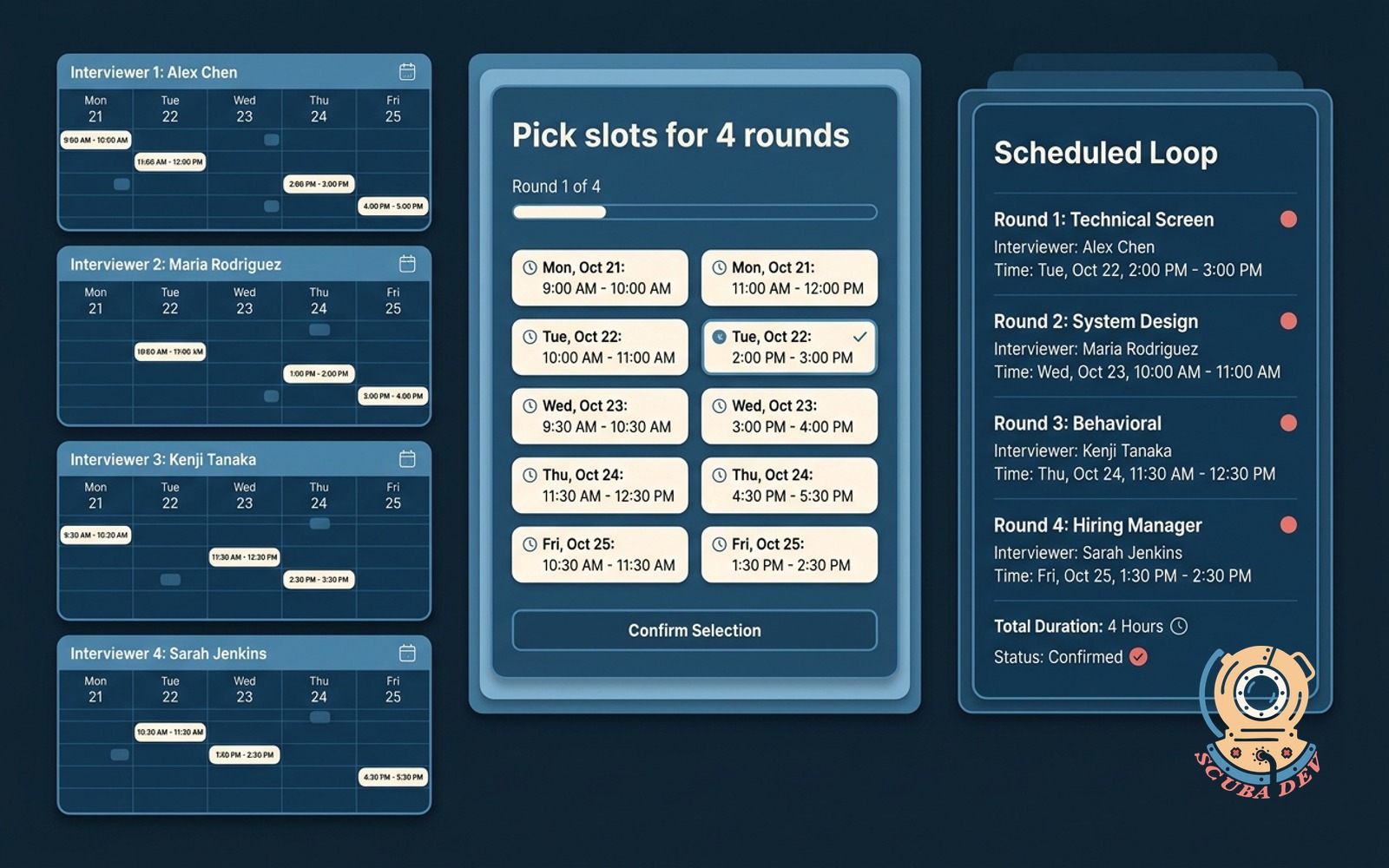
Eliminate email back and forth by letting applicants choose available interview times that sync with your calendar.
- Pick available interview times
- Reschedule without emailing recruiters
- Sync with Google Workspace or Outlook
- Receive automated calendar invites
Questions
Things people ask
How does the portal integrate with our applicant tracking system?
We connect the portal directly to systems like Greenhouse or Lever using their APIs. When a candidate updates their profile or uploads a document, the information syncs back to your main database automatically.
Can candidates sign documents electronically through the portal?
Yes. We integrate standard electronic signature tools like DocuSign or HelloSign into the workflow. Candidates can review and sign non-disclosure agreements or offer letters without leaving the platform.
How does the interview scheduling feature work?
The portal connects to your team calendar via Google Workspace or Microsoft Outlook. Candidates see only the time slots you designate as available and can book their interview directly.
Is the portal mobile friendly for applicants on the go?
The entire interface is built to be fully responsive. Candidates can easily upload documents from their phone, check their status, or select an interview time on any mobile device.
Can we customize the portal to match our company branding?
The portal is designed to look like an extension of your corporate website. We apply your specific logos, color schemes, and typography so the candidate experience remains consistent.
How do candidates access the portal securely?
Candidates receive a unique, secure login link when they apply. We can implement passwordless authentication via email or standard username and password setups to keep their data safe.
What happens if a candidate needs to reschedule an interview?
Candidates can log back into the portal and select a new time from the available slots. The system automatically updates the calendar invite for both the applicant and the interviewer.