Scheduled business-profile post automation
Writes and schedules weekly posts pulled from your updates, events, and reviews. Approves in one tap.
Possibilities
Where this could go
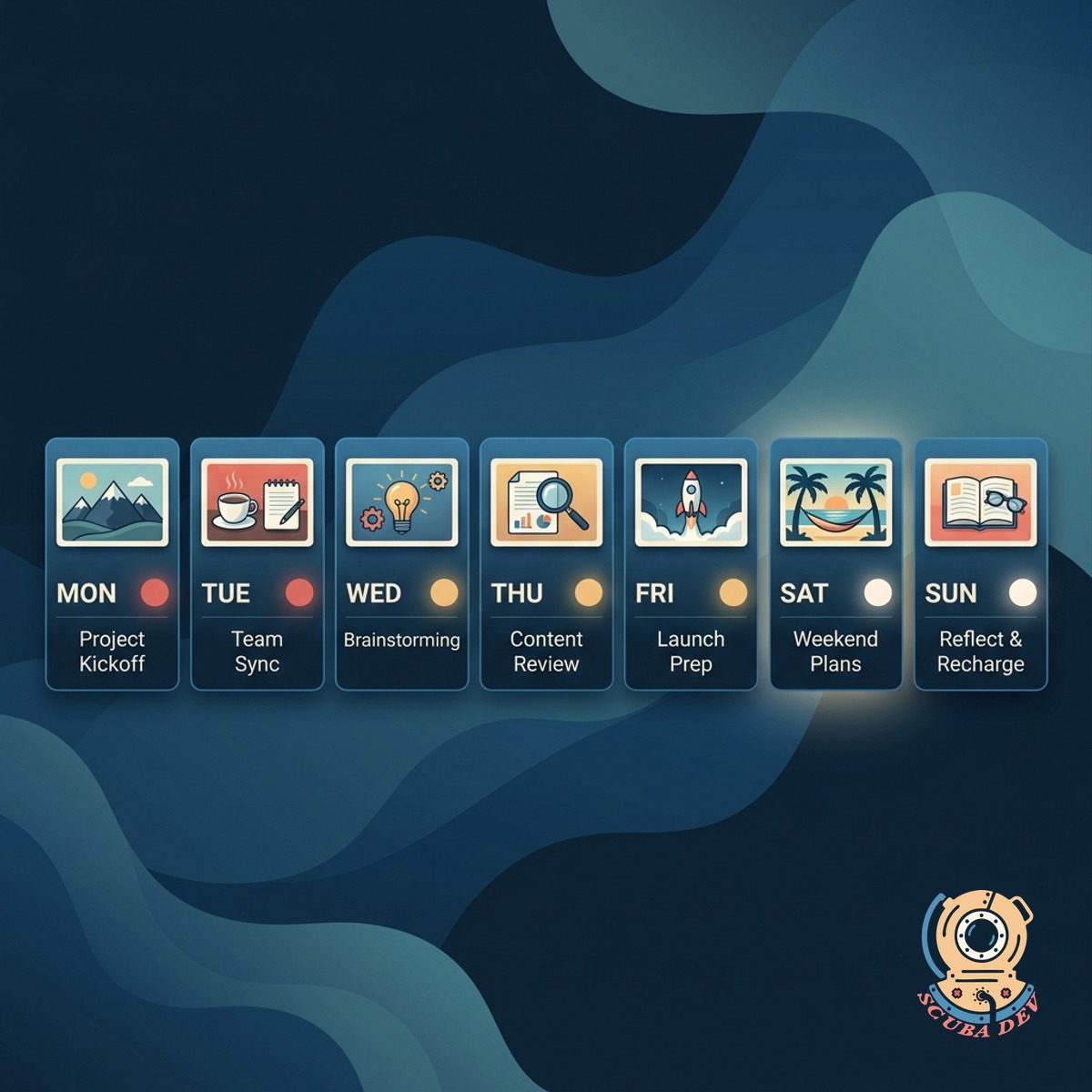
Sources From Your Business
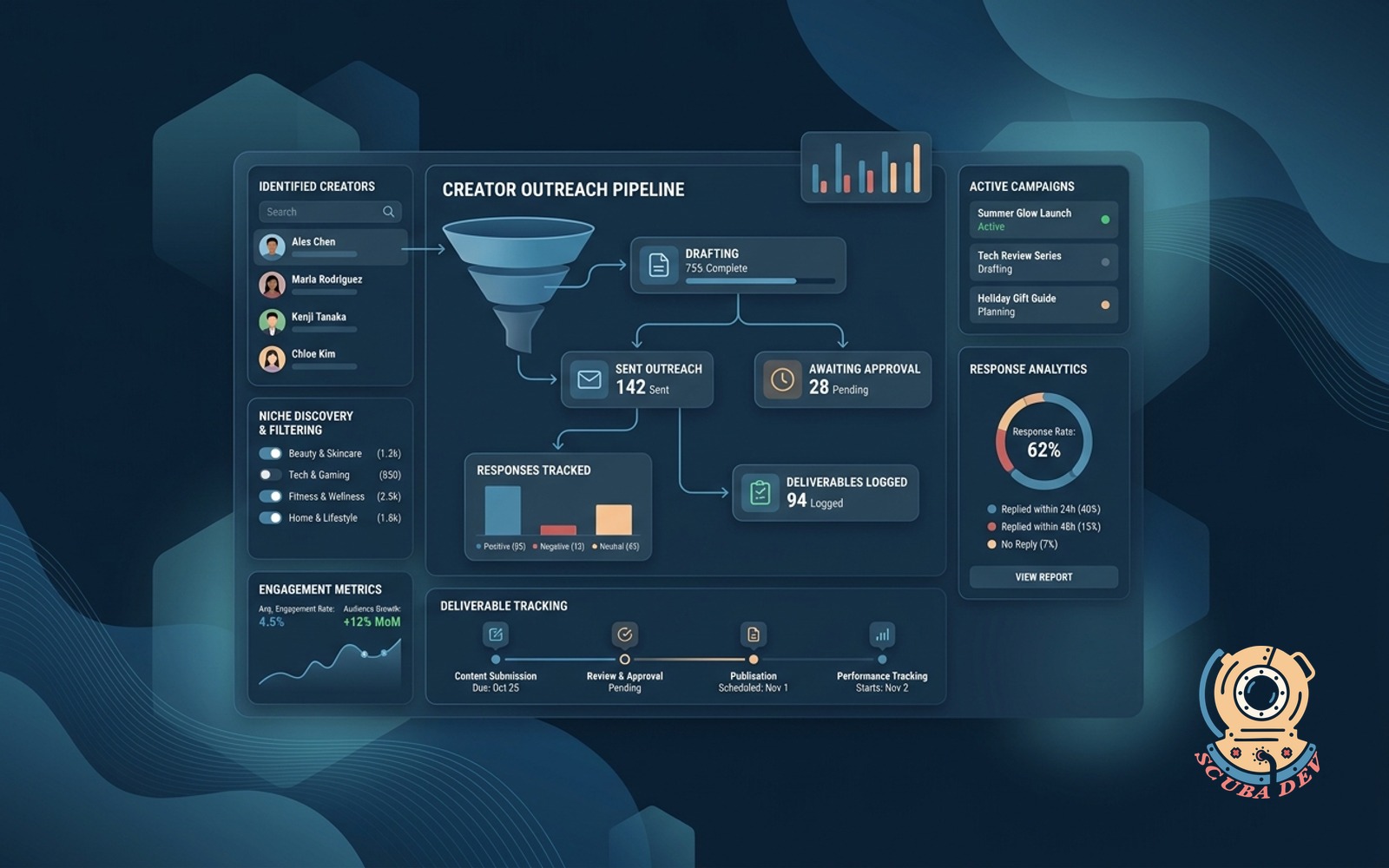
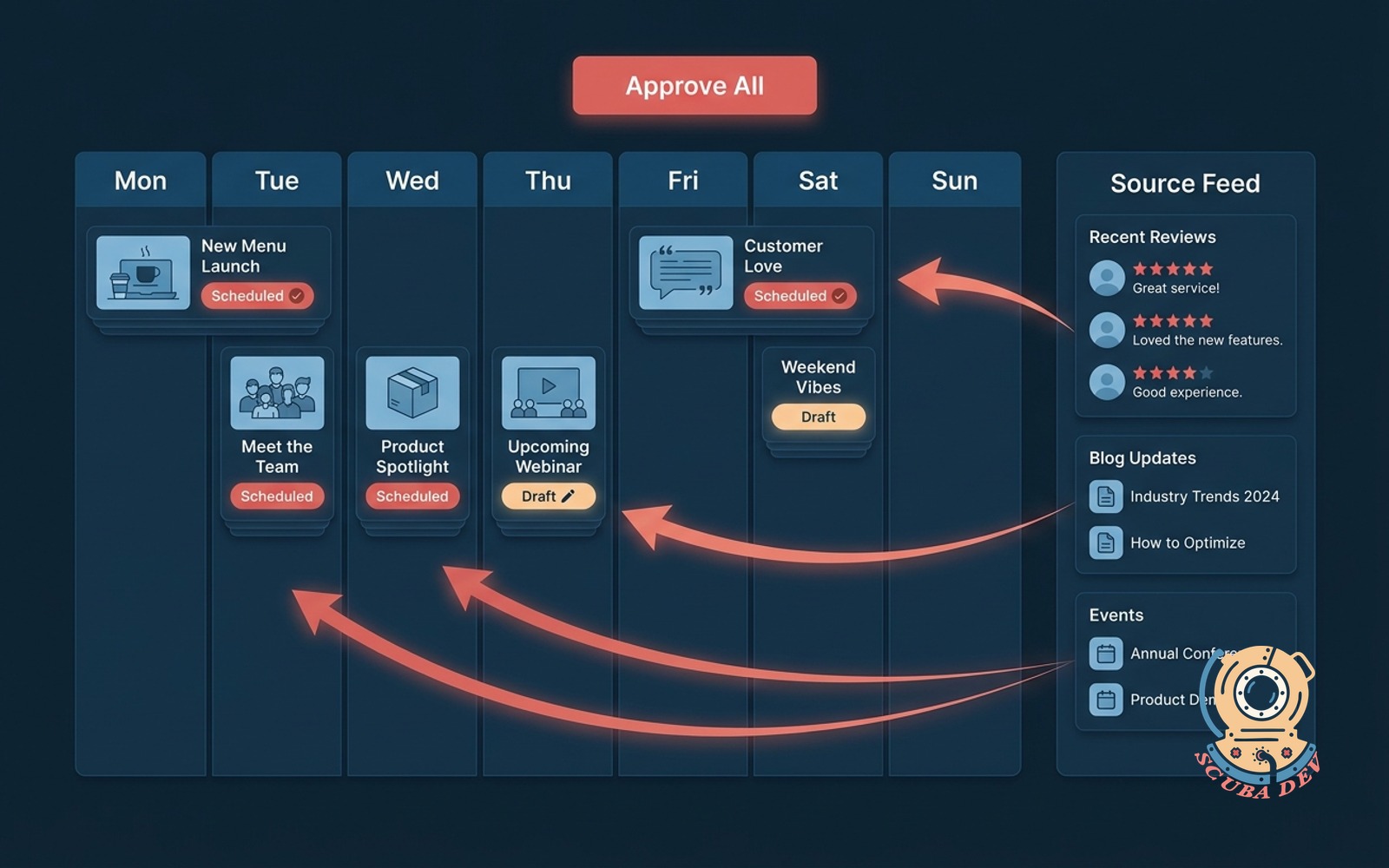
Pulls the week from the things you already have: product updates, recent events, fresh reviews, and seasonal moments.
- Reads your changelog, event calendar, blog, and review feed
- Rotates topics so posts do not repeat
- Holidays and seasonal hooks auto-detected

Written Like You, Not A Template
Drafts each post in your voice, sized for Google Business Profile, with an image or emoji-free icon that matches.
- Brand voice trained on your existing content
- Word count tuned to GBP best practices
- Image suggestions pulled from your library
One-Tap Approval
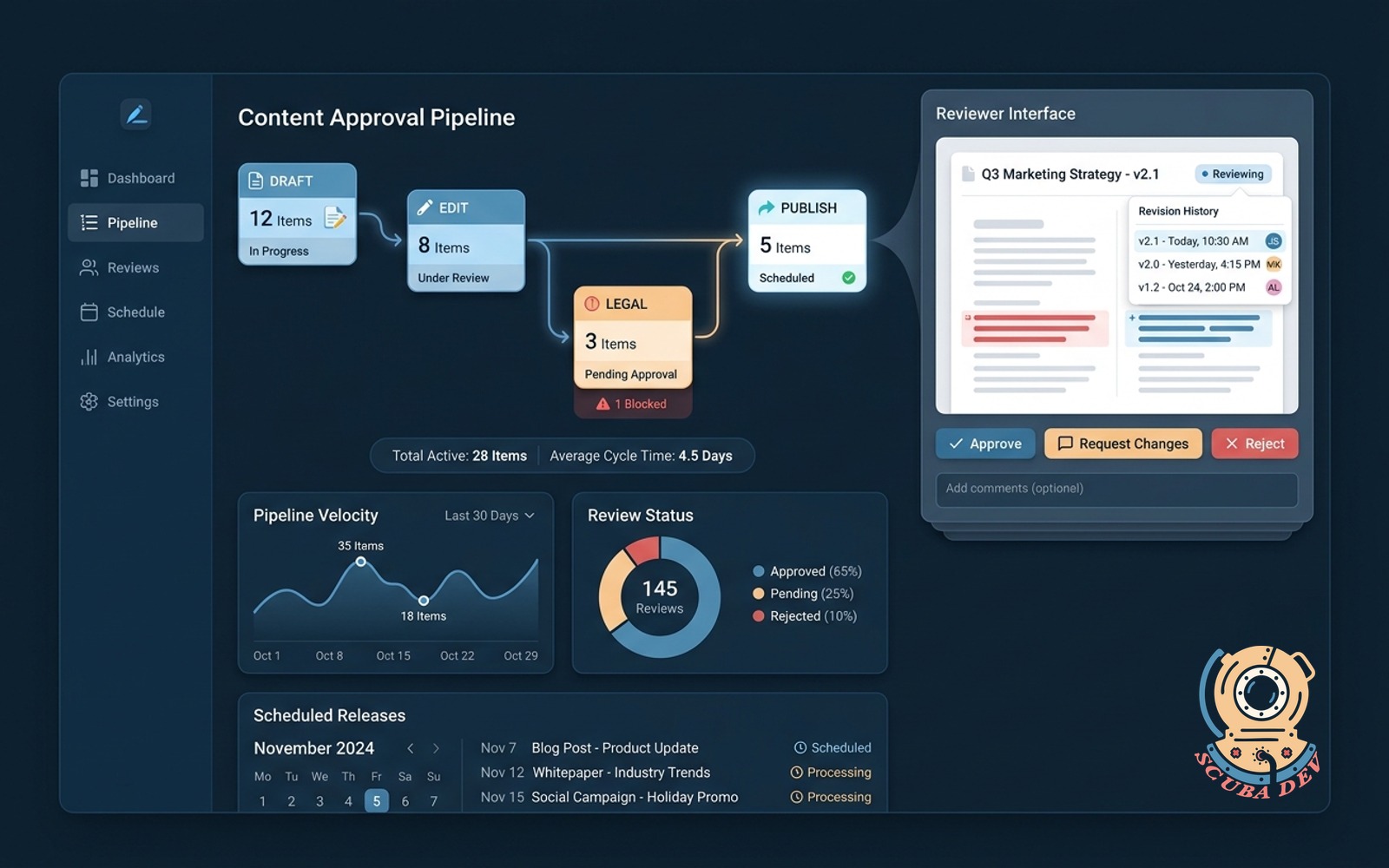
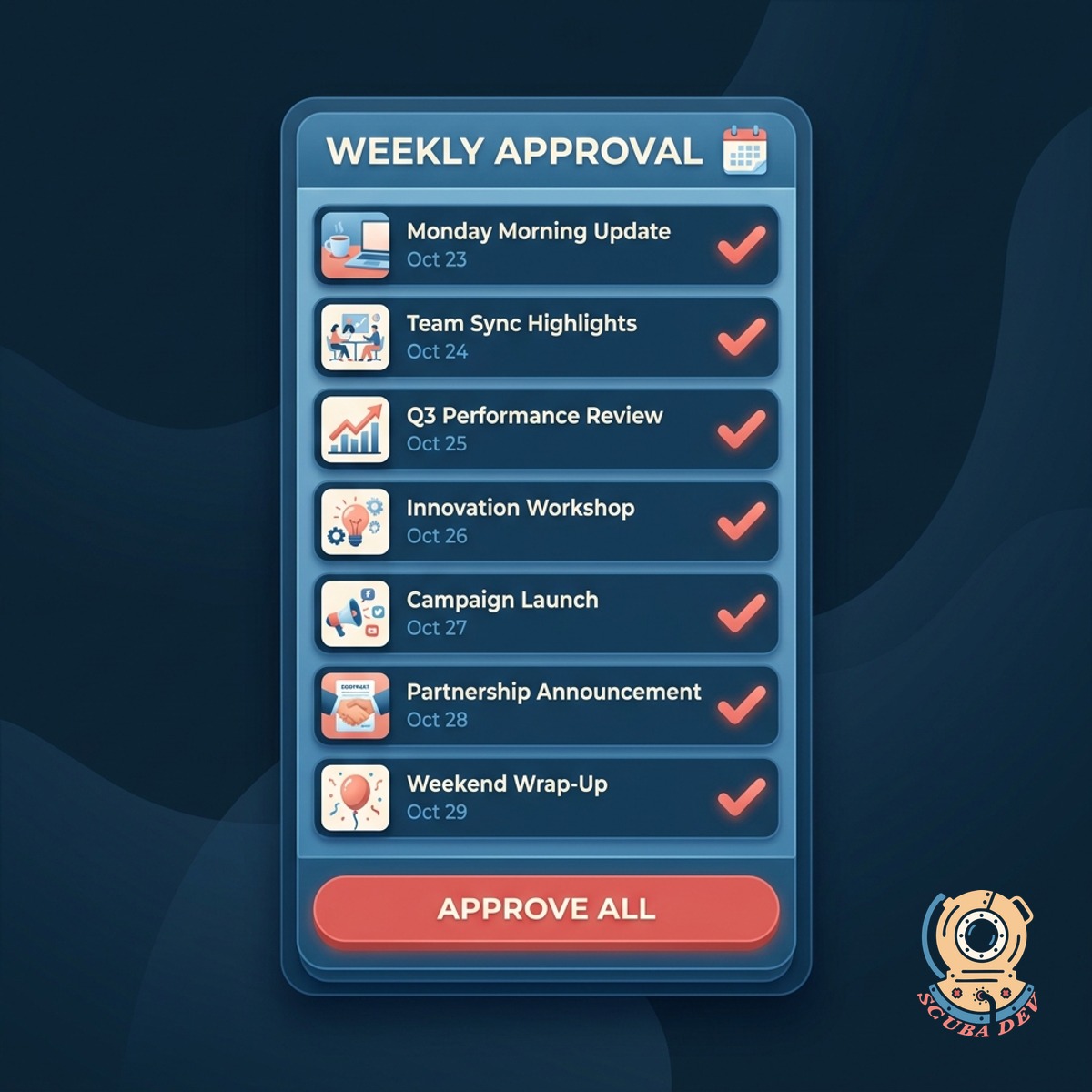
The week lands in your inbox every Monday. Approve with one tap, edit inline, or swap the image. Nothing auto-posts.
- Weekly digest with all drafts in one email or Slack message
- Approve all, edit one, or skip a week
- Posts to Google Business Profile on your schedule
Questions
Things people ask
Do I need a Google Business Profile already?
Yes, with posting enabled. If you have multiple locations, we handle each one separately or with a shared template, your choice.
How do you learn my voice?
We train on a batch of your existing posts, reviews, and marketing copy during onboarding. You review the first two weeks of drafts and flag anything off, which sharpens the tone.
What if nothing new happened this week?
The drafter leans on evergreen content: a popular review, a seasonal hook, or a service spotlight. You can also choose to skip a week entirely if you prefer silence over filler.
Can we schedule different posts per location?
Yes. Each location can have its own voice, its own source list, and its own cadence. Location-specific reviews and events get wired in so posts are actually local.
Where do images come from?
Your existing media library, your Google Drive, or a suggested stock pick we tag for relevance. We never auto-generate illustrations without your approval.
How does this integrate with our social scheduler?
If you use Buffer, Hootsuite, Later, or Publer, we post through those. Otherwise we connect directly to Google Business Profile via the API.
What about posts about ongoing offers?
You add any ongoing offer, promotion, or event to the source list and the drafter weaves it in on the right weeks. Expiration dates are respected so old offers stop being used.