Content repurposer from one long video
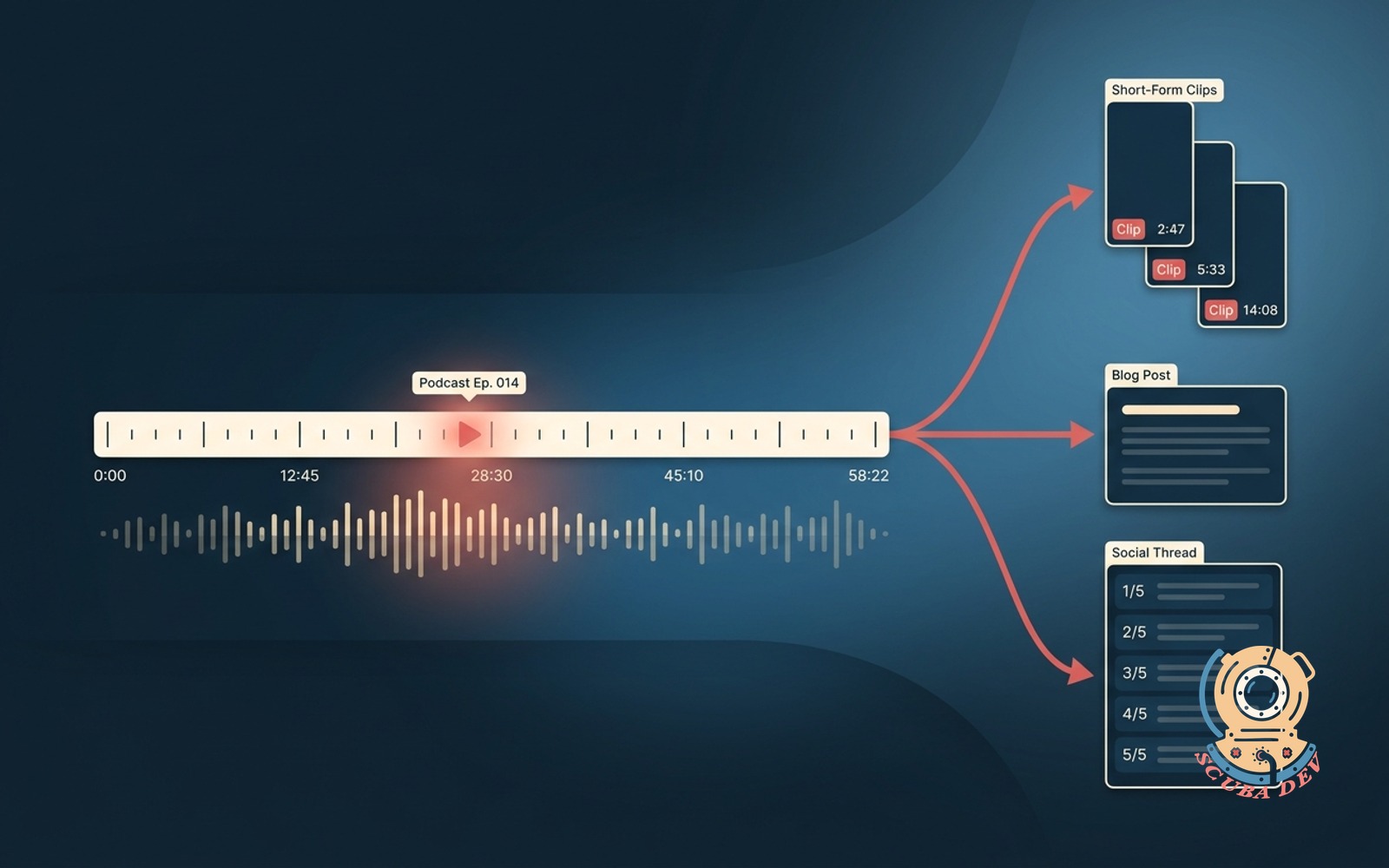
Upload the podcast or livestream. Get clips for short-form video, a blog post, and a thread. All on brand.
Possibilities
Where this could go
Short-Form Clips In One Pass
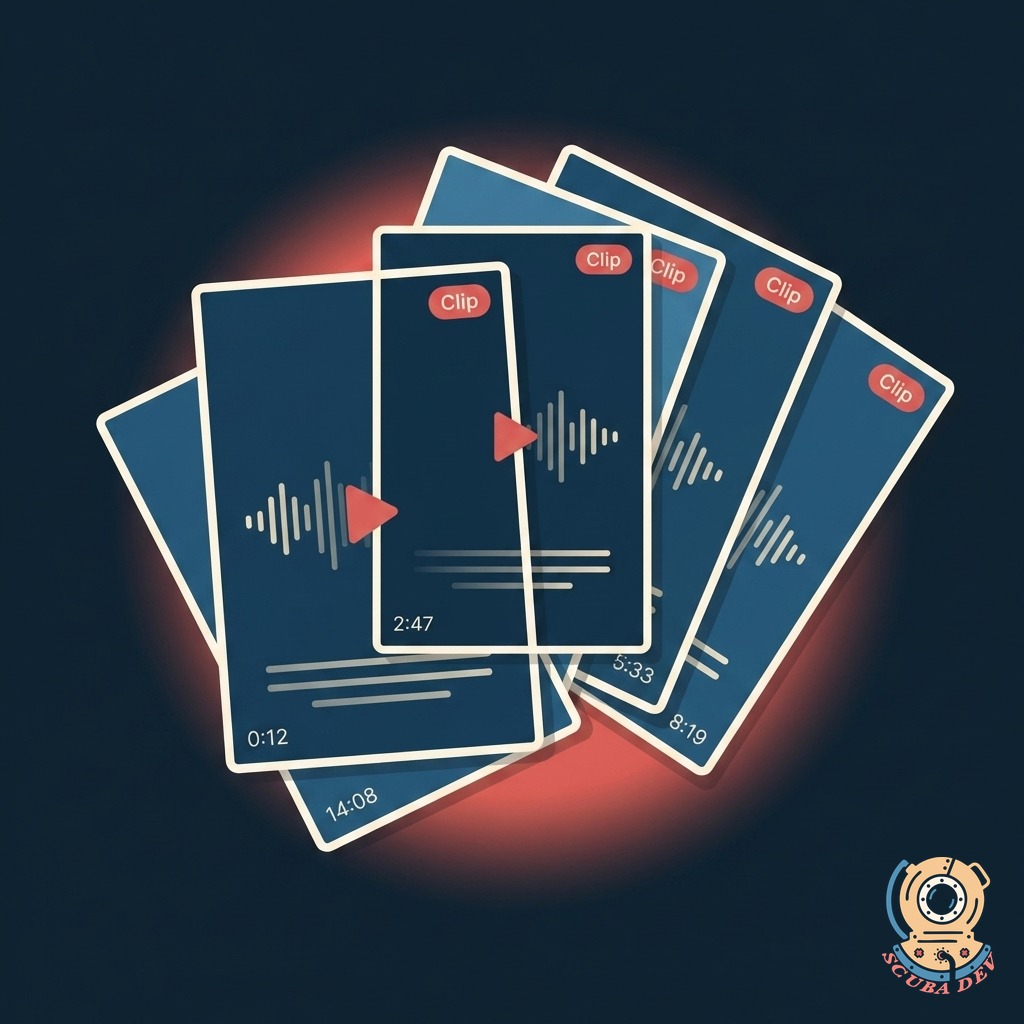
Scans the full video and pulls the moments that work as standalone clips. Auto-crops to vertical. Delivers with captions ready.
- Detects hooks, punchlines, and standalone ideas
- Auto-crops to 9:16 and 1:1 with speaker tracking
- Burns in captions with your brand styling
- Exports to a drive folder or directly to your scheduler
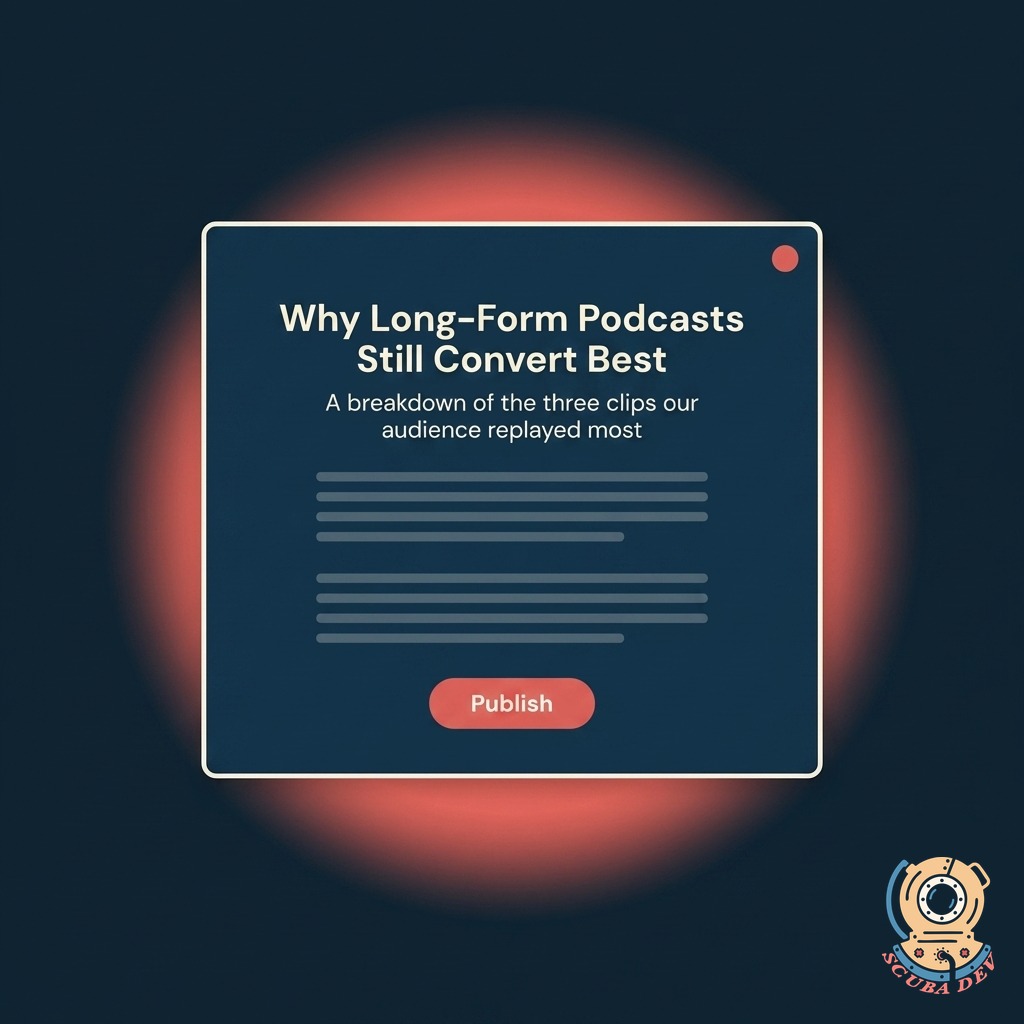
Blog Post From The Transcript
Rewrites the transcript into a clean article with a headline, a pull quote, and a call to action. In your brand voice.
- Full transcript cleaned and punctuated
- Headline variants A, B, and C for testing
- Pull quote sourced from the strongest moment
- CTA tuned to your conversion goal
- Publishes to WordPress, Ghost, Medium, or a markdown file
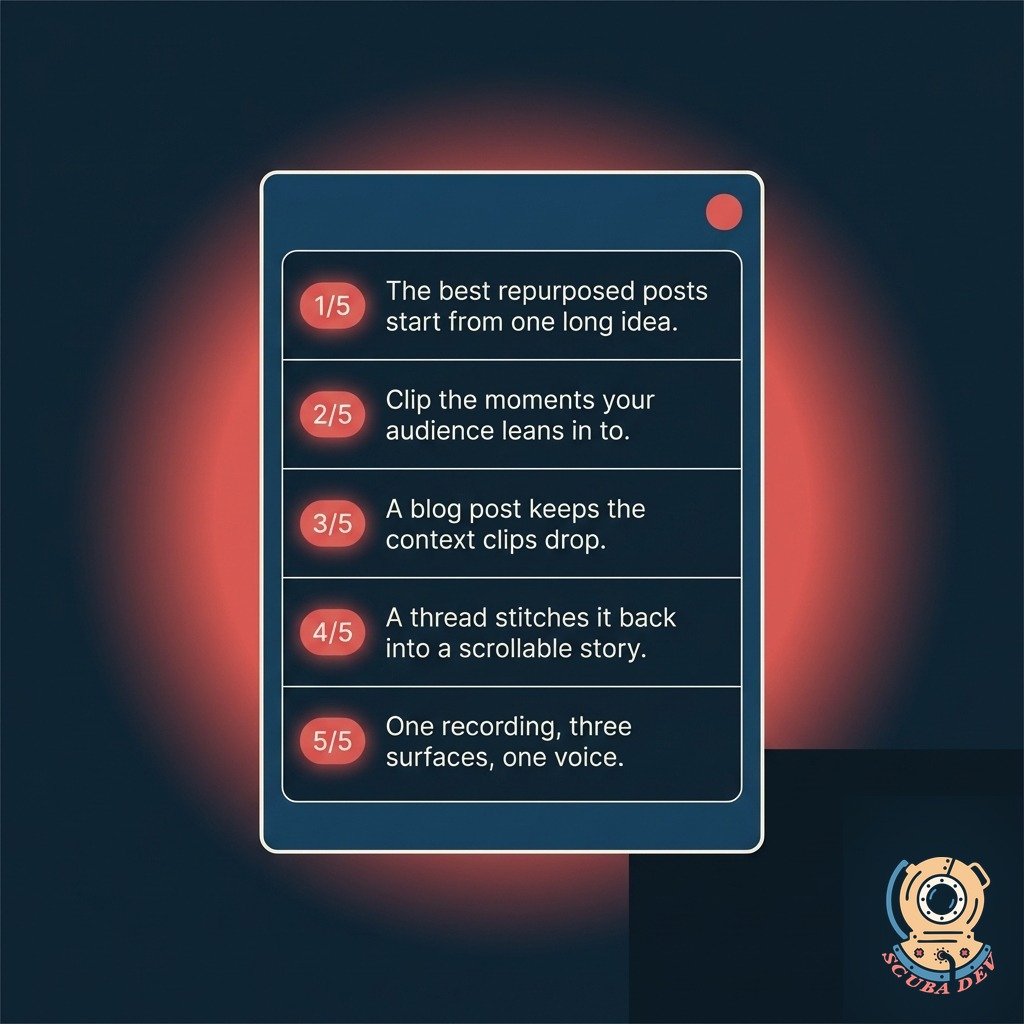
Social Thread, On Brand
Five to eight numbered posts that hold up on their own. Spaces between beats so it reads like a real author, not a rehash.
- Five to eight posts with natural pacing
- Hook post designed to stop the scroll
- Posts optimized per platform character limits
- Queued directly to your scheduler or delivered as a doc
Questions
Things people ask
What video formats can you process?
MP4, MOV, MKV, WebM, and audio files like MP3 and WAV. We can pull directly from YouTube, Vimeo, Spotify, and most podcast hosts. Max length is up to four hours per source.
How does it match my brand voice?
We train it on a batch of your existing writing, thread style, and past scripts. You review the first few outputs and flag any mismatches. It gets sharper with each round. Your voice stays your voice.
Who owns the output?
You do. Every clip, article, and thread is yours. No attribution to us, no usage restrictions, no licensing fine print. It ships to your accounts and your drive.
Can I edit before publishing?
Yes. Nothing auto-publishes by default. Everything lands in a review queue with an approve, edit, or discard option. You can also enable auto-publish for specific content types once you trust the quality.
What schedulers does this connect to?
Buffer, Hootsuite, Later, SocialBee, Typefully, Publer, and direct posting to LinkedIn, X, Instagram, TikTok, and YouTube Shorts. Custom integrations available for Sprout Social and enterprise tools.
How long does one video take to process?
A one-hour video typically finishes in twenty to thirty minutes. Long-form livestreams run up to ninety minutes. You get a notification when each deliverable is ready for review.
Can we use our existing clip editor?
Yes. We export to Descript, CapCut, Adobe Premiere, Final Cut, and project files for most editors. You can use our output as the starting point and finish in your tool of choice.