SEO position tracker with movement alerts
Daily checks on your target keywords. Alerts when a top-10 position drops, with the likely page change flagged.
Possibilities
Where this could go
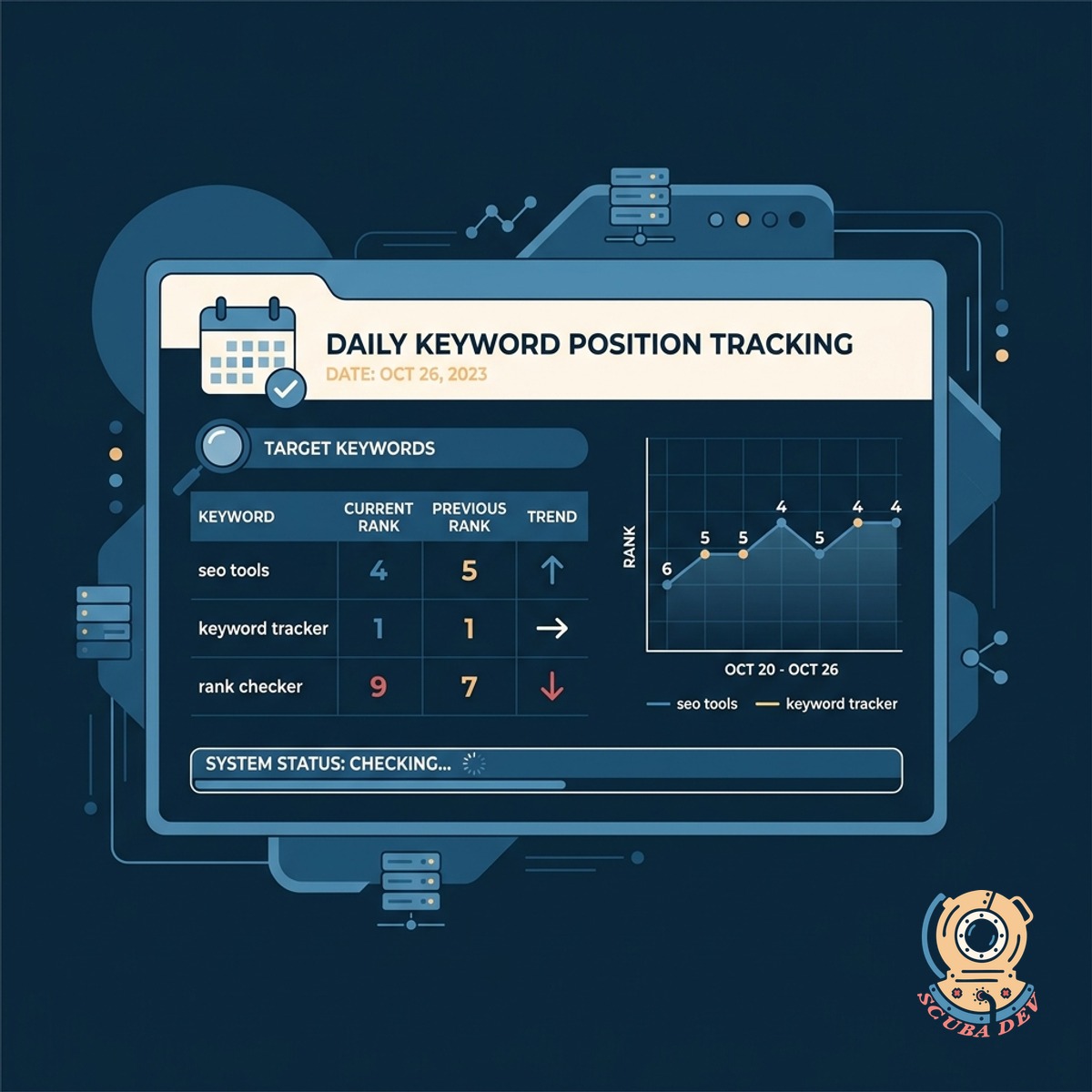
Daily Keyword Position Tracking
The system checks your target keywords every day to record your exact ranking in search results.
- Monitor core keywords
- Track search engine results
- Compare daily movements
- View historical ranking data
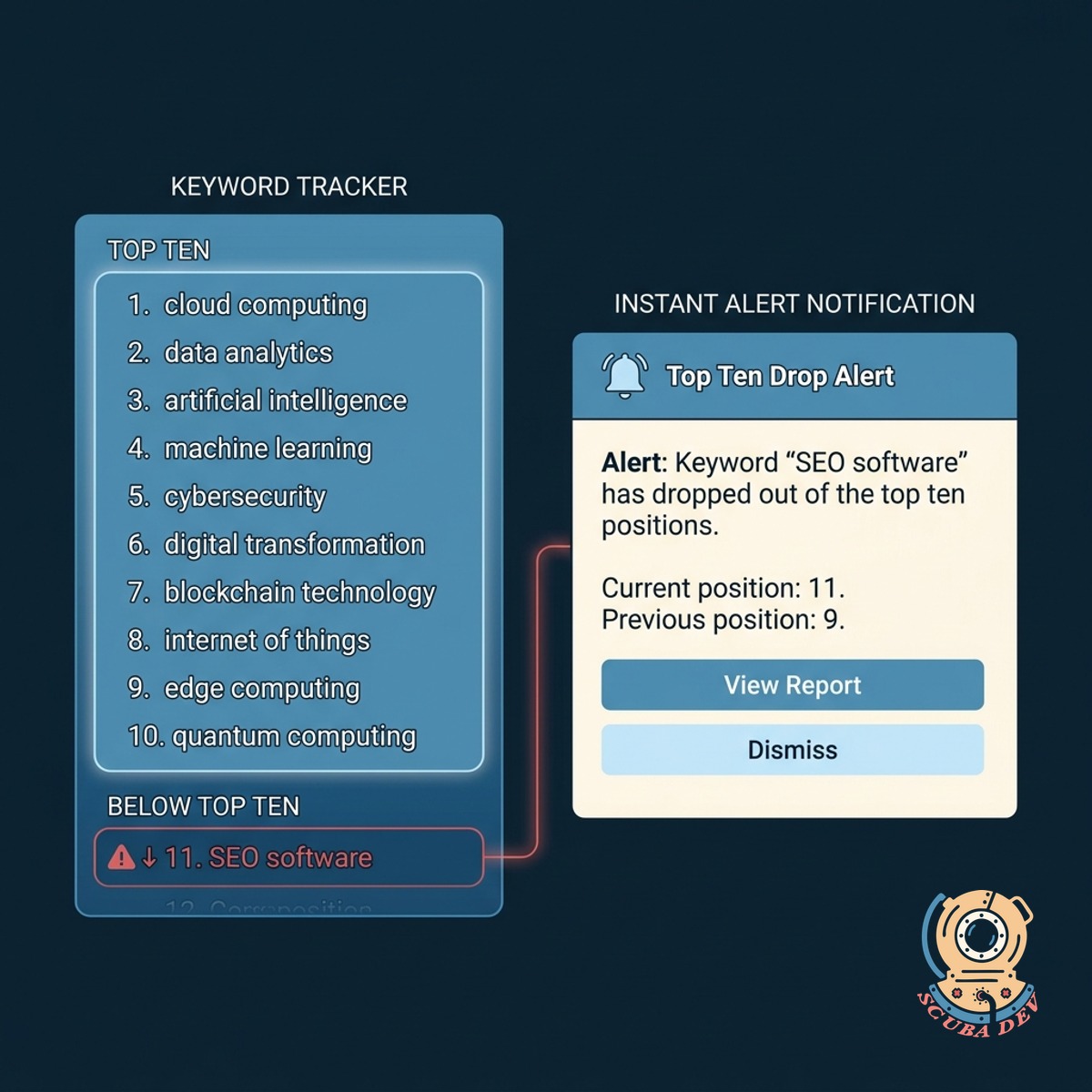
Instant Top Ten Drop Alerts
You receive an immediate notification via email or Slack the moment a critical keyword falls out of the top ten positions.
- Set custom ranking thresholds
- Receive Slack notifications
- Get email alerts
- Filter out minor fluctuations
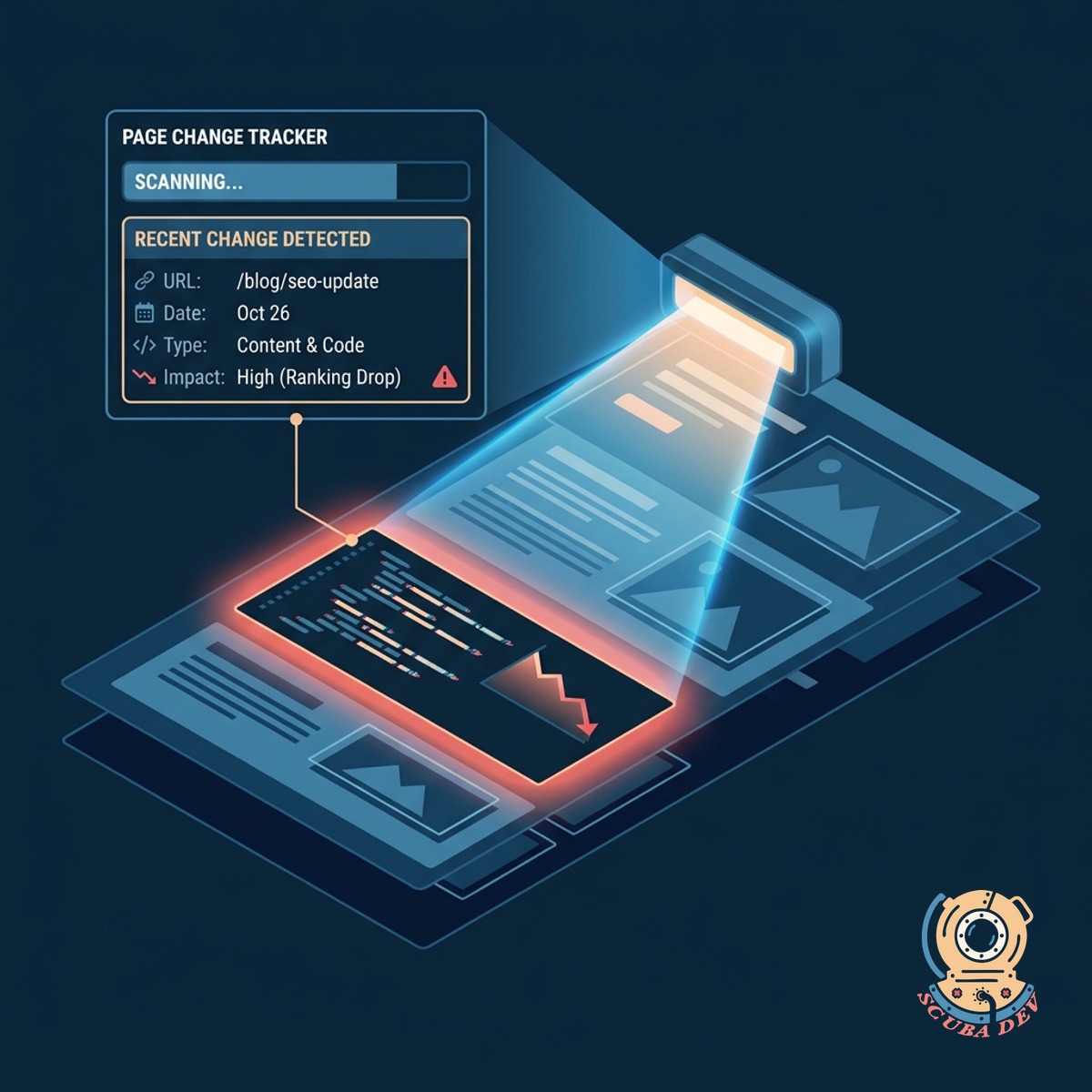
Automated Page Change Detection
The tracker scans your website to identify recent content or code changes that likely caused the ranking drop.
- Scan recent HTML updates
- Compare cached page versions
- Highlight modified text
- Flag missing meta tags
Questions
Things people ask
How often does the tool check keyword positions?
The system runs a fresh check every twenty-four hours. It queries the search engine for your specific keywords and logs the exact position of your pages.
Which search engines does this tracker support?
We can integrate with Google Search Console APIs or third-party data providers like Ahrefs and DataForSEO to pull accurate ranking data for Google search results.
How do the ranking drop alerts work?
You define your critical keywords and their expected positions. If a keyword drops out of the top ten or falls below your custom threshold, the system sends an alert.
Where are the notifications sent?
The tool can route alerts to your preferred communication channels. We typically configure webhooks to send messages directly to a dedicated Slack channel or an email inbox.
How does the system know what changed on the page?
The tracker keeps a daily cached version of your monitored pages. When a drop occurs, it compares the current page HTML against the previous version to highlight differences.
Can it detect changes made by other team members?
Yes. The tool looks at the final rendered code of the page. It will flag changes whether a developer altered the code or a marketing team member updated the content in your CMS.
Will minor ranking fluctuations trigger an alert?
You have full control over the alert sensitivity. We can set rules to ignore normal daily movement and only notify you when a page experiences a significant drop.