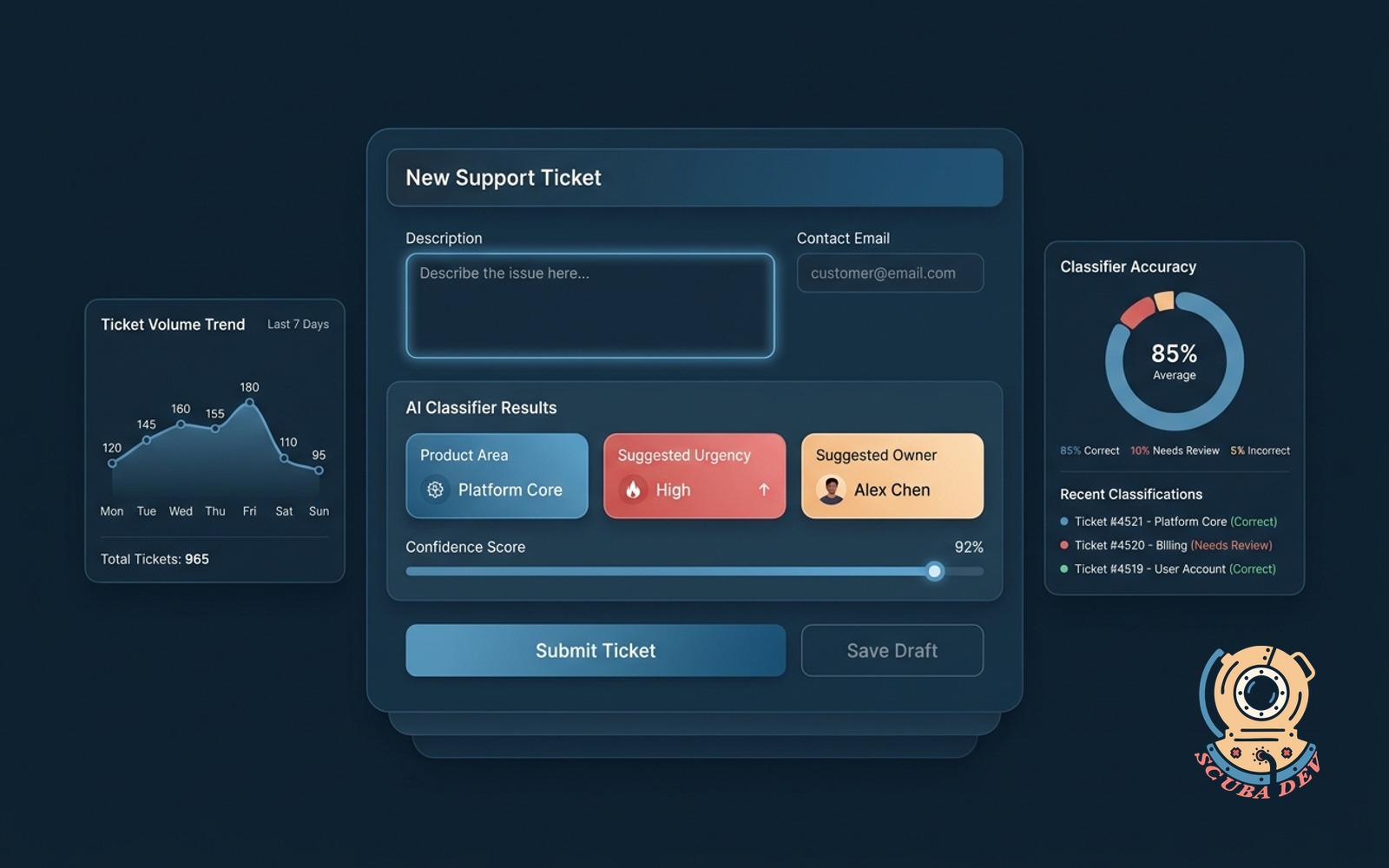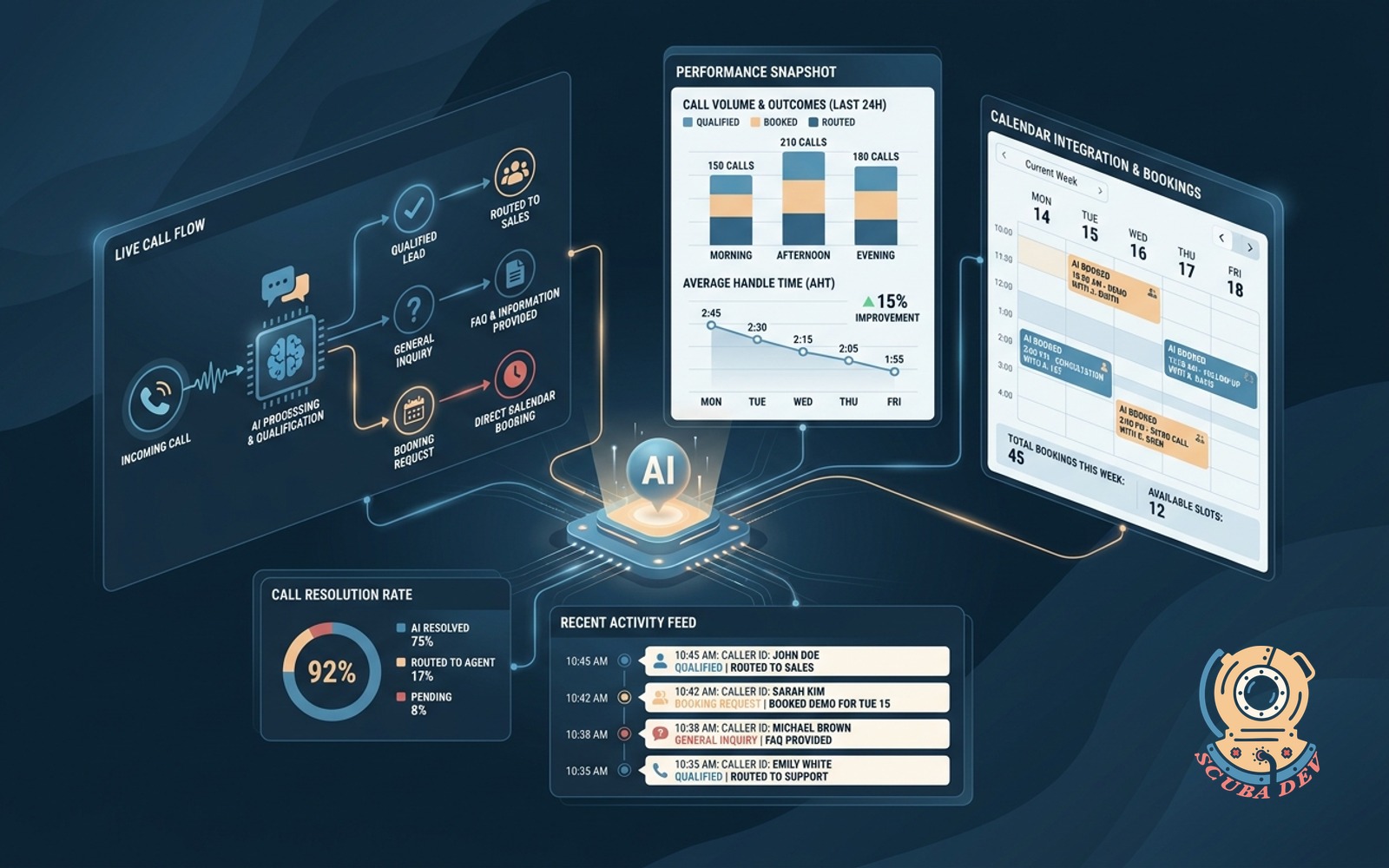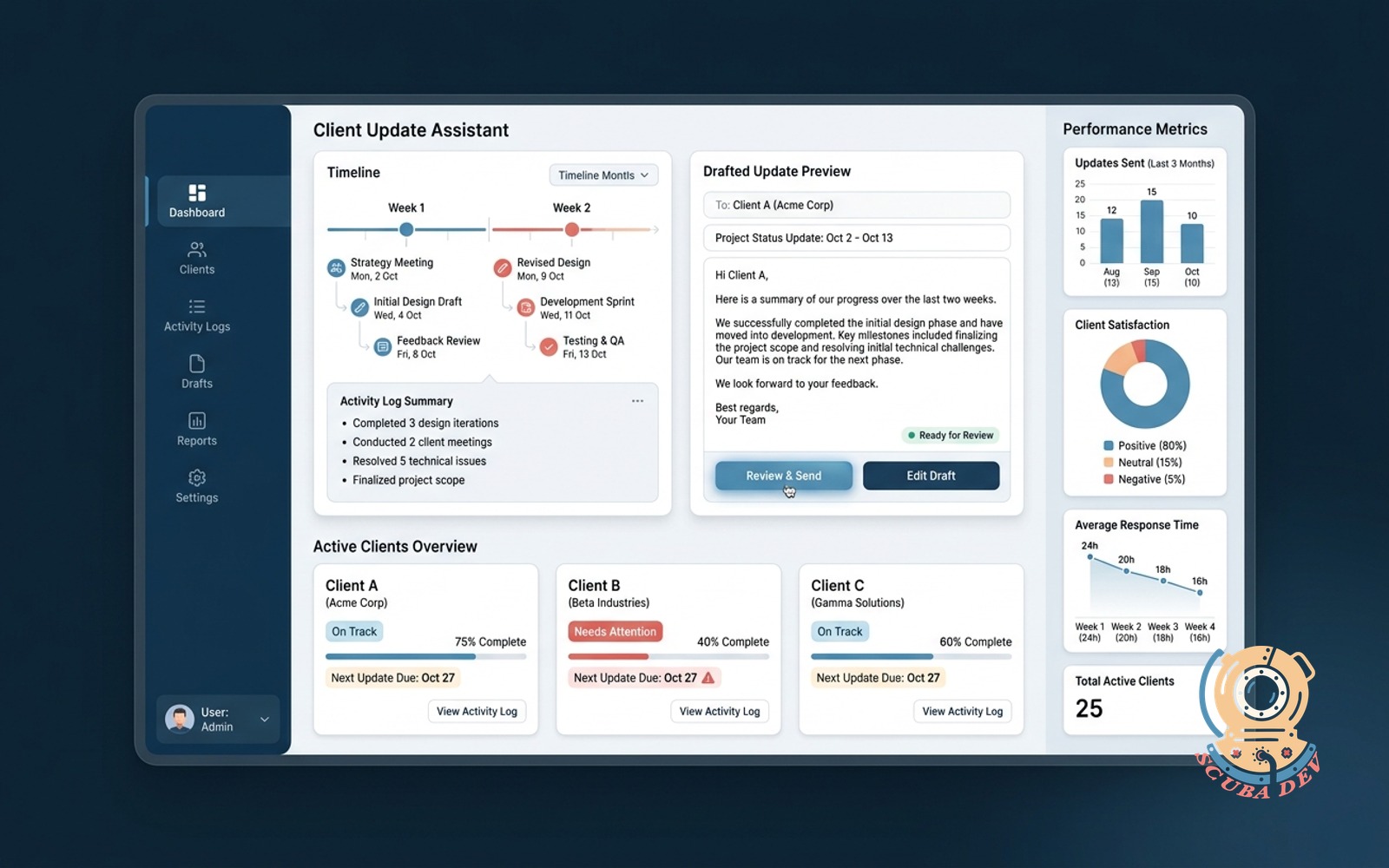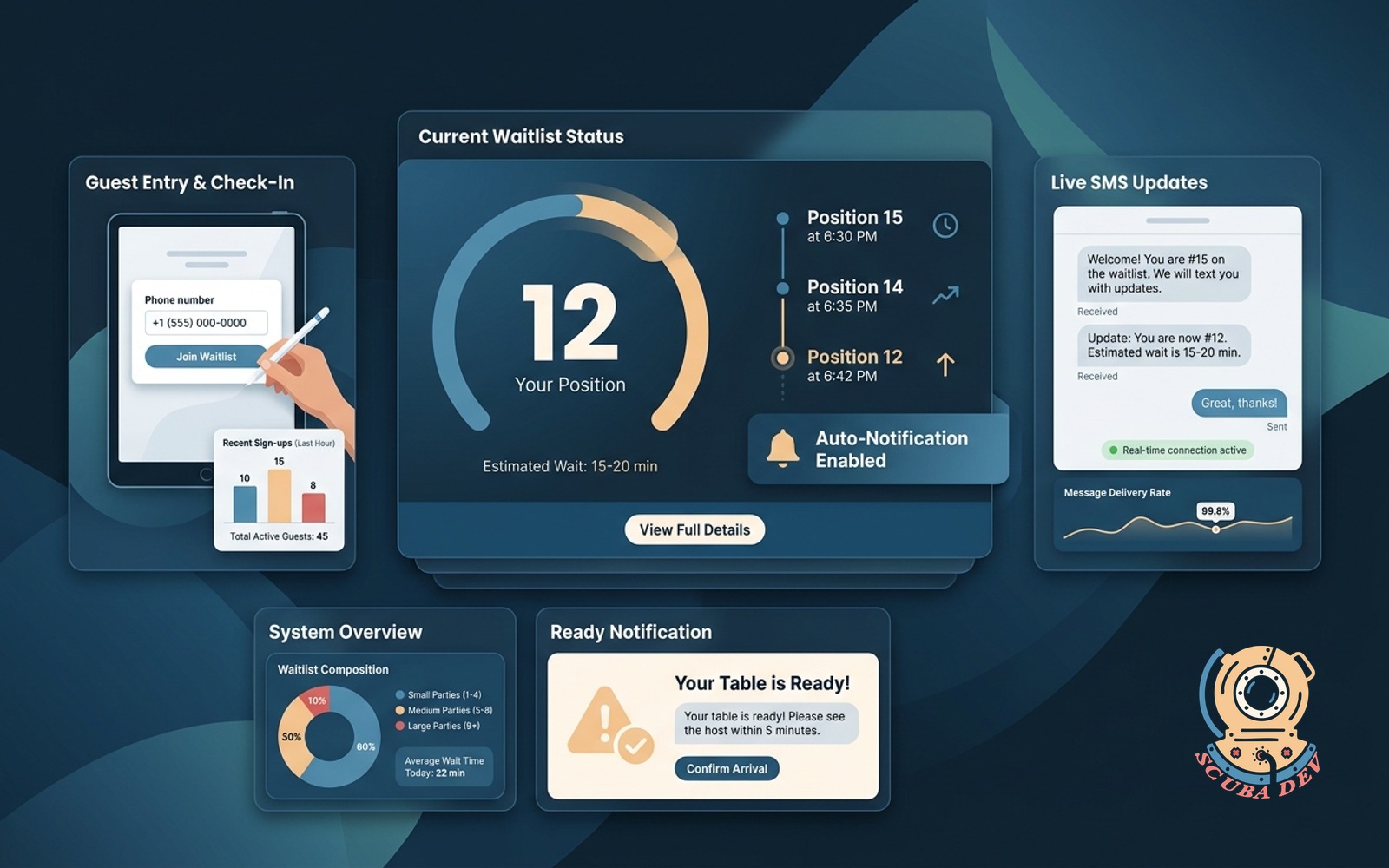
Waitlist notifier with real-time position
Guest adds their phone on a tablet. SMS updates on real position. Auto-texts when ready. No app required.
Possibilities
Where this could go
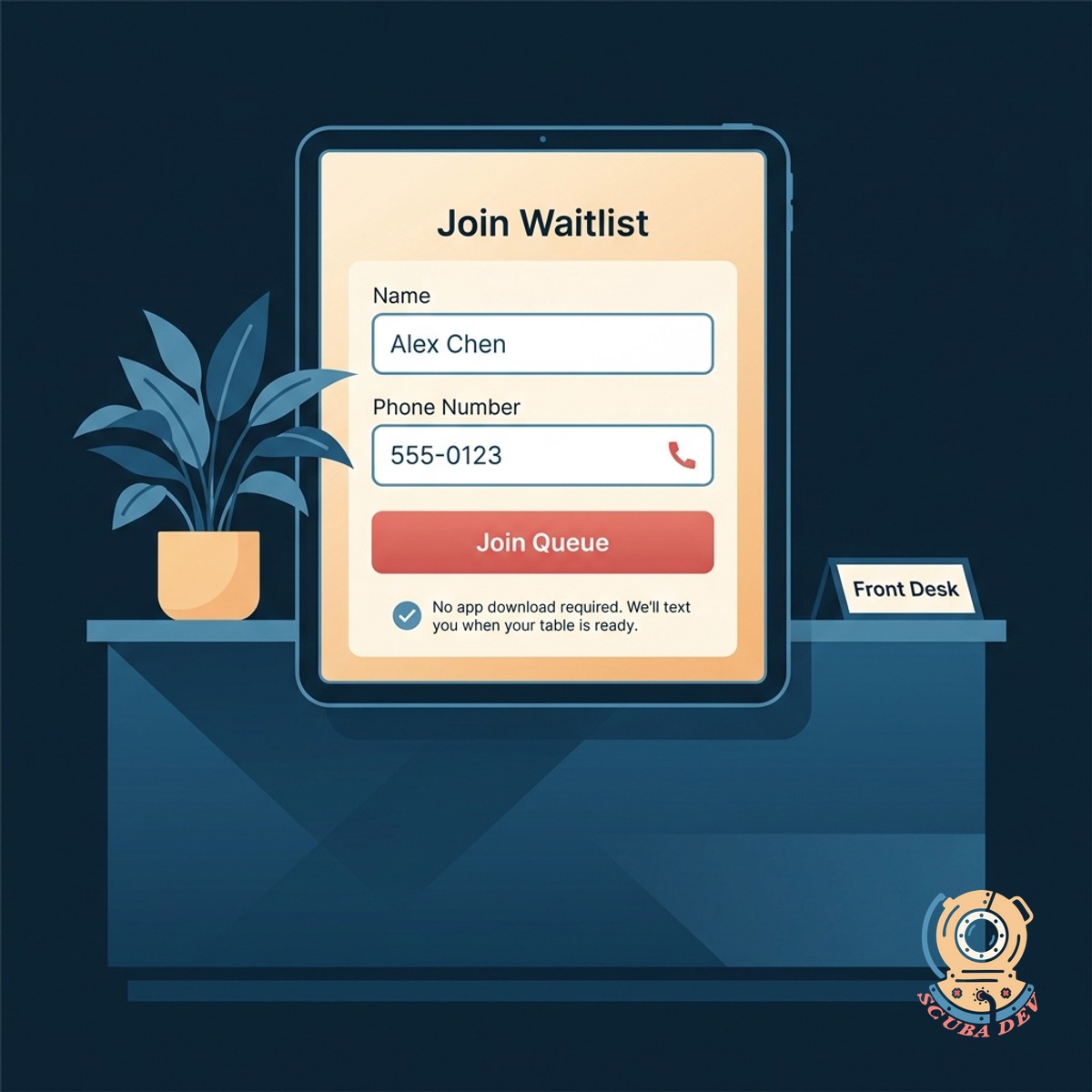
Simple Tablet Waitlist Signup Process
Guests enter their name and phone number on an iPad at your front desk to join the queue without downloading any applications.
- Enter name and phone number
- No application downloads required
- Works on standard tablets
- Keeps the front desk clear
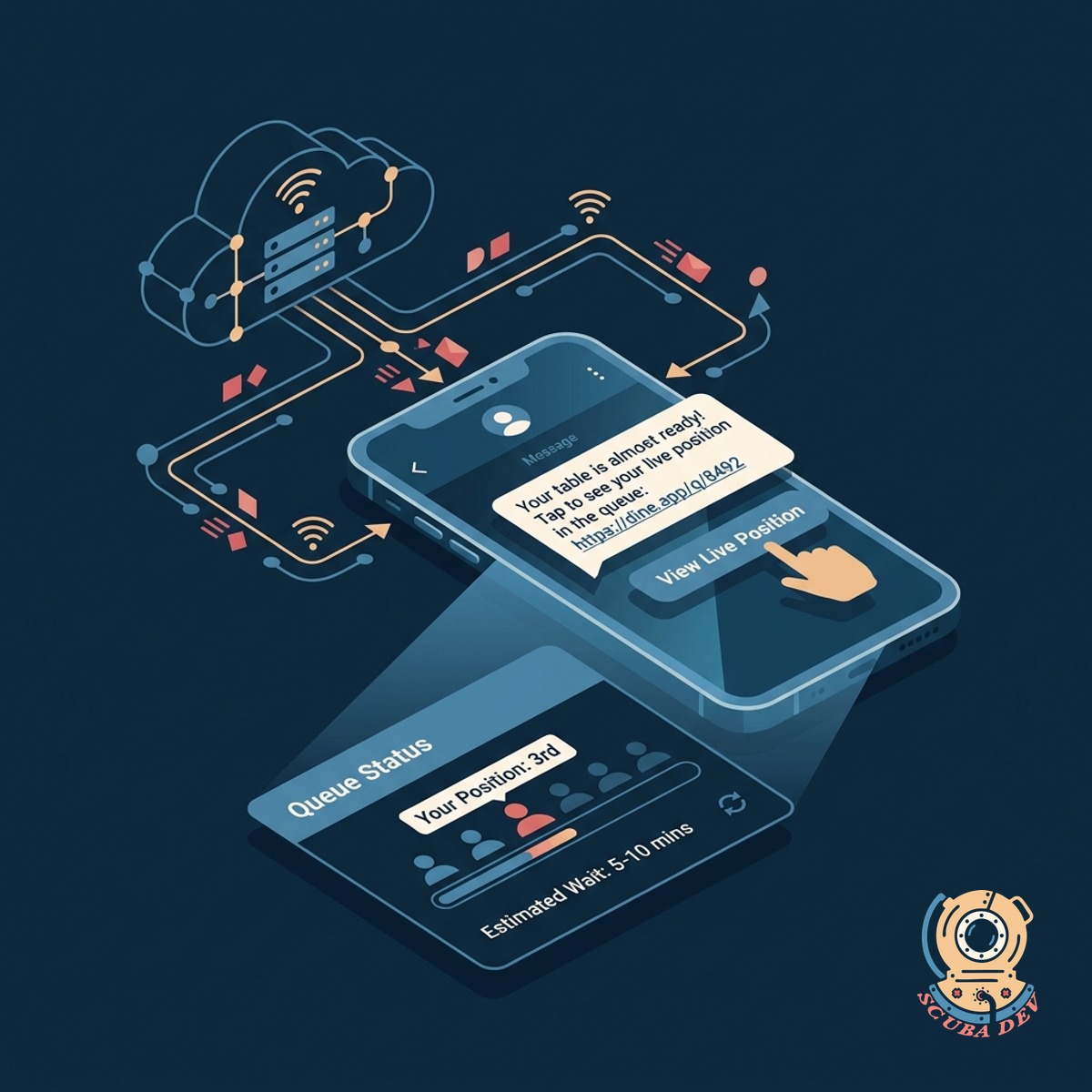
Real Time SMS Position Updates
The system sends automated text messages to waiting guests with a link to view their live position in the queue.
- Automated text message alerts
- Live queue position tracking
- Two way communication options
- Reduces guest anxiety
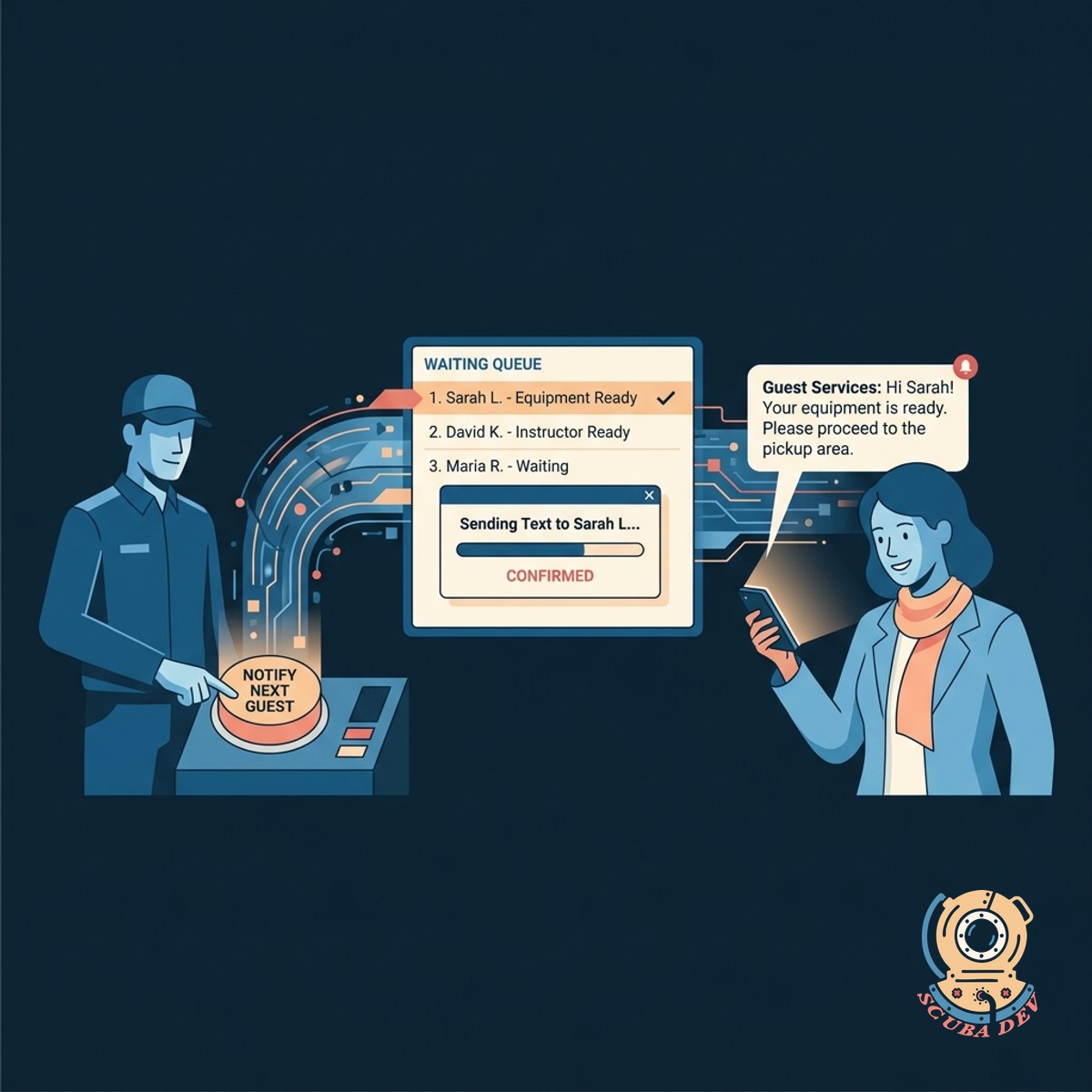
Automated Ready Notifications For Guests
Staff press a single button to automatically text the next guest that their equipment or instructor is ready.
- One touch ready notifications
- Automatic list progression
- Custom text message templates
- Tracks response times
Questions
Things people ask
Do guests need to download an app to join the waitlist?
Guests only need a phone capable of receiving standard text messages. The system uses Twilio to handle reliable SMS delivery directly to their native messaging application.
What hardware do I need to run this waitlist system?
You can use any standard tablet like an iPad or Android device with an internet connection. The tablet sits at your counter for guests to input their details.
Can guests check their position in line after walking away?
The initial text message includes a secure link. Guests click this link to see a live webpage showing exactly how many people are ahead of them in the queue.
How does staff notify a guest when it is their turn?
Staff use a dashboard on a computer or tablet behind the counter. They click a single button next to the guest name to trigger the automated ready text message.
Can guests reply to the text messages if they need to cancel?
Guests can reply with specific keywords like cancel to automatically remove themselves from the queue. This updates the live list for your staff and other waiting guests.
Does this system work for both equipment rentals and course walk ins?
You can create multiple queues for different services. Guests select whether they are waiting for rental gear, a tank fill, or to speak with an instructor when they sign in.
What happens if a guest does not return when notified?
The system tracks how long a guest has been notified. Staff can choose to skip them, send a second reminder text, or remove them from the list entirely.