Client status update assistant
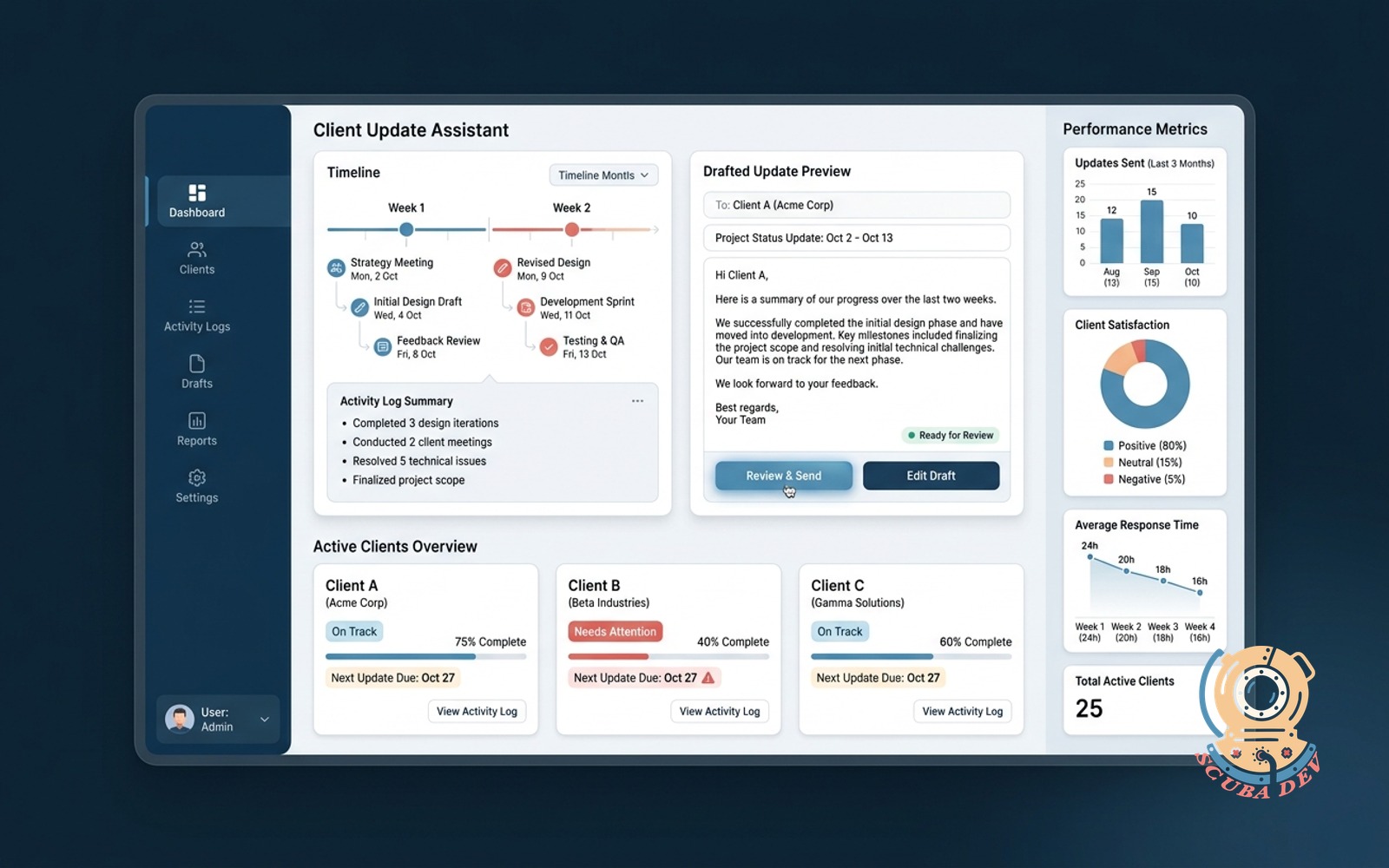
Every two weeks each active client gets a plain-language update drafted from your activity log. The owner reviews and hits send.
Possibilities
Where this could go
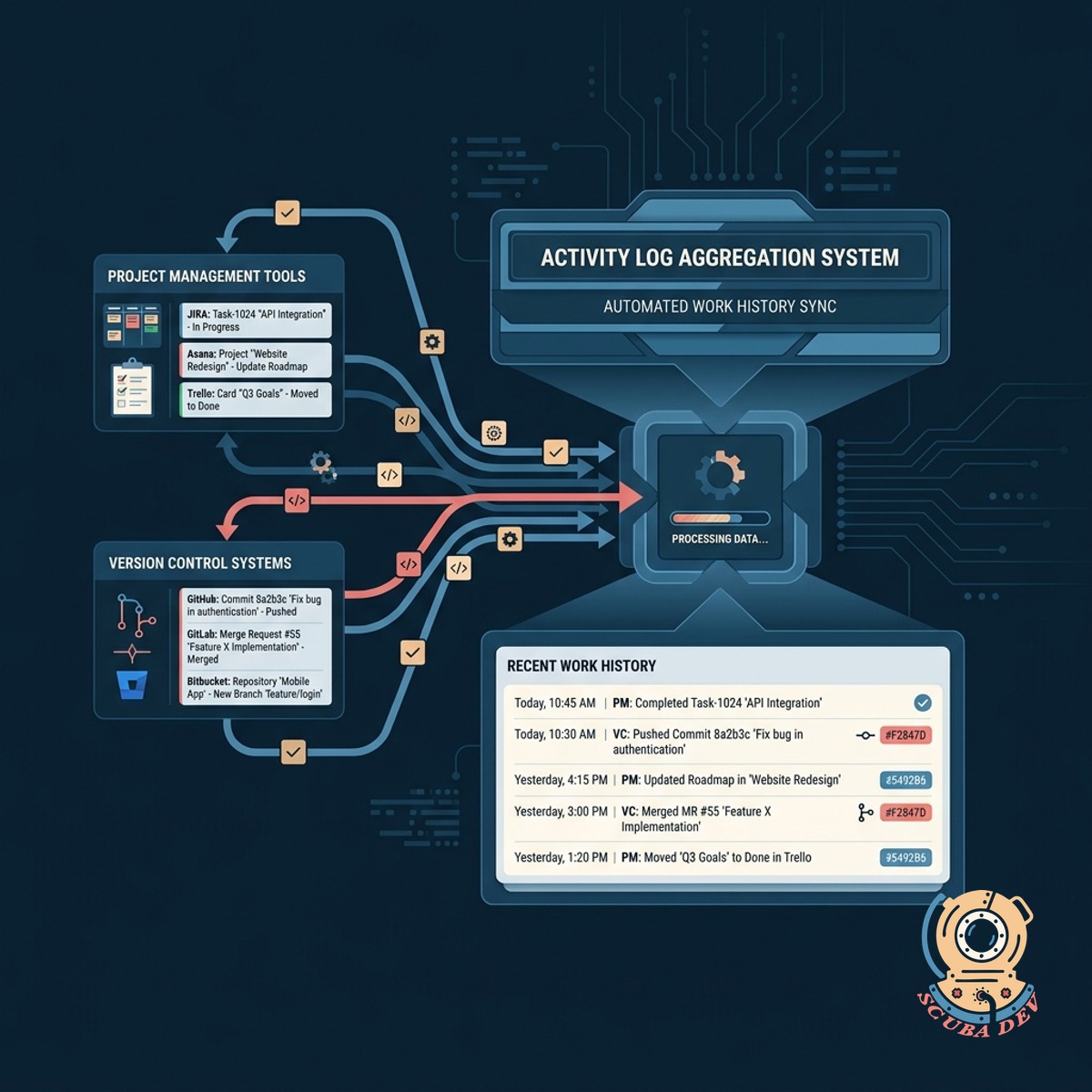
Pulls Data From Your Activity Logs
The system automatically aggregates your recent work history from project management and version control tools.
- Connects directly to Jira, Trello, and GitHub using standard API keys.
- Scans commit messages and closed tickets for the past fourteen days.
- Filters out internal administrative tasks and focuses on client deliverables.
- Groups related tasks together by project milestone or feature branch.
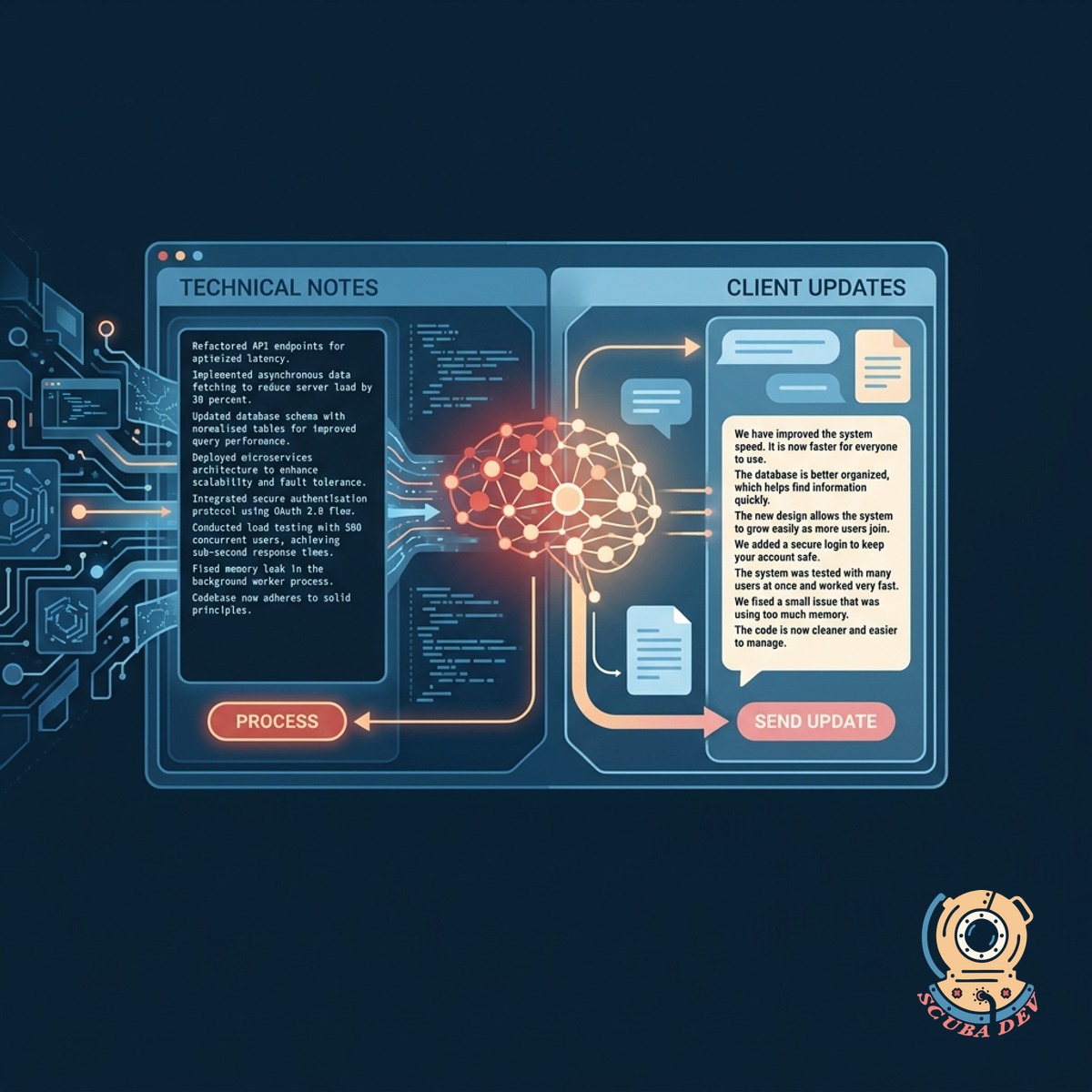
Translates Technical Work Into Plain English
A language model processes your technical notes and rewrites them into clear updates that any client can understand.
- Converts complex developer jargon into readable summaries for non-technical stakeholders.
- Organizes the update into completed work, current focus, and upcoming blockers.
- Maintains a professional and consistent tone across all client communications.
- Highlights specific deliverables completed during the two-week sprint.
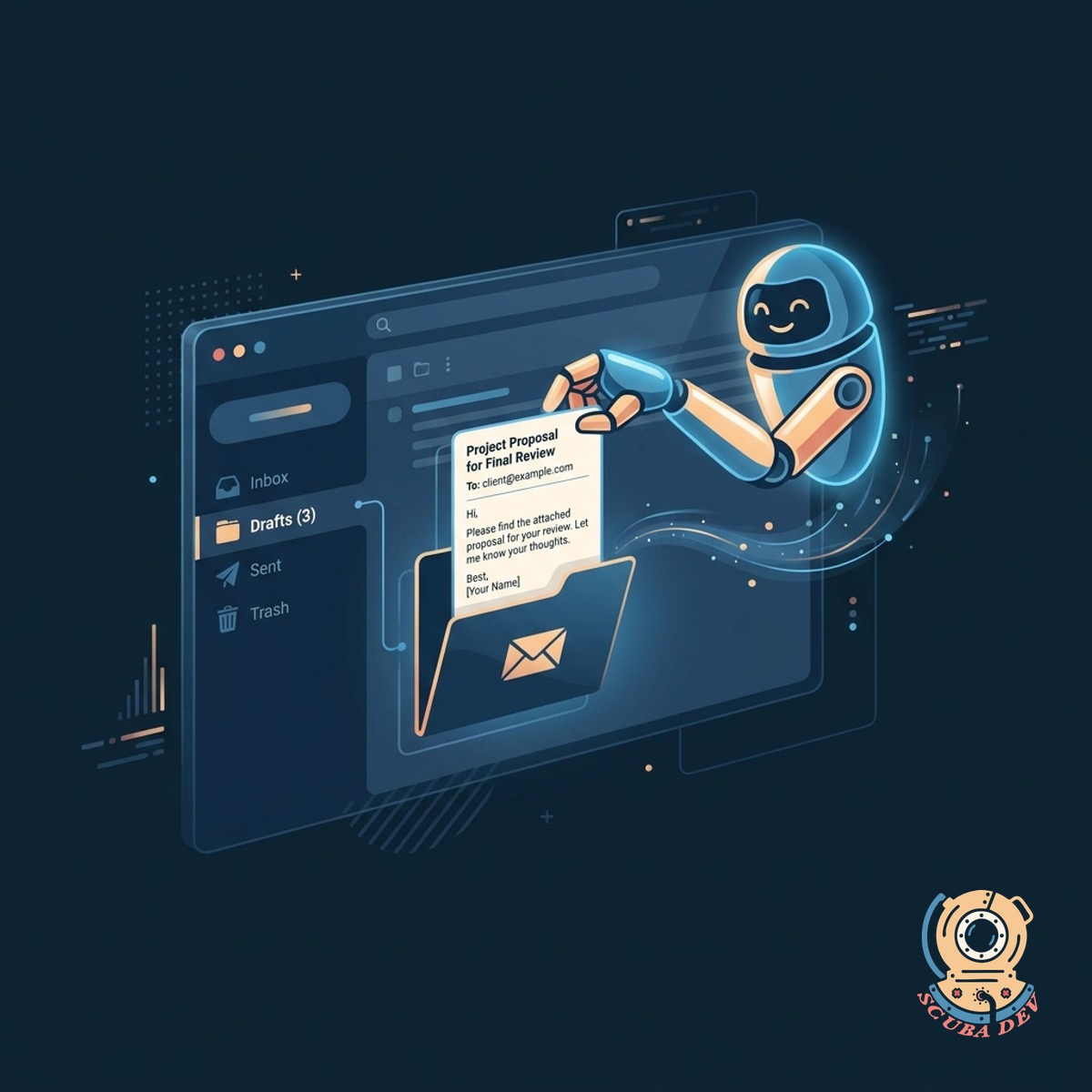
Prepares Drafts For Your Final Review
The assistant places a formatted message directly into your email drafts folder for you to approve and send.
- Formats the email structure
- Saves directly to Gmail drafts
- Sends a notification to review
- Keeps you in complete control
Questions
Things people ask
Which activity logs can this assistant connect to?
We currently support standard integrations with Jira, Linear, GitHub, and Trello. If you use a different tool, you can upload a standard export of your activity log to generate the drafts.
Will the assistant send emails without my permission?
No. The system is designed to create drafts only. You must manually review and hit send on every update to maintain quality control.
How does the system know what to filter out?
The system never sends messages on your behalf. It only creates drafts in your email client so you can review, edit, and approve the exact wording before you hit send.
Can I change the tone of the updates?
Yes. We customize the system prompt to match your specific brand voice. You can choose a professional, casual, or enthusiastic tone.
What happens if I forget to review a draft?
The system can send you a reminder notification in Slack or via email if a draft sits unreviewed for a certain number of days.
How do we handle clients with multiple active projects?
The assistant groups the updates by project tags. The final draft will feature clear headings for each distinct project the client is funding.
Can this tool pull time tracking data into the email?
Yes. If you use tools like Harvest or Toggl, we can configure the assistant to append a summary of hours billed during the two week period.