Release notes generator from merged PRs
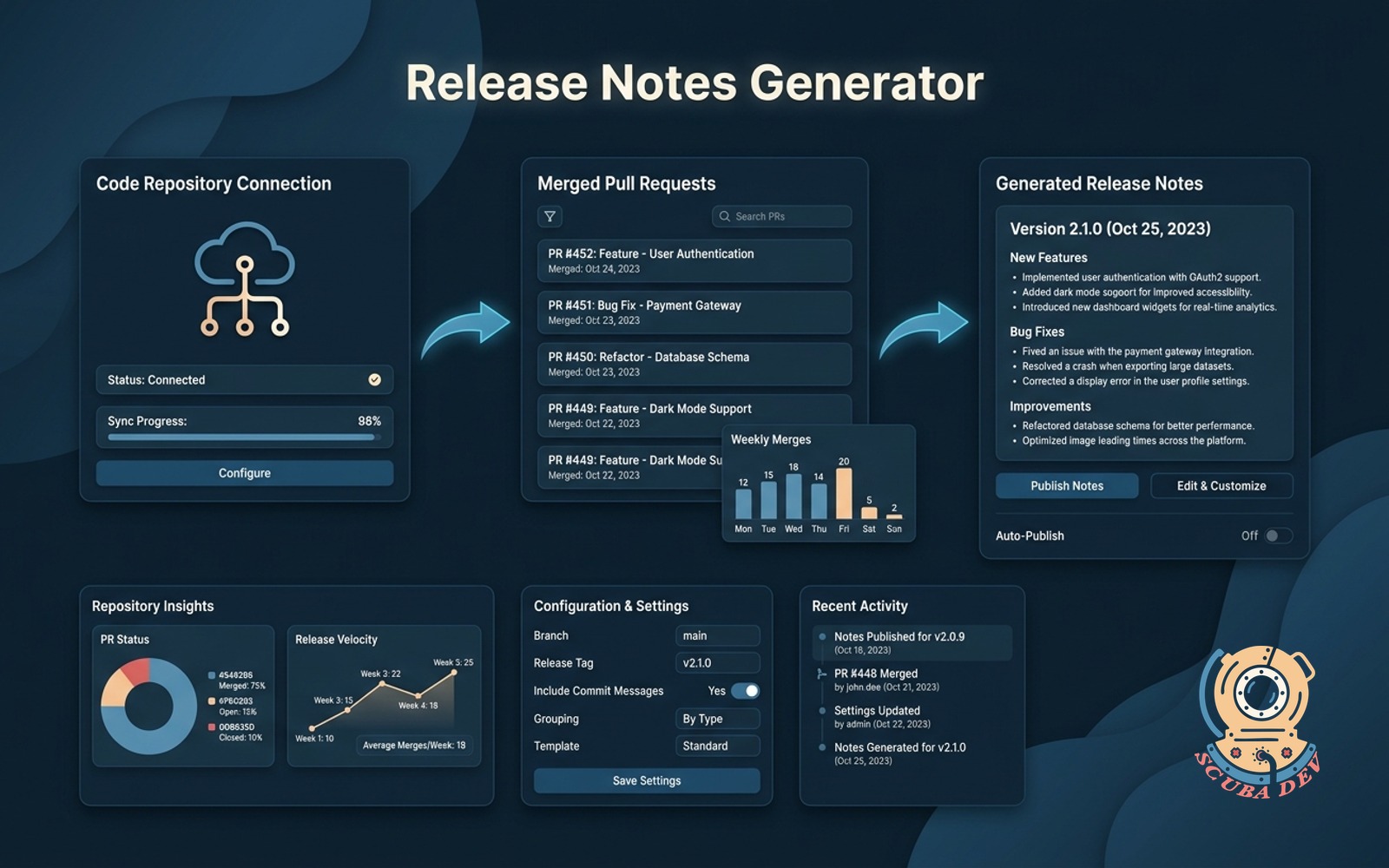
We connect to your code repository to automatically turn merged pull requests into readable release notes.
Possibilities
Where this could go
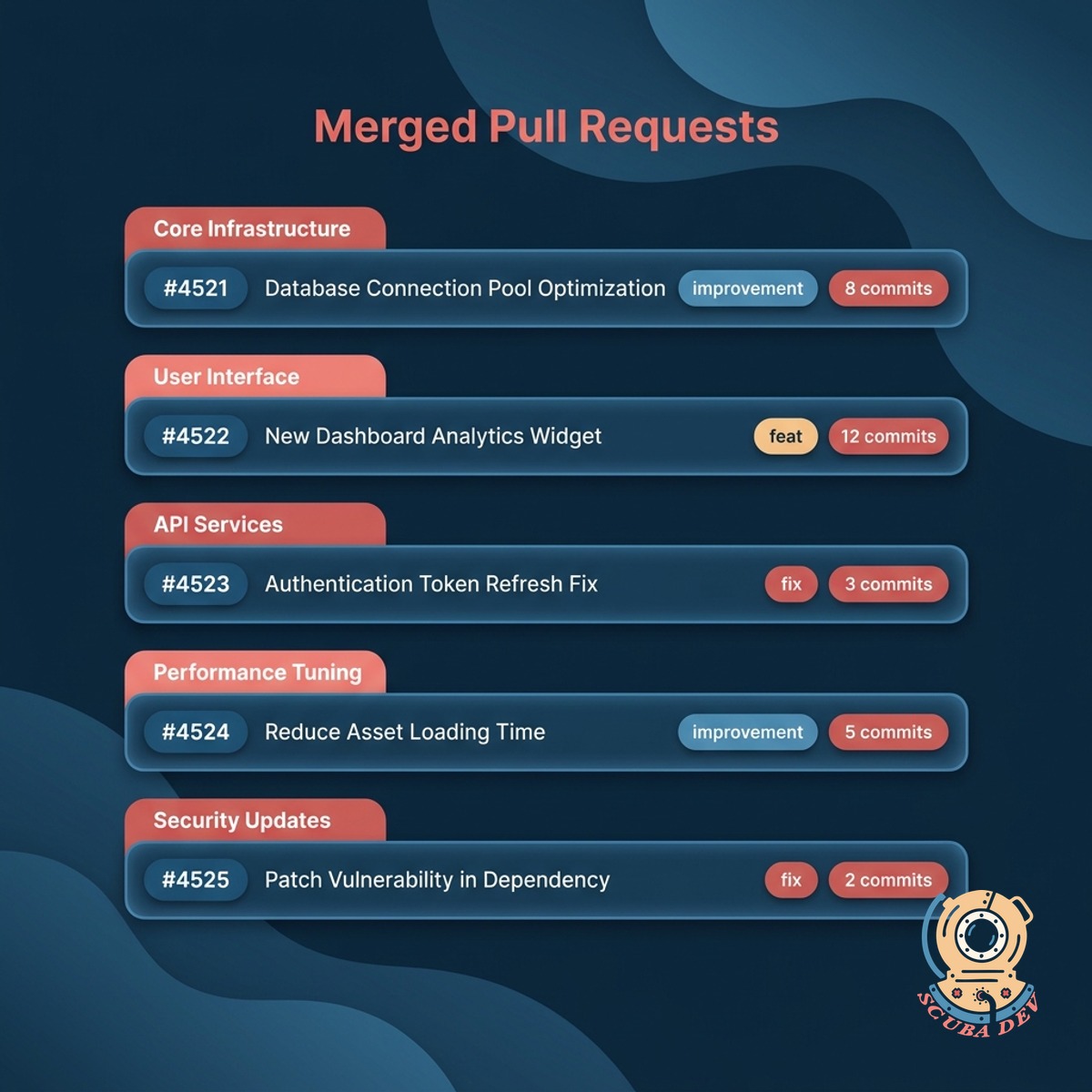
Connects Directly To Your Code Repository
We integrate with your version control system to pull context from your code changes and pull request descriptions.
- Connects to GitHub, GitLab, and Bitbucket repositories
- Reads pull request titles, descriptions, and labels
- Groups changes by feature, bug fix, or infrastructure
- Ignores internal pull requests based on your tag rules
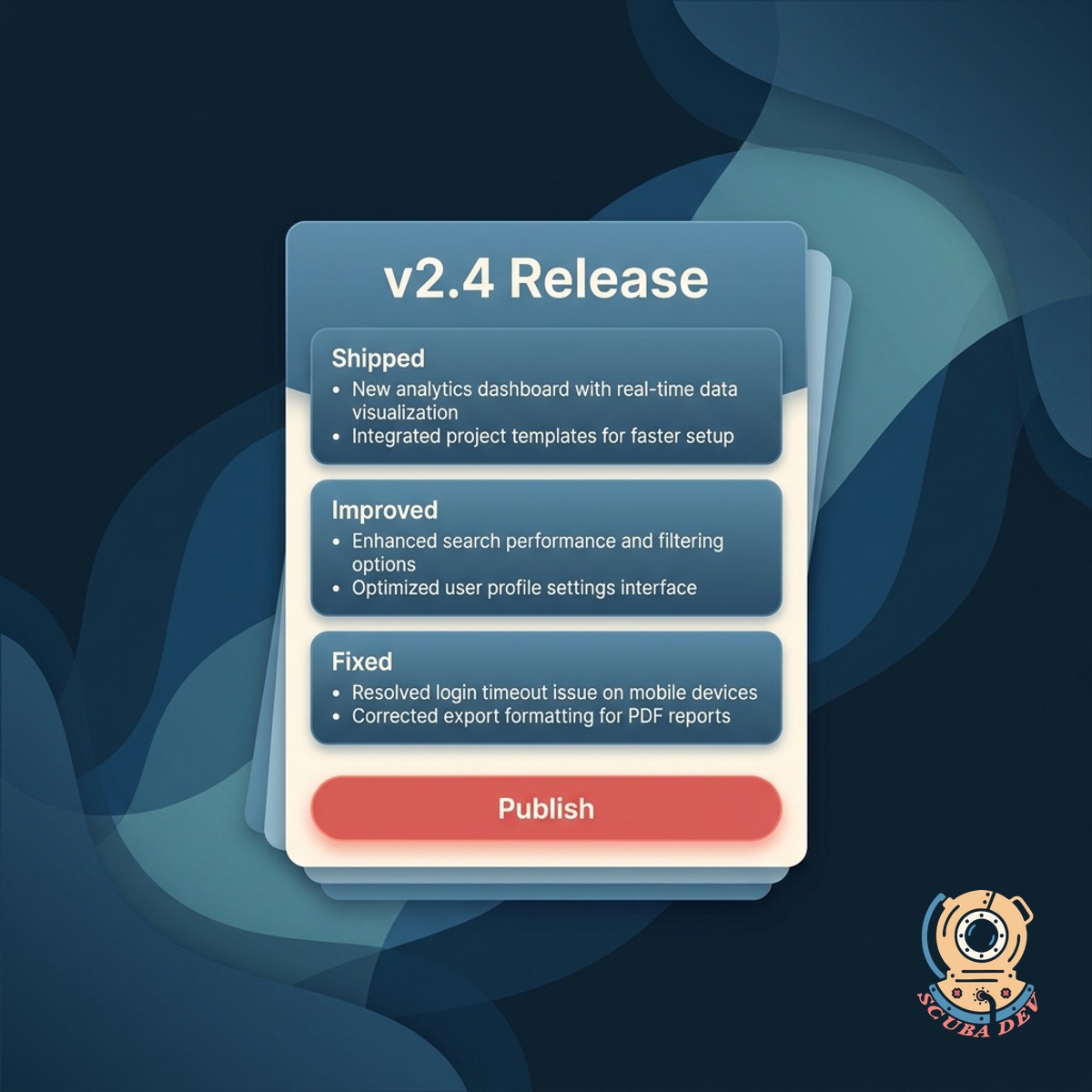
Writes In Your Voice
You provide past release notes so the system learns your specific formatting preferences and tone of voice.
- Brand voice trained on your existing release notes
- Separate output for the changelog, the email, the banner
- Feature categorization you can adjust
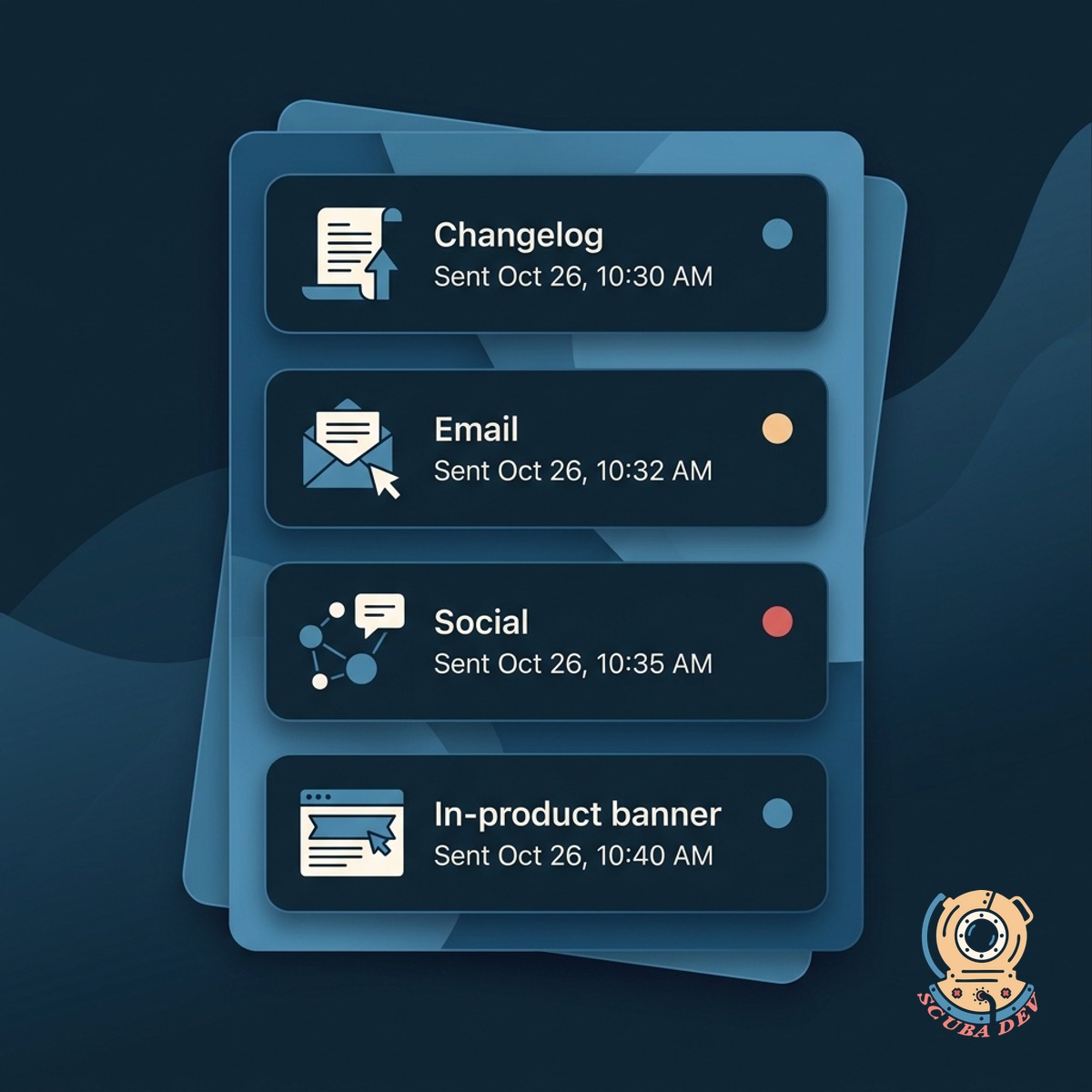
Ships To Every Channel
Publishes to your changelog, your email, your social, and the in-product banner. One approval, every surface updated.
- Changelog update with inline demo gifs
- Customer email via your ESP
- In-product banner with dismiss tracking
Questions
Things people ask
Which version control systems do you support?
We support GitHub, GitLab, and Bitbucket. You can connect multiple repositories from different providers to a single release notes feed.
How does it learn my voice?
We train on your last six months of release notes, blog posts, and product marketing copy during onboarding. You review the first three drafts and flag anything off.
Can I hide internal details?
You can set up label rules in your repository to exclude specific pull requests. If a pull request is tagged as internal or chore, we skip it entirely. You always have the chance to review the drafted notes before they go live.
Where do the release notes publish?
Changelog tool (Headway, Beamer, Canny, or a custom site), your ESP (Klaviyo, Mailchimp, HubSpot, Postmark), social schedulers (Buffer, Hootsuite), and in-product banners.
Who approves before publication?
The system analyzes your previous changelog entries to match your style. You can also provide custom instructions, like telling the system to explain technical changes in plain English or to group bug fixes at the bottom.
Can we include gifs or screenshots?
We only require read access to your pull request metadata, such as titles, descriptions, and labels. We do not clone your repository or read your underlying source code. Your proprietary logic remains secure.
Does this replace our product marketing writer?
Once you approve the draft, we push the final text to your configured channels. You can connect your blog, email marketing tool, and Slack workspace to distribute the updates automatically.