Invoice-to-payment reminder cascade
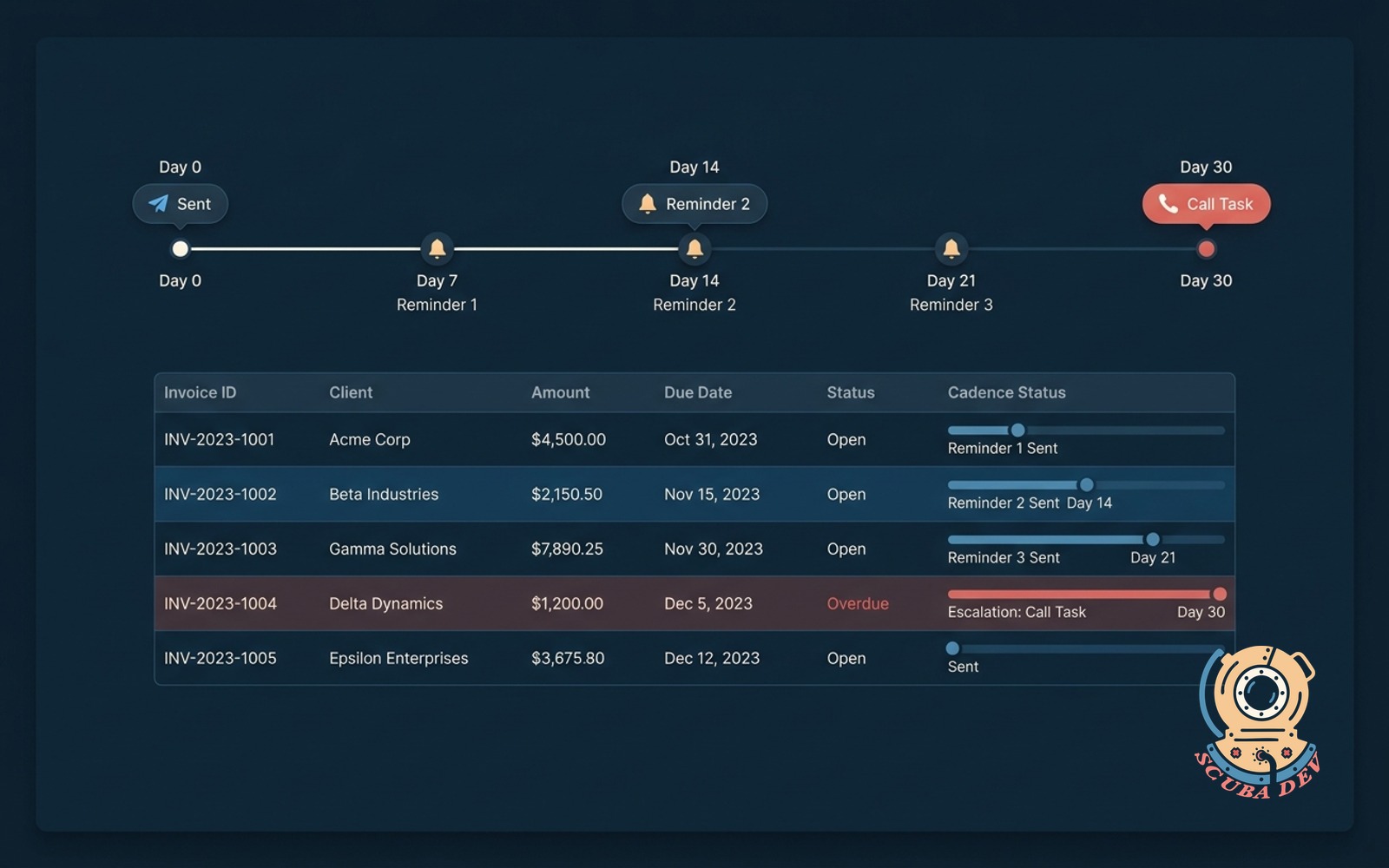
Every sent invoice gets a reminder schedule tied to the due date. Escalates to a call task when it hits the threshold.
Possibilities
Where this could go
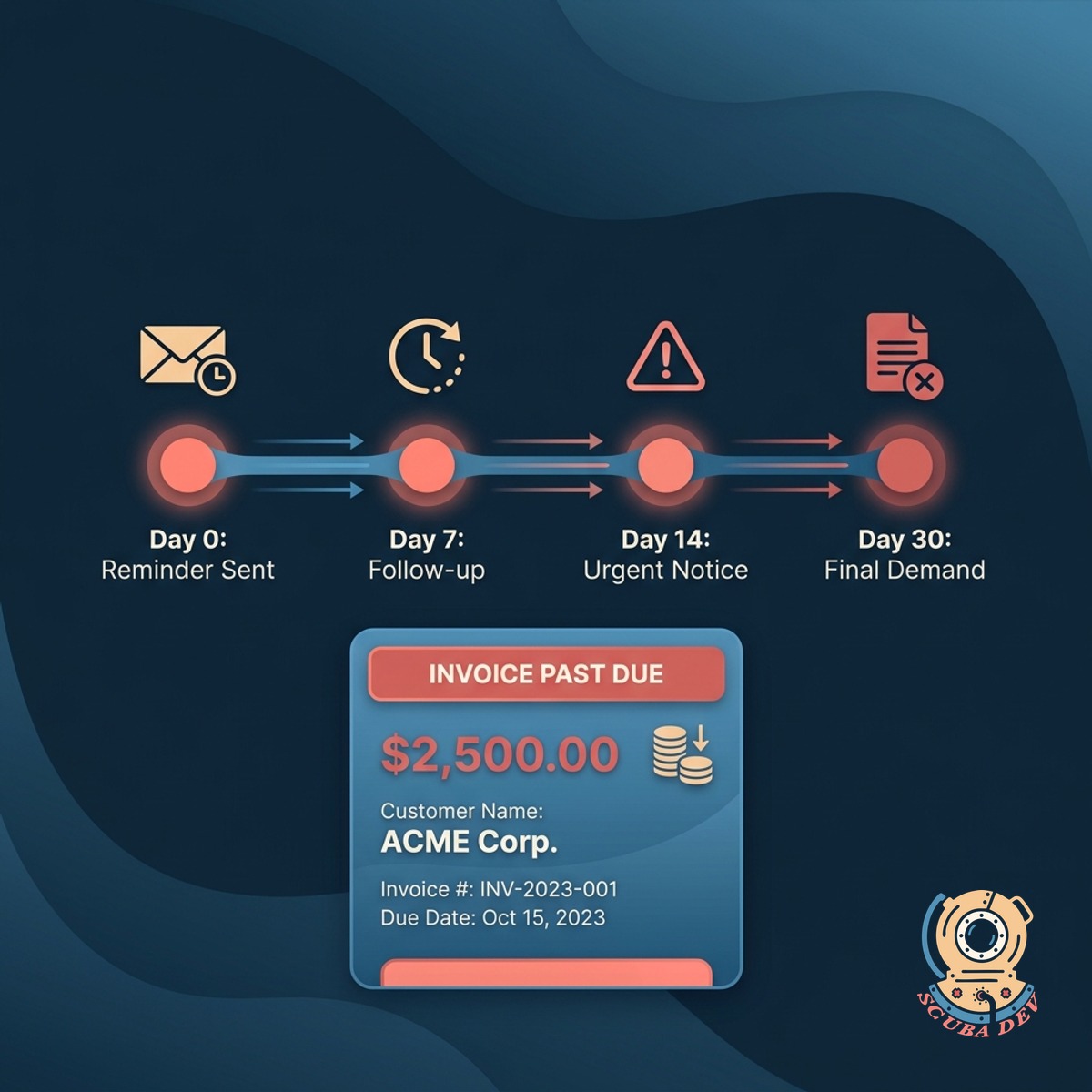
Schedule Per Invoice
Every invoice gets its own reminder timeline tied to its due date. No more one-size-fits-all cadence for your whole book.
- Reminder spacing tuned per invoice size and segment
- Same-signer continuity so the customer sees one consistent voice
- Timeline visible on the invoice record
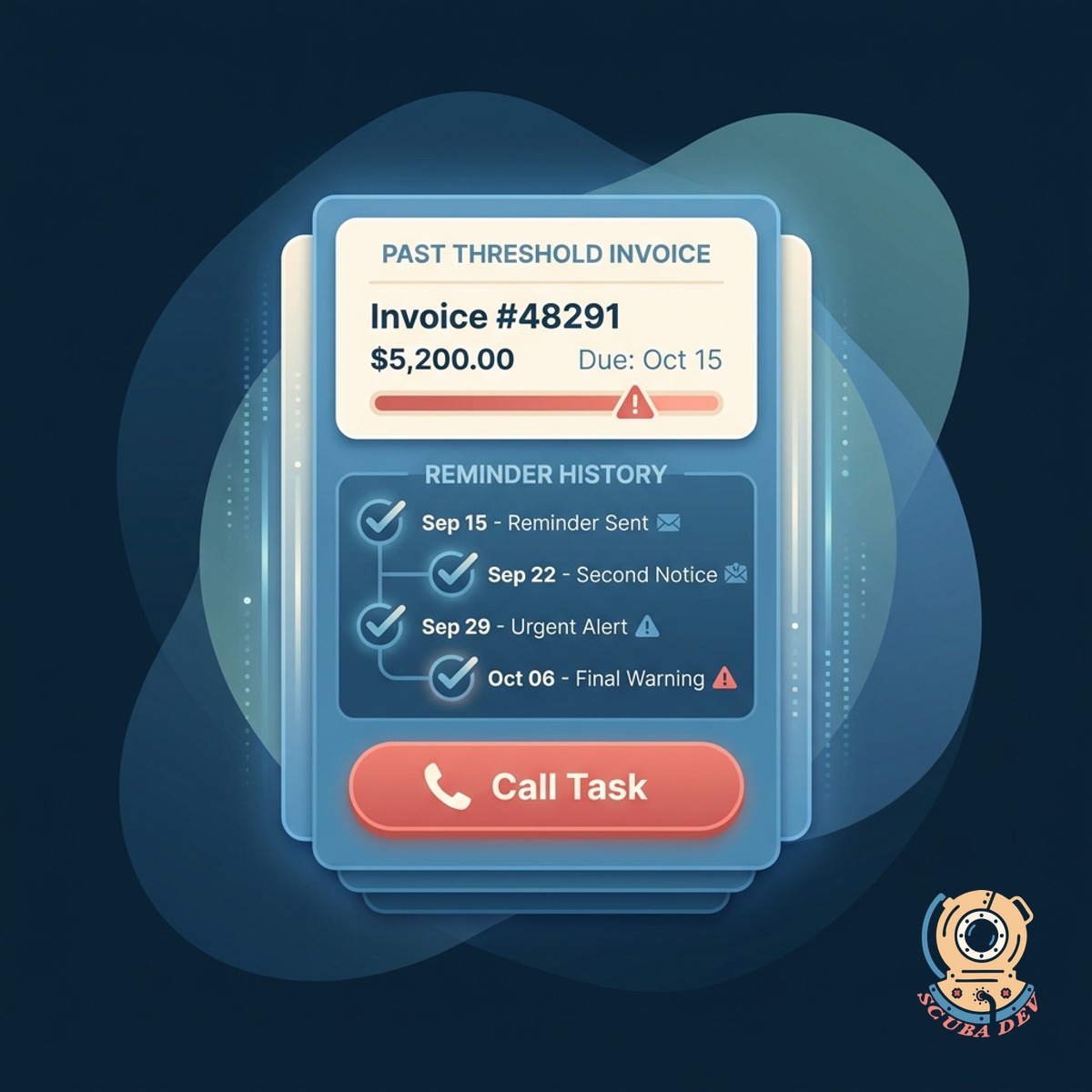
Escalates When It Stalls
Once an invoice crosses the threshold you set, the system creates a call task for your AR owner. No more lost in email.
- Call task lands in your CRM or task manager
- Threshold configurable per segment or contract size
- Owner sees the full reminder history before the call
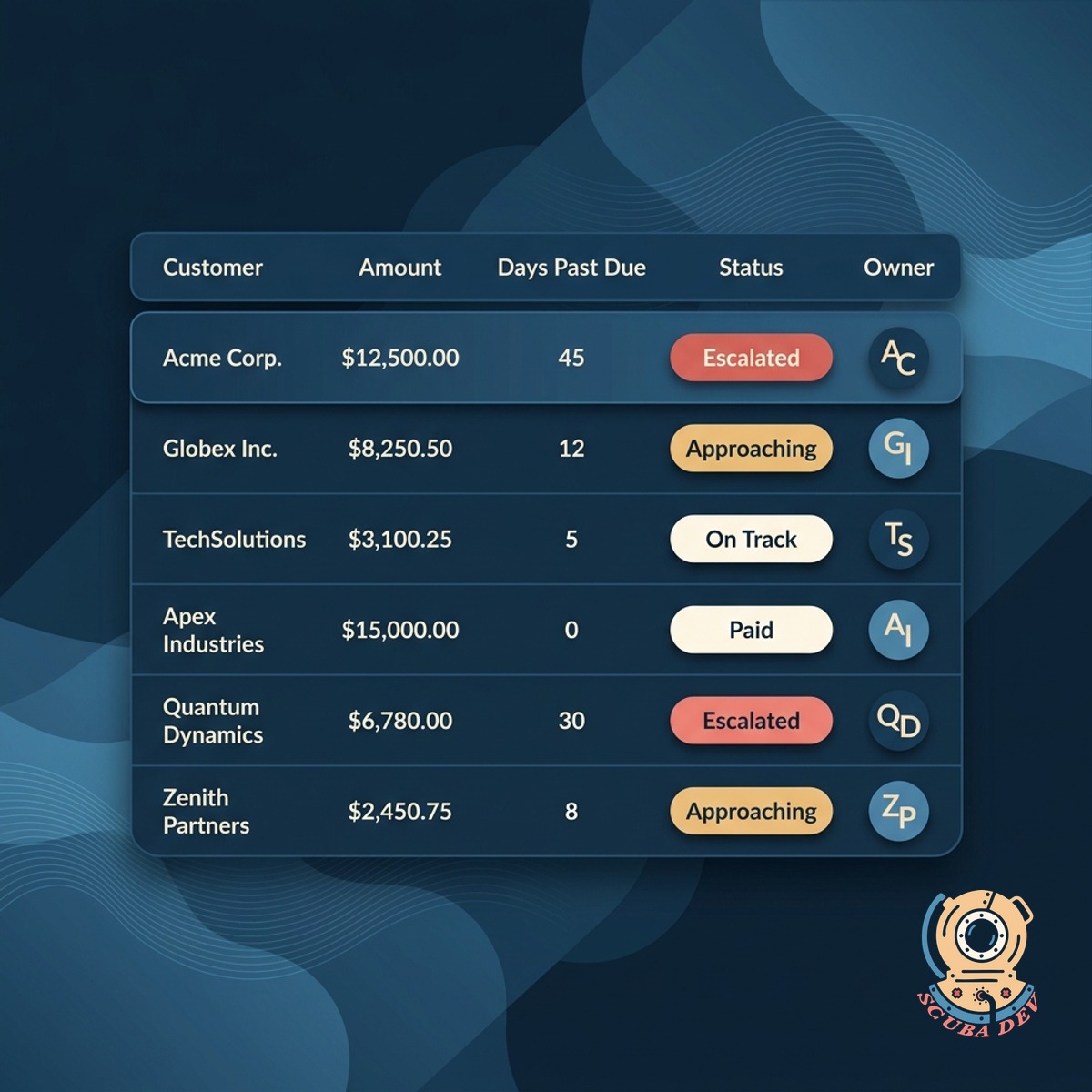
One Dashboard, All Invoices
Every open invoice on one board with its cadence status. You see who is on track, who is about to escalate, and who already did.
- On-track, approaching, escalated, and paid statuses
- Sort and filter by owner, amount, or days past due
- Export to your accounting system on demand
Questions
Things people ask
Which AR systems connect?
QuickBooks, Xero, NetSuite, Sage Intacct, Zoho Books, and FreshBooks. Custom ERPs with an invoice API work too.
Can the cadence be custom per invoice?
Yes. Default cadence applies to most invoices. For enterprise deals or renewals, you can set a custom timeline on a per-invoice basis.
What email address sends the reminder?
Your domain. We set up the right SPF, DKIM, and DMARC records during onboarding so your deliverability stays clean.
Who gets the escalated call task?
Whoever you designate. Usually the account owner or an AR specialist. The task lives in your CRM or task manager with the full reminder history attached.
Does it stop on payment?
Yes. When payment is detected in your AR system, the cadence stops automatically and the invoice is marked paid in the dashboard.
Can customers reply to reminders?
Yes. Replies route to your shared inbox and pause the cadence until your team responds. Customers never feel like they are talking to a robot.
Can I pause the reminder schedule if a client promises to pay soon?
Yes, you can pause the cascade for any individual invoice directly from the dashboard. This stops automated emails from going out while you wait for the promised payment to clear.