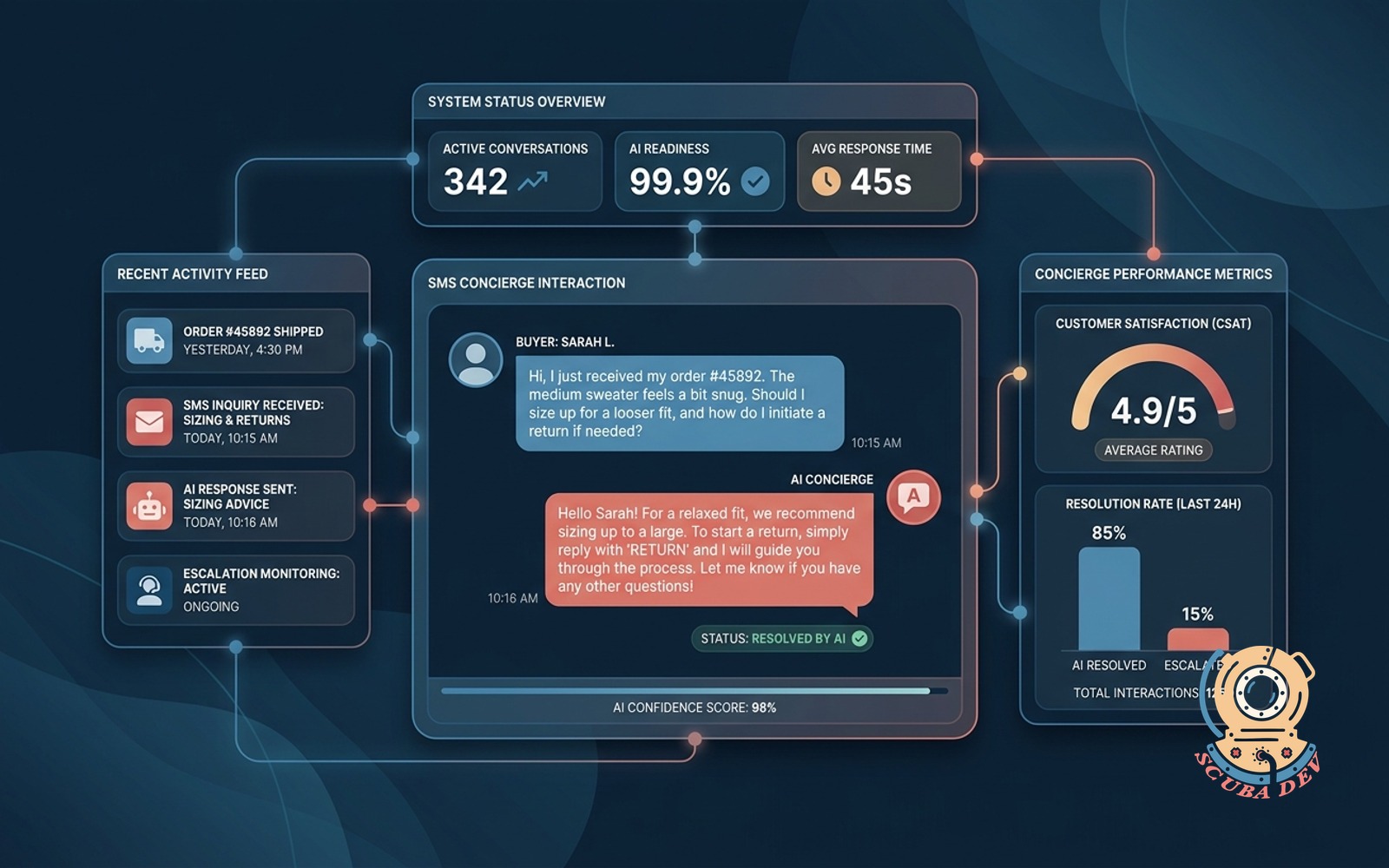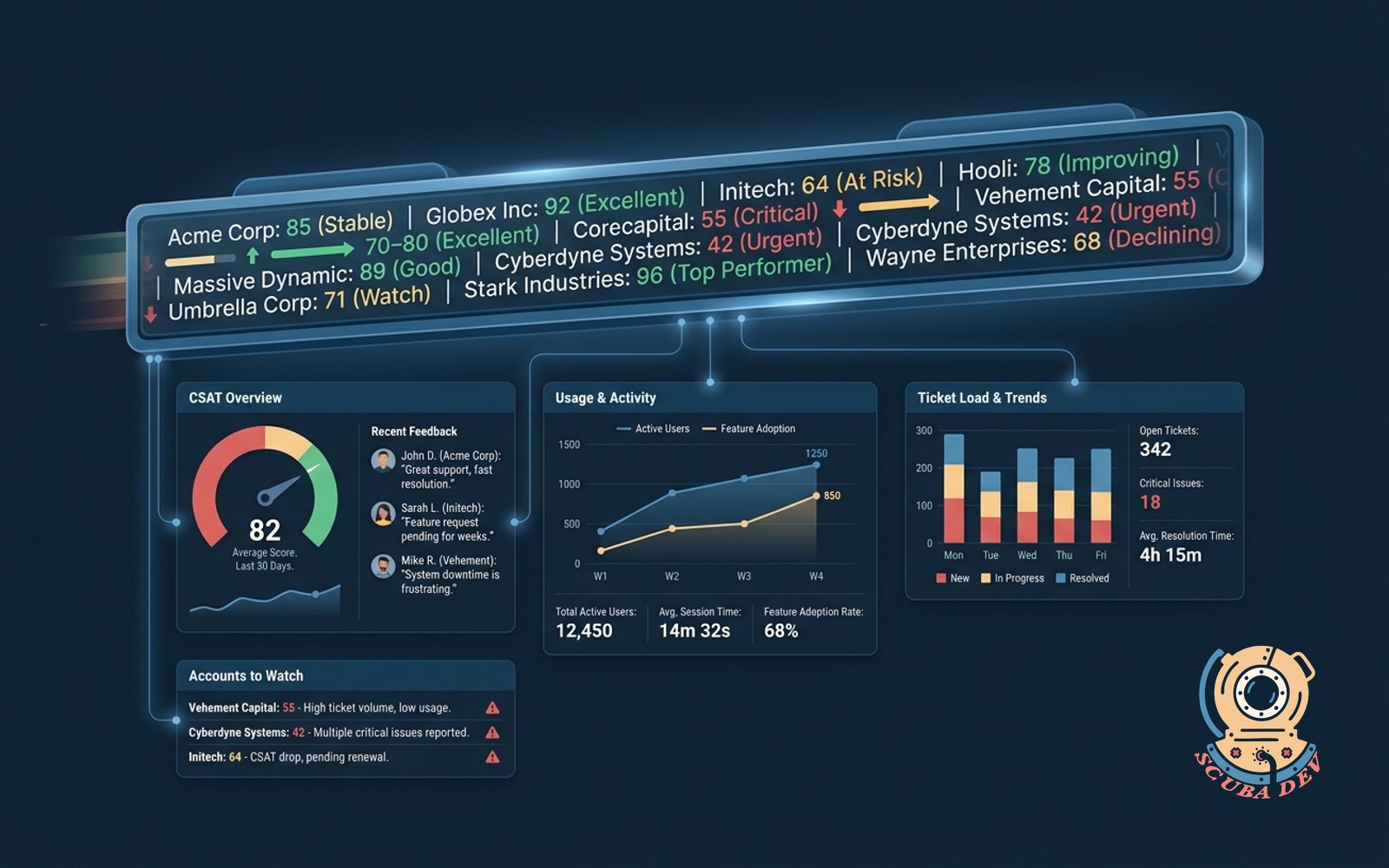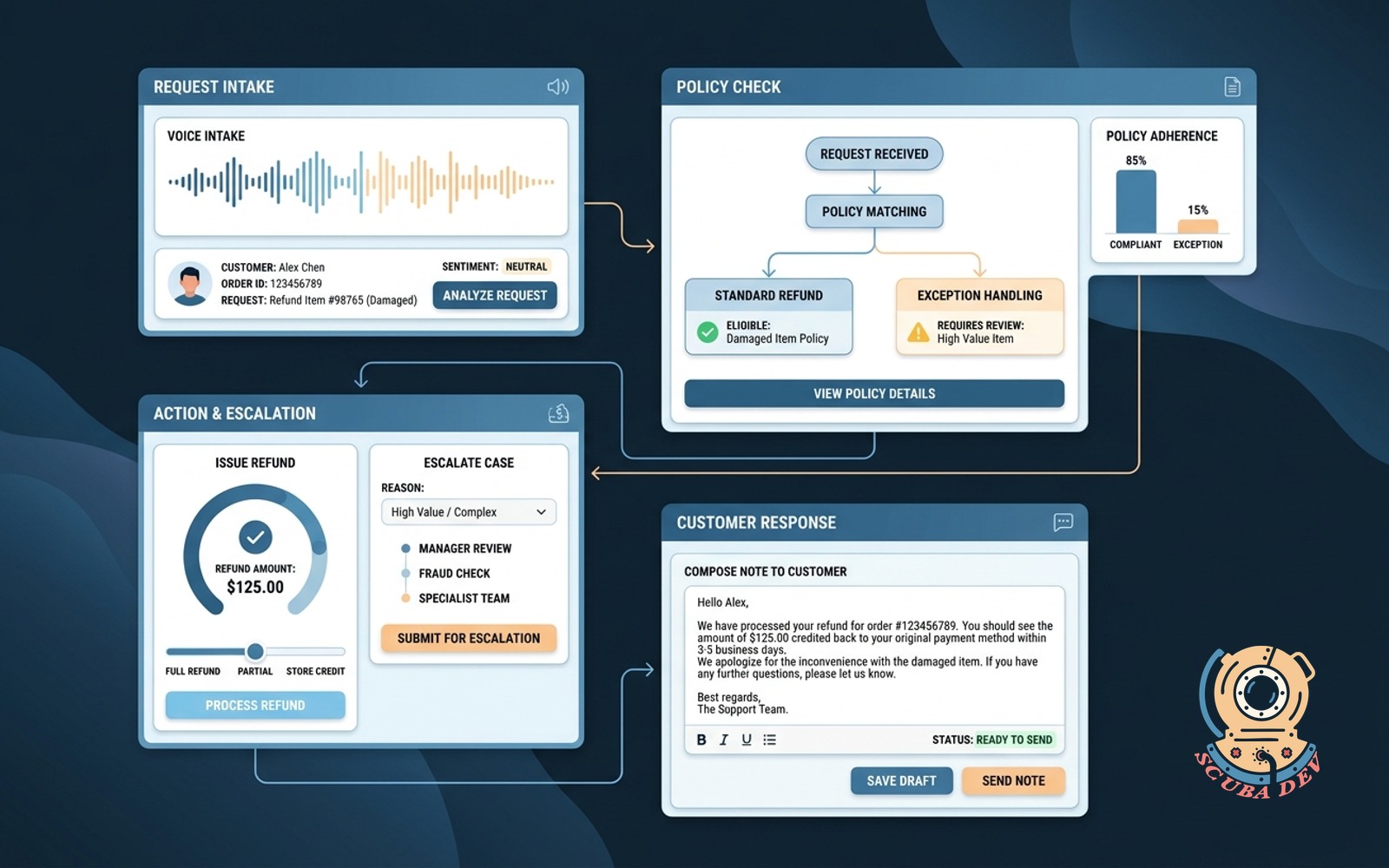
First response AI drafter
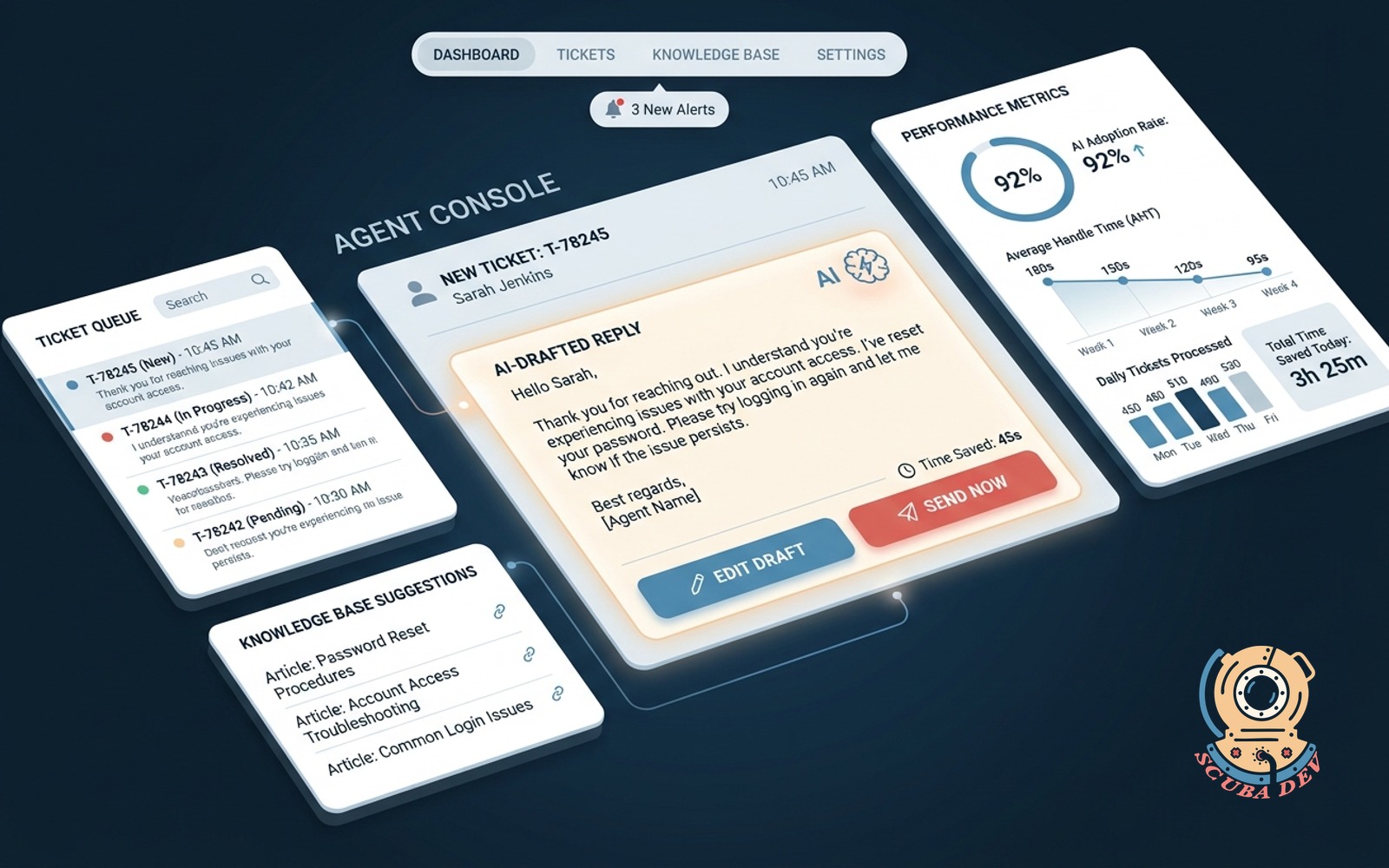
Every new ticket gets an AI-drafted reply in the agent console. Agent edits or sends, cutting seconds per ticket.
Possibilities
Where this could go
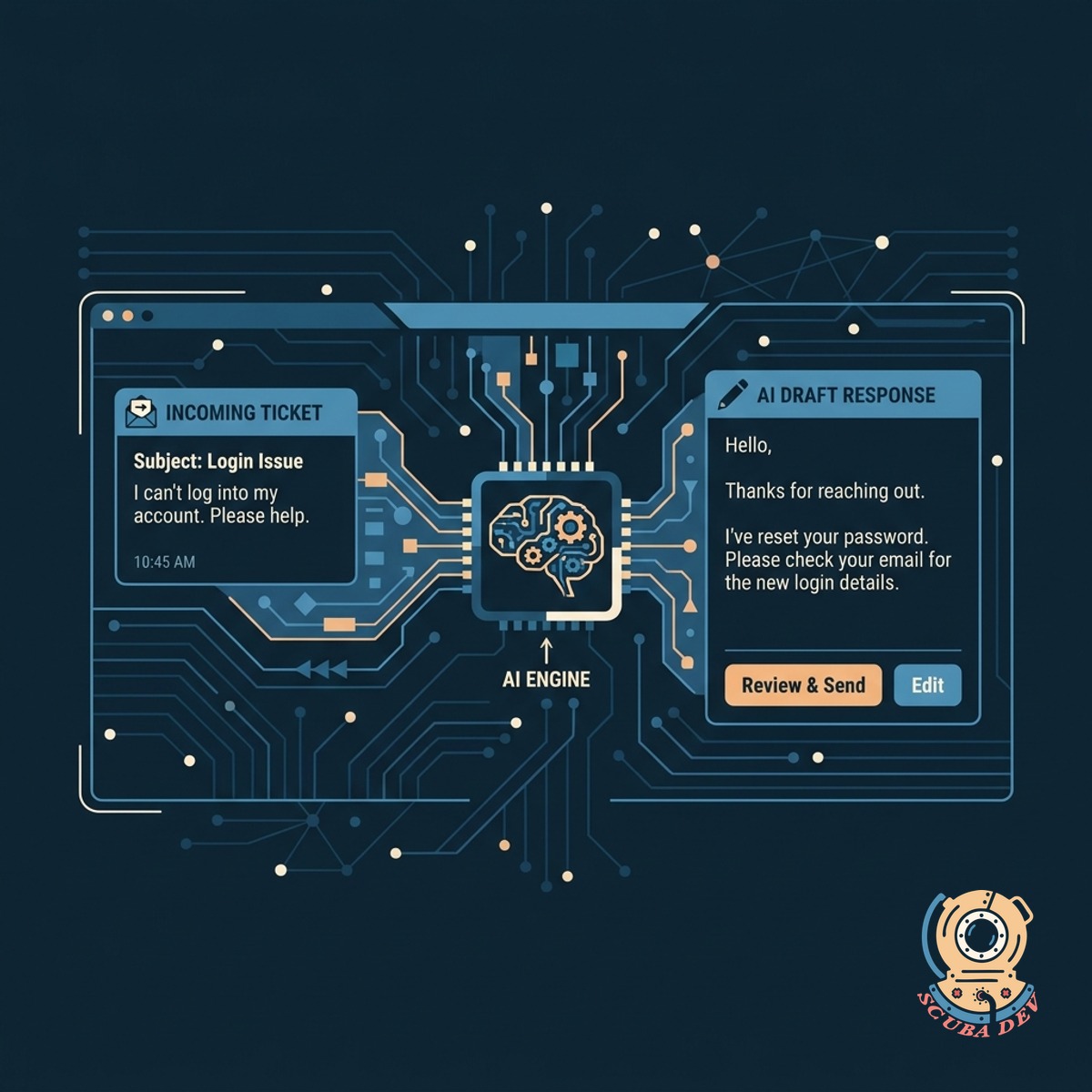
Instant Drafts In The Console
The AI reads incoming tickets and generates a complete response directly in your existing support desk software.
- Connects to Zendesk or Gorgias
- Reads ticket history and context
- Generates text automatically
- Leaves the final decision to your agent
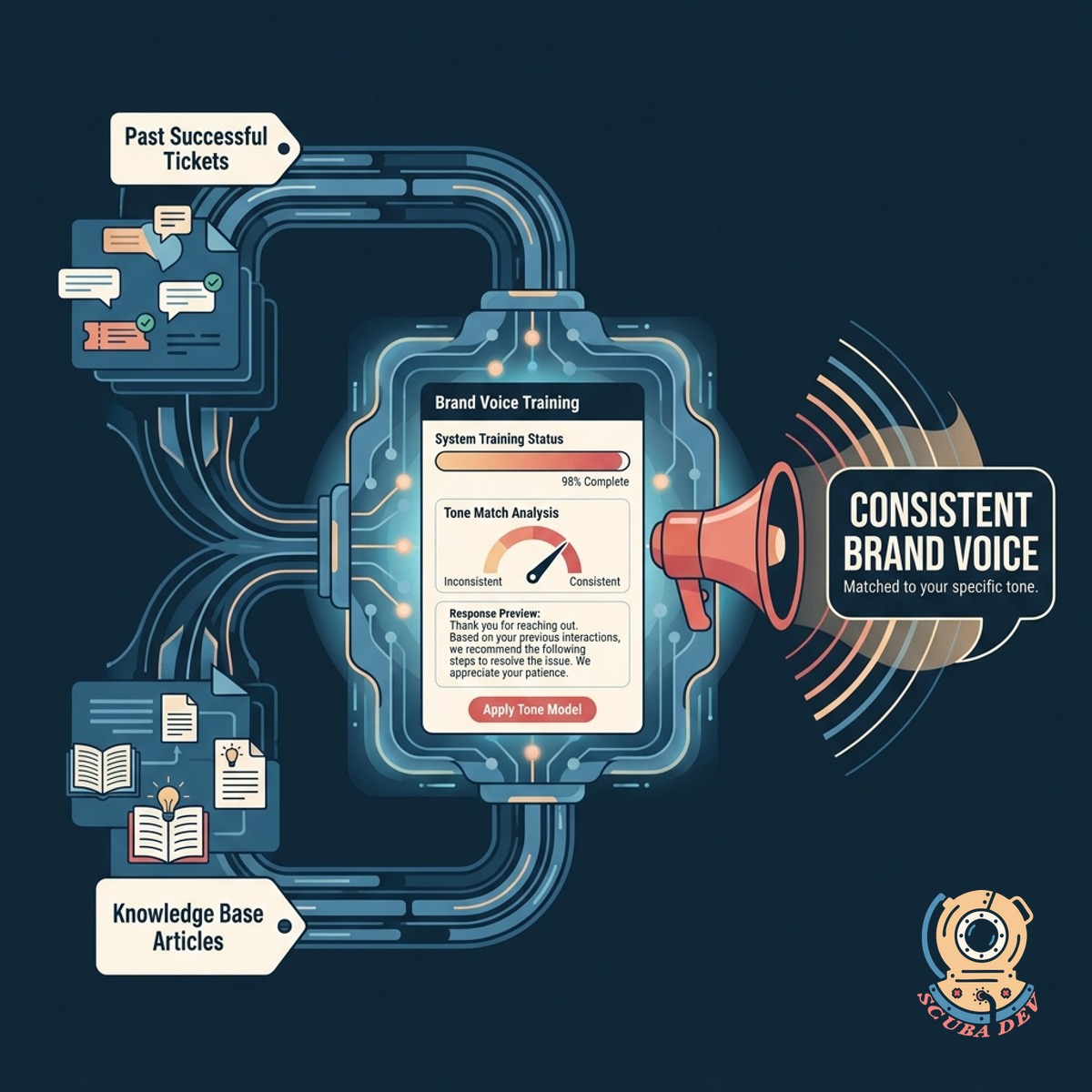
Keep Your Brand Voice Consistent
Train the system on your past successful tickets and knowledge base articles to match your specific tone.
- Ingests existing help center documents
- Learns from past resolved tickets
- Adopts your company tone
- Prevents generic robotic responses
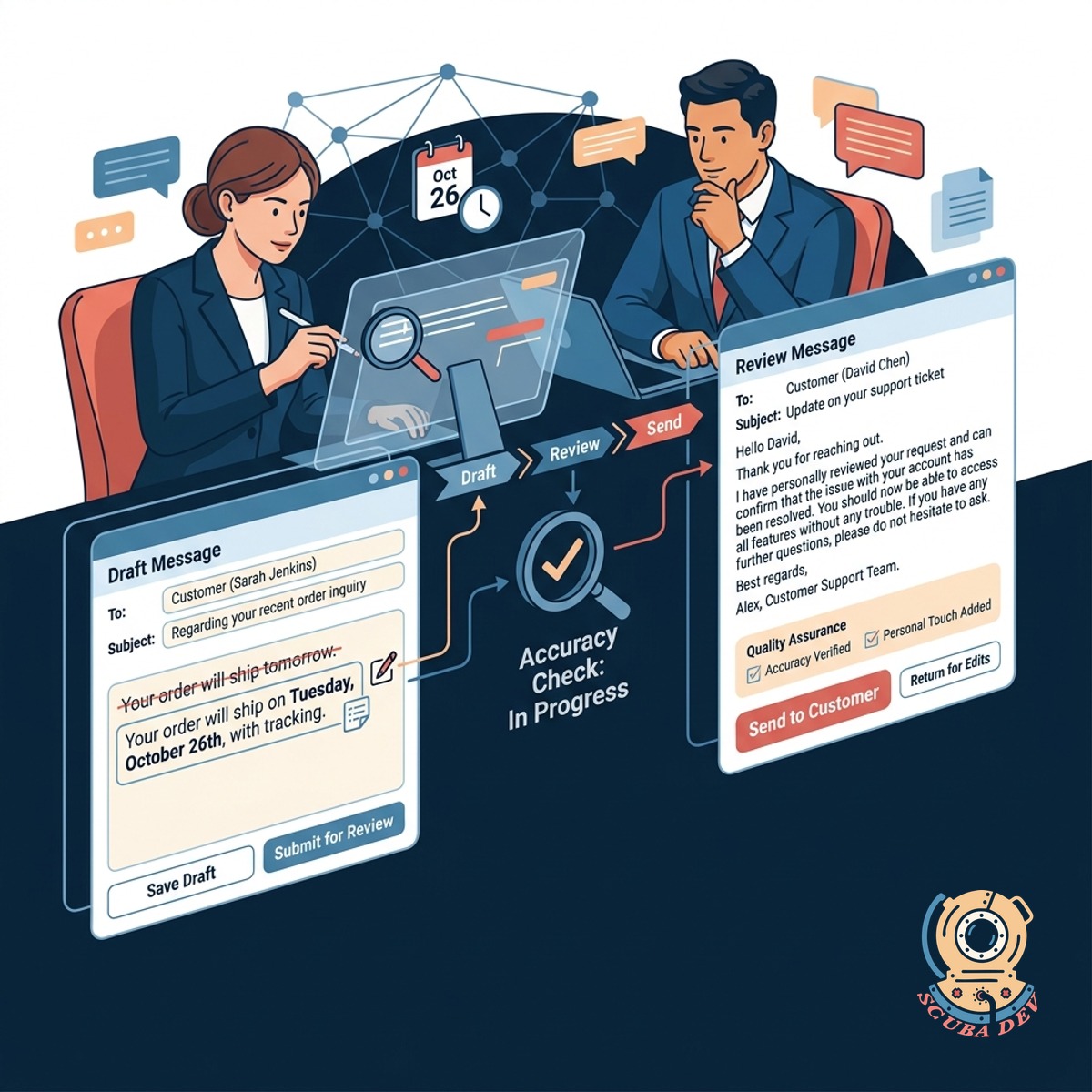
Edit Before Sending To Customers
Agents review every single drafted message to ensure accuracy and add a personal touch before hitting send.
- Keeps humans in the loop
- Allows quick manual edits
- Reduces typing time per ticket
- Prevents automated mistakes
Questions
Things people ask
Which help desk platforms do you support?
We build integrations for major platforms like Zendesk, Gorgias, Intercom, and Freshdesk. The AI connects through their official APIs to read incoming messages and post internal drafts. If you use a custom system, we can connect via webhooks.
Does the AI send messages directly to the customer?
No. The system only creates internal drafts or private notes within the ticket. Your human agents must review, edit, and manually send the final response.
How does the AI know the right answer?
We connect the drafting tool to your knowledge base, past ticket history, and internal company documents. When a new ticket arrives, the AI searches this context to find the correct information. It then formats that data into a polite response.
What happens if the AI does not know the answer?
If the system cannot find relevant information in your provided documents, it will draft a standard acknowledgment message. It can also leave a private note for the agent indicating that manual research is required.
Can we adjust the tone of the generated drafts?
Yes. We configure the system prompts to match your specific brand guidelines. You can instruct the AI to be formal, casual, or anywhere in between.
How long does it take to set up?
Most integrations are up and running within a few weeks. The timeline depends on how organized your current knowledge base is and which help desk platform you use. We handle the technical API connections and prompt engineering.
Is customer data kept secure during this process?
We use secure enterprise API endpoints from providers like OpenAI or Anthropic. These providers do not use your ticket data to train their public models. All data is processed strictly to generate the immediate draft and is then discarded.