Deposit-taking booking site with no-show protection
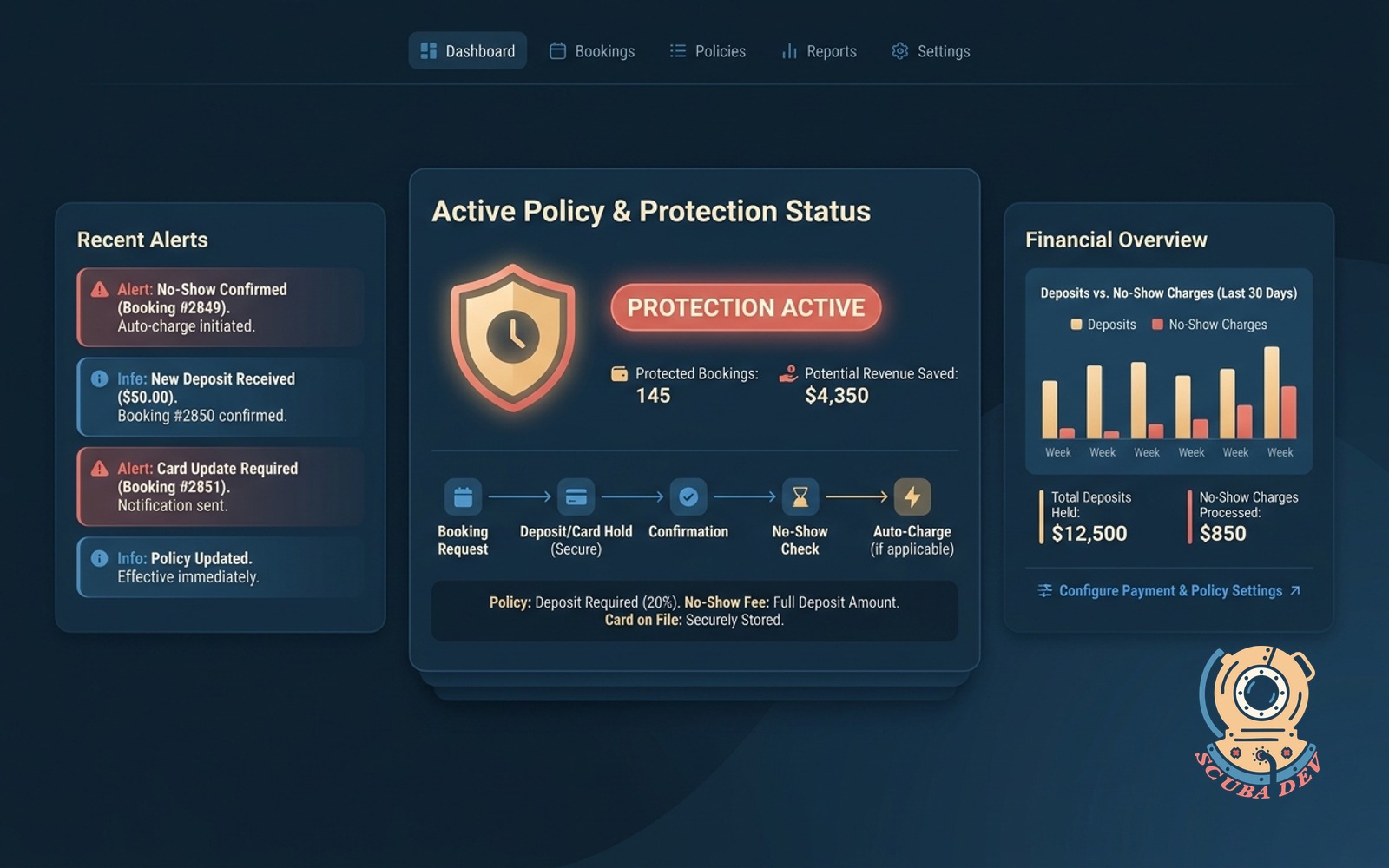
Custom booking site that holds a card on file or takes a deposit. Auto-charges confirmed no-shows per your policy.
Possibilities
Where this could go
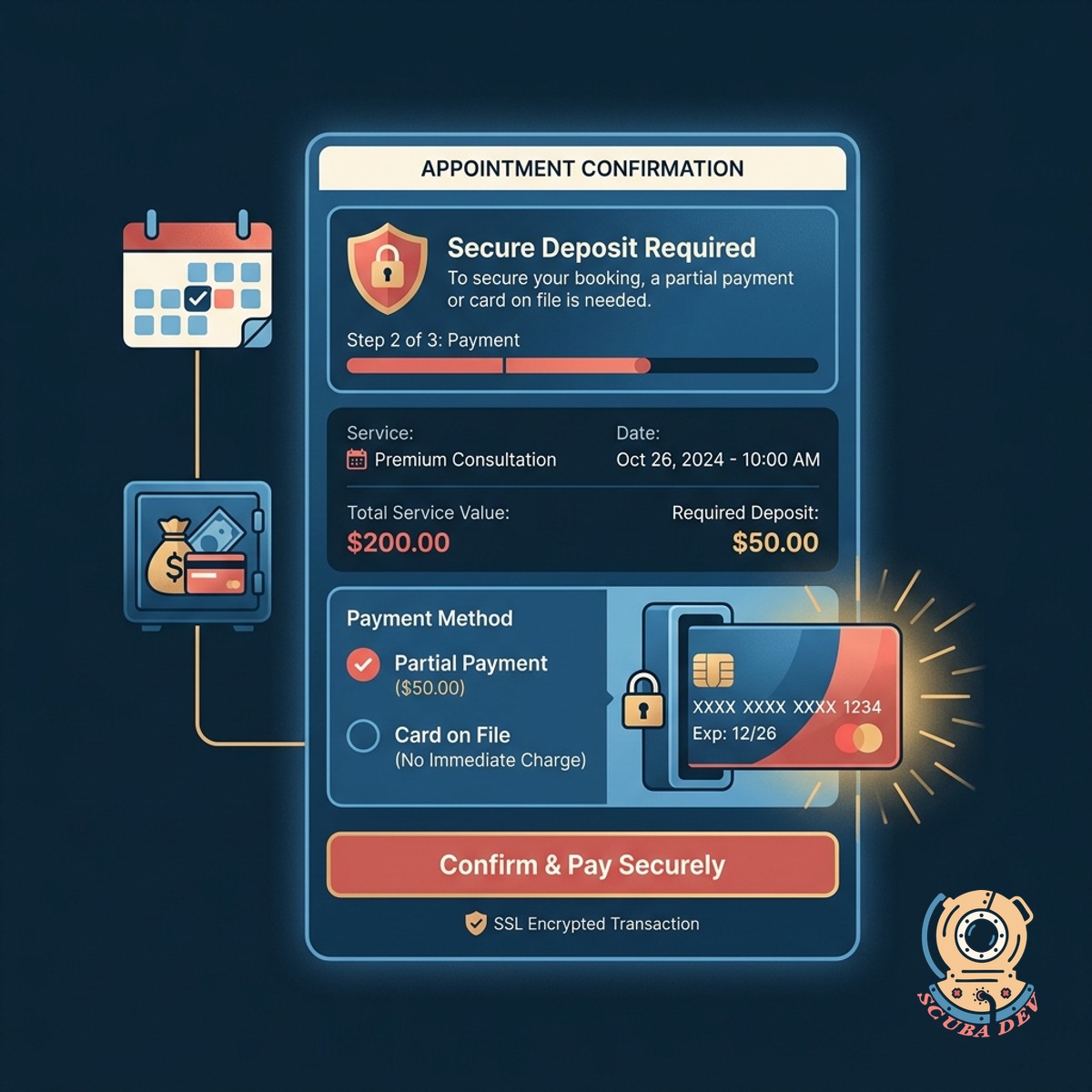
Secure Upfront Deposit Collection
The system requires a partial payment or card on file before confirming an appointment to ensure commitment.
- Integrates directly with Stripe or Square
- Supports fixed amounts or percentage deposits
- Stores payment methods securely in a vault
- Sends automatic payment receipts to customers
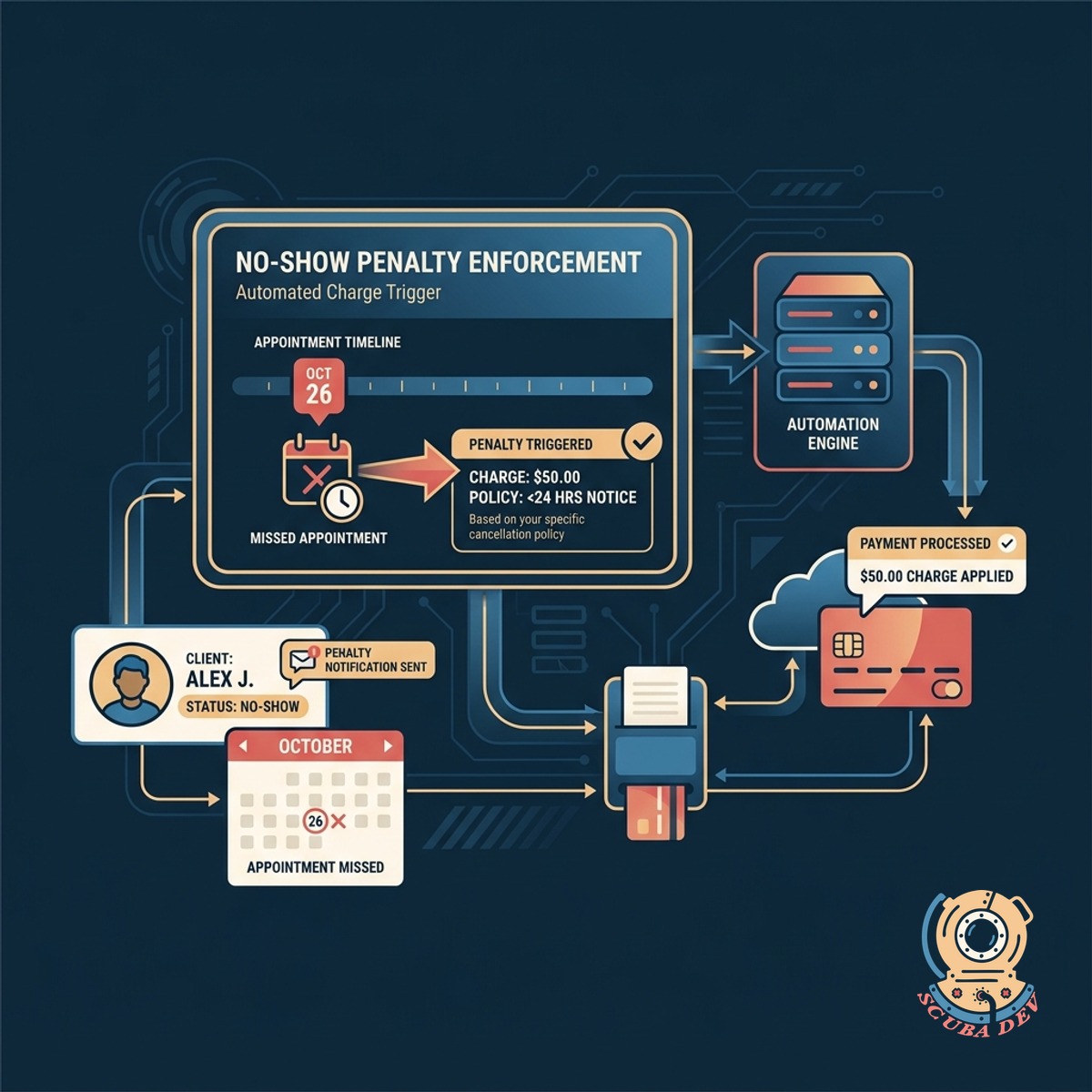
Automated No-Show Penalty Enforcement
You can trigger a penalty charge for missed appointments based on your specific cancellation policy.
- Triggers charges from your management dashboard
- Applies custom penalty fees automatically
- Logs all missed appointments in customer records
- Generates detailed charge dispute documentation
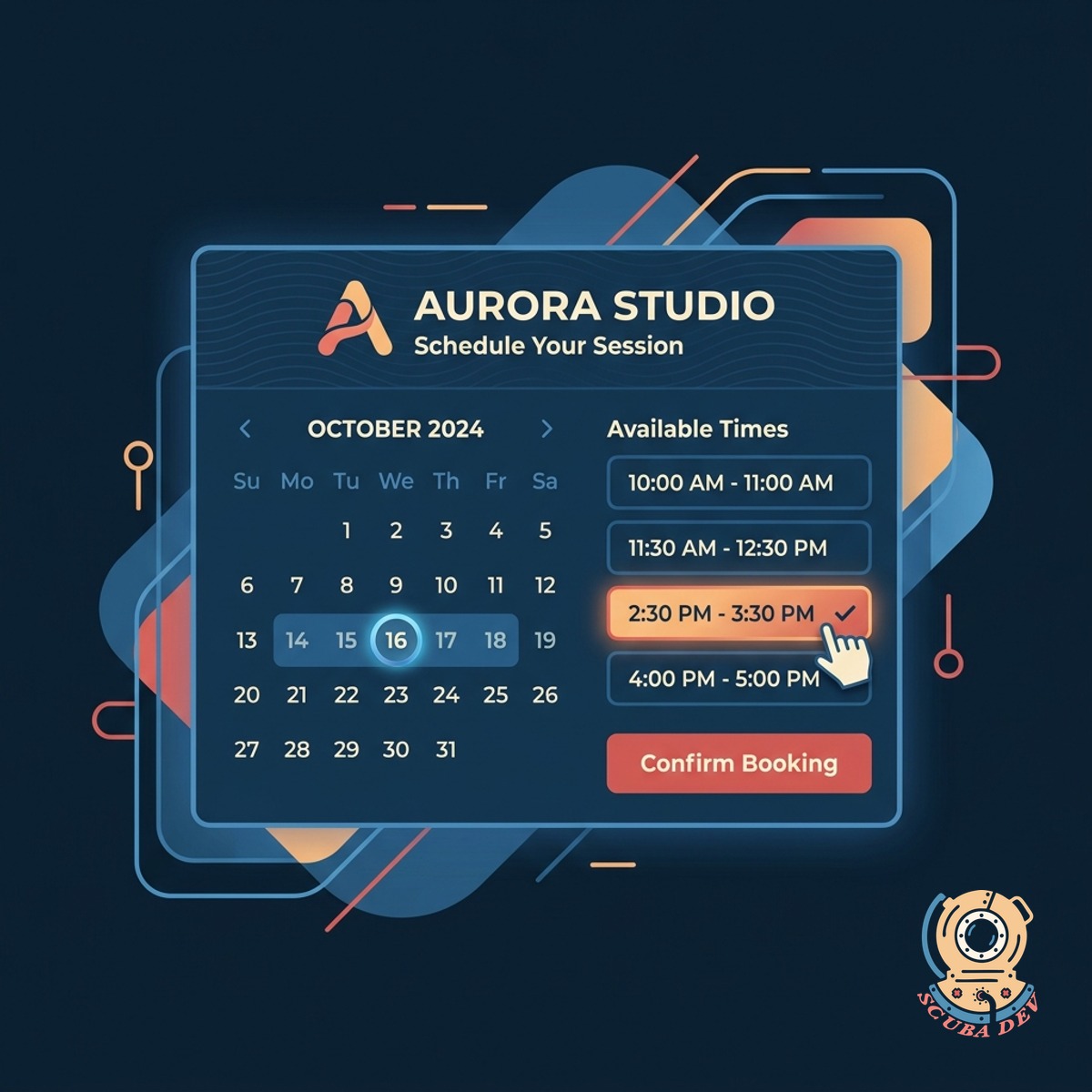
Custom Branded Scheduling Interface
Customers select their preferred times through a scheduling page that matches your brand identity.
- Upload your company logo and set custom brand colors for the booking portal.
- Embed the scheduling widget directly into your existing website or use a standalone hosted page.
- Configure specific service categories, staff availability, and appointment durations.
- Send automated confirmation emails formatted with your standard business header and contact details.
Questions
Things people ask
Which payment processors do you support for deposits?
We typically integrate with Stripe or Square to handle the payment processing. Both platforms offer secure card vaulting features that allow us to hold a card on file without storing sensitive data on your servers.
Can I choose between taking a deposit or just holding a card?
Yes. The system can be configured to charge a specific upfront amount or simply authorize a card to be held on file. We build the checkout flow to match your exact business policy.
How does the system handle refunds for cancelled appointments?
If a customer cancels within your allowed window, the system can automatically issue a refund through your payment processor. You can also process manual refunds directly from your administrative dashboard.
Will this sync with my existing calendar software?
The booking platform integrates with standard calendar tools like Google Calendar and Microsoft Outlook. This ensures your availability is always accurate and prevents double booking.
How do I actually charge a no-show fee?
When an appointment is missed, you log into your dashboard and mark the booking as a no-show. The system then automatically triggers the penalty charge against the vaulted card based on your predefined rules.
Can I set different deposit amounts for different services?
The booking engine supports variable pricing and deposit rules. You can require a flat fee for basic consultations and a percentage based deposit for higher tier services.
Are customers notified before their card is charged for a penalty?
If a customer cancels before your penalty window begins, the system automatically releases the hold on their card or refunds their deposit. You can also manually override any charge from your dashboard if you decide to waive the fee for a specific client. We give you full control over when and how these penalties are applied.