Competitor mention flag in call transcripts
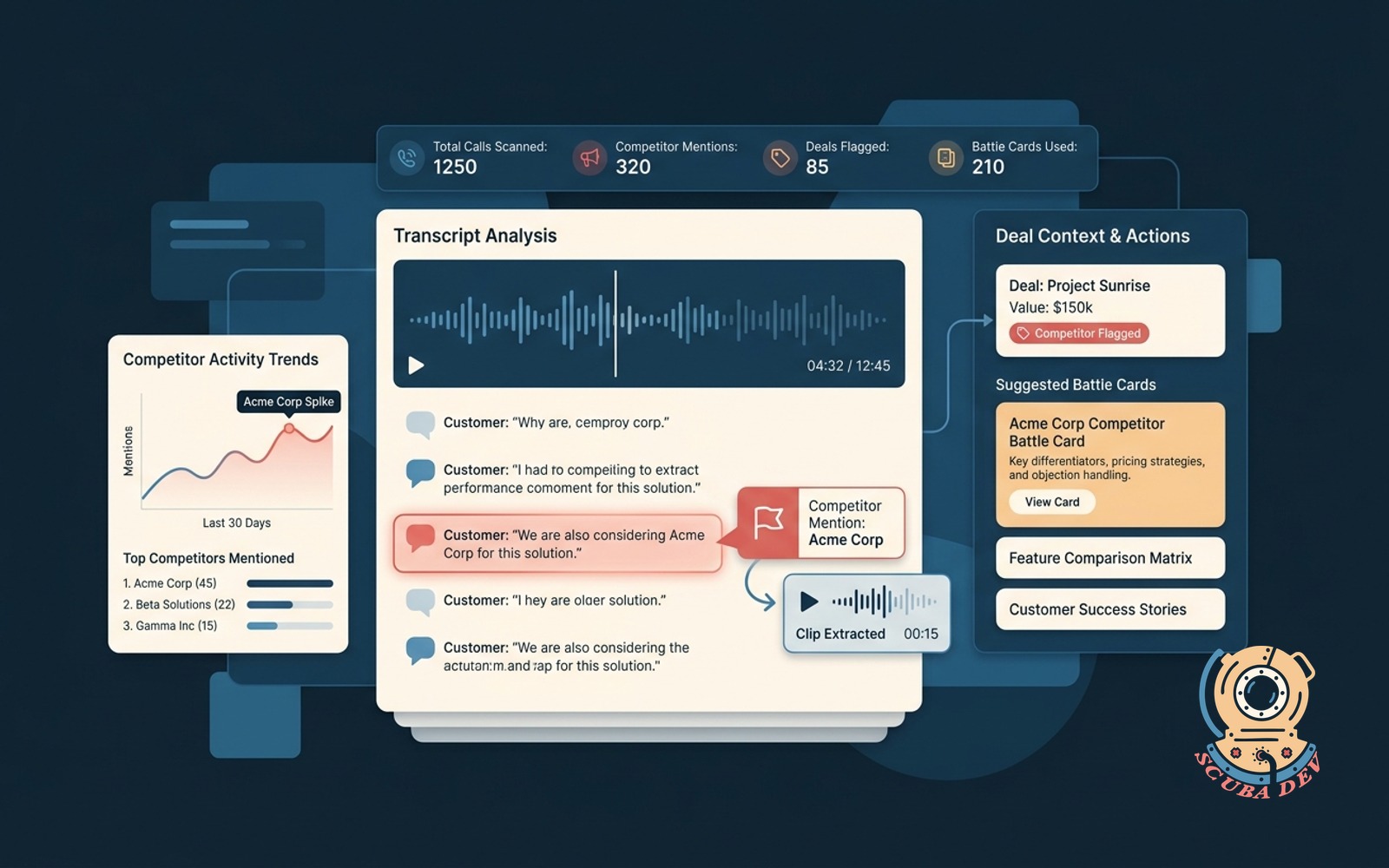
Scans every call recording for competitor names. Tags the deal, pulls the clip, suggests the right battle card.
Possibilities
Where this could go
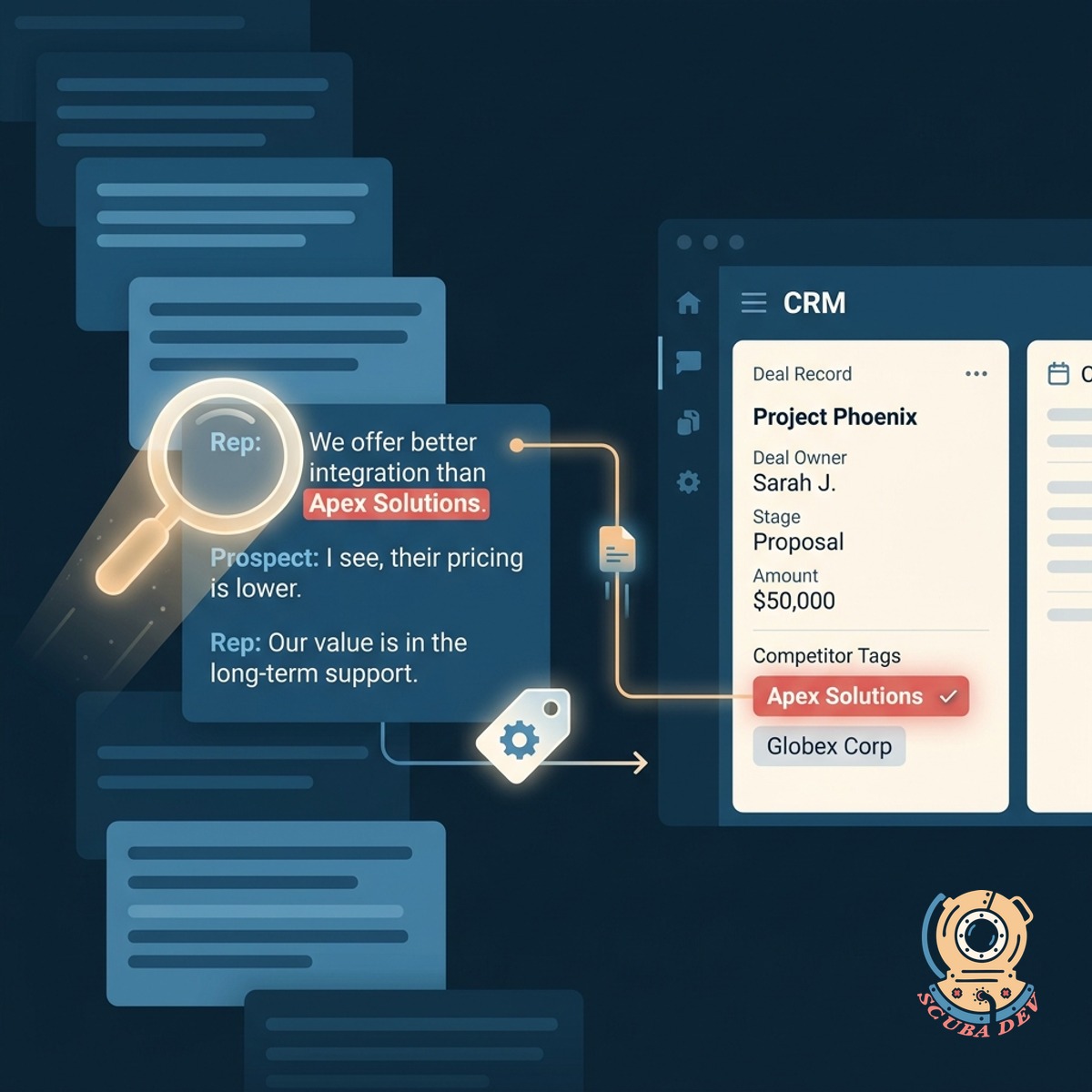
Automatic Competitor Detection And Tagging
The system scans every call transcript to identify competitor names and automatically tags the associated deal in your CRM.
- Connects to Gong or Chorus
- Transcribes and scans audio
- Matches names against a custom list
- Tags the CRM record automatically
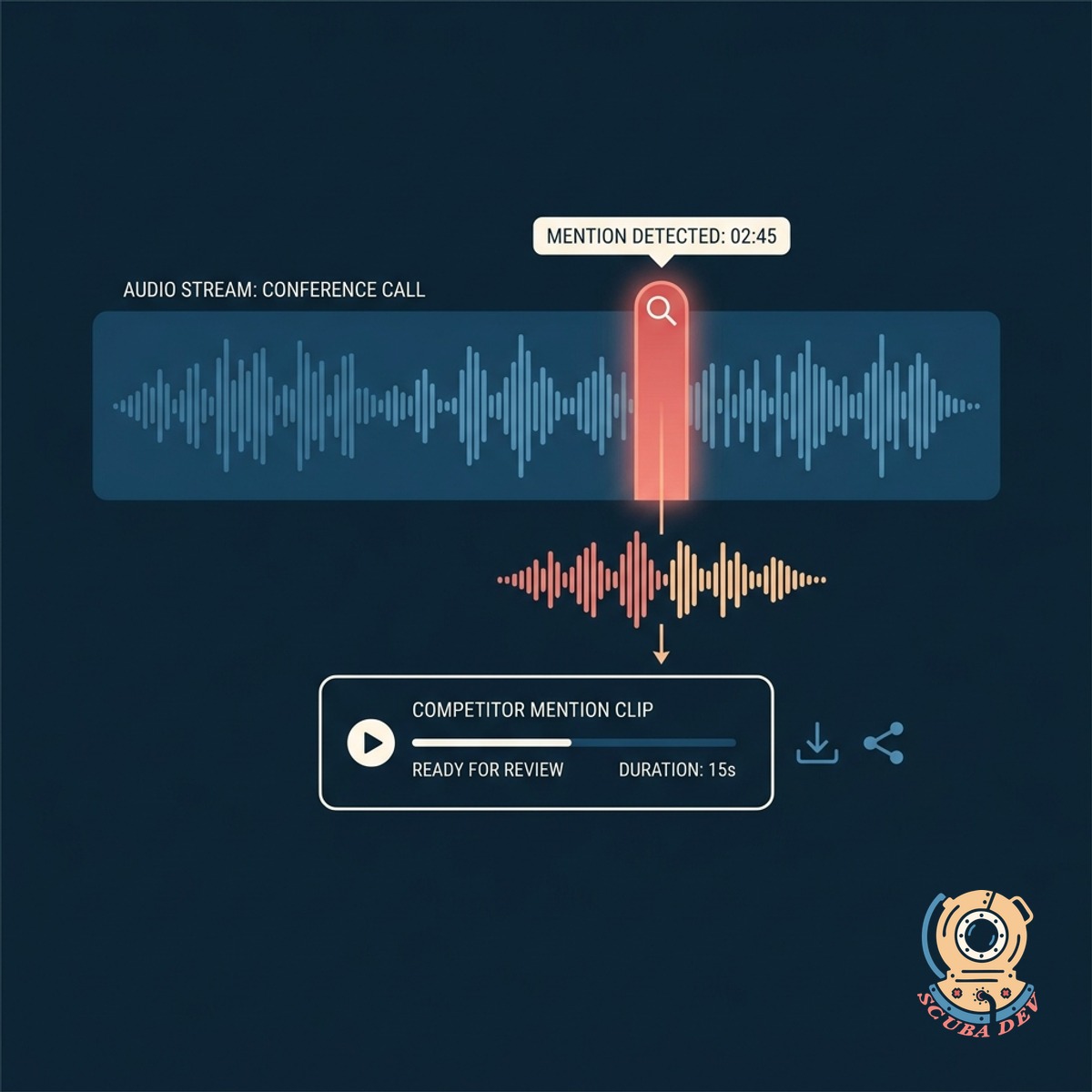
Instant Audio Clip Extraction
It isolates the exact moment the competitor was mentioned and creates a short audio clip for quick review.
- Isolates the exact timestamp
- Creates a shareable audio snippet
- Adds context around the mention
- Sends an alert to the account owner
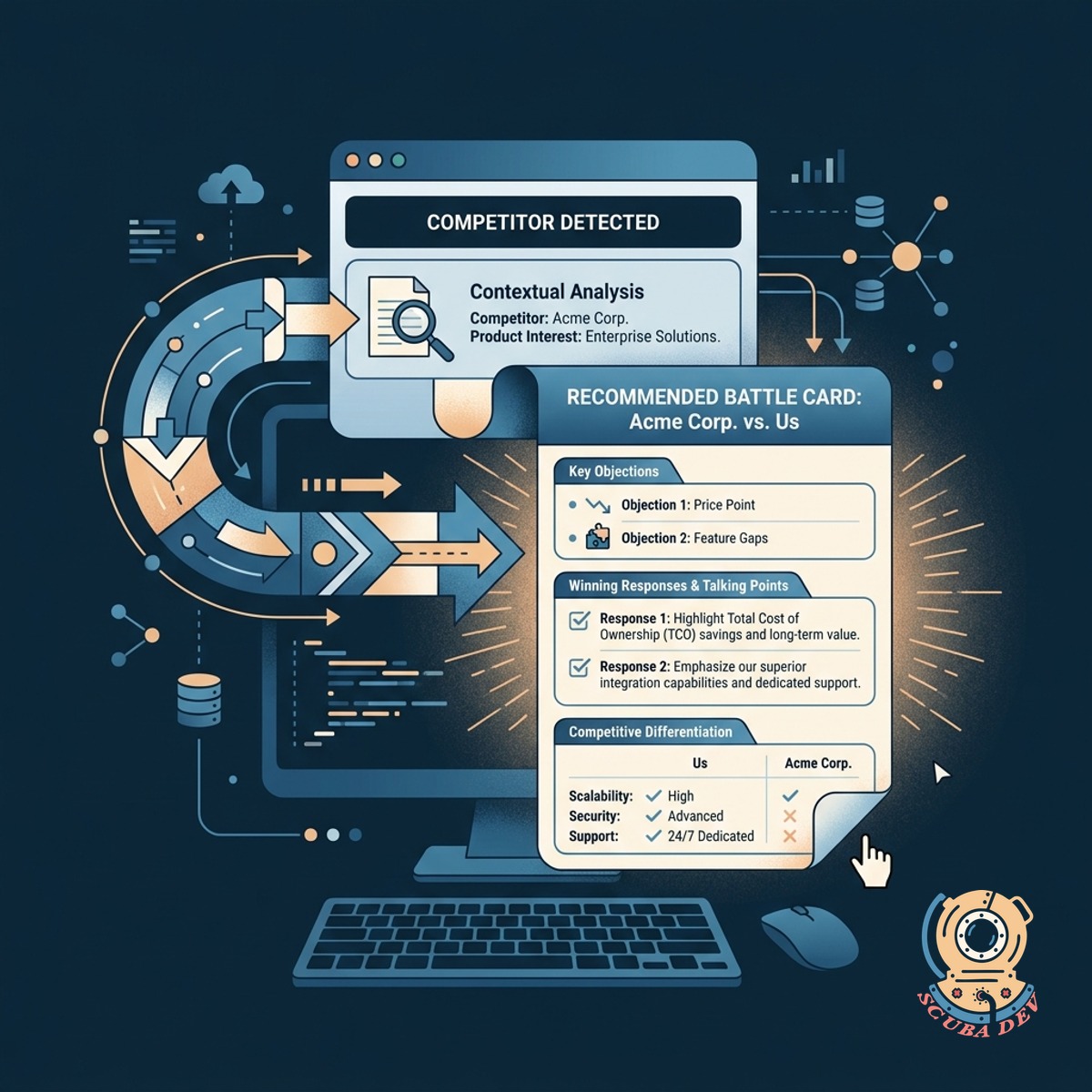
Contextual Battle Card Delivery
The tool identifies the specific competitor and immediately surfaces the correct battle card to help the rep handle objections.
- Maps competitors to specific battle cards
- Delivers content via Slack or email
- Equips reps for follow up conversations
- Keeps messaging consistent across the team
Questions
Things people ask
Which call recording platforms do you support?
We build integrations for major conversational intelligence tools like Gong, Chorus, and Zoom Revenue Accelerator. The system uses their APIs to pull transcripts and audio data immediately after a call ends.
How does the system know which competitors to look for?
You provide a master list of competitor names and common mispronunciations. The text analysis script scans the raw transcript against this custom dictionary to ensure accurate detection.
Where do the battle cards live?
The tool links directly to your existing knowledge base. Whether you use Highspot, Seismic, or a shared Google Drive, the system retrieves the correct URL and sends it to the rep.
How are sales reps notified about the mention?
The system routes an automated message through Slack or Microsoft Teams. This notification includes the CRM link, the extracted audio clip, and the relevant battle card.
Does this update our CRM records automatically?
Yes. The workflow connects to Salesforce or HubSpot to update the deal record. It adds a specific tag or populates a custom competitor field based on the transcript data.
What happens if multiple competitors are mentioned on one call?
The script logs every unique match it finds in the transcript. It will tag the deal with all identified competitors and provide the corresponding battle cards for each one.
Can management see a summary of competitor mentions?
Because the data is synced directly to your CRM, you can build native reports and dashboards. This allows leadership to track which competitors are coming up most frequently in active deals.