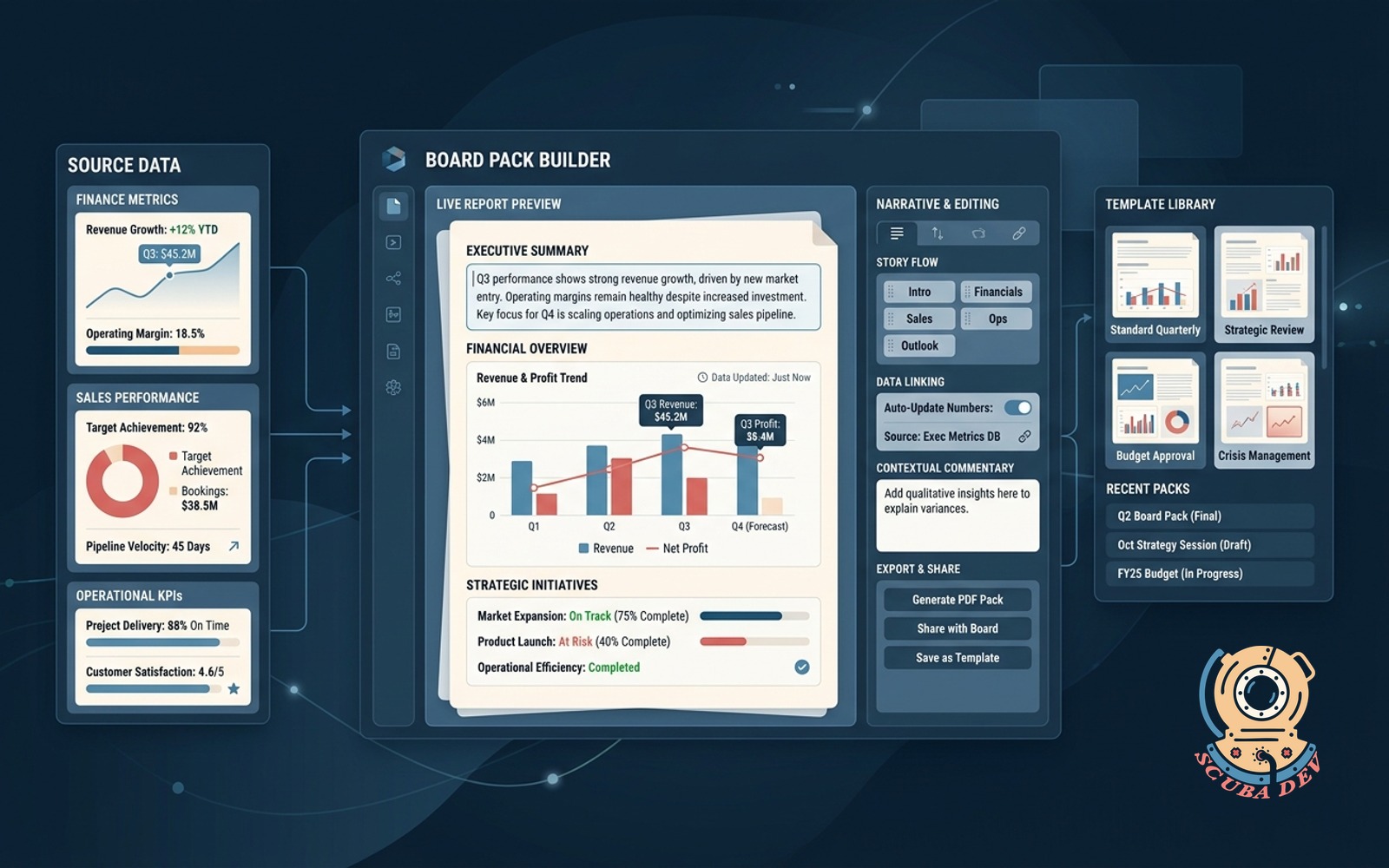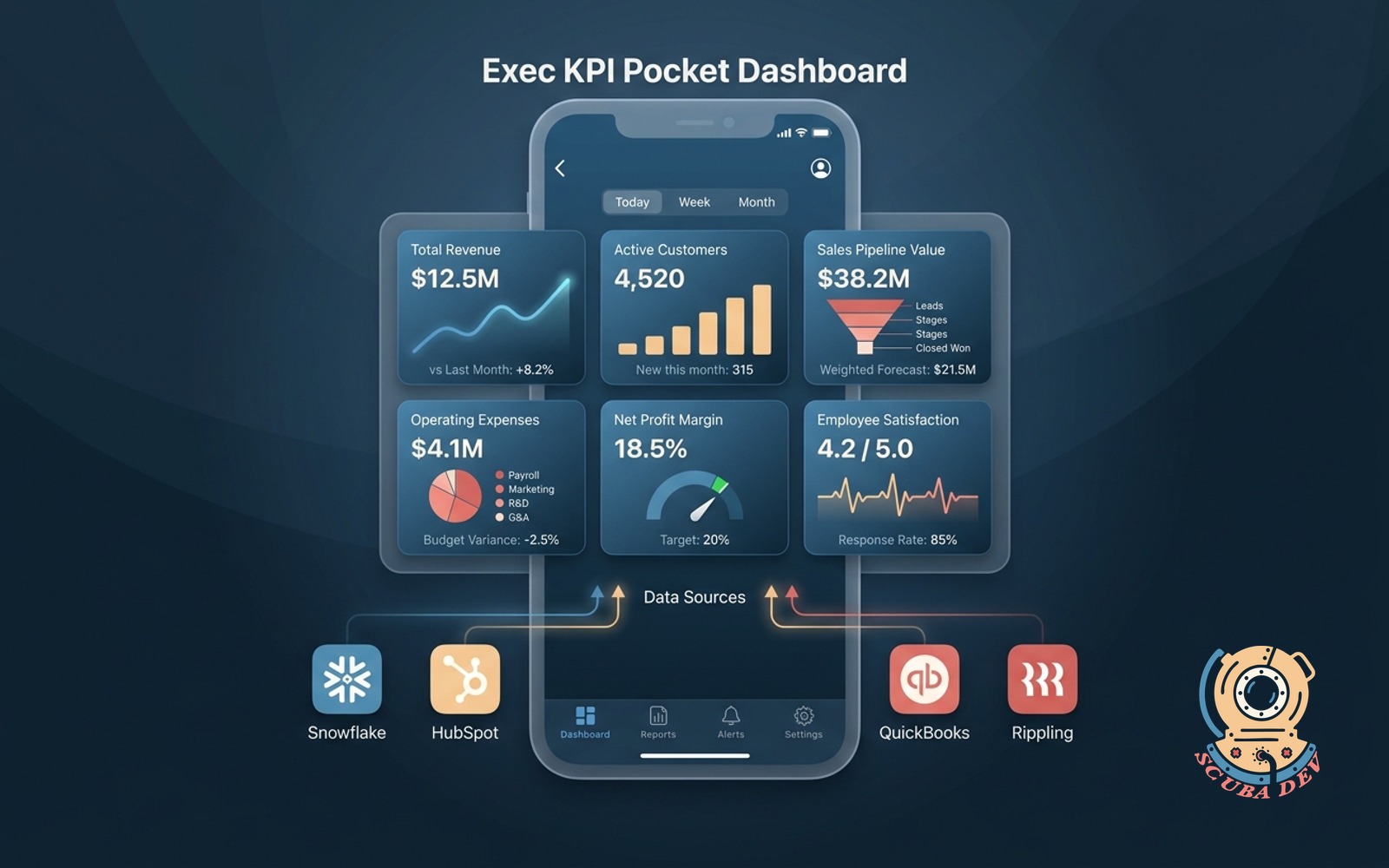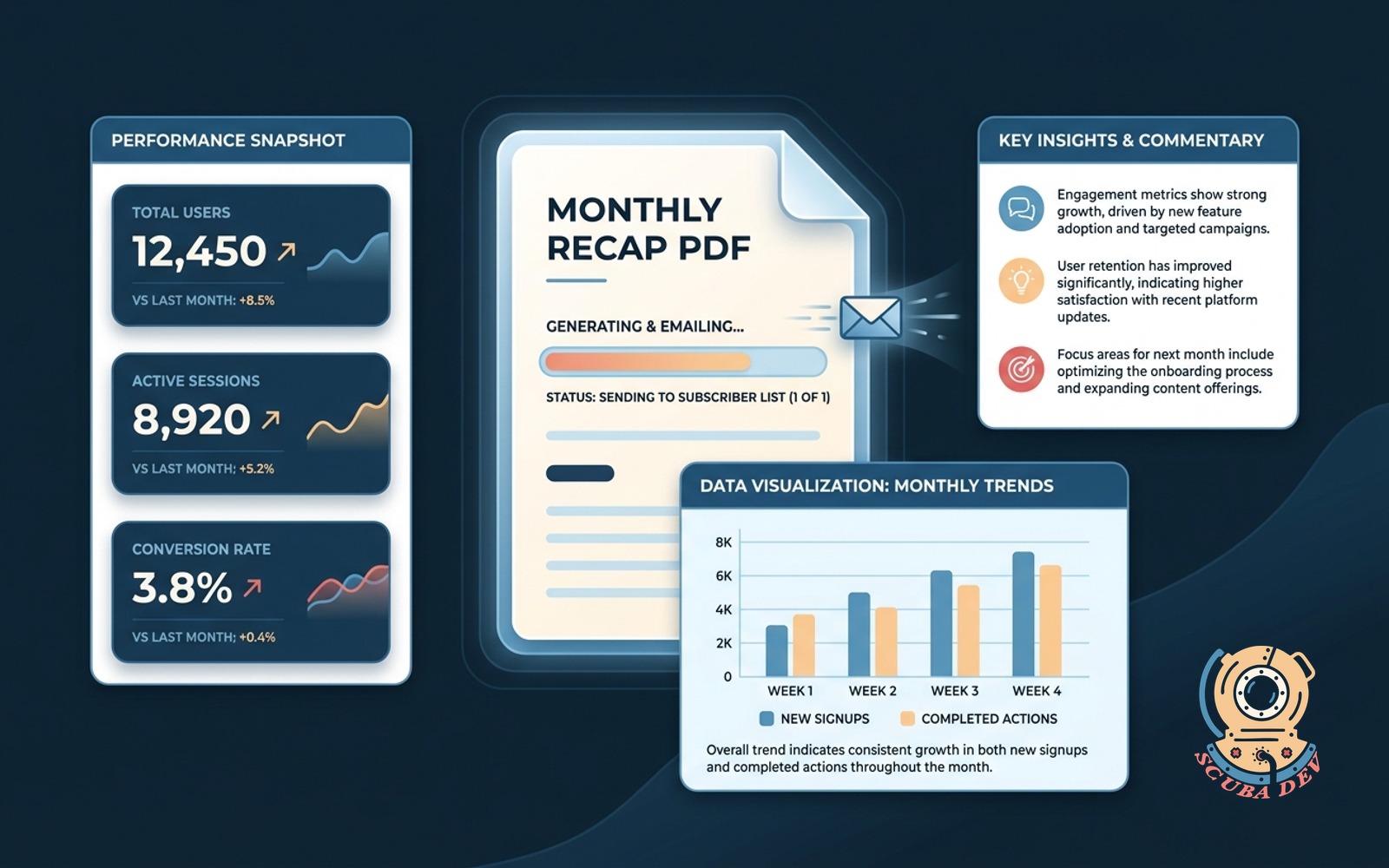
Company-wide weekly digest
Each team writes three lines, the system assembles the digest, sends Monday morning to the whole company.
Possibilities
Where this could go
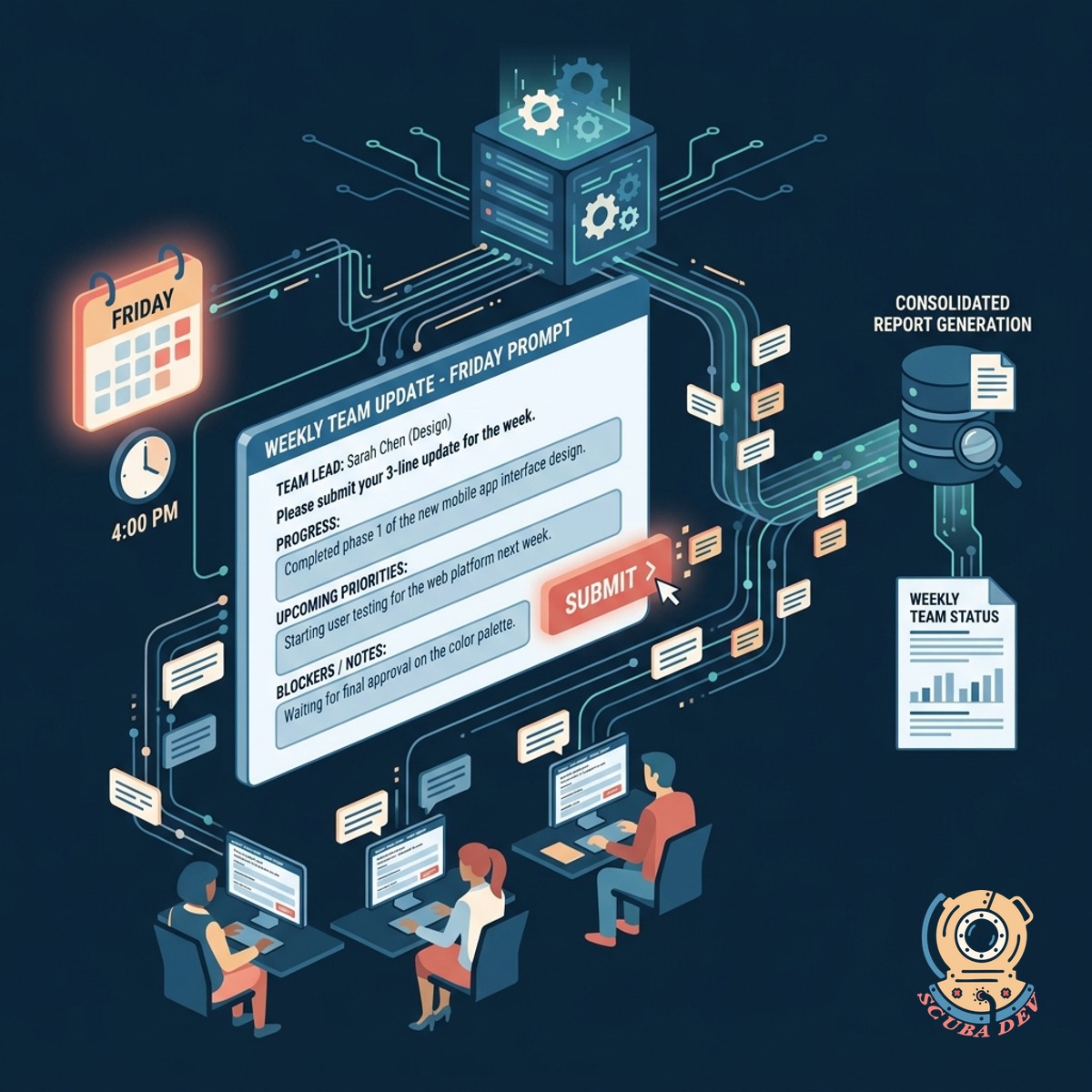
Automated Team Update Collection
The system prompts designated team leads every Friday to submit exactly three lines of text outlining their progress and upcoming priorities.
- Slack integration
- Character limits
- Automated reminders
- Plain text formatting
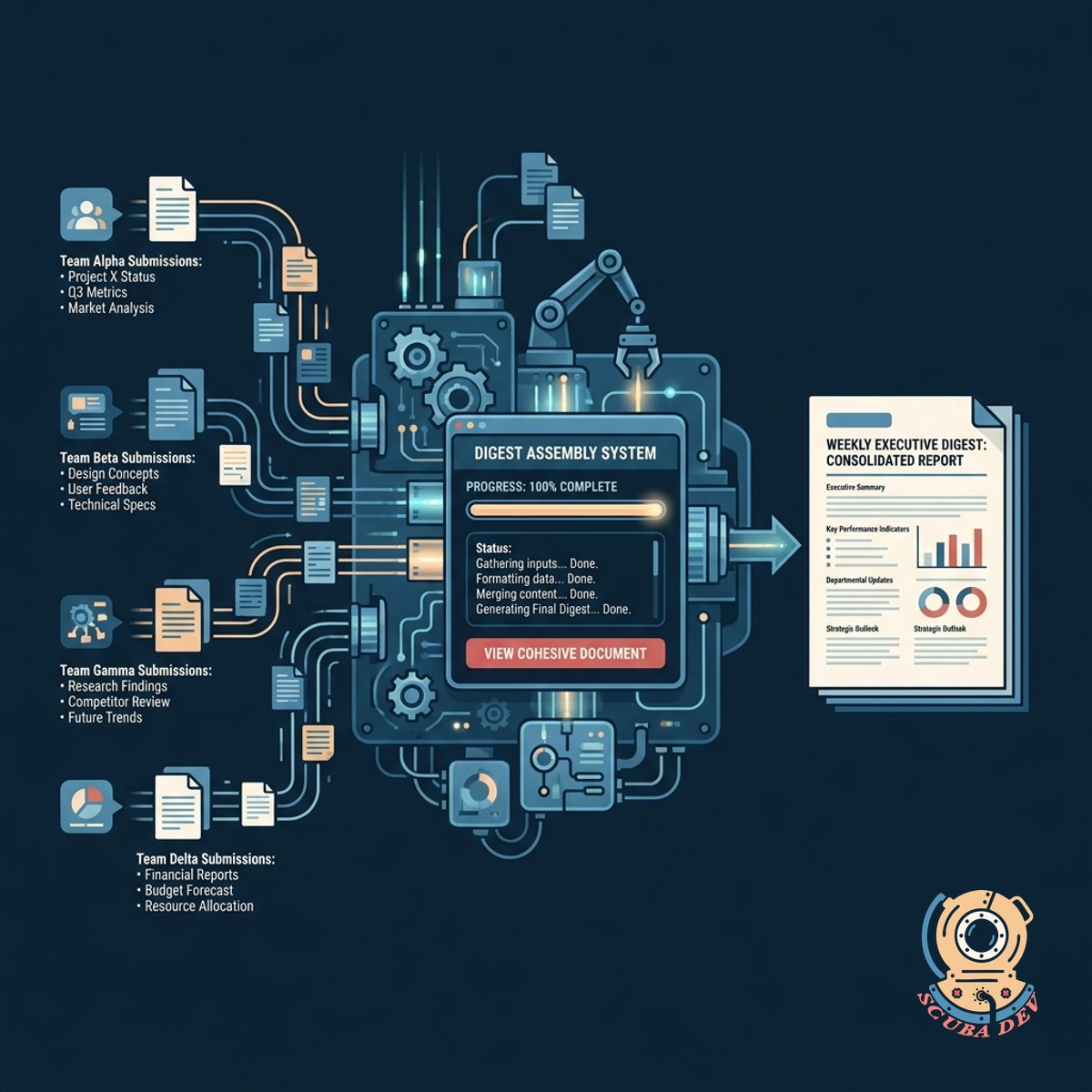
Centralized Digest Assembly Process
All individual team submissions are automatically gathered and formatted into a single cohesive document without requiring manual copying and pasting.
- Standardized layout
- Department categorization
- Missing update flags
- Draft preview mode

Scheduled Monday Morning Delivery
The compiled digest is distributed to the entire company via email or your preferred internal communication platform at the start of the work week.
- Mailchimp integration
- Microsoft Teams routing
- Scheduled sending
- Company wide distribution
Questions
Things people ask
How do team leads submit their updates?
Team leads receive an automated prompt via Slack or Microsoft Teams with a simple form to enter their three lines of text.
What happens if a team forgets to submit their update?
The system sends automated follow up reminders before the deadline and can flag missing updates in the final draft for the administrator.
Can we change the three line limit?
Yes. The character or line limit is fully configurable based on how much detail your company wants in the weekly digest.
How is the final digest distributed?
The compiled document is sent via your existing email provider like SendGrid or directly into a company wide Slack channel.
Can someone review the digest before it goes out?
The system generates a draft version that an administrator can review and edit before the scheduled Monday morning delivery.
Does the tool support images or attachments?
The standard setup focuses on plain text to keep the digest brief and readable but image support can be added if needed.
How do we manage the list of teams and contributors?
A simple admin panel allows you to add or remove departments, assign specific contributors, and update contact information.