Beta cohort manager
Runs feature flags, invites, and feedback for a beta group. Knows who is active and who dropped off.
Possibilities
Where this could go
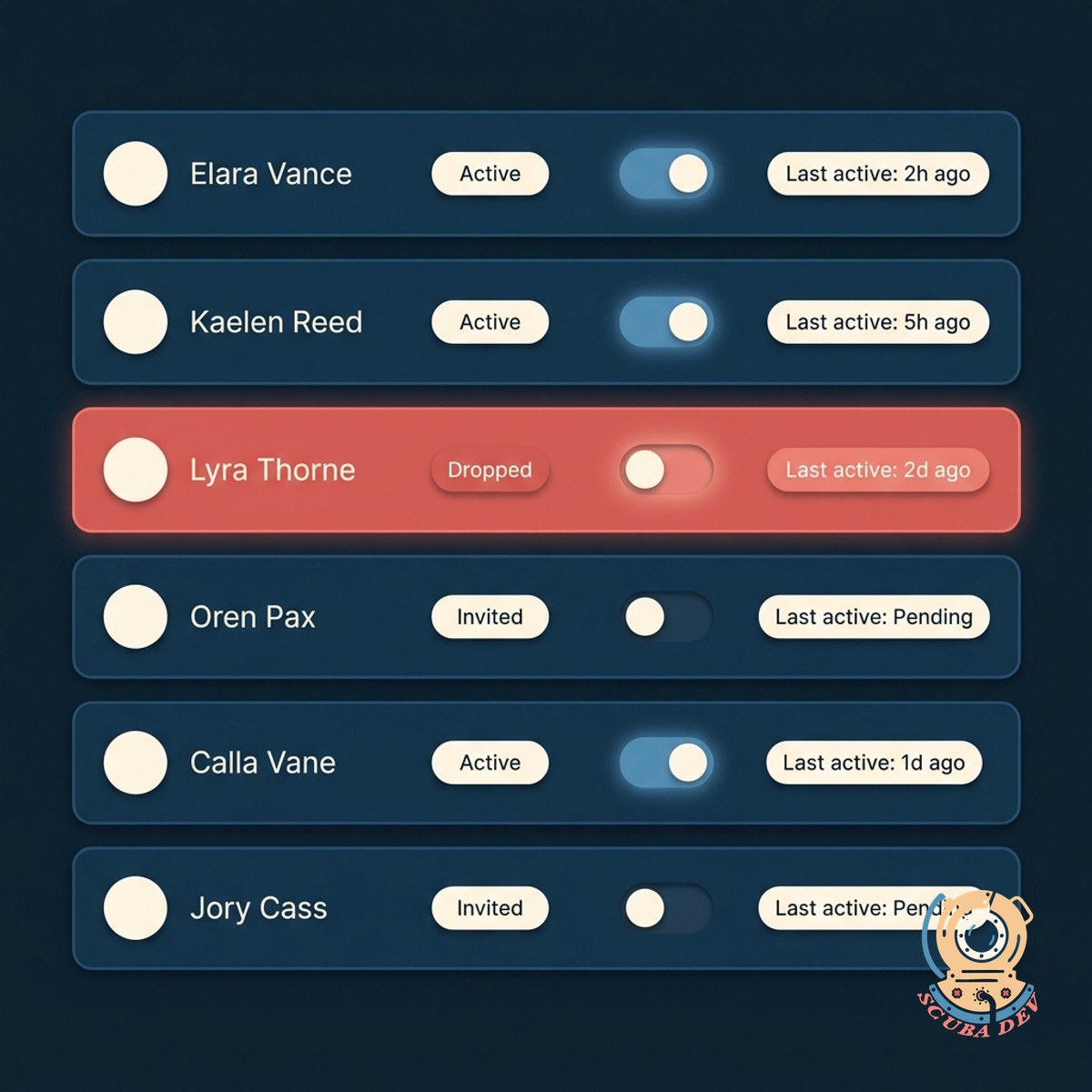
Invite, Gate, Track
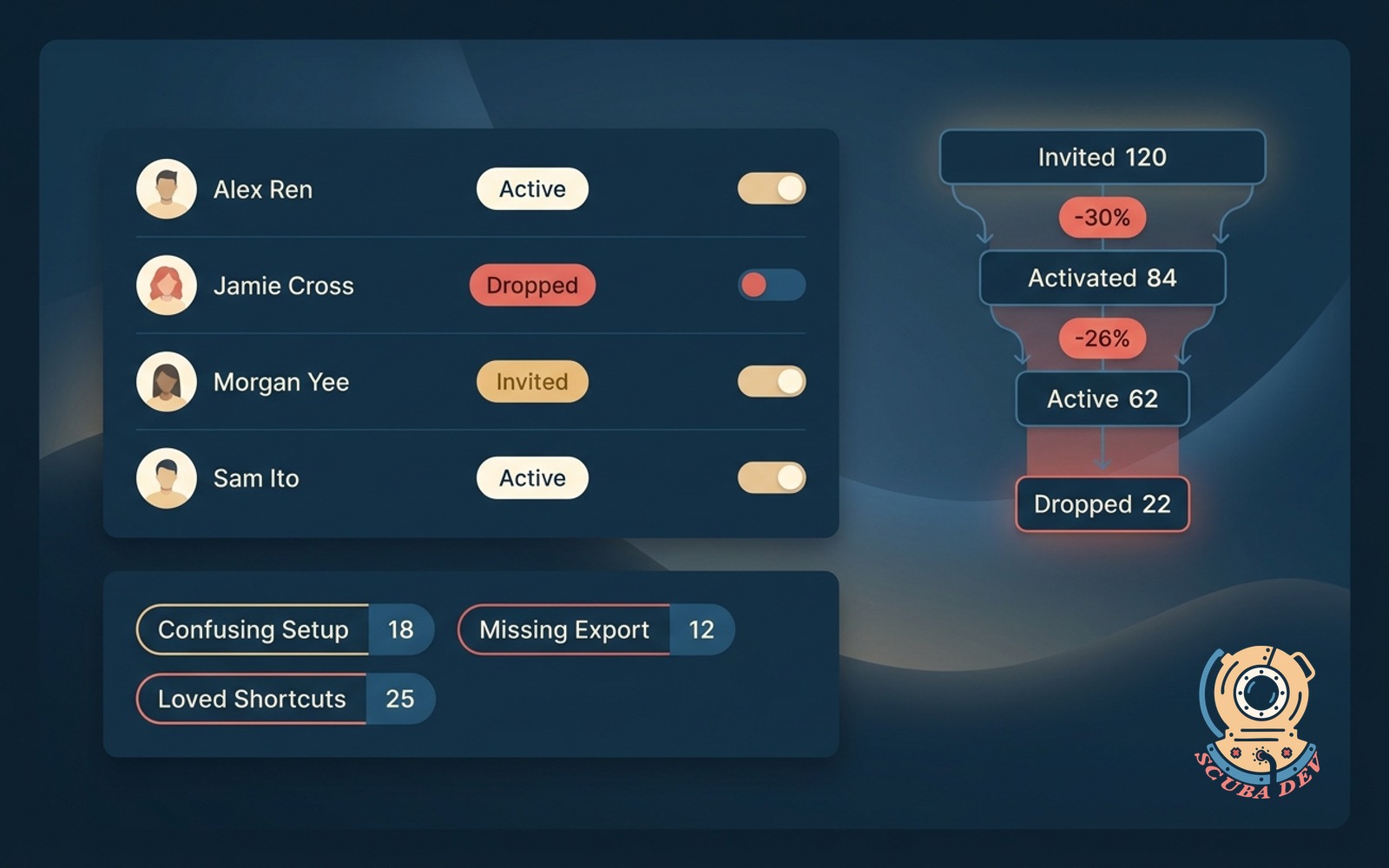
Manages the full beta lifecycle from invite to feature flag to active status tracking. One roster shows you everyone in the beta and whether they are actually using it.
- Invites sent from your own domain via email or in-app banner
- Feature flags toggled per user with one click
- Status per user: invited, active, dropped, churned
- Bulk actions on cohort segments for quick adjustments
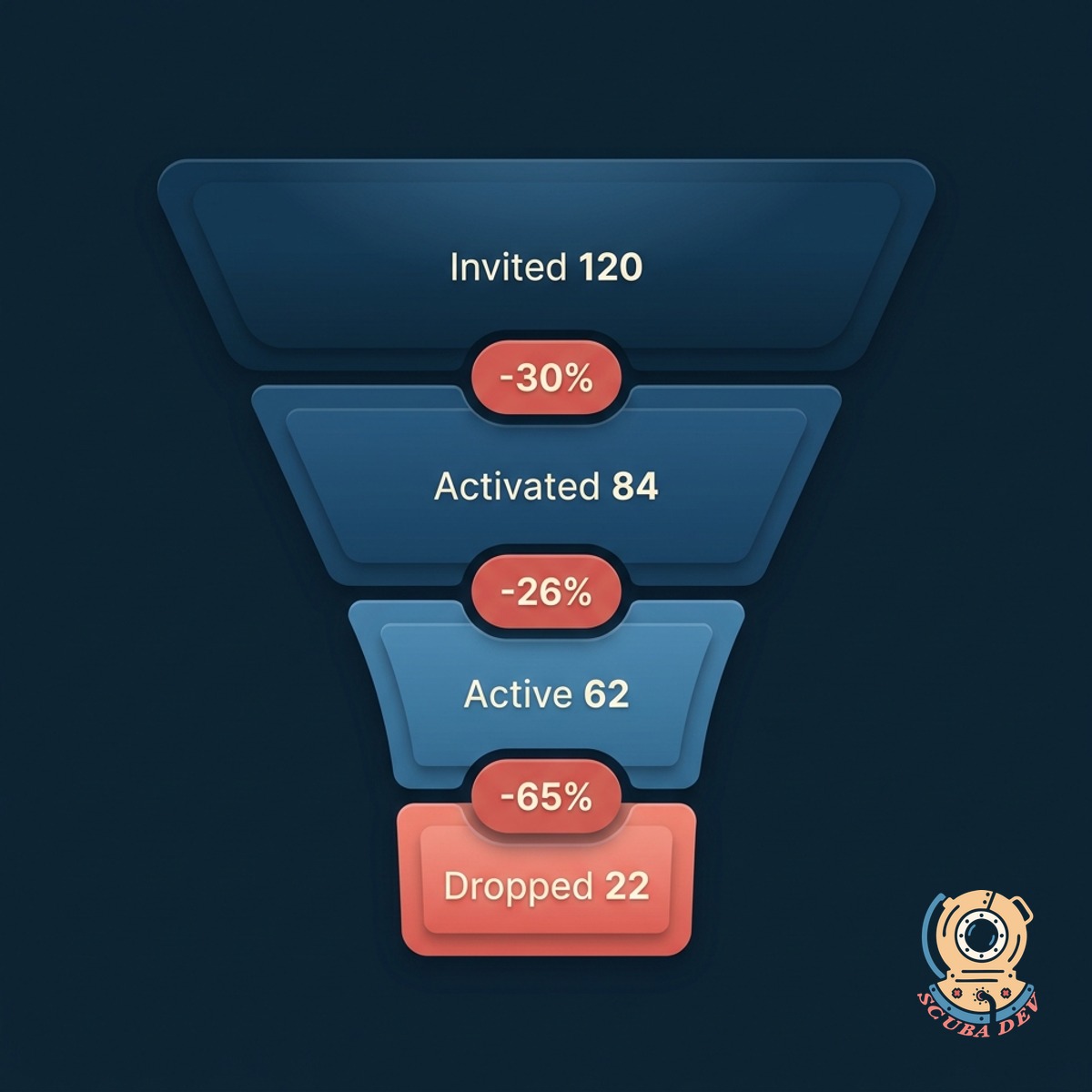
Knows Who Dropped Off
Tracks activation, active use, and drop-off across the beta cohort. Flags the users who tried it once and never came back, so you can follow up or pull them out.
- Activation rate shown for the cohort as a whole
- Drop-off flagged when a user has not touched the feature in 14 days
- Churn alerts when a beta user's account activity falls off overall
- Compare beta cohort activity against non-beta baseline
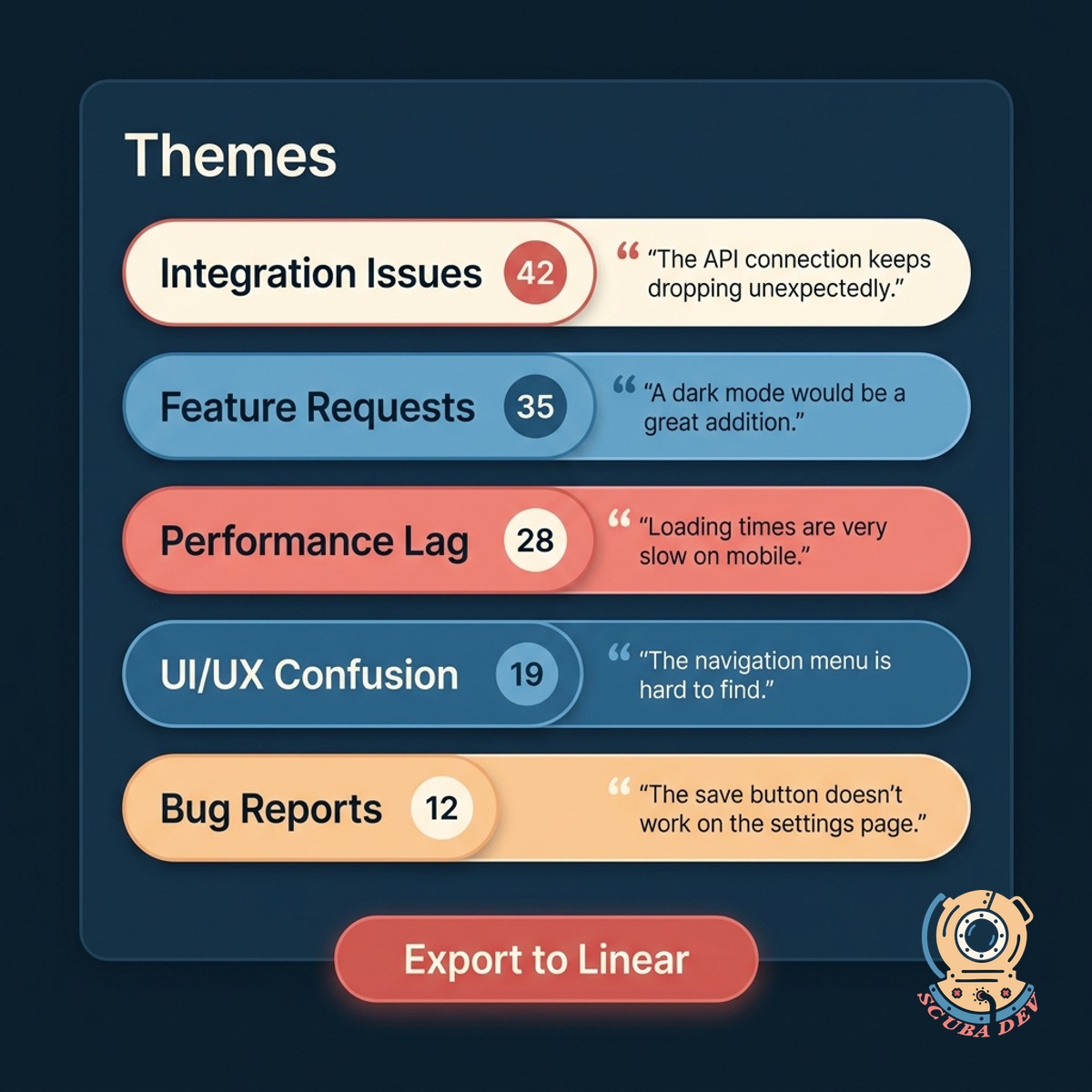
Feedback Built In
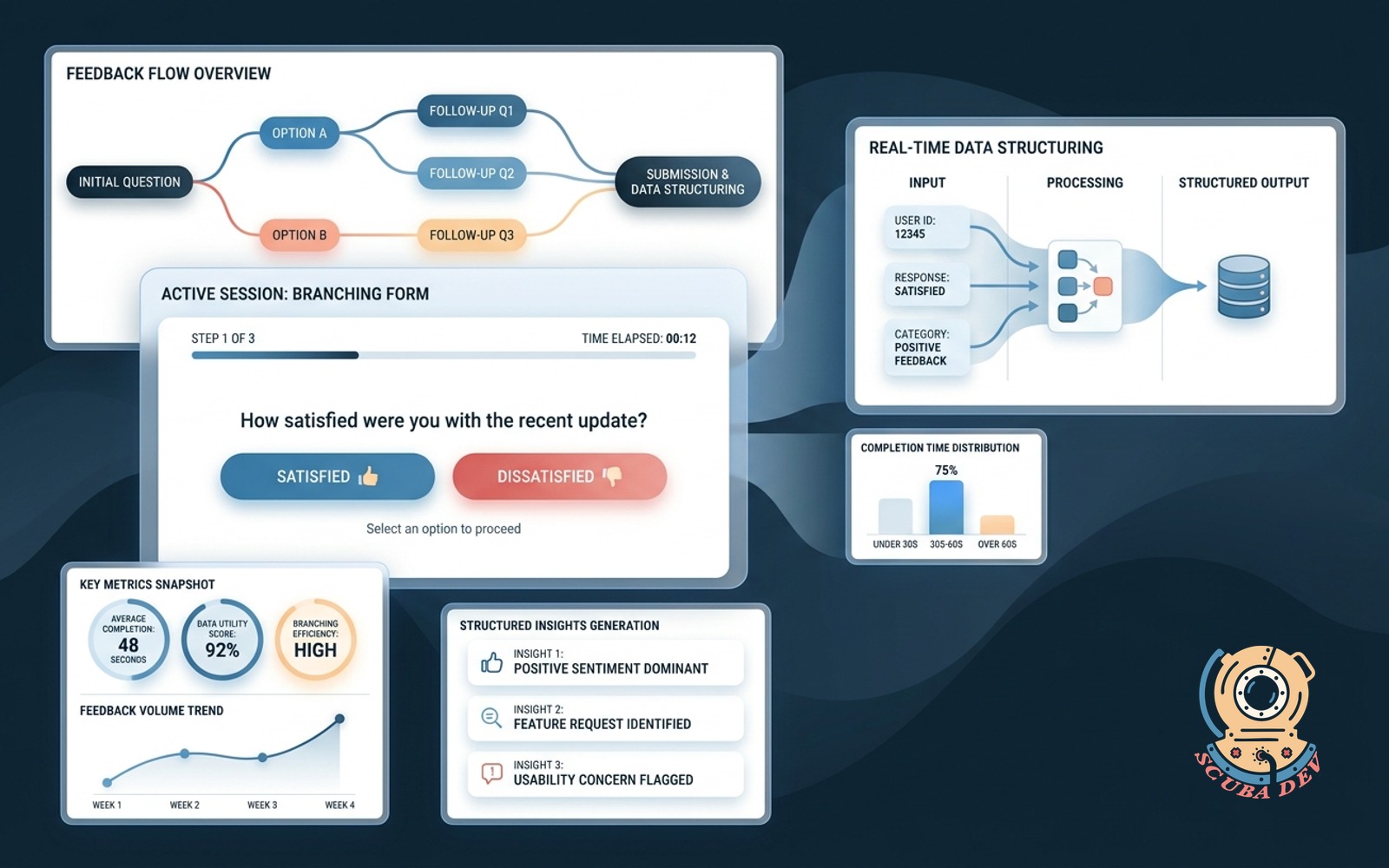
Collects feedback in-product from the beta cohort and aggregates by theme. You see the 5 top themes without scrolling through 200 replies.
- In-product feedback widget scoped to beta users
- Replies clustered into themes automatically
- Positive, negative, and request feedback separated
- Export to Linear, Notion, Jira, or a product doc with one click
Questions
Things people ask
What tools does this connect to?
Feature flag tools: LaunchDarkly, Statsig, Flagsmith, Unleash, or a custom flag system. Email: Postmark, SendGrid, Resend, or your own SMTP. Analytics: Mixpanel, Amplitude, PostHog, Heap. You can also pipe into Segment.
Can we run multiple betas in parallel?
Yes. Each beta is its own cohort with its own flags, invites, and feedback stream. Users can be in multiple betas at once. The roster shows you which betas each user is part of.
How do we invite users?
Upload a CSV, pick a segment from your user database, or invite by attribute (plan tier, region, signup date). Invites go out from your domain with your branding. Users accept with one click.
What counts as active?
You define it. Usually a core product action like using the beta feature at least once in the last seven days. You can weight multiple actions if that matches how your product works.
Can we graduate a beta to general availability?
Yes. One-click graduation flips the feature flag from beta to public, archives the cohort, and optionally migrates feedback themes into a launch recap doc for the team.
How is feedback clustered?
Semantic clustering groups replies by theme. Similar points of confusion, feature requests, and praise end up together even when phrased differently. You see the top five themes first, with the full list one click away.
Does this replace our feedback tool?
For beta cohorts, yes. Your existing tool (Canny, ProductBoard, Savio) still owns long-term public feedback. This is focused on the beta loop: invite, gate, measure, iterate, ship.