Website Ticket Deflection Widget
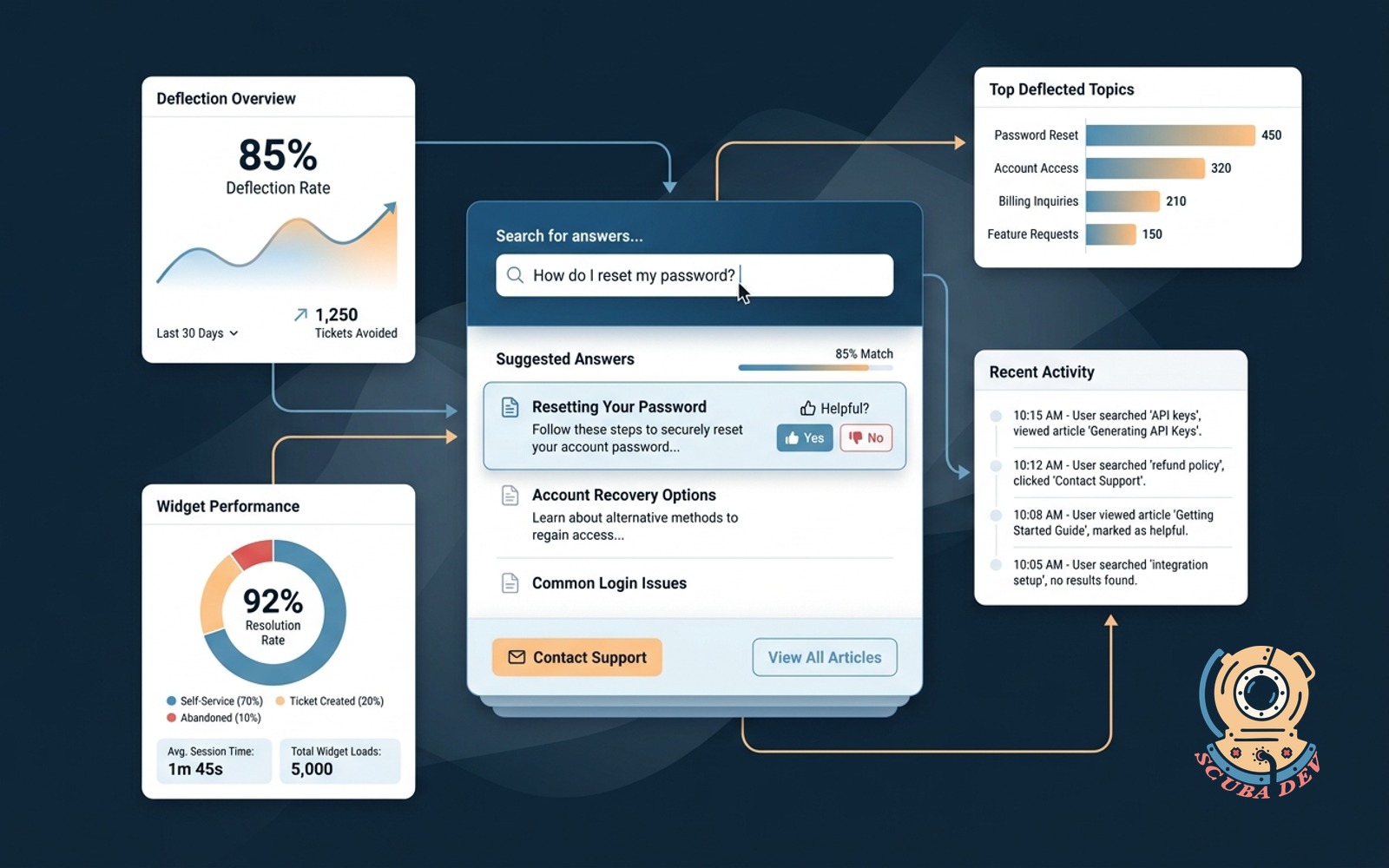
Public site widget answers common questions from your docs before a visitor opens a ticket.
Possibilities
Where this could go
Instant Answers From Your Knowledge Base
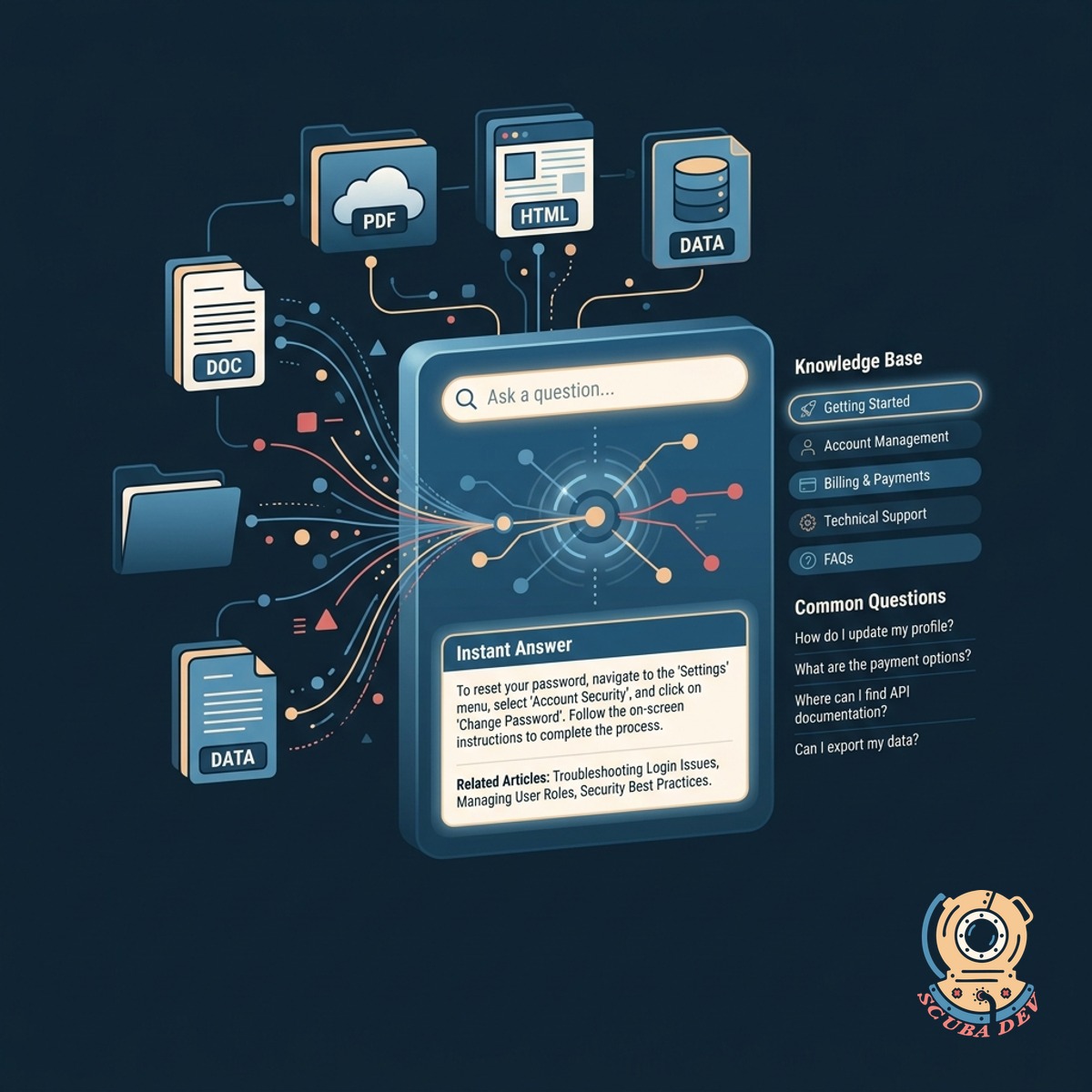
The widget scans your existing documentation to provide immediate answers to common customer questions.
- Connects to Zendesk or Help Scout
- Pulls answers from public docs
- Suggests relevant articles
- Keeps visitors on the current page
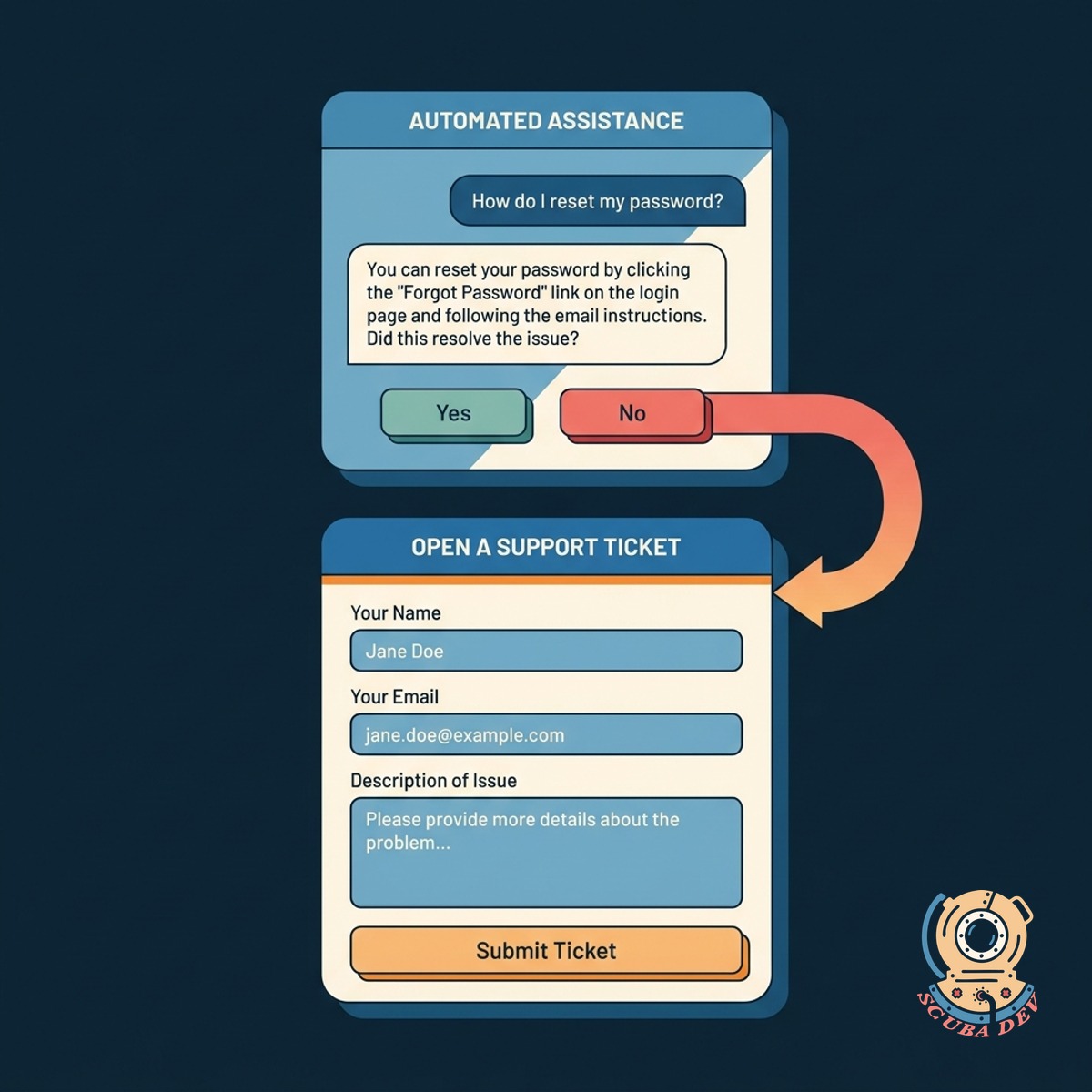
Seamless Transition To Support Tickets
If the automated answer does not resolve the issue, the widget collects the necessary details to open a standard support ticket.
- Escalates to human support
- Collects user name and email
- Attaches chat history to the ticket
- Routes to your existing help desk

Custom Branding And Website Integration
The widget matches your website design and sits quietly in the corner until a visitor needs assistance.
- Matches your brand colors
- Custom widget icon and text
- Lightweight script installation
- Works on mobile and desktop browsers
Questions
Things people ask
How does the widget know the answers to questions?
It connects to your existing public documentation or help center. When a visitor asks a question, the tool searches those articles and summarizes the most relevant information.
Which help desk platforms do you integrate with?
We build the widget to connect with your current system. Common integrations include Zendesk, Help Scout, Intercom, and Freshdesk.
What happens if the widget cannot find an answer?
The widget will politely inform the visitor that it cannot find the answer and will present a short form to submit a support ticket to your team.
Does the widget slow down the website?
No. The widget uses a lightweight JavaScript snippet that loads asynchronously so it does not affect your page load speed.
Can we customize how the widget looks?
Yes. We configure the widget to match your brand guidelines, including colors, fonts, and the launcher icon.
Does this replace our human support team?
No. The tool handles repetitive questions found in your documentation so your team can focus on complex issues that require human attention.
How do we install this on our website?
We provide a small piece of code that you or your web developer can paste into the header of your website or deploy via Google Tag Manager.