SOP Generator From Loom
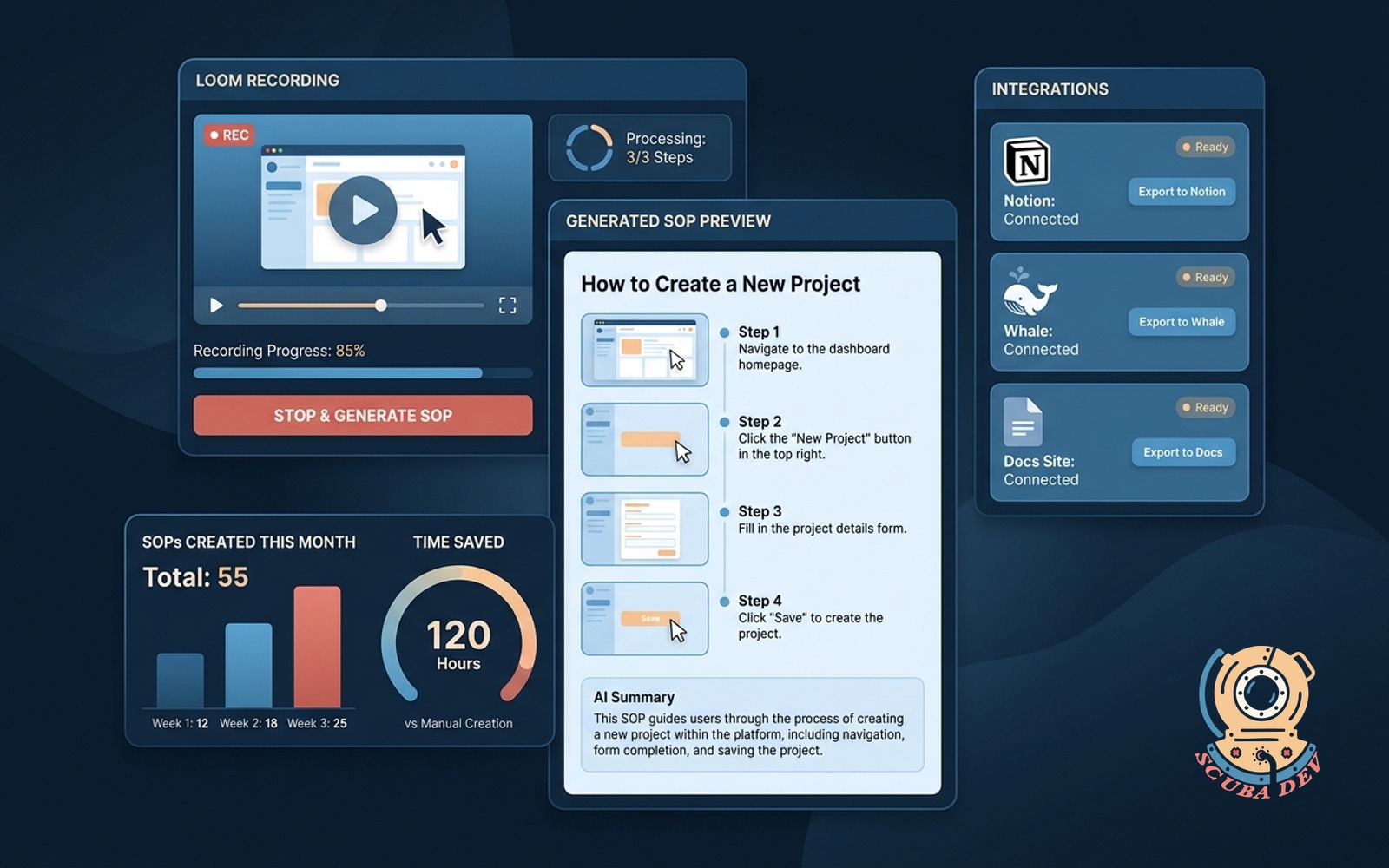
Record a Loom. Get a written, screenshotted SOP ready for Notion, Whale or your docs site.
Possibilities
Where this could go
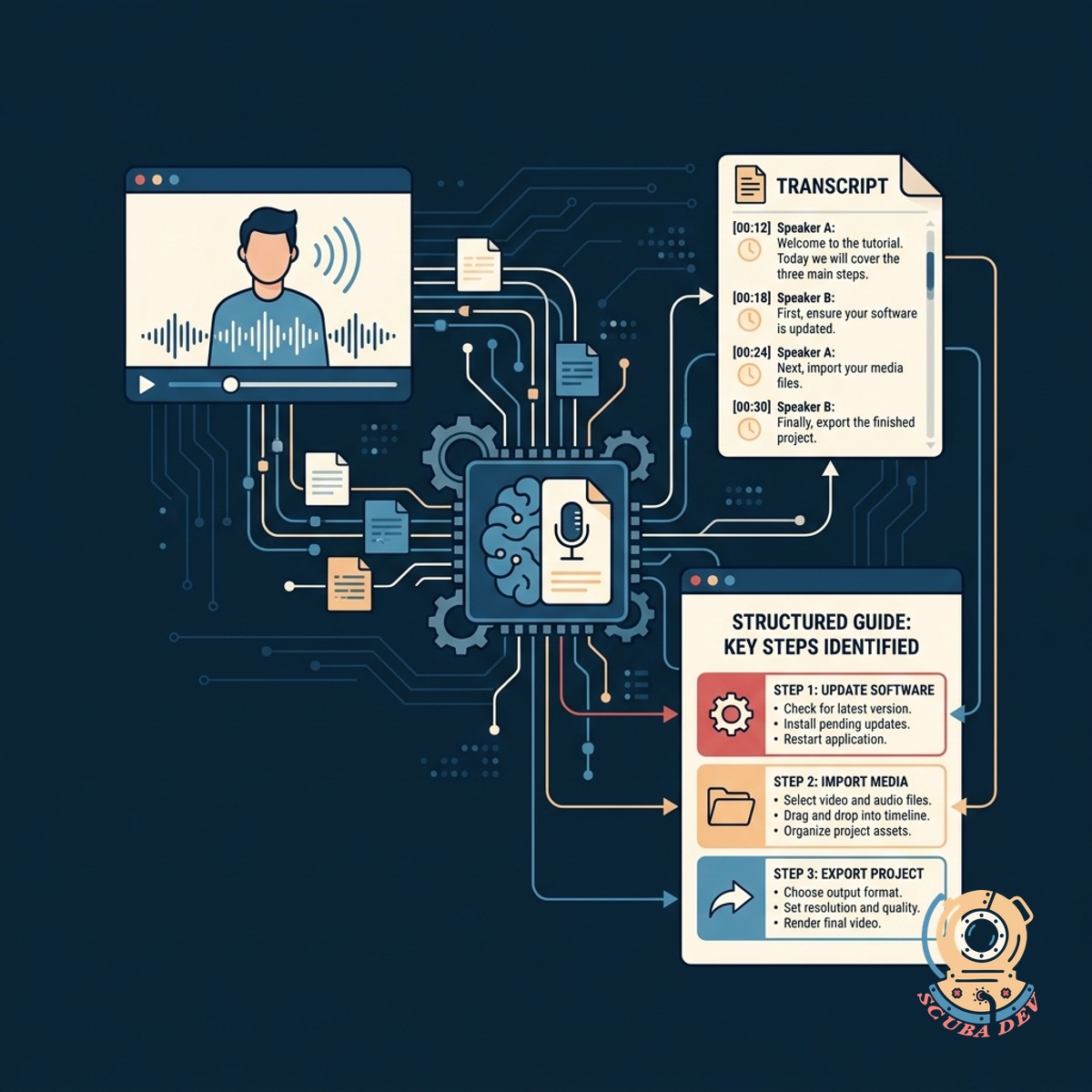
Automated Video Transcription And Formatting
The system extracts the transcript and identifies key steps to build a structured guide.
- Transcribes spoken audio accurately
- Identifies transition words and actions
- Groups related steps into logical sections
- Removes filler words and tangents
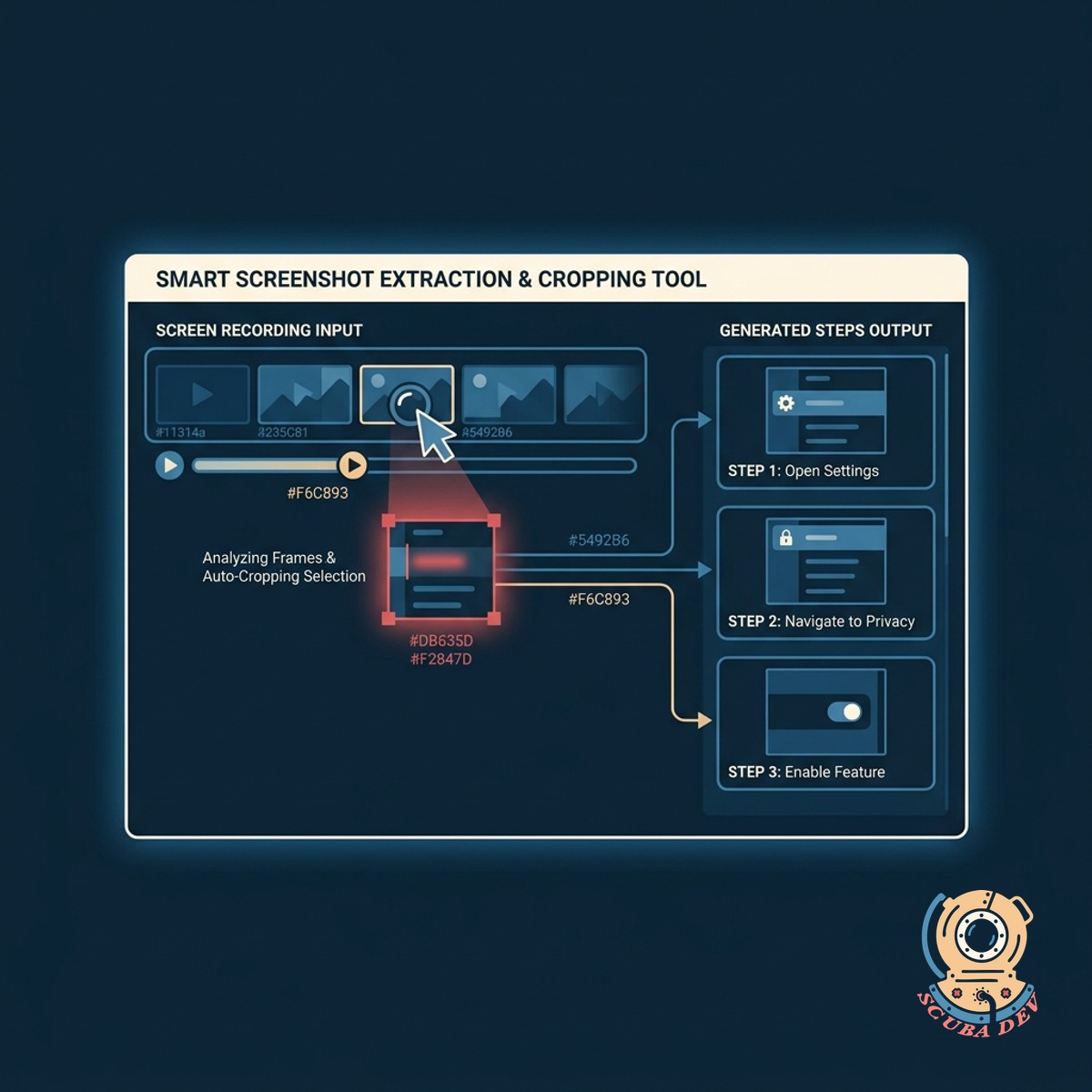
Smart Screenshot Extraction And Cropping
The tool pulls relevant frames from your screen recording to visually support each written step.
- Detects significant screen changes
- Captures high resolution frames automatically
- Crops images to focus on active windows
- Inserts images at the correct step
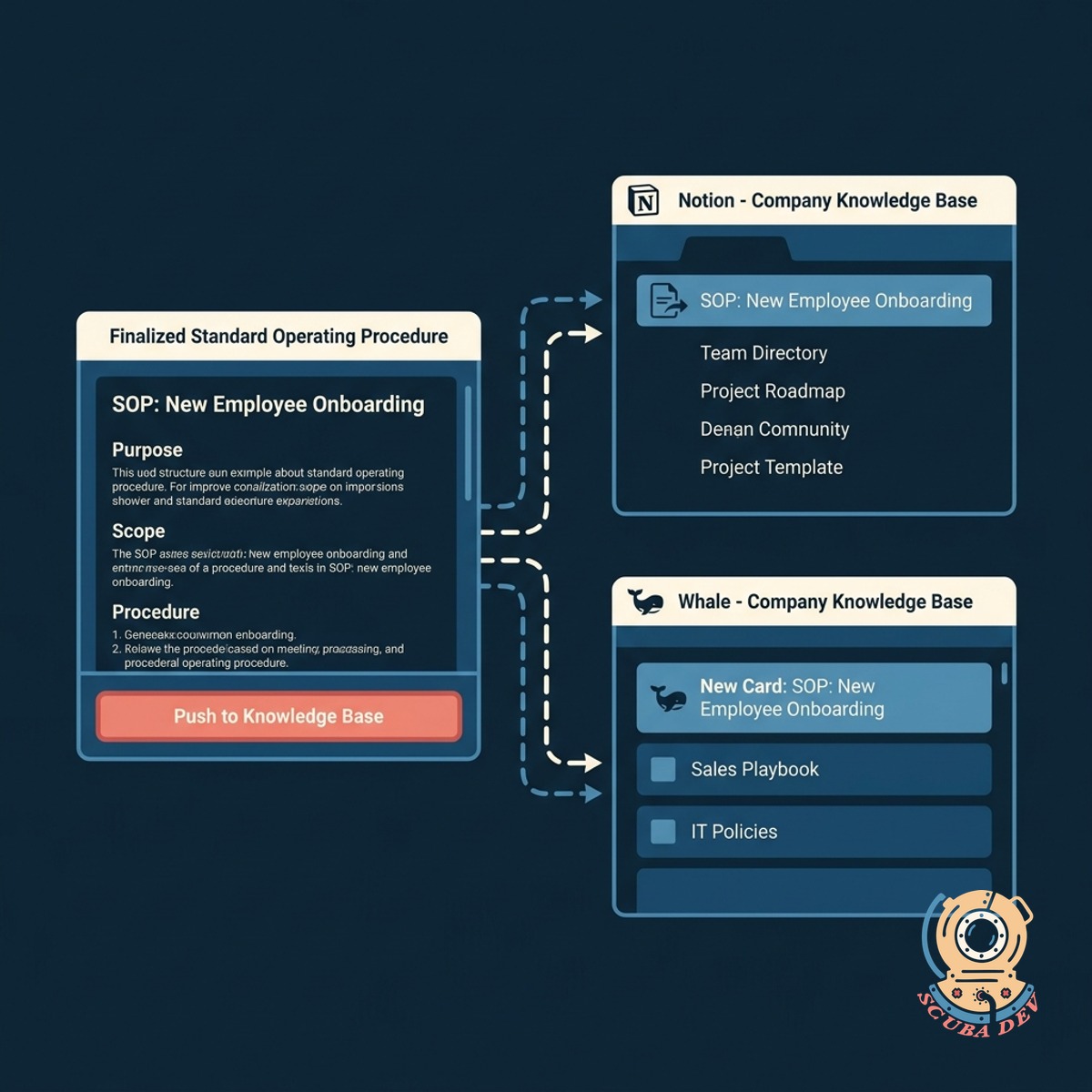
Direct Export To Notion And Whale
Push your finalized standard operating procedures directly into your company knowledge base.
- Connects directly to Notion workspaces
- Syncs with Whale documentation structures
- Formats markdown automatically for target platforms
- Updates existing pages or creates new ones
Questions
Things people ask
How does the tool know when to take a screenshot?
The system analyzes the video file for significant visual changes like clicks, new window openings, and scroll stops. It pairs these visual cues with action verbs in the transcript to capture the most relevant frame.
Which documentation platforms do you support?
Out of the box, the generator formats content for Notion, Whale, and standard Markdown files. We can add custom API connections for other platforms like Confluence or SharePoint if your team uses them.
Do I need a specific Loom subscription to use this?
You only need a Loom account that allows you to share video links or download the MP4 files. The generator processes the video content regardless of your specific Loom billing tier.
Can I edit the generated SOP before it goes to my knowledge base?
Yes. The tool provides an intermediate editing interface where you can adjust text, swap out screenshots, or reorder steps. Once you approve the draft, you can push it to your final destination.
Does this work with screen recording tools other than Loom?
While optimized for Loom links, the underlying engine processes standard video files. You can upload MP4 files generated by Zoom, Slack clips, or native screen recorders to get the same output.
How does it handle long or rambling videos?
The prompt layer is instructed to ignore tangents and focus strictly on actionable steps. It condenses the transcript into direct instructions rather than a verbatim copy of what you said.
Are the extracted screenshots high quality?
The screenshots match the resolution of your original video recording. If you record in 1080p, the extracted frames will be crisp enough to read standard application text and interface labels.