Inbox triage agent
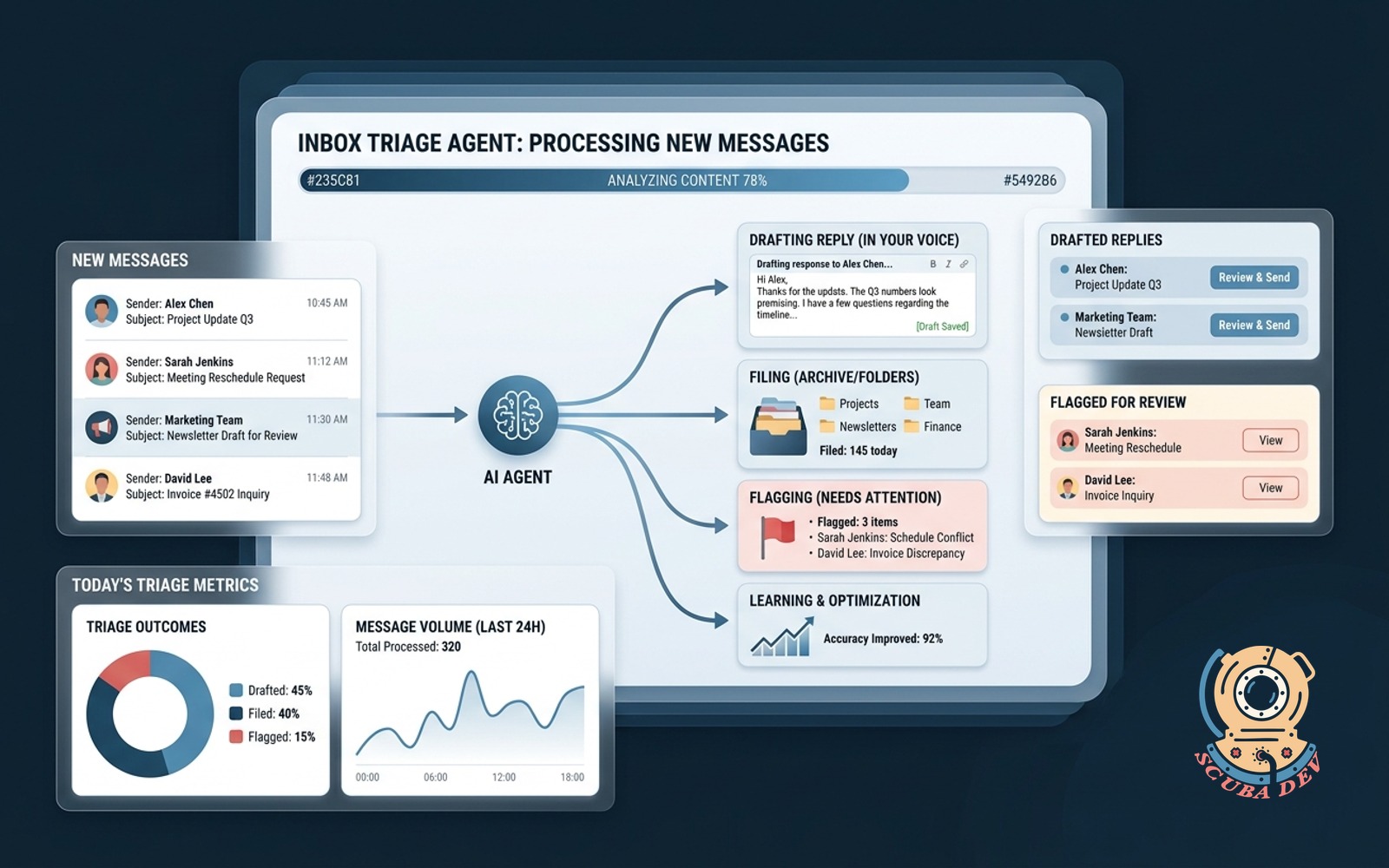
Reads every new message, drafts the reply in your voice, files the rest, flags only what needs you.
Possibilities
Where this could go
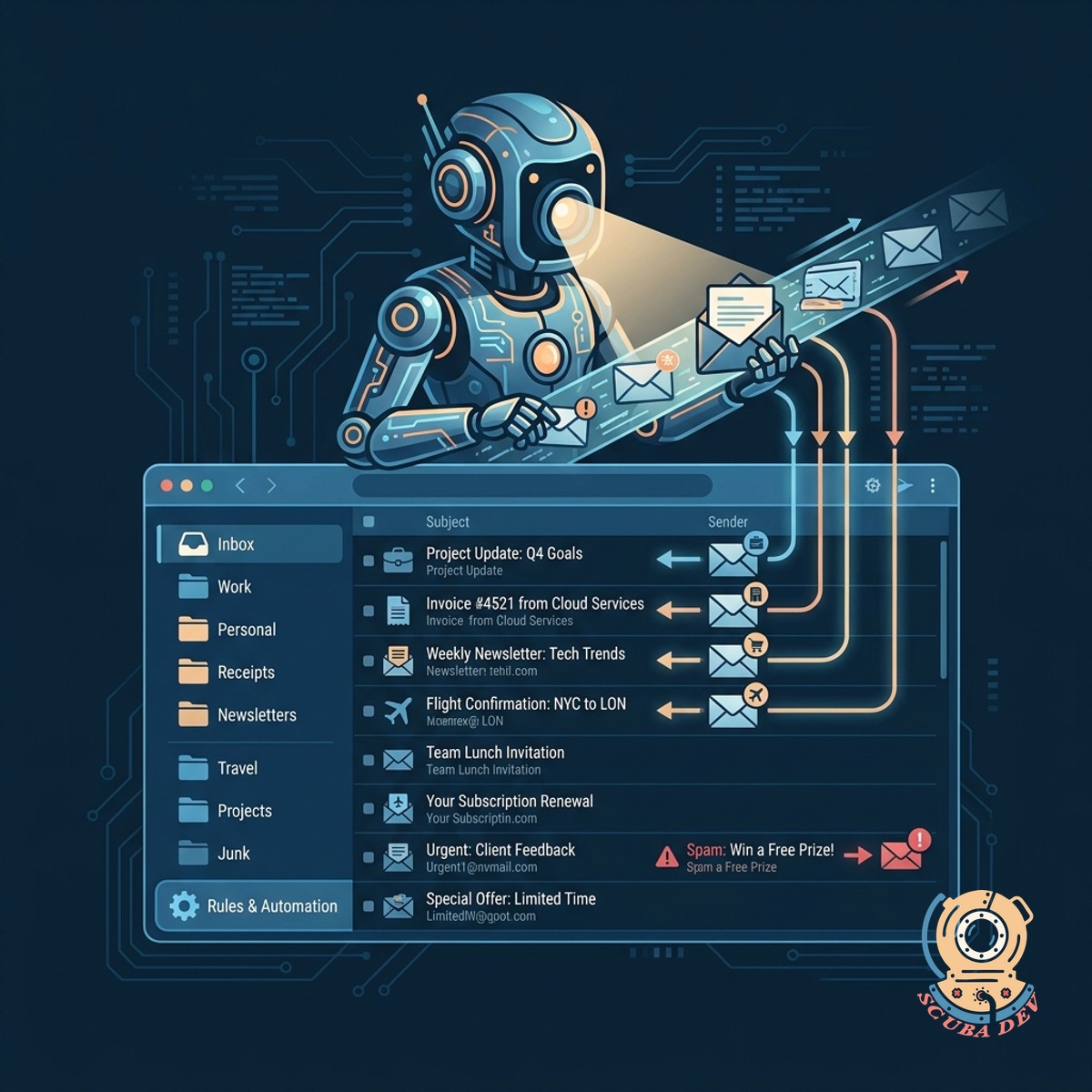
Automated Inbox Sorting And Filing
The agent scans every incoming message and routes it to the correct folder based on your specific rules.
- Scans all incoming email
- Categorizes by sender and topic
- Archives newsletters and spam
- Keeps your primary view clean
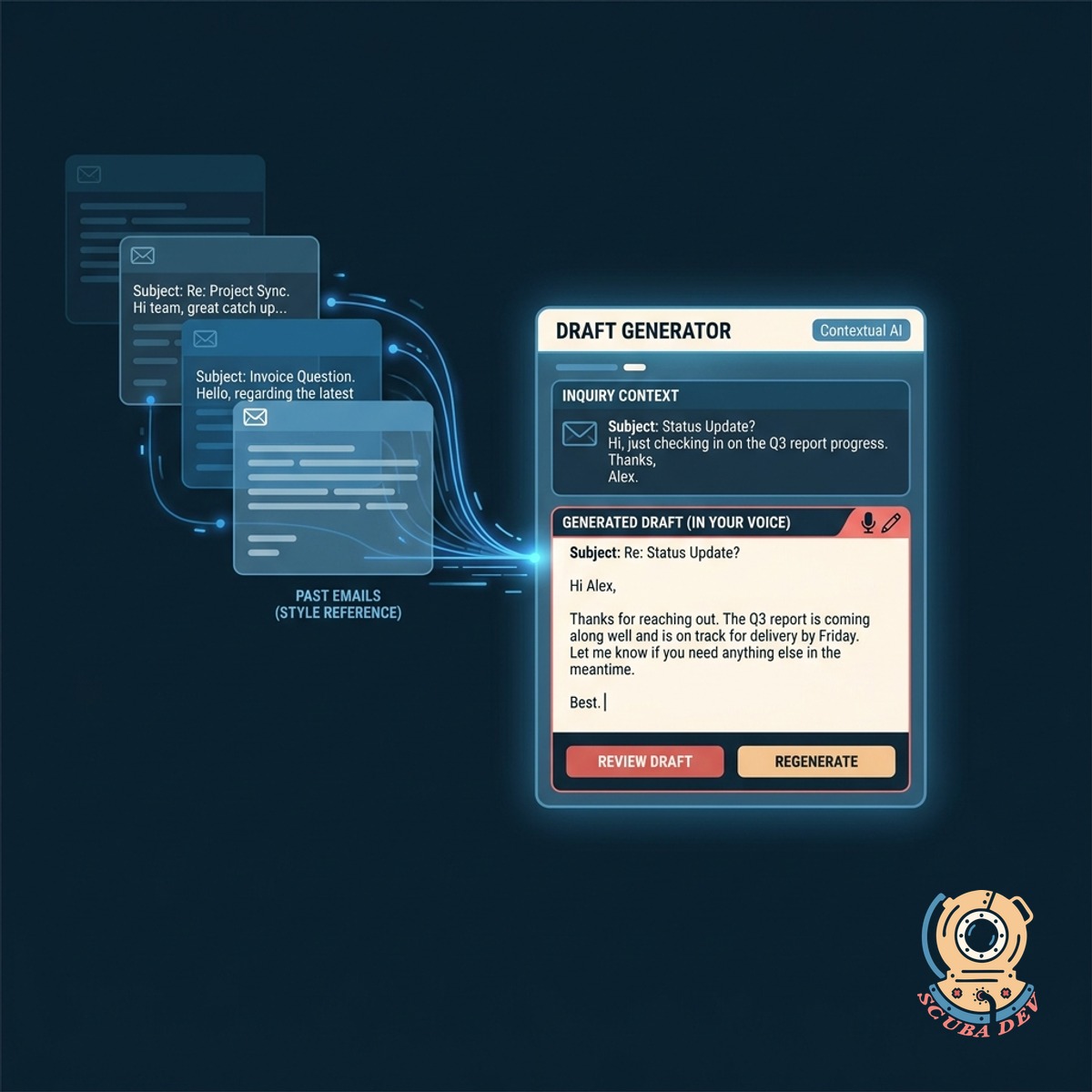
Contextual Draft Generation In Your Voice
It writes complete response drafts for routine inquiries using your past emails as a style reference.
- Analyzes past sent emails
- Matches your tone and phrasing
- Prepares drafts in your outbox
- Requires only your final approval
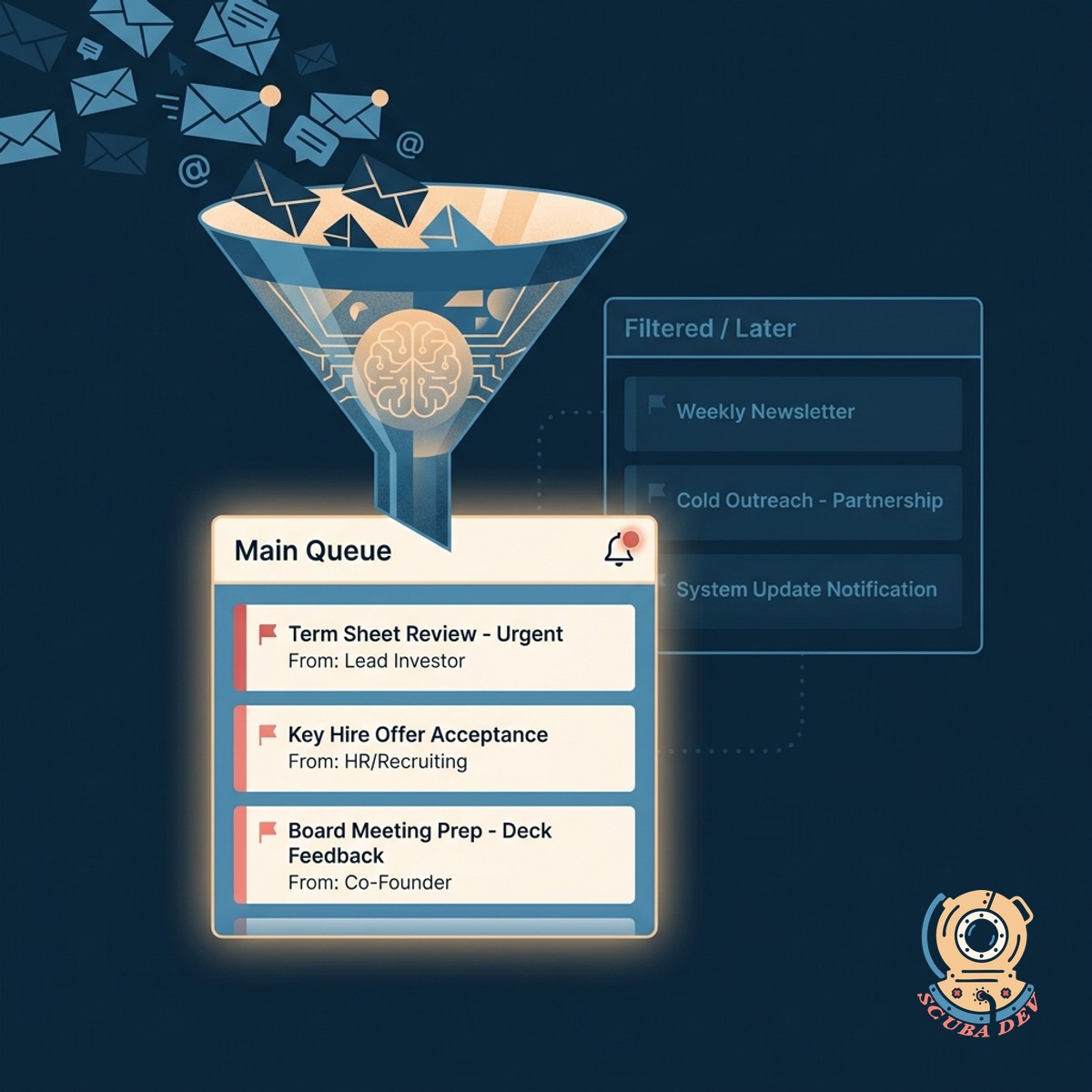
Priority Flagging For Urgent Human Review
Only the messages that require your direct attention trigger a notification and appear in your main queue.
- Identifies urgent client requests
- Spots high value opportunities
- Mutes low priority threads
- Sends alerts for critical items
Questions
Things people ask
Which email platforms does this integrate with?
We build this agent to work directly with Gmail and Microsoft Outlook. It uses the official Google Workspace or Microsoft Graph APIs to read and organize your messages securely.
How does the agent learn my writing style?
The system analyzes a sample of your previously sent emails to understand your vocabulary and sentence structure. We use tools like OpenAI or Anthropic to create a custom prompt that mimics your specific tone.
Will the agent send emails without my permission?
No. The agent is designed to create drafts and leave them in your drafts folder for review. You maintain complete control over what actually gets sent to your contacts.
How does it know which emails are important?
We configure the agent with specific rules and keywords based on your business operations. You can tell it to always flag messages from certain domains, specific clients, or emails containing urgent keywords.
What happens to newsletters and promotional emails?
The triage agent automatically identifies marketing material and bulk sends. It routes these messages into a designated reading folder or archives them so they never clutter your primary inbox.
Can it handle scheduling requests?
Yes. If an email contains a request to meet, the agent can draft a reply that includes your Calendly or SavvyCal link. It recognizes intent and applies the appropriate response template.
Is my email data kept private?
We prioritize security by using enterprise grade APIs and ensuring data is only processed for your specific use. We do not store your email archive on our servers after the initial style training is complete.