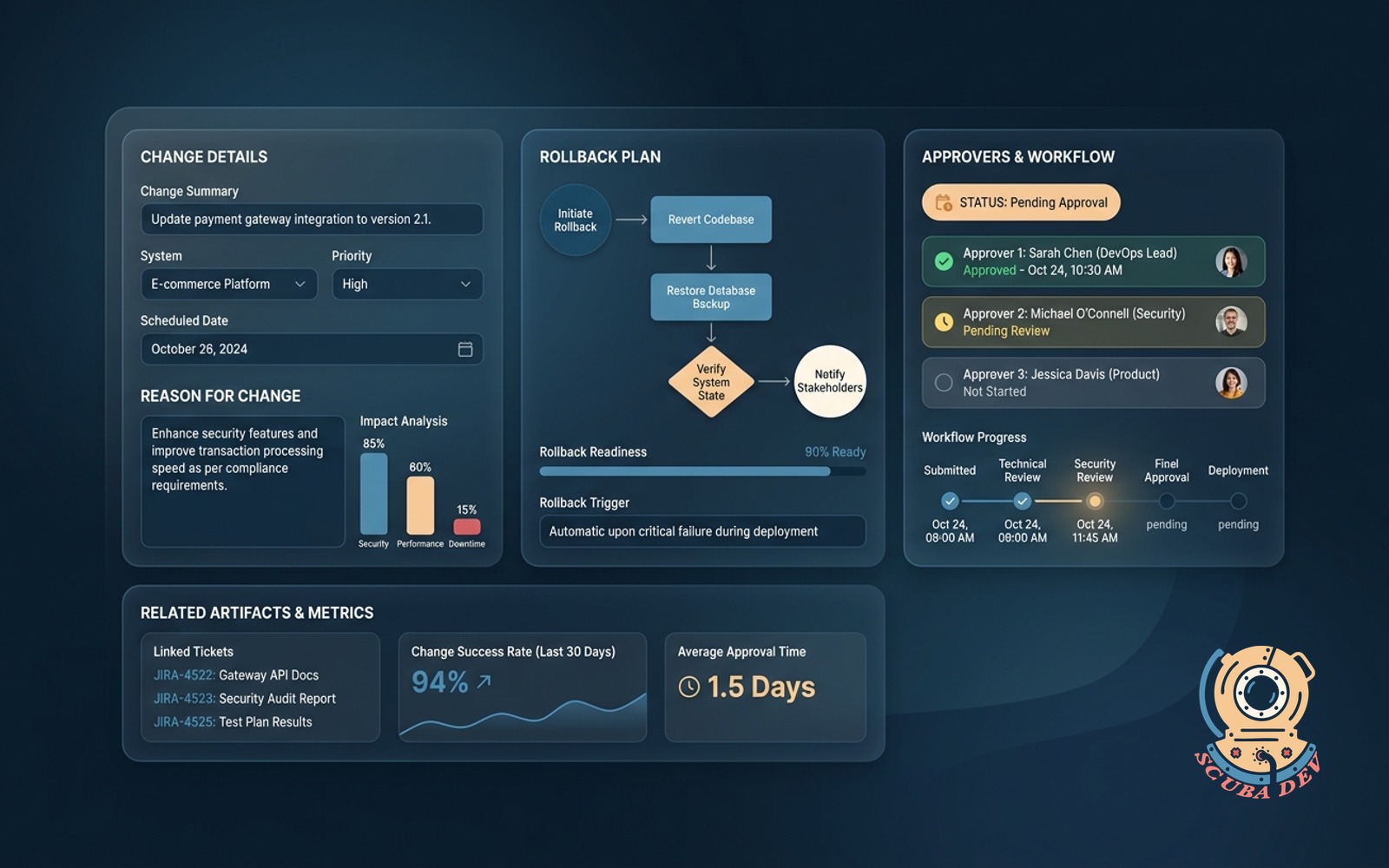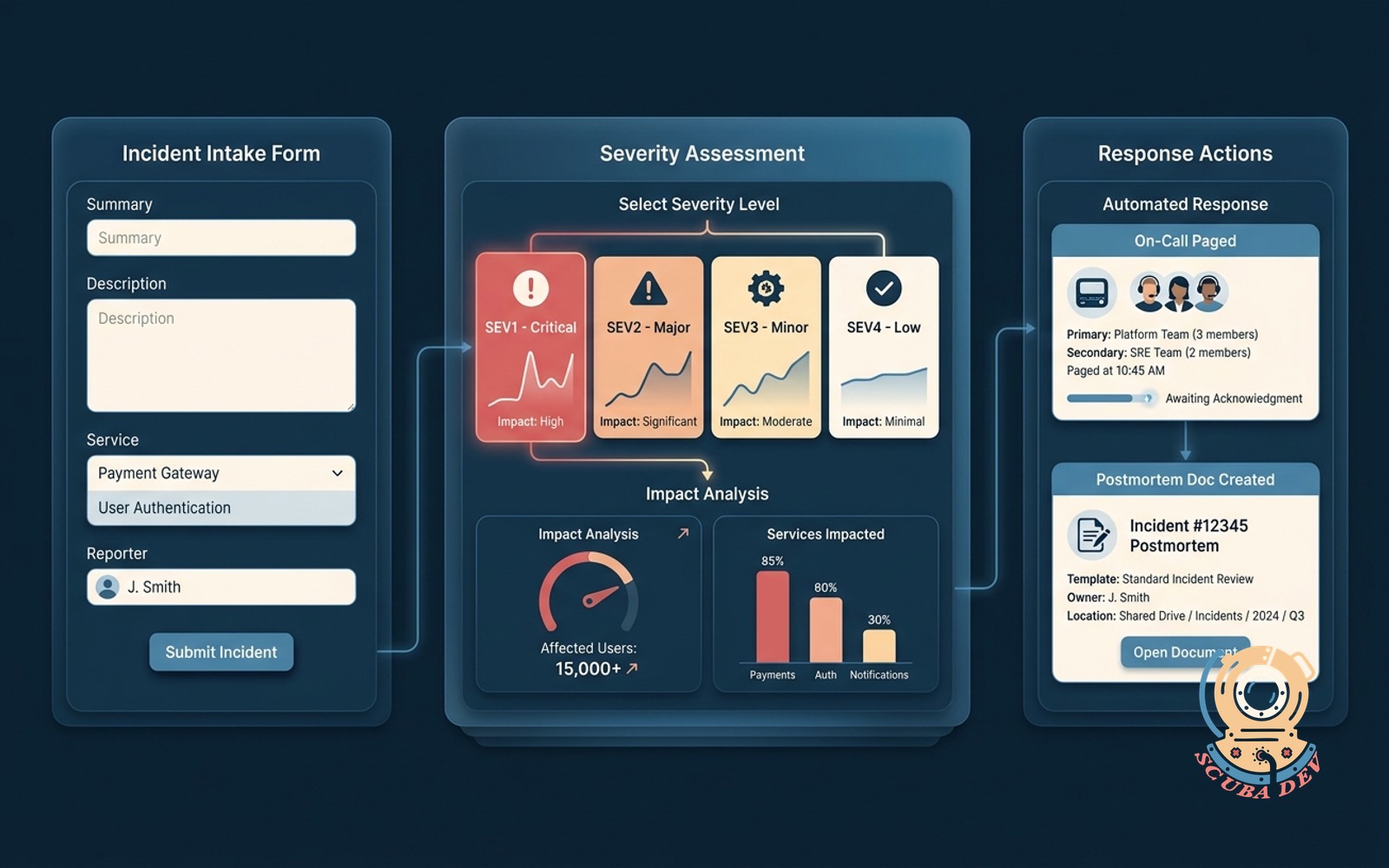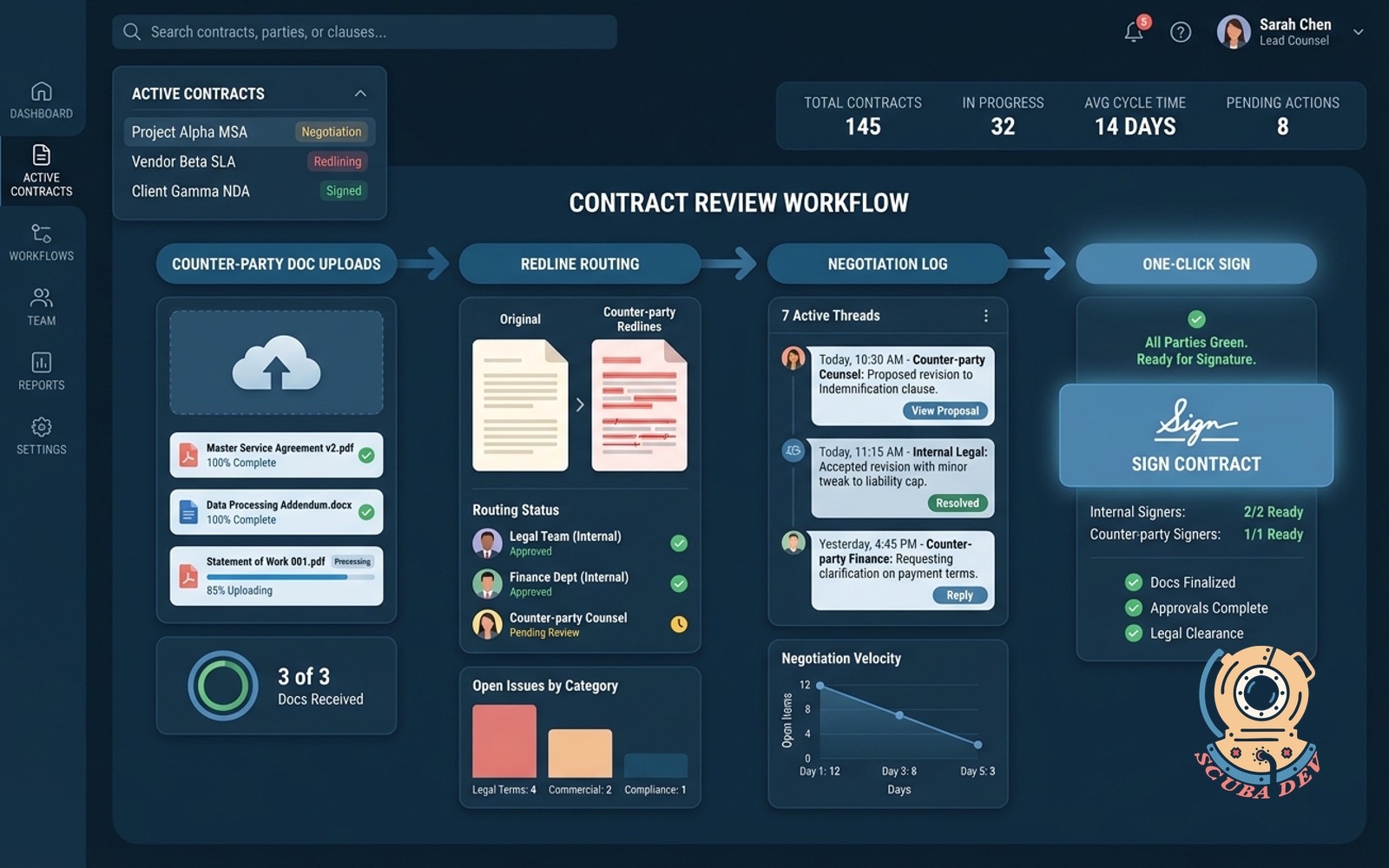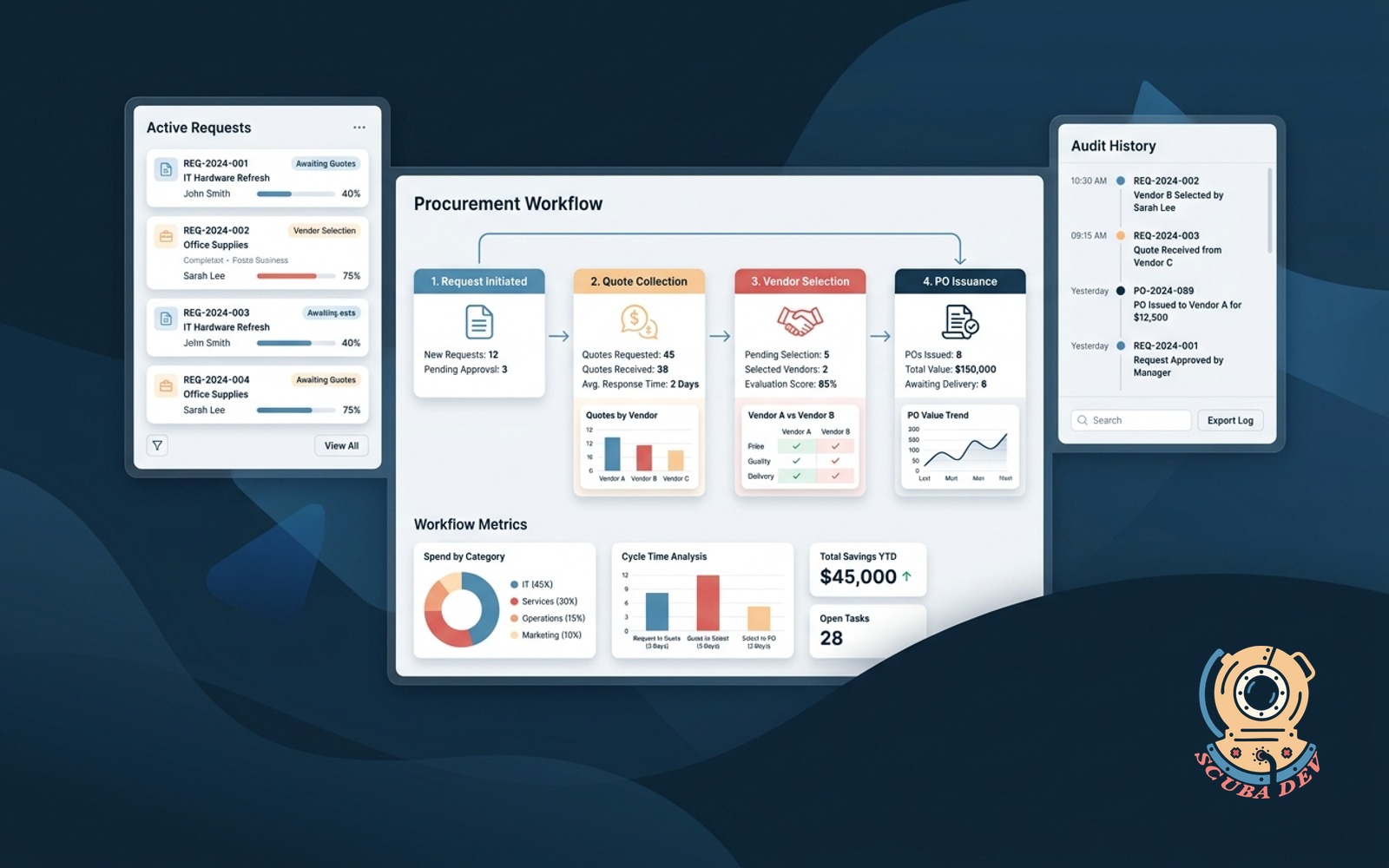
Procurement workflow
Request, quote collection, vendor selection and PO issuance in one tracked flow with audit history.
Possibilities
Where this could go
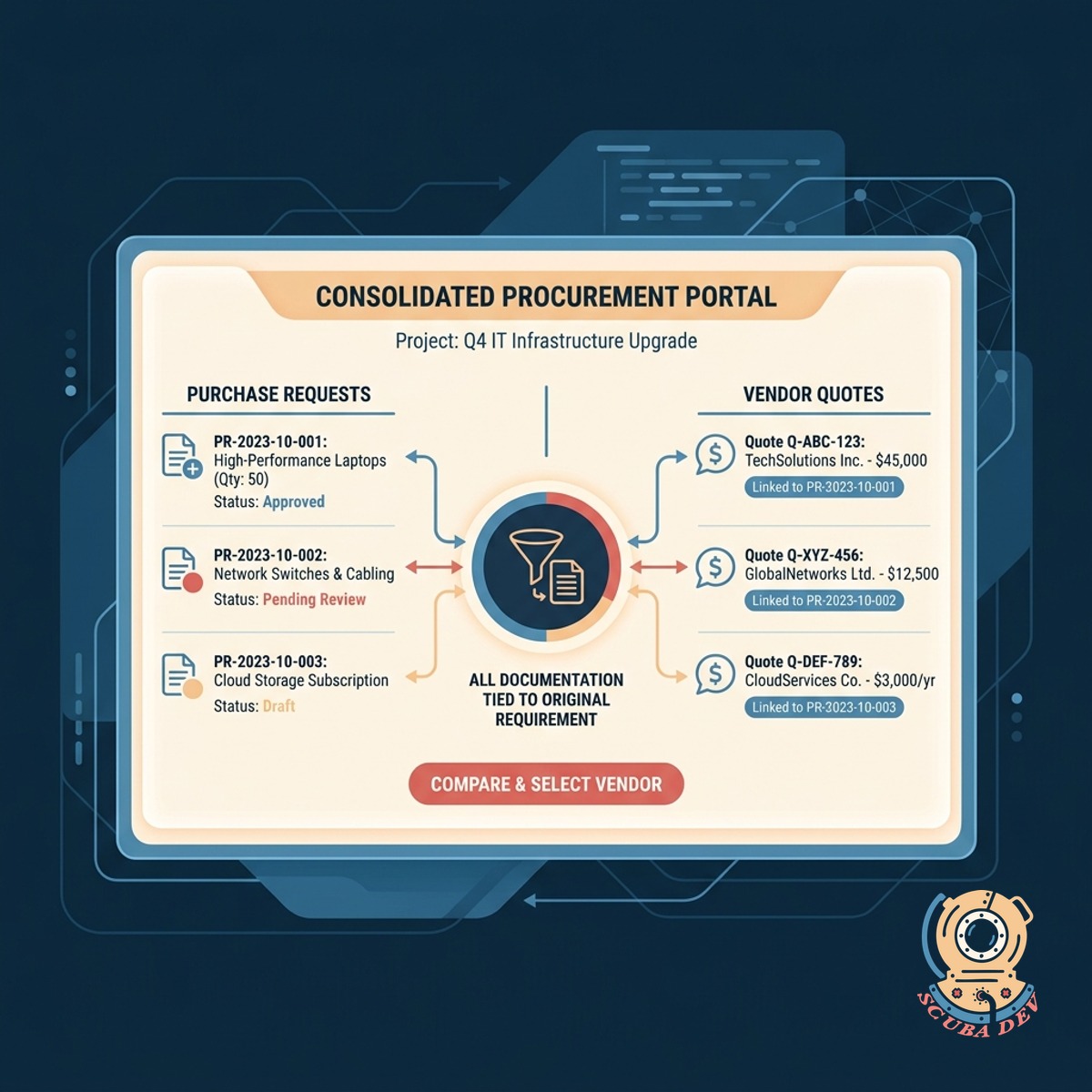
Consolidate Requests And Vendor Quotes
Submit purchase requests and gather vendor quotes in a single portal to keep all documentation tied to the original requirement.
- Standardized intake forms
- Automated quote requests
- Side by side quote comparison
- Centralized vendor communication
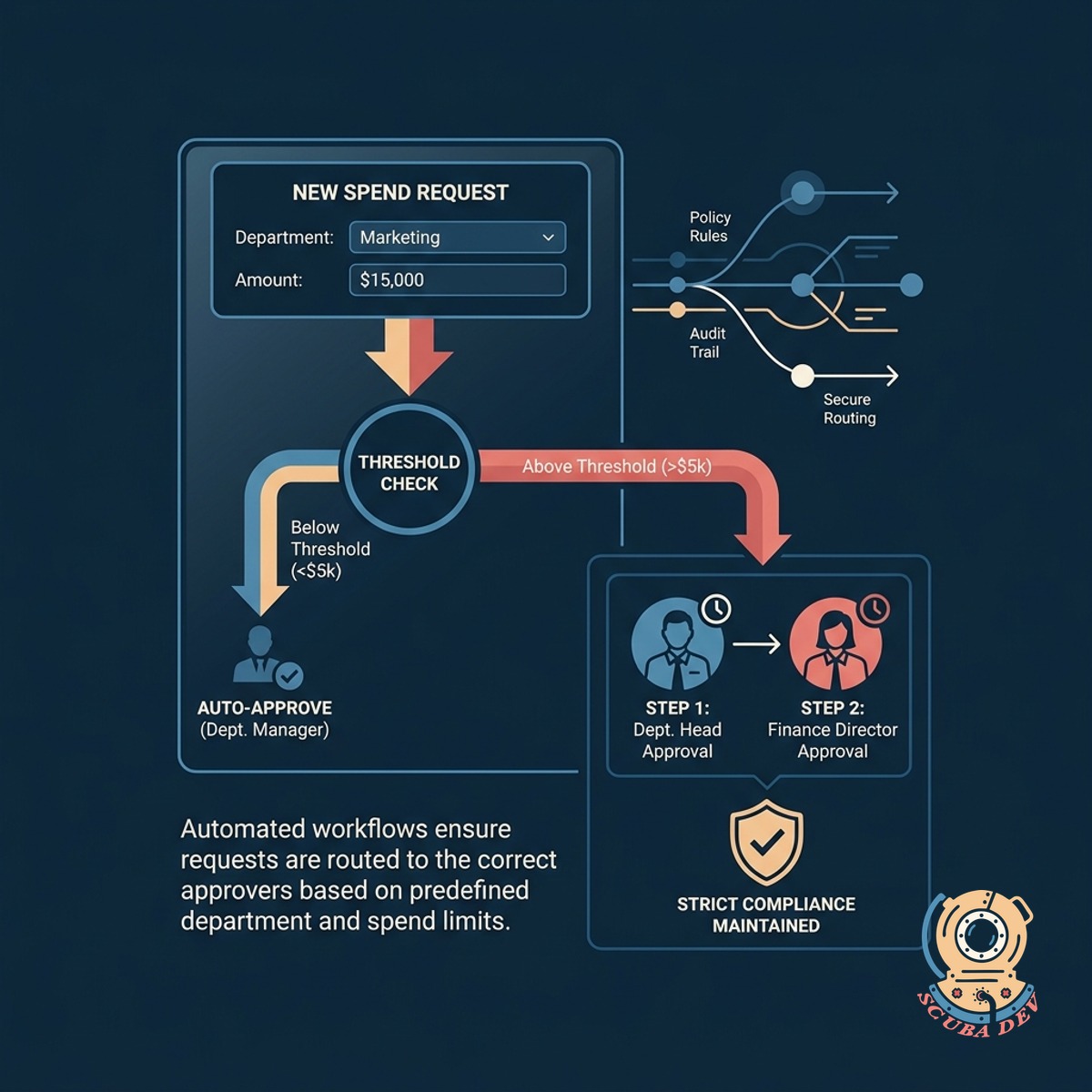
Route Approvals Based On Thresholds
Send requests to the right managers automatically based on department or spend amount to maintain strict compliance.
- Conditional routing logic
- Slack and email notifications
- One click approval steps
- Delegation for out of office
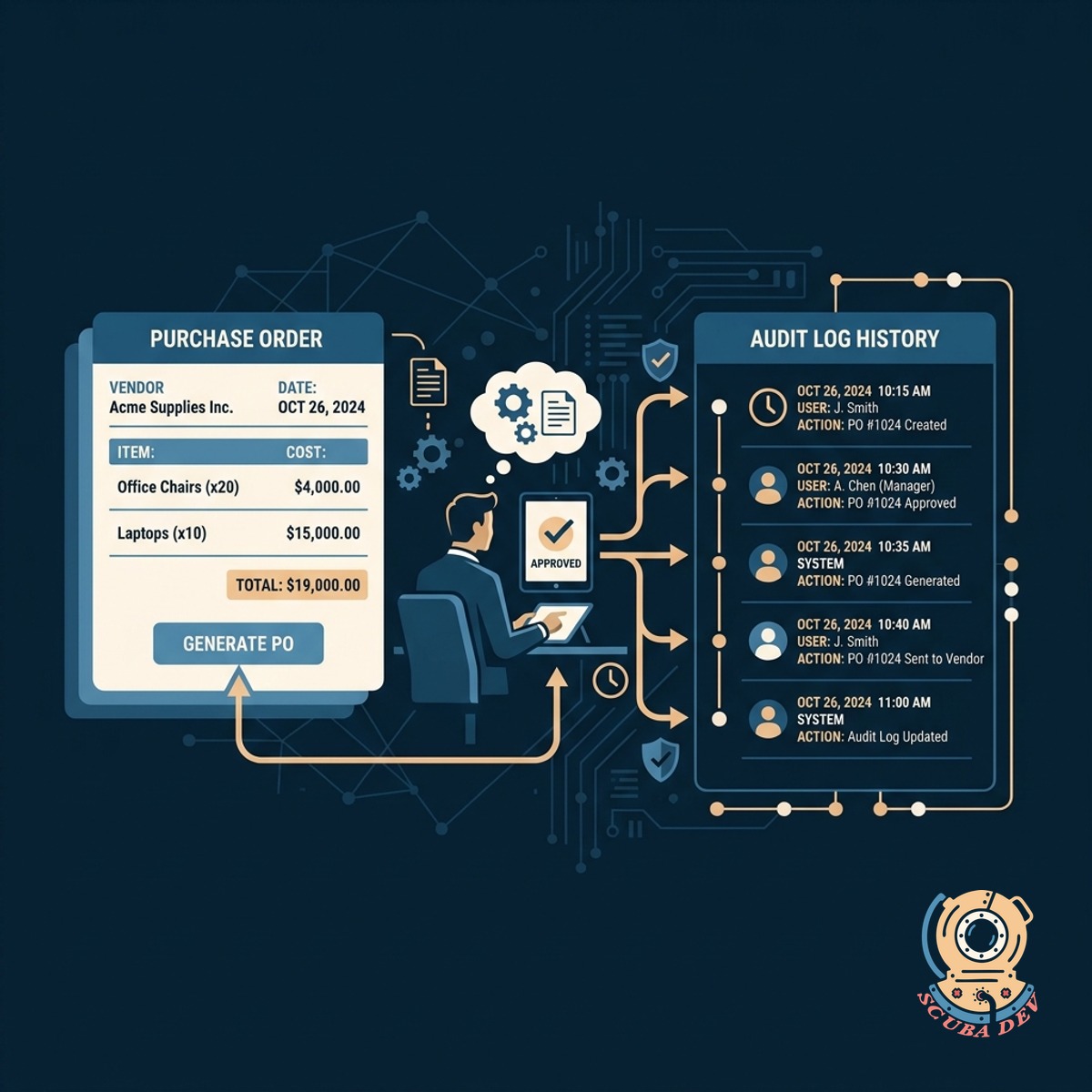
Generate Purchase Orders And Audit Logs
Create purchase orders upon approval and maintain a strict history of every action taken during the procurement cycle.
- Automatic PO generation
- QuickBooks and NetSuite syncing
- Immutable activity timeline
- Searchable historical records
Questions
Things people ask
How do employees submit new purchase requests?
Staff use a standardized intake form to detail their requirements. This form captures necessary data like budget codes, required dates, and department details before routing the request to the procurement queue.
Can we sync the final purchase orders with our accounting software?
Yes. The workflow pushes approved purchase order details directly into platforms like QuickBooks, Xero, or NetSuite. This prevents manual data entry errors for your finance team.
How does the system handle multiple vendor quotes?
The tool allows buyers to upload and attach multiple quotes to a single purchase request. Reviewers can then view these quotes side by side to make an informed selection before approving the spend.
Are approvals routed automatically?
Approvals trigger automatically based on rules you define. You can set thresholds so that a small software purchase goes to a direct manager while a major equipment buy routes to the executive team.
How do managers know they have a request to approve?
The system sends automated alerts through email or Slack when an approval is required. Managers can review the request details and approve or reject the request directly from the notification.
What information is captured in the audit history?
The audit log records every action taken on a request. It tracks who submitted the request, when quotes were added, who provided approvals, and when the final purchase order was generated.
Can we customize the vendor selection criteria?
You can add custom fields to the quote comparison step to track specific criteria. This allows your team to evaluate vendors on factors like delivery time or compliance certifications alongside price.