Salesforce to inbox
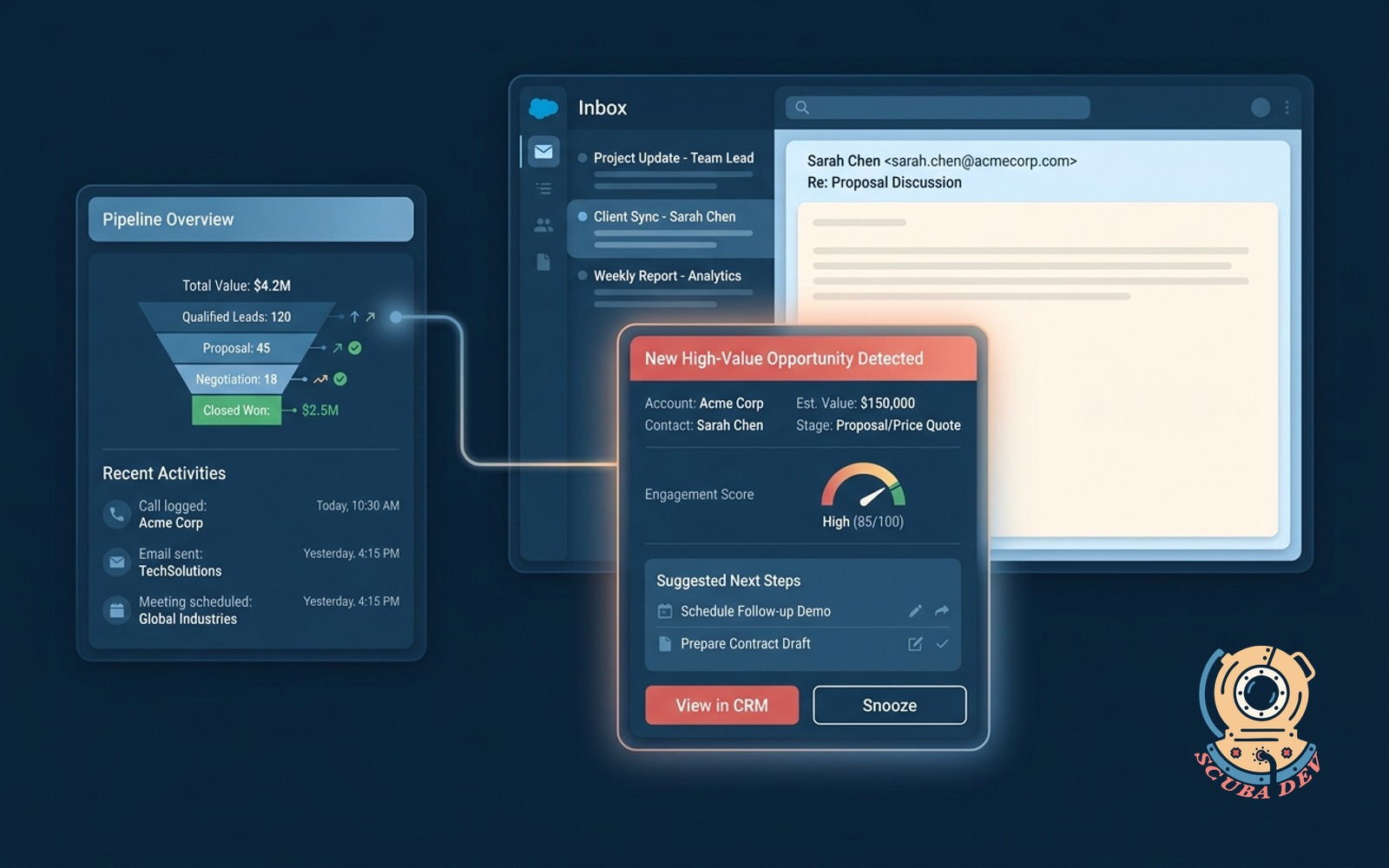
New high-value opportunities surface in the right inbox thread with context, no tab-switching to the CRM.
Possibilities
Where this could go
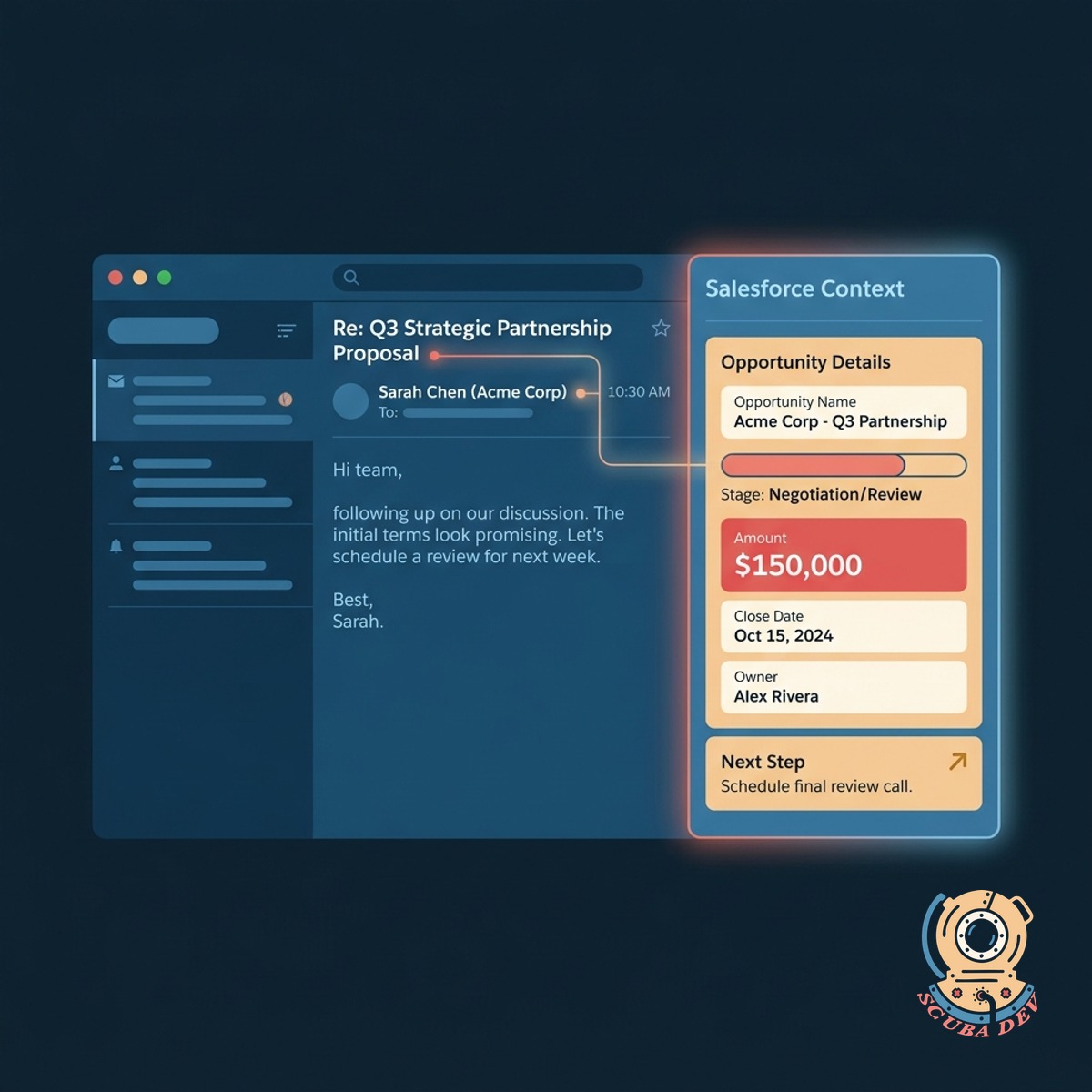
Surface CRM Context In Your Inbox
High-value Salesforce opportunities automatically appear alongside your active email threads.
- View deal stages instantly
- Access contact history
- See account details
- Review recent activity
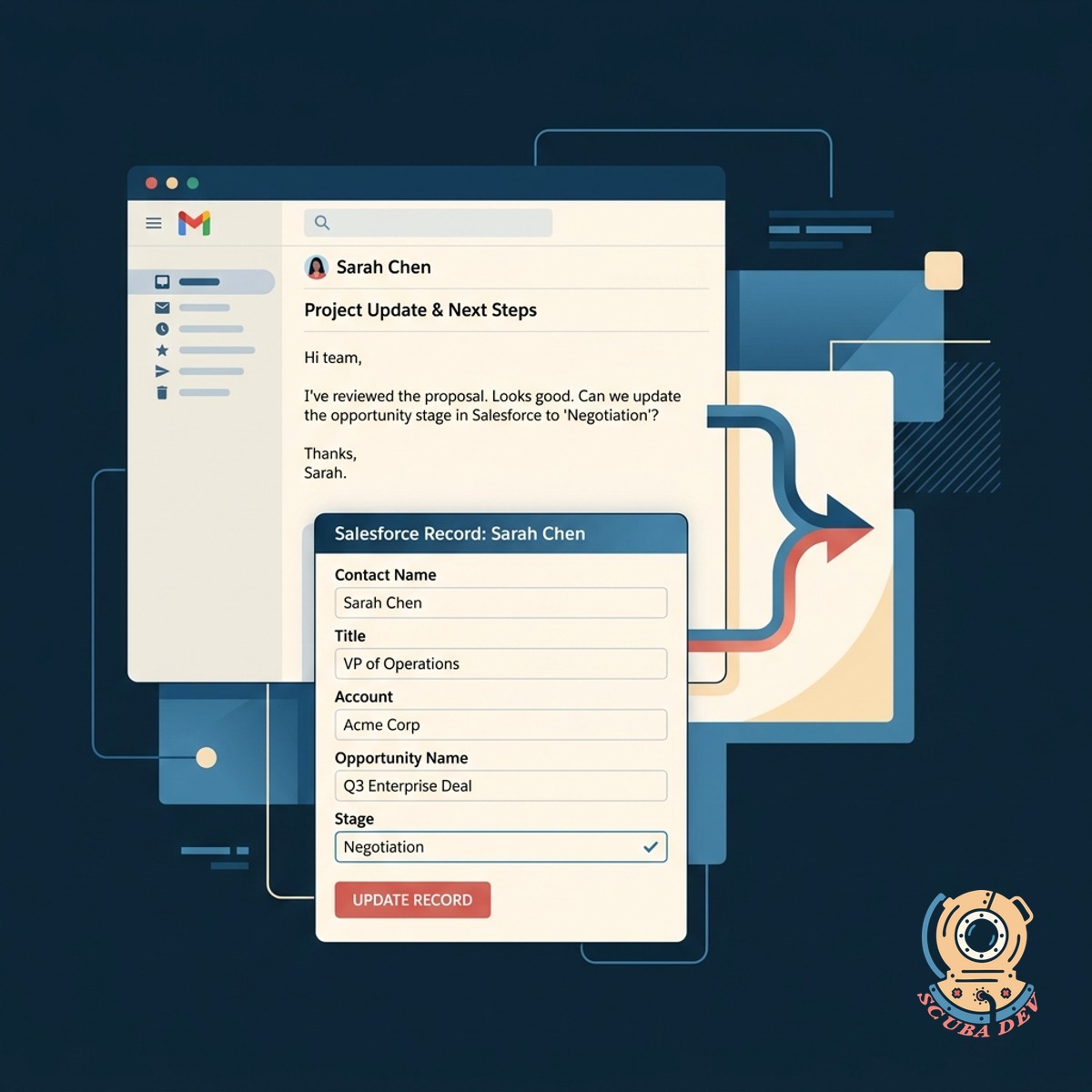
Eliminate Constant Tab Switching Entirely
You can read and update Salesforce records directly from Gmail or Outlook without breaking your workflow.
- Update opportunity stages
- Edit custom fields
- Log new activities
- Sync email conversations
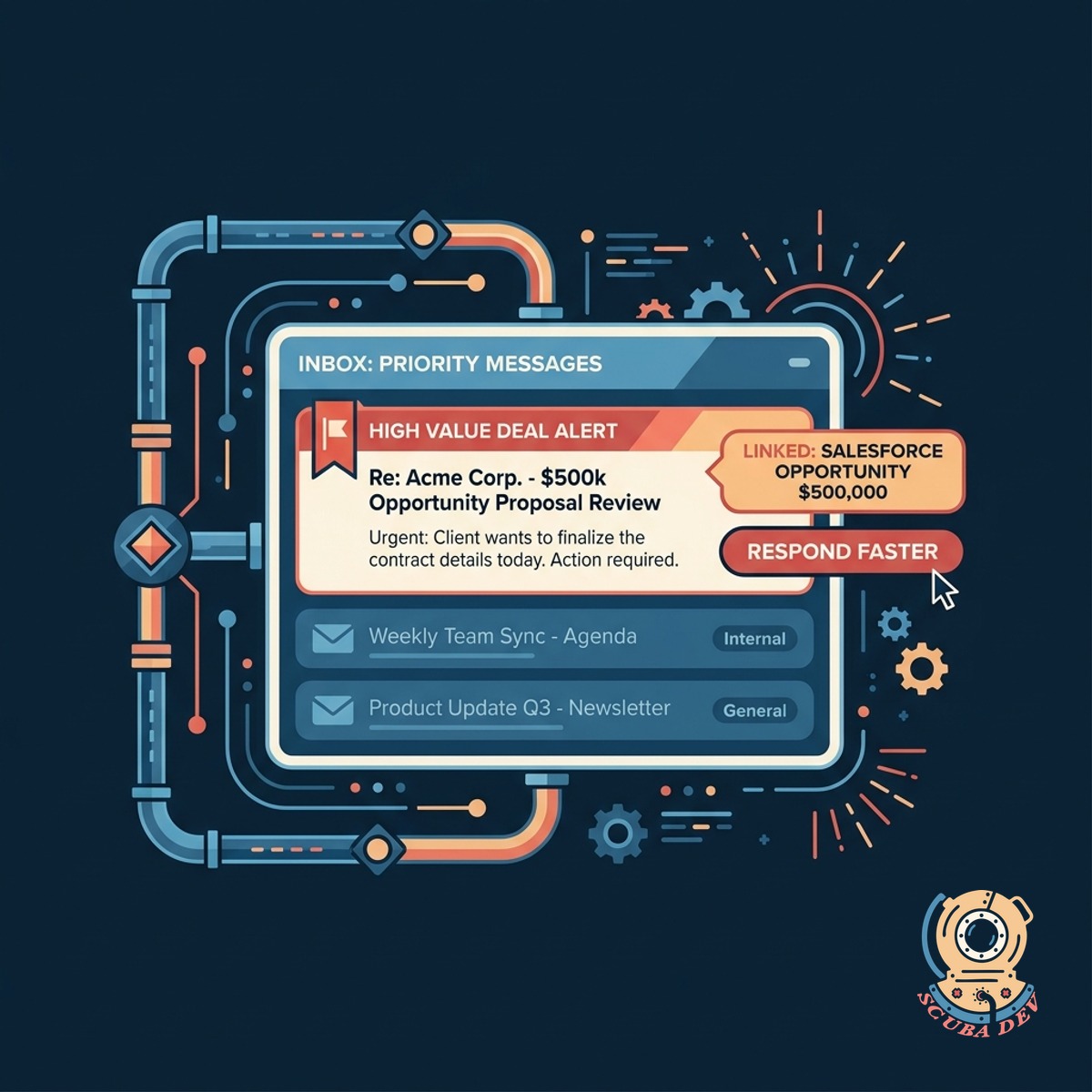
Prioritize High Value Deals Automatically
The system flags important messages tied to your largest Salesforce opportunities so you respond faster.
- Highlight key accounts
- Route priority messages
- Flag stalled deals
- Track response times
Questions
Things people ask
Which email clients support this Salesforce integration?
This integration works seamlessly with both Gmail and Microsoft Outlook. It embeds directly into the native interface of either platform.
Can I update Salesforce fields from my inbox?
Yes. You can edit standard and custom Salesforce fields directly from the email sidebar. The changes sync to your CRM immediately.
How does the system identify high-value opportunities?
We configure the tool to read your specific Salesforce criteria. It looks at deal size, stage, or account tier to flag relevant email threads.
Will this slow down my email client?
No. The integration uses lightweight API calls to fetch Salesforce data only when you open a relevant email thread.
Does it log my sent emails back to Salesforce?
The system automatically logs inbound and outbound emails to the corresponding contact and opportunity records in Salesforce.
Do I need a specific Salesforce license for this to work?
You need a Salesforce edition with API access enabled. This typically includes Enterprise, Unlimited, or Professional editions with the API add-on.
How secure is the connection between my inbox and CRM?
The connection relies on OAuth authentication and official APIs from Salesforce, Google, and Microsoft to ensure your data remains secure.