Incident intake with severity capture
We help you collect incident reports and assign severity levels through a standardized intake process.
Possibilities
Where this could go
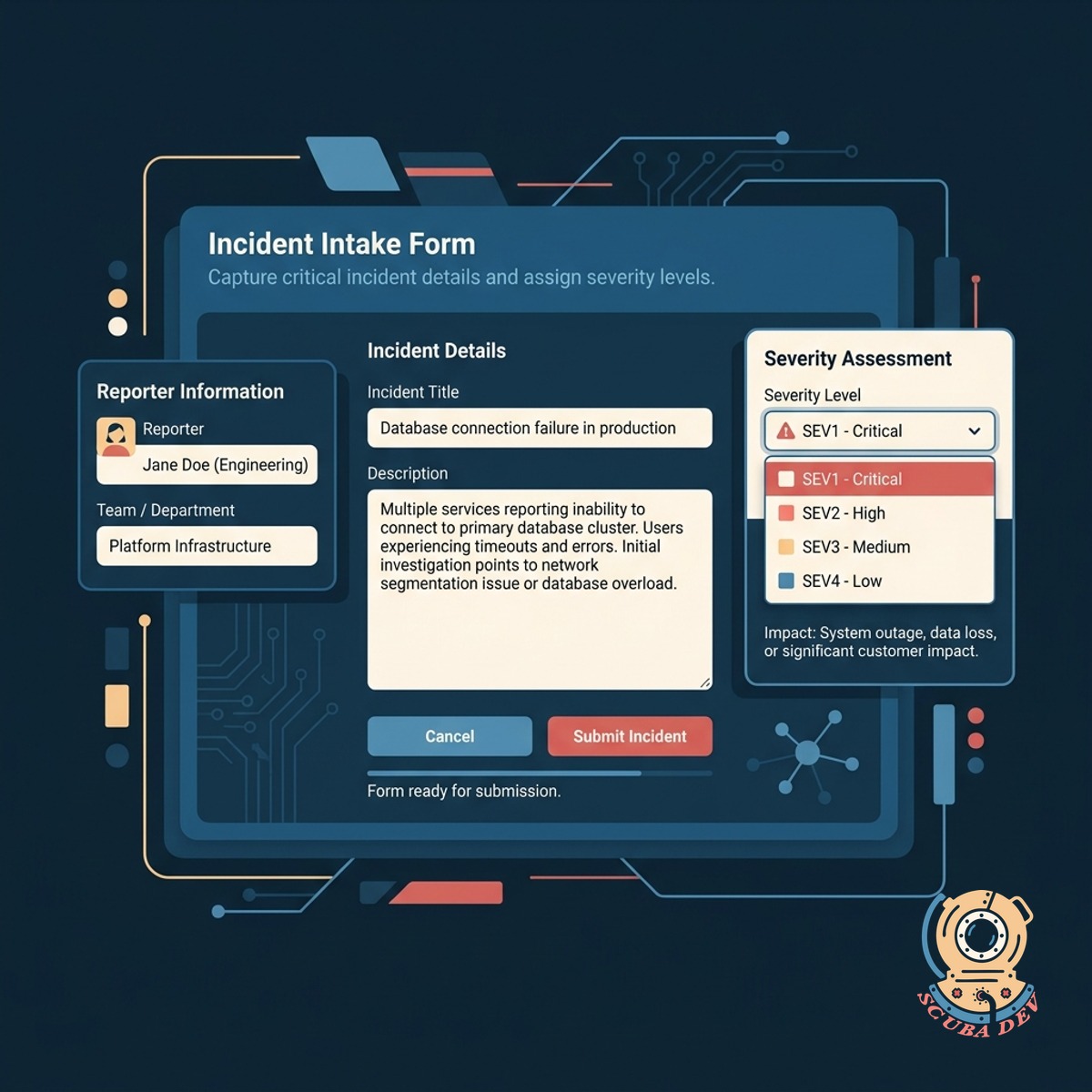
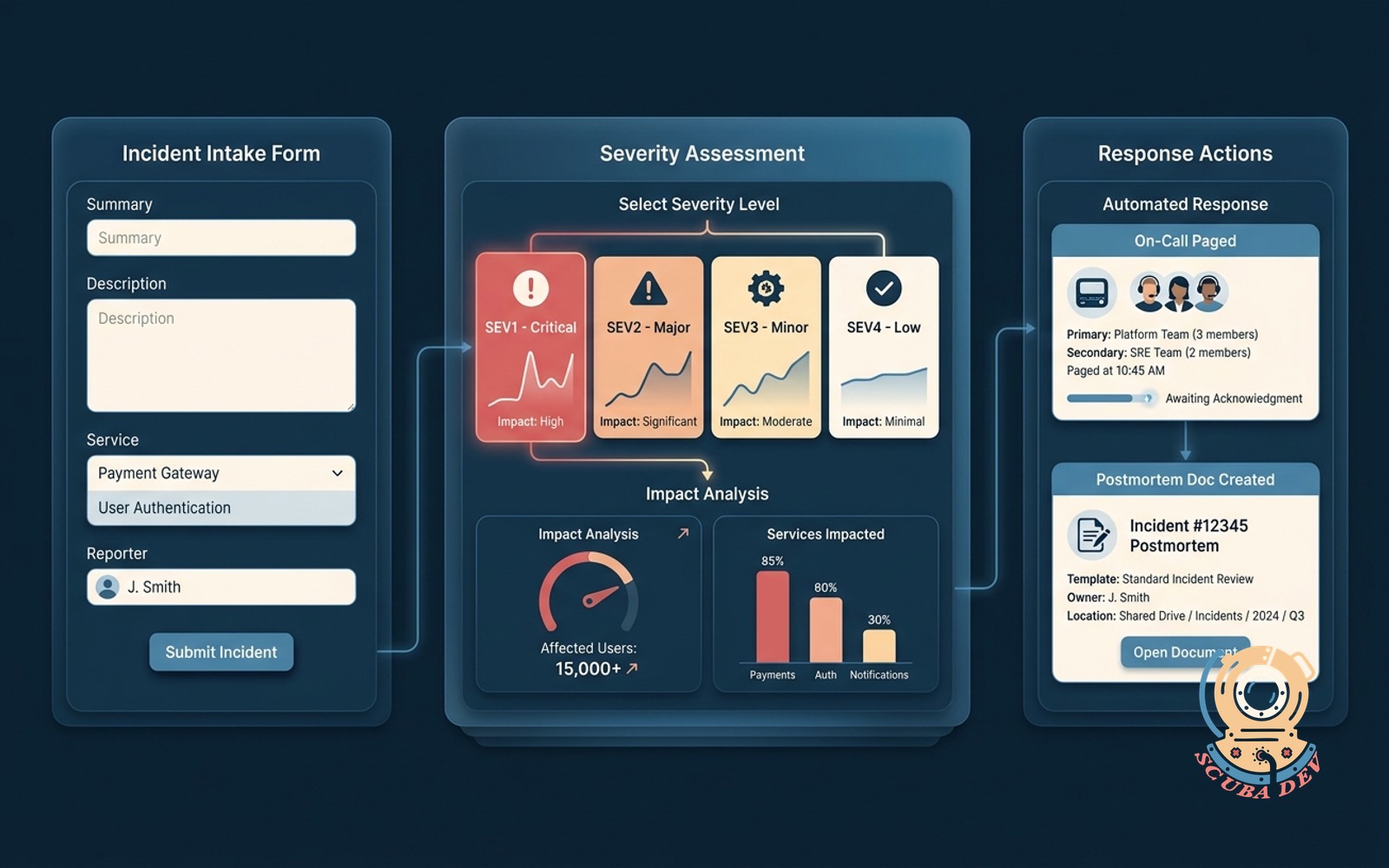
Structured Incident Intake Form
Capture critical incident details and assign severity levels through a standardized form in Slack or your internal portal.
- Custom fields for incident context
- Dropdown severity picker
- Required fields for clarity
- Direct integration with Slack

Automated Incident Routing by Severity
We route incoming incidents to the correct engineering teams automatically based on the severity level selected during intake.
- PagerDuty integration
- Opsgenie integration
- Severity based routing rules
- Escalation policy triggers
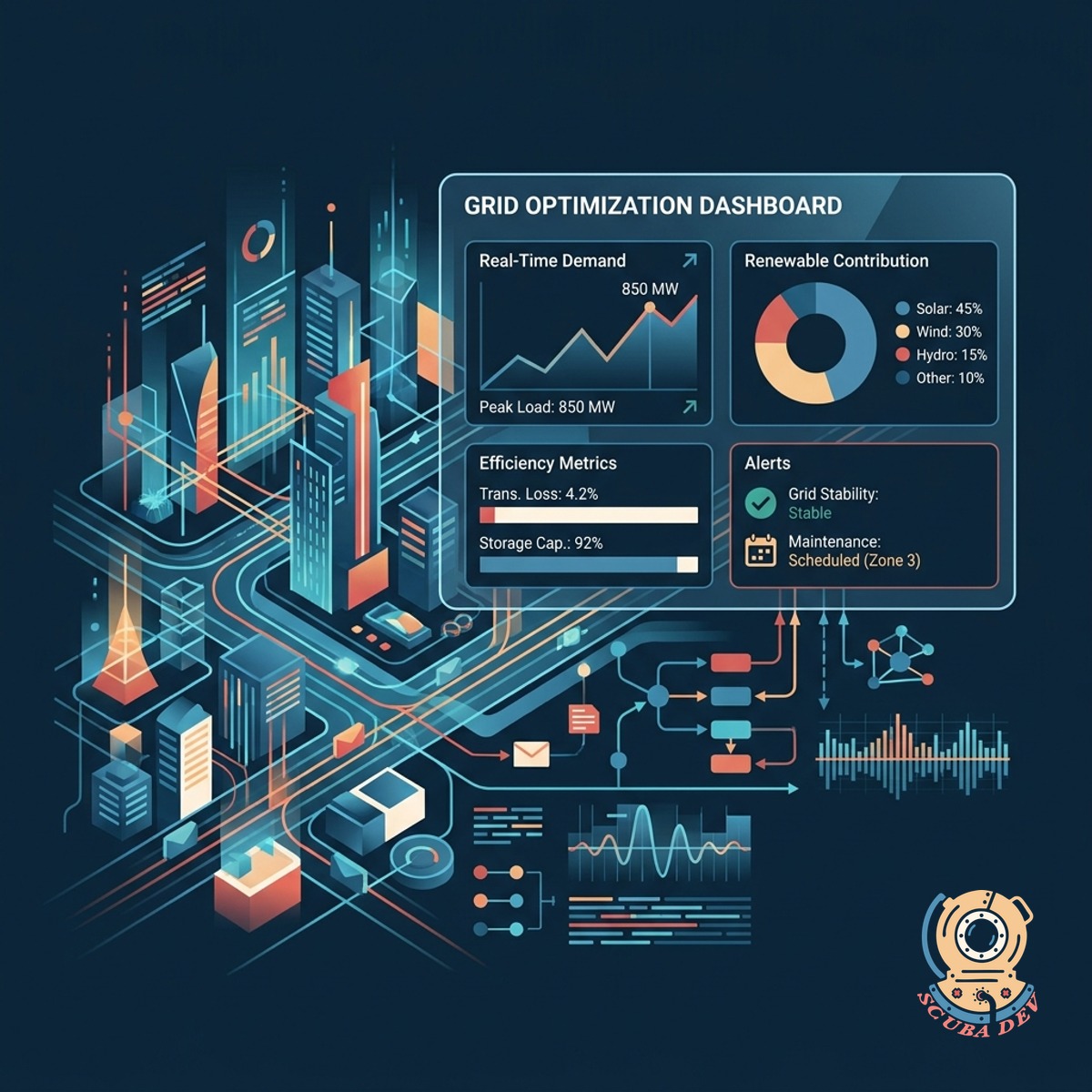
Standardized Incident Tracking Dashboard
You can view and manage all reported incidents in a central location to ensure nothing falls through the cracks.
- Filter incidents by severity level and current status
- Assign team members to specific incident tickets
- Track the timeline from initial report to final resolution
- Export incident data for post-mortem reviews
Questions
Things people ask
How do users submit an incident report?
Users can trigger the intake form directly from Slack using a slash command or access it through your internal developer portal. The form prompts them for required details like the affected service and perceived severity.
Can we customize the severity levels?
Yes. The severity picker can be configured to match your existing incident classification matrix, such as Sev-1 through Sev-5.
Which paging tools do you integrate with?
We integrate directly with your existing tools like Jira and PagerDuty. When an incident is submitted, the system creates the necessary tickets and alerts the on-call engineers automatically.
Does this system handle escalation policies?
The intake form passes the severity and service details to your alerting tool, which then executes your pre-configured escalation policies.
Can we customize the severity definitions?
Yes. You can define your own severity levels and provide specific examples for each tier within the intake form. This helps reporters choose the correct classification for their issue.
What happens if someone selects the wrong severity?
No. The generated document uses your standard template and automatically populates with the initial context, timeline start, and severity level from the intake form.
Can we require certain fields before an incident is logged?
You can generate reports on incident frequency, average resolution time, and severity distribution. We provide a straightforward export feature so you can analyze this data in your preferred spreadsheet tool.