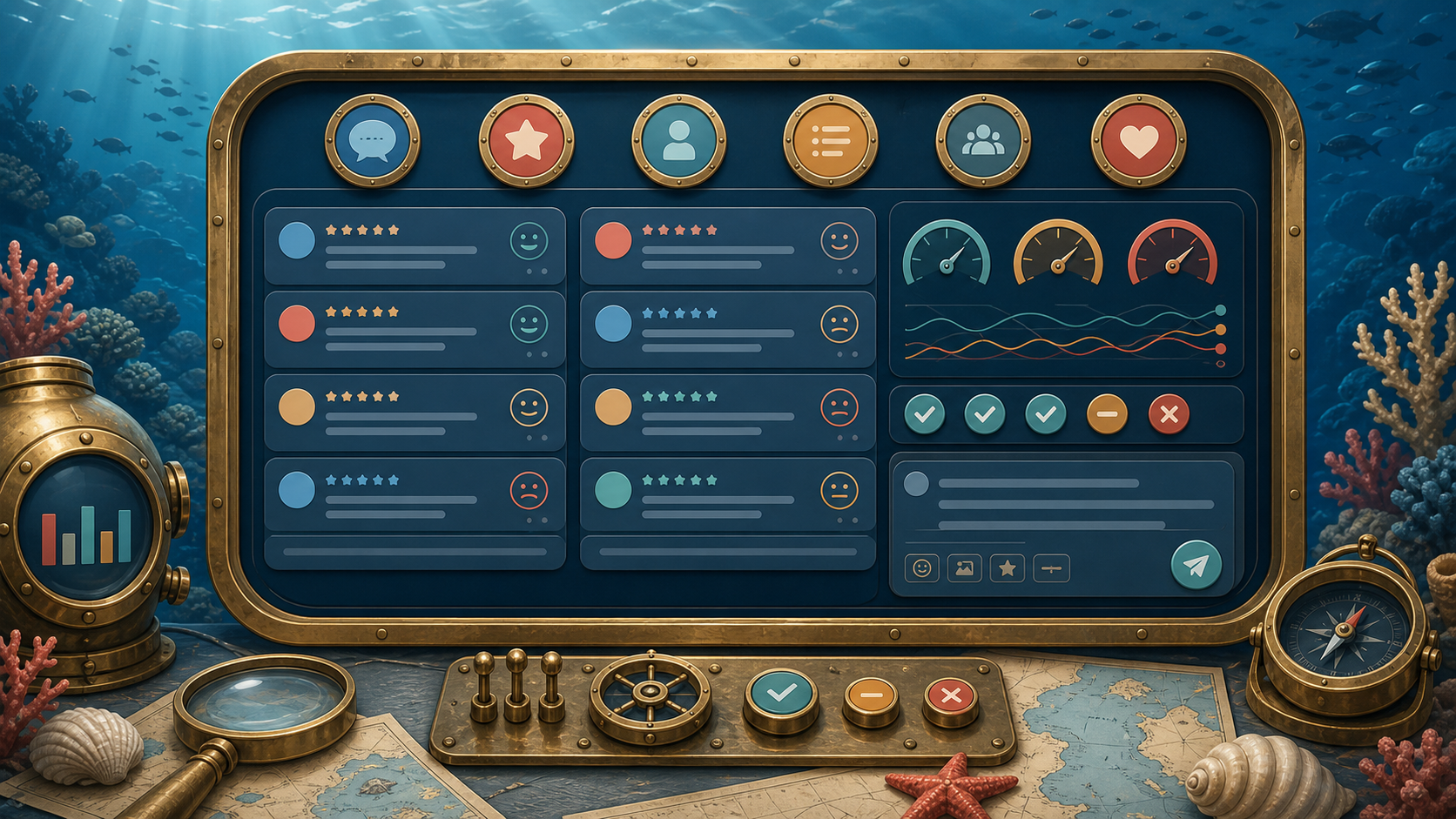
Reputation dashboard across every platform
Google, Yelp, Facebook, Apple Maps in one view. AI drafts review responses that match your voice for owner approval.
Possibilities
Where this could go
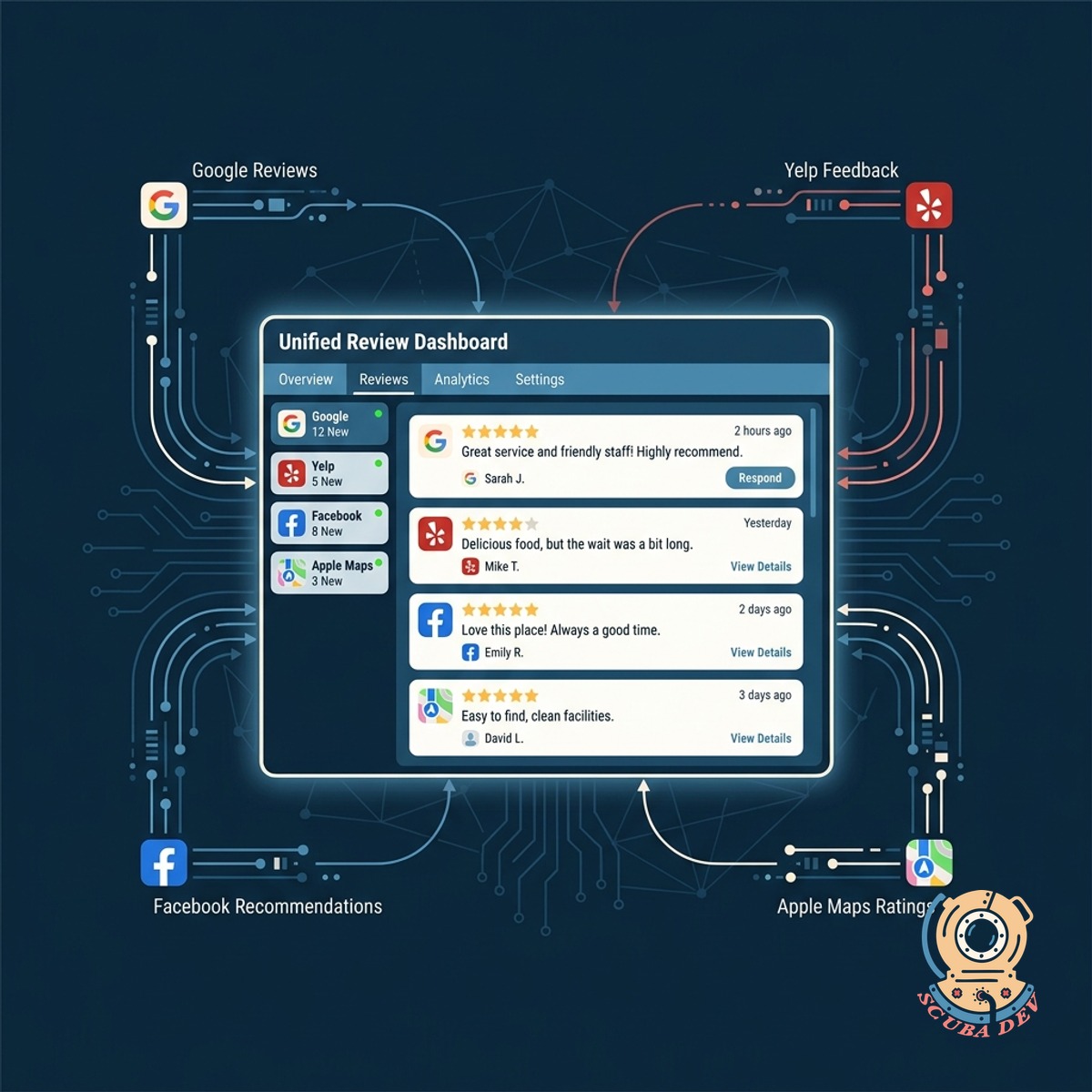
Unified Review Management Across All Platforms
Monitor your business reputation on Google, Yelp, Facebook, and Apple Maps from a single interface.
- View all reviews in one place
- Filter by platform and rating
- Track incoming feedback daily
- Maintain a consistent presence
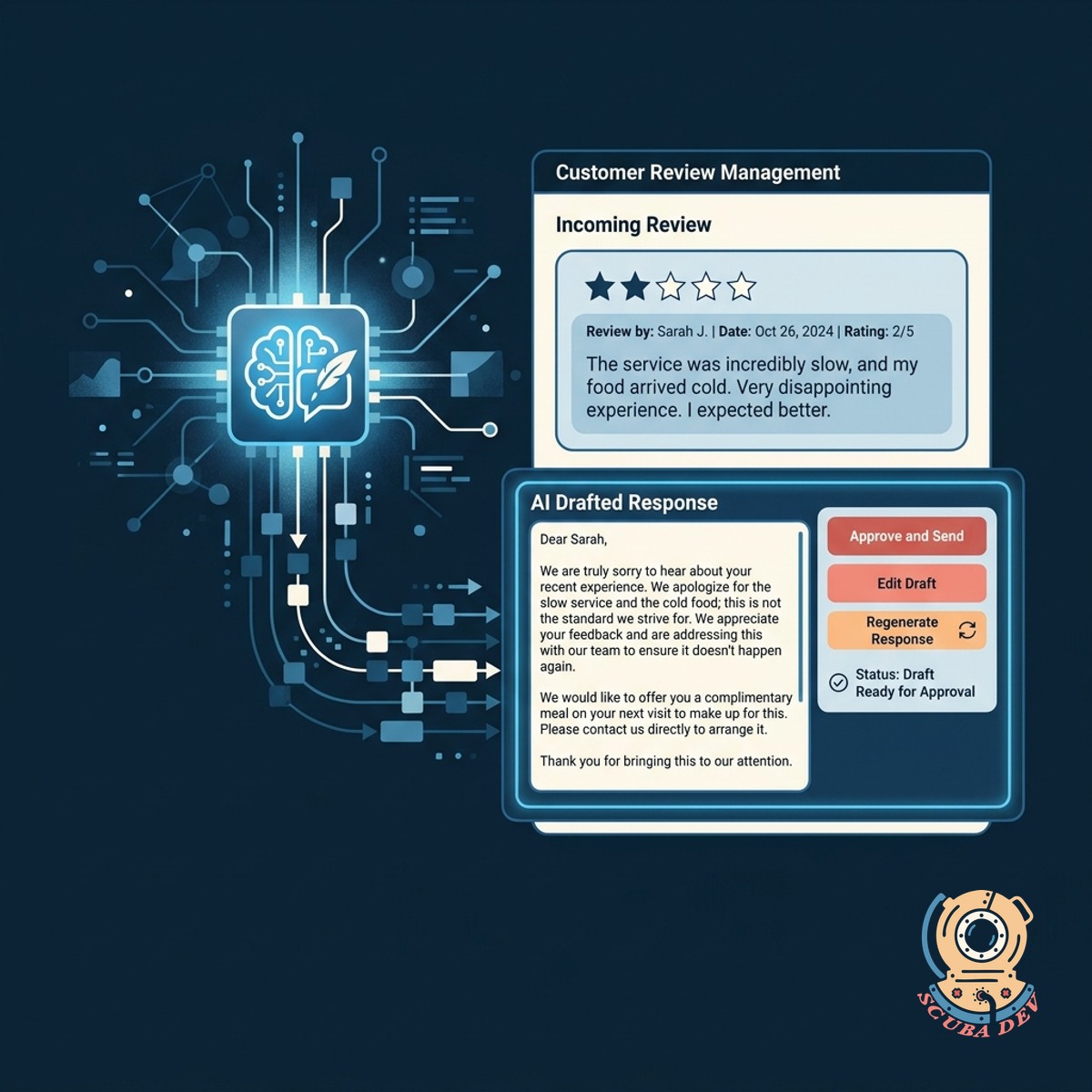
Artificial Intelligence Drafts Your Review Responses
The system generates context aware replies to customer reviews for your final approval.
- Read AI generated draft replies
- Approve or edit before posting
- Address negative feedback quickly
- Save time writing responses
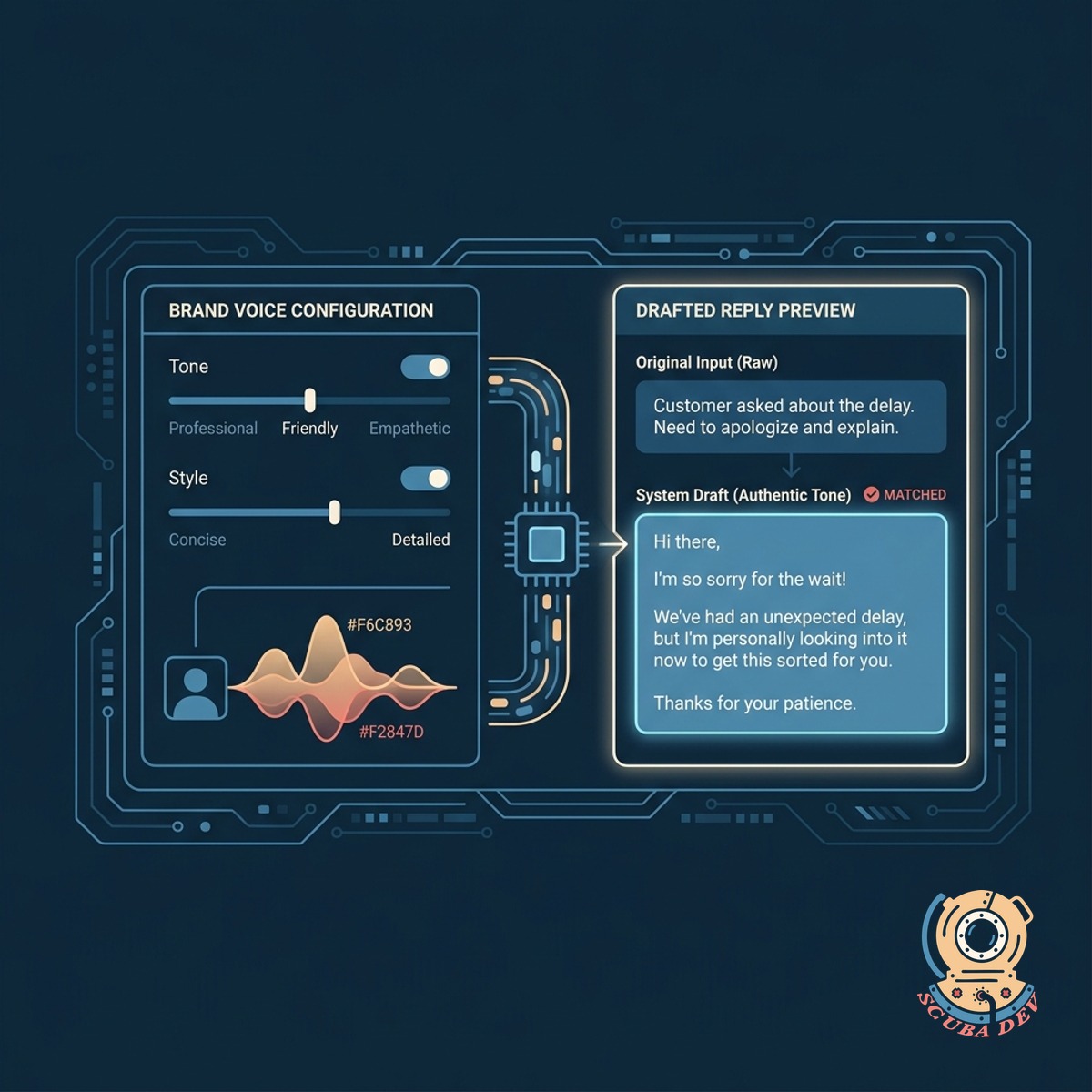
Custom Brand Voice For Authentic Communication
We configure the system to match your exact tone so every drafted reply sounds like it came directly from you.
- Set your preferred writing style
- Sound professional and knowledgeable
- Maintain consistent brand messaging
- Avoid generic robotic replies
Questions
Things people ask
Which review platforms does this dashboard support?
The dashboard integrates directly with Google Business Profile, Yelp, Facebook, and Apple Maps to pull all your customer reviews into one central location.
Does the AI post responses automatically?
No. The system only drafts responses for you to review. You have full control to approve, edit, or rewrite any reply before it is published to the review platform.
How does the AI learn my brand voice?
You provide examples of your past responses and set tone preferences in the system settings. The AI uses these guidelines to draft replies that sound like you.
Can I filter reviews by star rating?
Yes. The dashboard allows you to sort and filter your reviews by platform, date, and star rating so you can prioritize urgent feedback.
Do I need multiple logins to reply to reviews?
You only need to log into the central dashboard. Once your accounts are connected, you can publish responses directly to Google, Yelp, Facebook, and Apple Maps from our interface.
What happens if I receive a negative review?
The system highlights low ratings and drafts a professional, deescalating response based on your guidelines. You can then review and adjust the text before posting.
Can multiple staff members use the dashboard?
Yes. You can create user accounts for your team members, allowing them to draft and submit responses for manager approval before anything goes live.