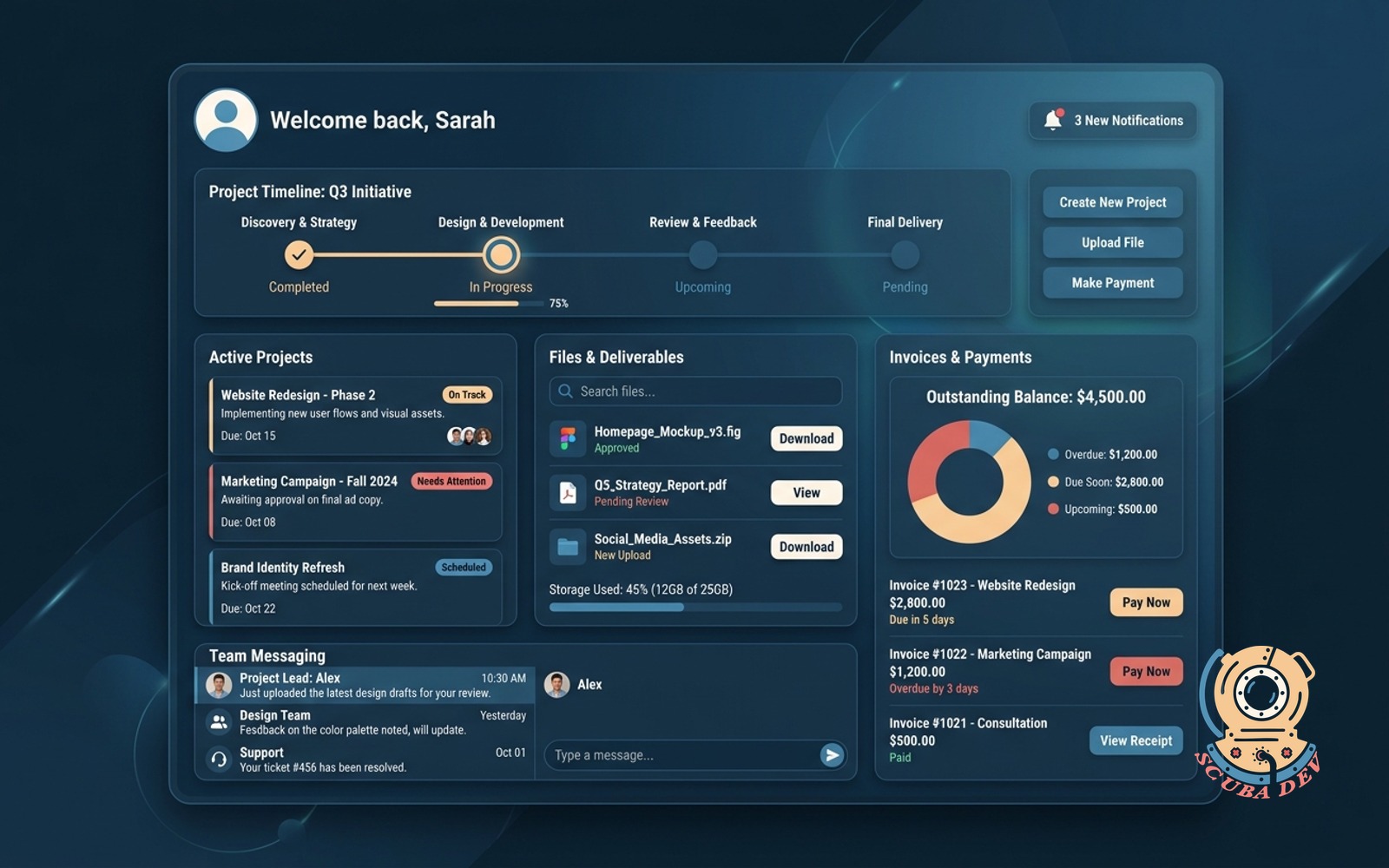
Client portal with status, files, and invoices
One login for the client to see active projects, approve deliverables, pay invoices, and message the team.
Possibilities
Where this could go
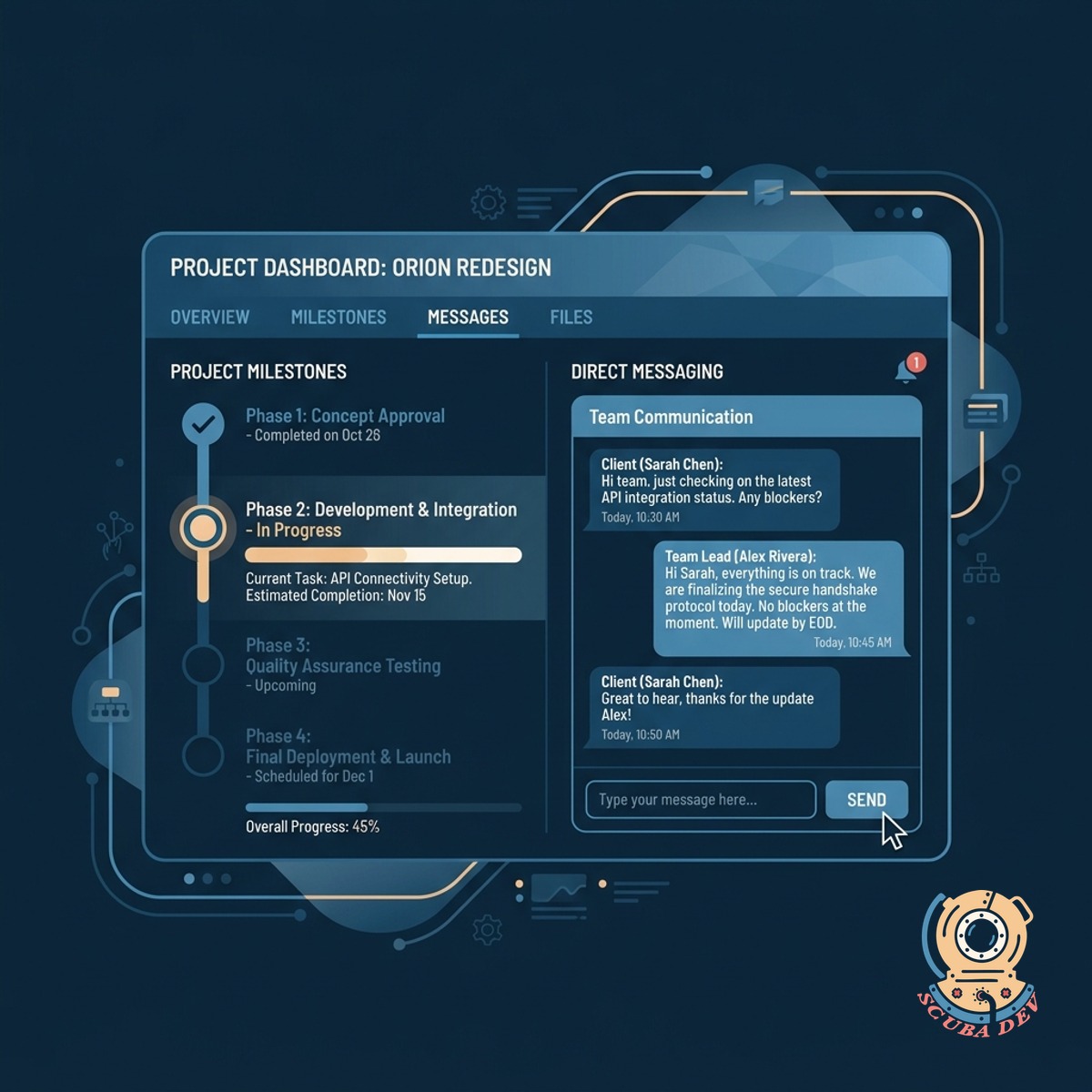
Real-Time Project Status And Messaging
Clients can log in to view current project milestones and send direct messages to the team.
- View active milestones
- Track project progress
- Message the team directly
- Receive notification alerts
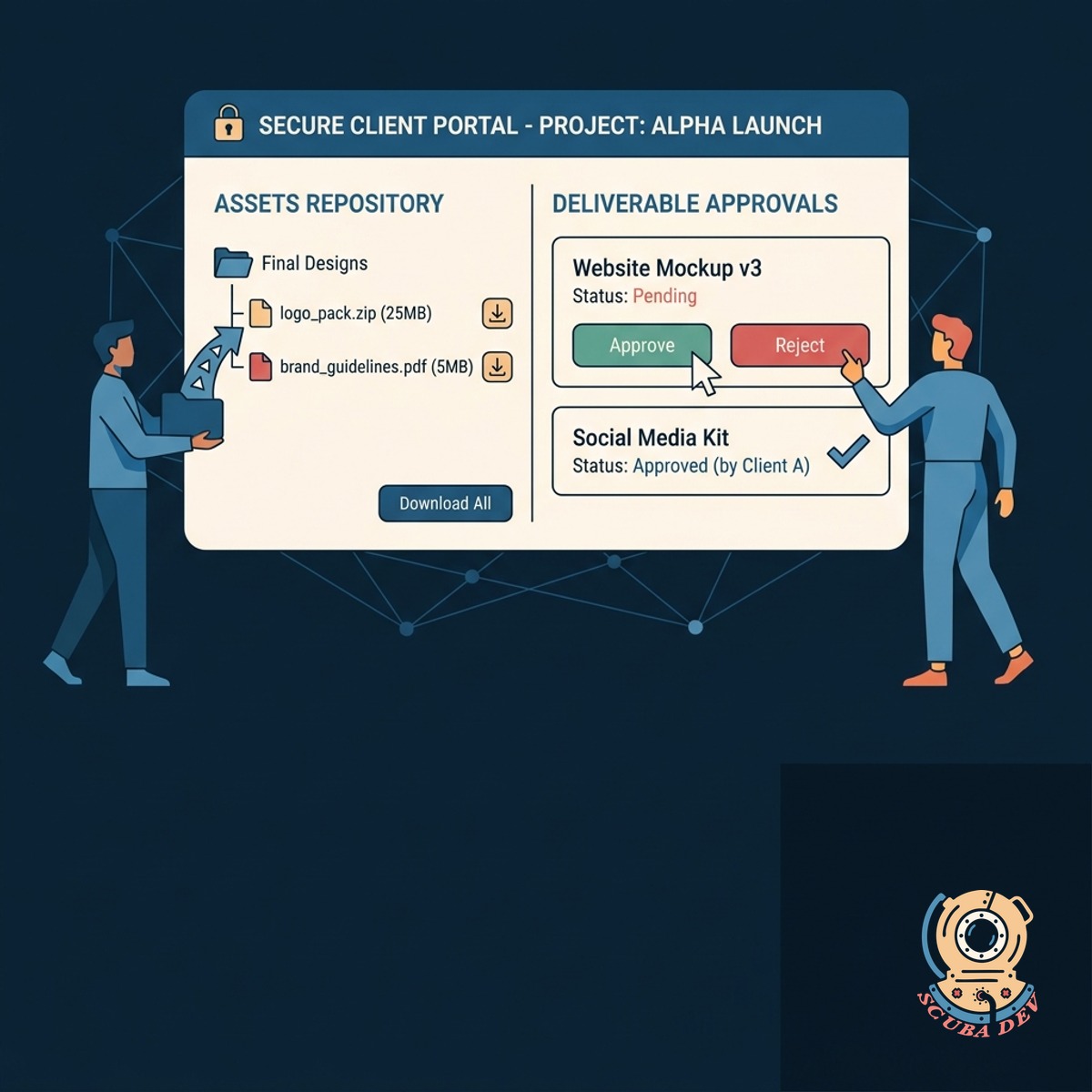
Secure File Sharing And Deliverable Approvals
The portal provides a centralized repository for clients to download assets and approve deliverables.
- Download project assets
- Review pending deliverables
- Submit approval decisions
- Store historical files
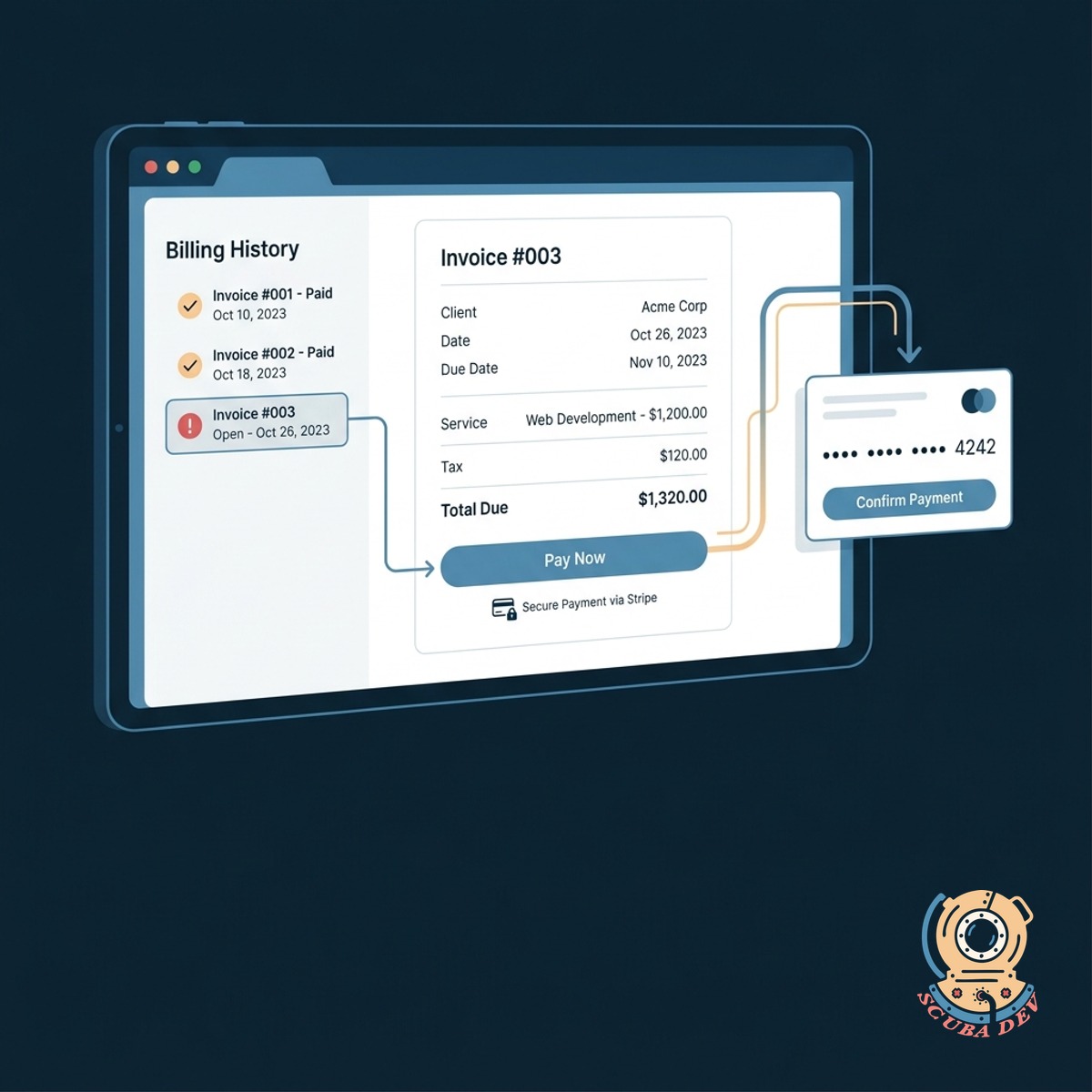
Integrated Invoicing And Secure Online Payments
Clients can review their billing history and pay open invoices directly through a Stripe integration.
- View open invoices
- Pay via Stripe
- Download billing history
- Track payment status
Questions
Things people ask
How do clients access the portal?
We build a secure login system using standard authentication protocols. Clients receive an invitation email to set up their password and access their dedicated dashboard.
Can clients pay invoices directly in the portal?
Yes. We integrate payment processors like Stripe so clients can securely pay invoices using credit cards or bank transfers without leaving the platform.
How are large files handled?
The portal connects to cloud storage solutions like AWS S3 or Google Cloud Storage to securely host and deliver large project files and assets.
Will clients receive notifications for new messages or invoices?
The system uses services like SendGrid to send automated email alerts whenever a new invoice is generated, a file is uploaded, or a message requires their attention.
Can we customize the portal to match our brand?
The entire interface is custom built to reflect your specific branding, including your logos, color schemes, and typography.
Is it possible to restrict access to certain files?
We implement role-based access control so you can determine exactly which users or client accounts have permission to view specific files and project milestones.
How does the messaging system work?
The portal includes a dedicated communication module where clients can leave comments on specific deliverables or send general messages directly to your project managers.