
Offboarding checklist automation
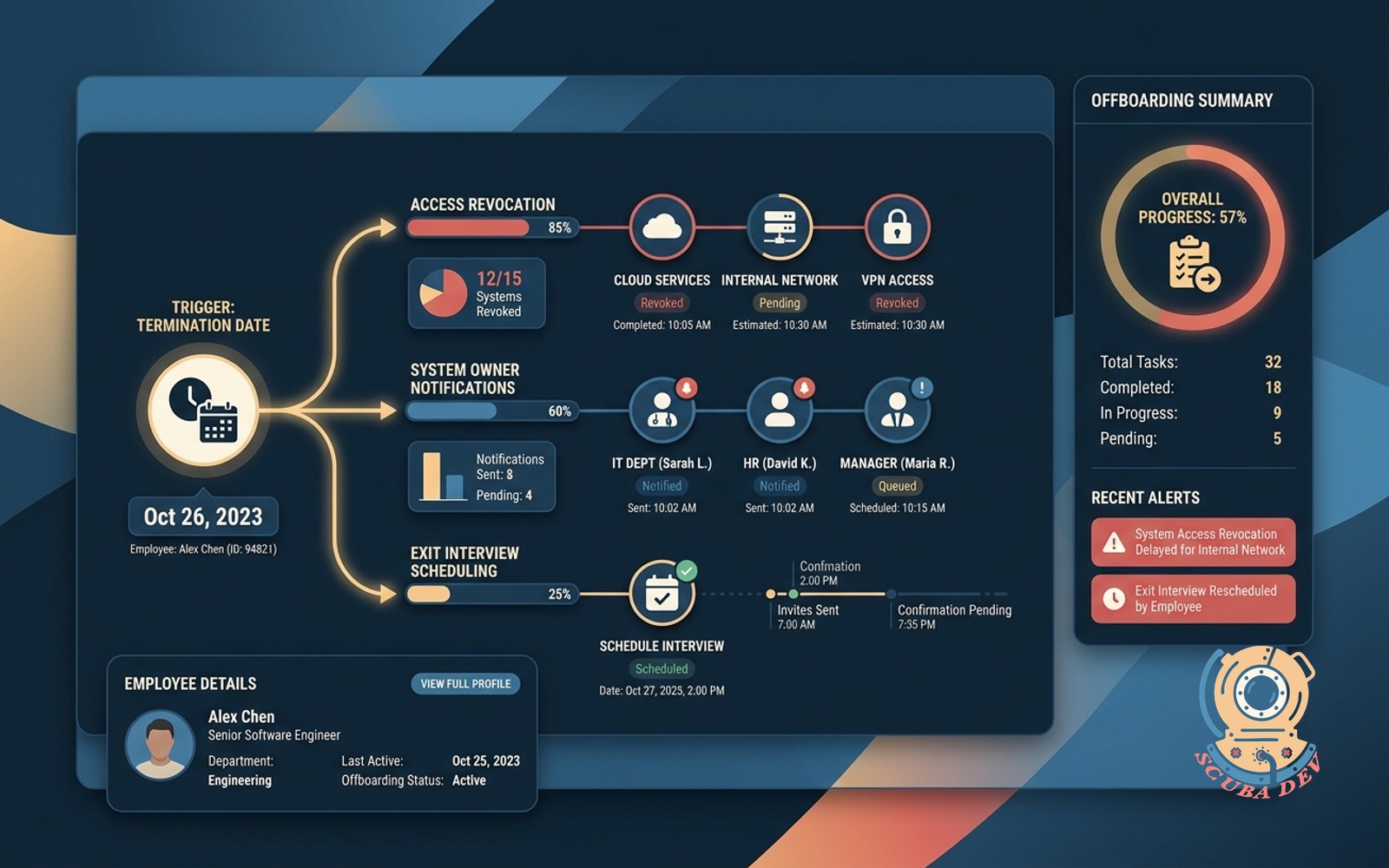
Triggers on termination date. Cuts access, notifies owners per system, schedules the exit interview.
Possibilities
Where this could go

Automated System Access Revocation
The automation disables user accounts across your tech stack to secure company data on the termination date.
- Disables Google Workspace accounts
- Revokes Salesforce and HubSpot access
- Removes users from Slack workspaces
- Logs all access changes for auditing

System Owner Task Notifications
It routes specific manual offboarding tasks to the correct department heads when automated removal is not possible.
- Alerts IT to collect physical hardware
- Notifies finance to close corporate cards
- Prompts managers to reassign open tickets
- Tracks task completion in a central dashboard

Exit Interview Calendar Scheduling
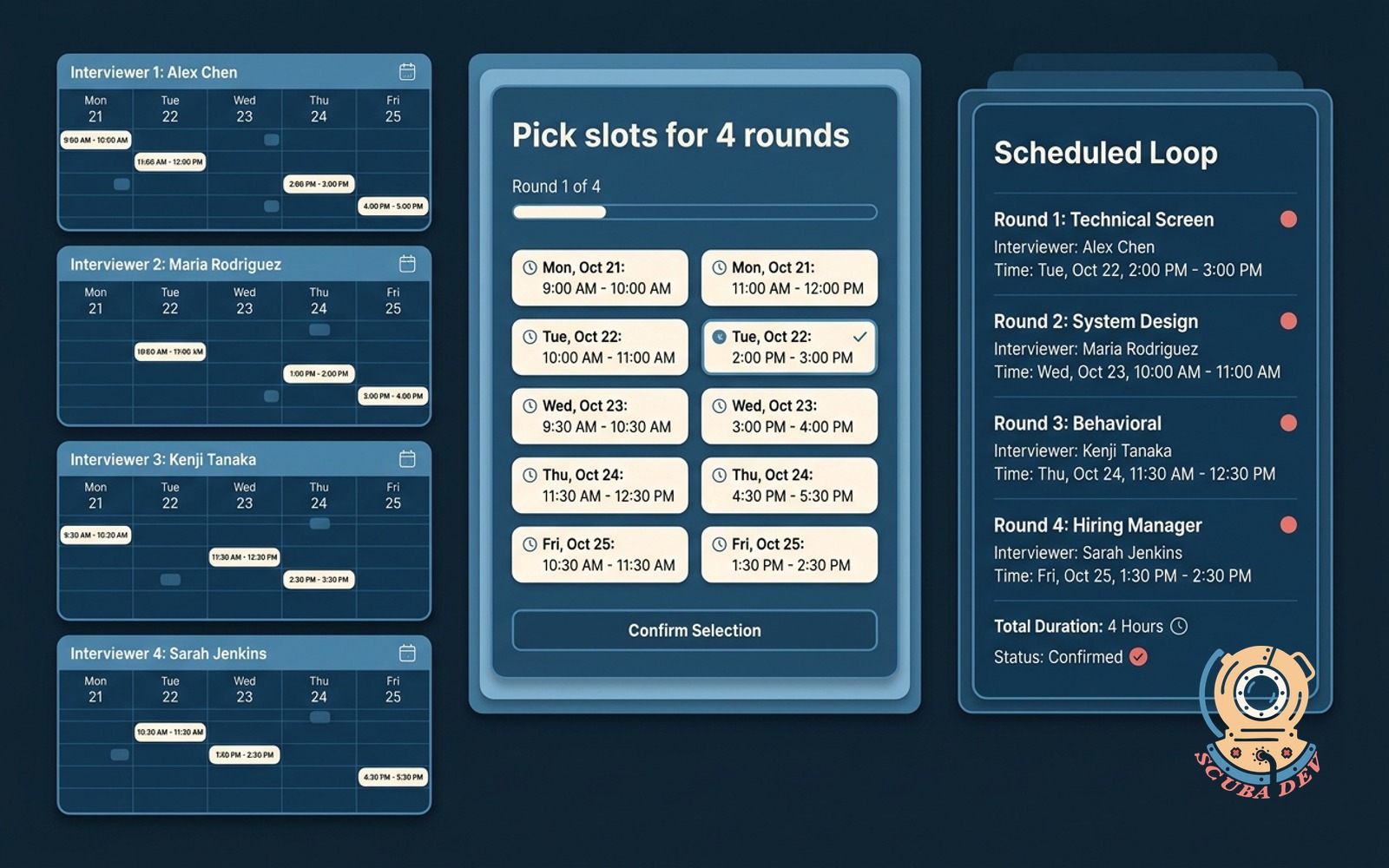
The workflow reads HR calendar availability and books the final exit interview with the departing employee.
- Scans HR team availability
- Generates calendar invites automatically
- Includes video conferencing links
- Sends reminder emails before the meeting
Questions
Things people ask
Which systems can this automation disconnect?
We can connect to any platform that offers an open API. Common integrations include Google Workspace, Microsoft 365, Slack, Salesforce, and HubSpot.
How does the automation know when an employee is leaving?
The workflow triggers based on the termination date entered into your HR platform. It monitors systems like Gusto, BambooHR, or Workday for status changes.
What happens to systems that lack API access?
The workflow generates a ticket or sends an email to the designated system owner. This ensures manual removal steps are assigned and tracked.
Can we delay access removal for certain accounts?
Yes. You can configure specific delays for different applications. For example, you might keep an email inbox active for an extra week while immediately revoking CRM access.
How are exit interviews scheduled?
The tool connects to your HR team's Google Calendar or Outlook. It finds an open slot before the departure date and sends a calendar invite to both parties.
Does this system handle physical equipment returns?
The automation cannot physically retrieve laptops or badges. It handles the communication layer by alerting your IT team to initiate their hardware collection process.
Where do we track the offboarding progress?
We typically log all automated actions and pending manual tasks in a central database or project management tool. You can view the status of every departing employee in platforms like Jira, Asana, or Monday.