Front-Desk Booking & Check-In Kiosk
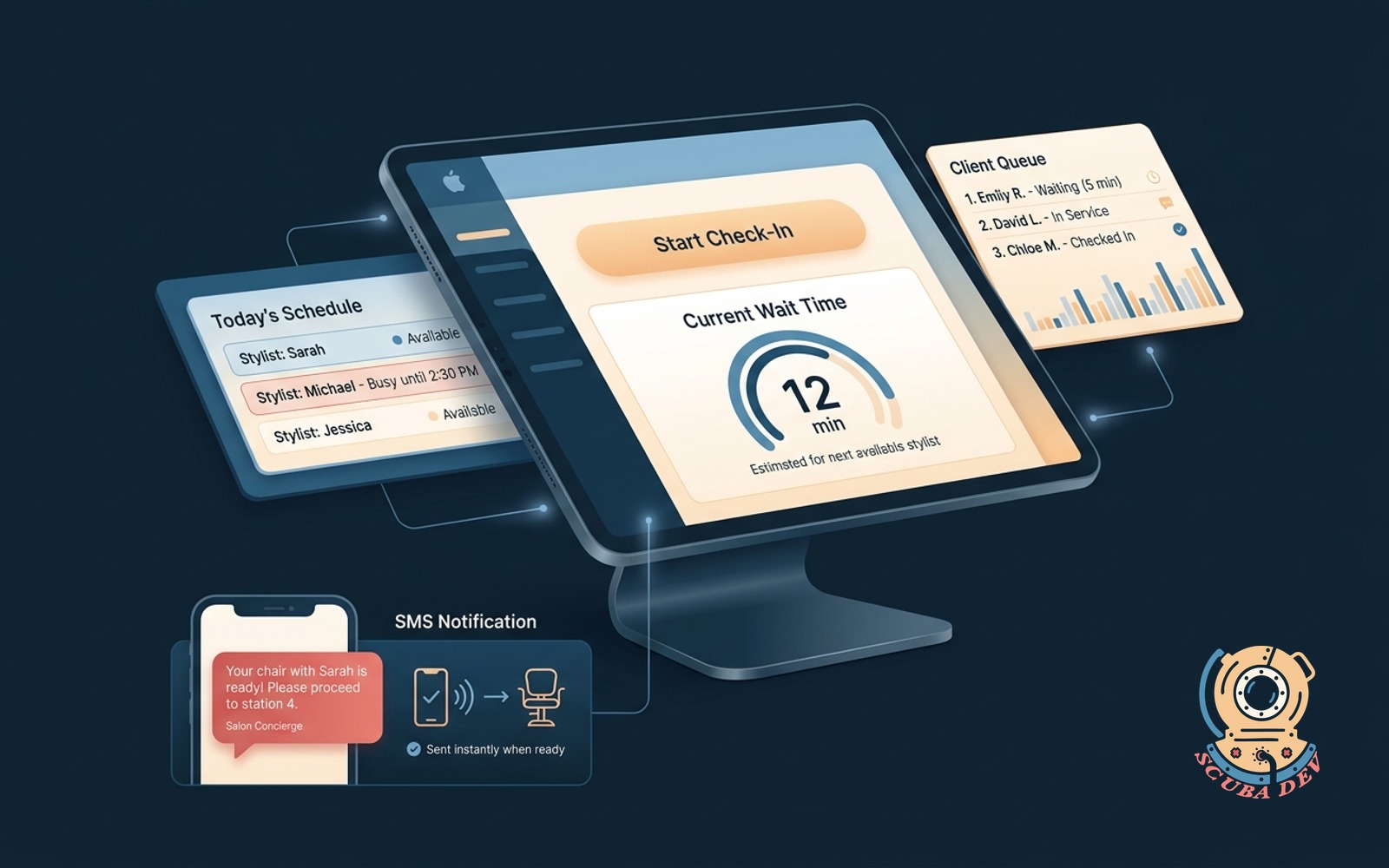
iPad-as-kiosk for walk-in check-in, wait-time display, and an SMS ping when the chair is ready, matched to your brand.
Possibilities
Where this could go
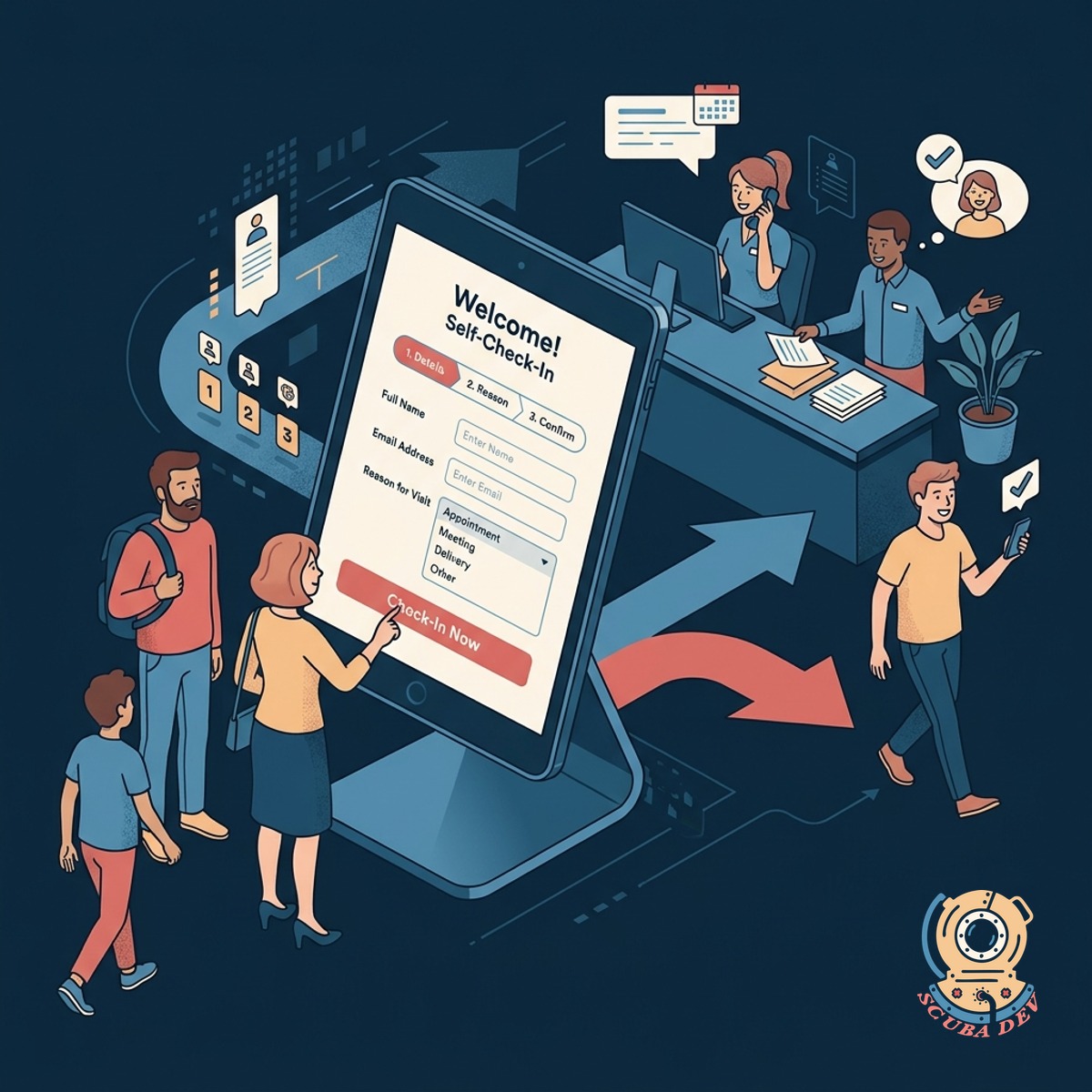
Self-Service iPad Check-In Flow
Customers register themselves upon arrival to free up your front desk staff for other tasks.
- Capture names and phone numbers
- Select desired salon services
- Choose a specific stylist or next available
- Match your exact brand colors and fonts
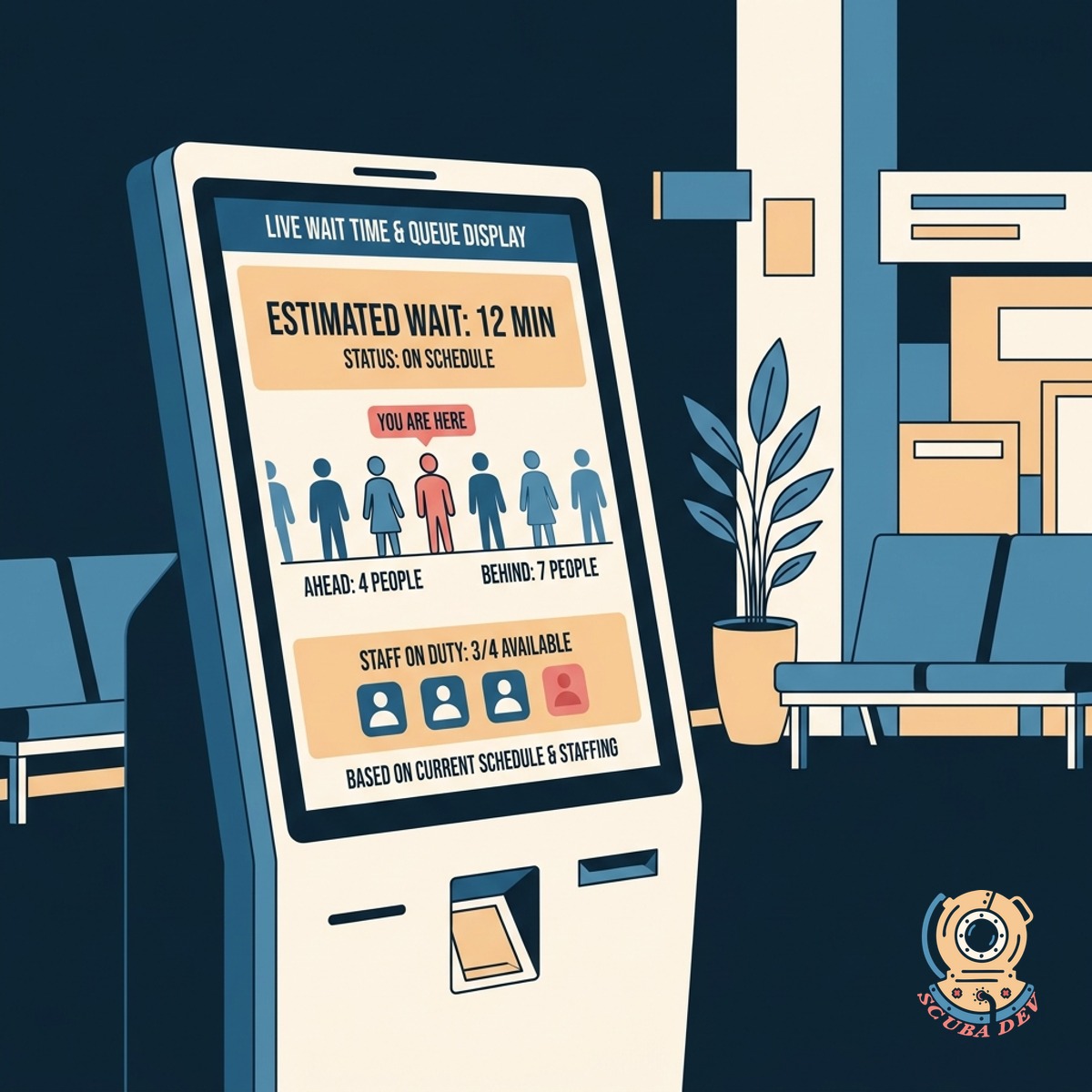
Live Wait Time And Queue Display
The kiosk calculates and displays estimated wait times based on your current schedule and staff availability.
- Sync with your existing booking software
- Update wait times in real time
- Show position in the walk-in queue
- Set expectations before they sit down
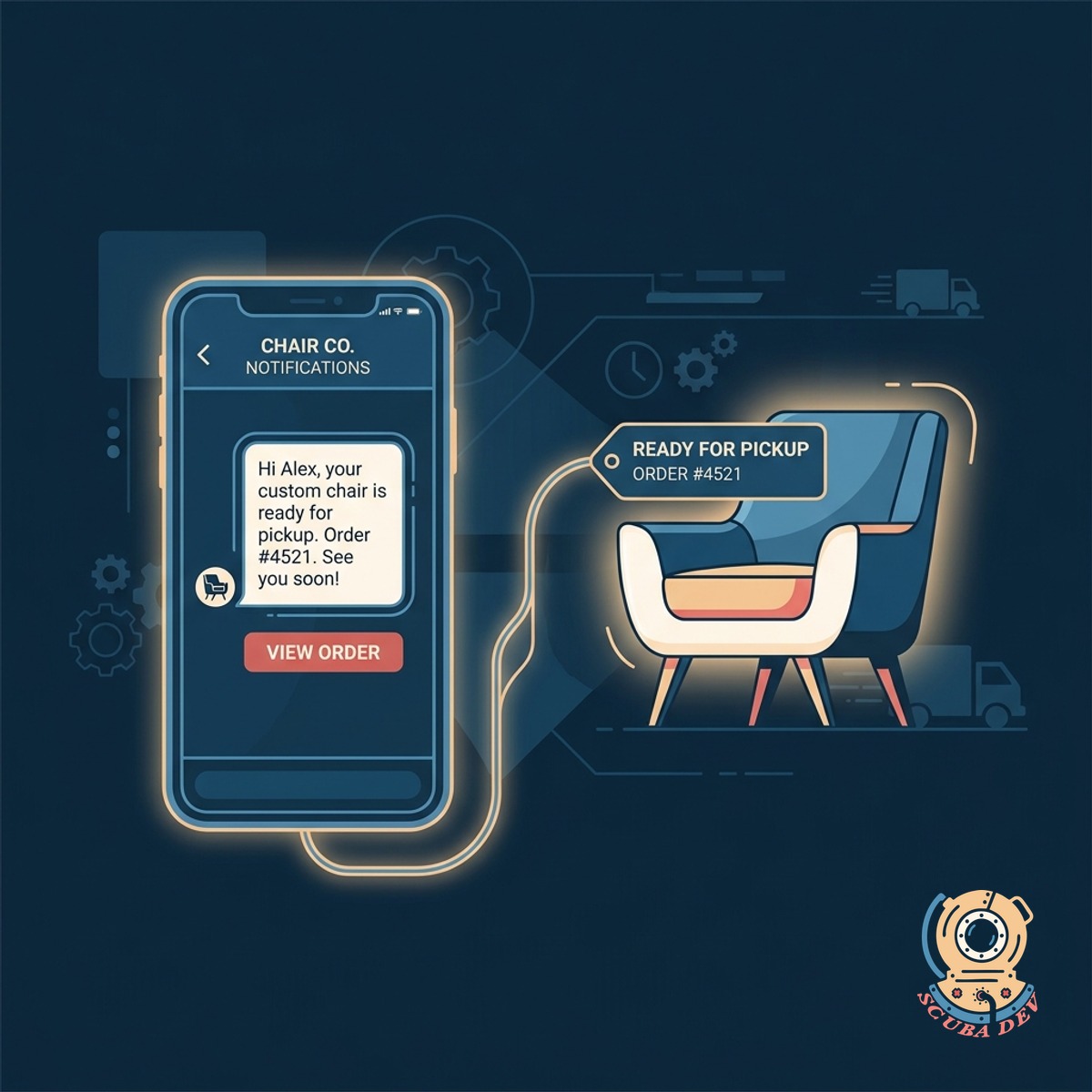
Automated SMS Ready Notifications
The system sends an automated text message to the customer when their chair is ready.
- Send instant text alerts via Twilio
- Allow customers to wait at a nearby coffee shop
- Notify staff when the customer returns
- Keep the waiting area clear and organized
Questions
Things people ask
What hardware do I need to run this kiosk?
You need a standard Apple iPad and a secure stand or mount for your front desk. The software runs as a locked web application or a native iOS app.
Does this integrate with my existing booking software?
Yes. We can connect the kiosk to platforms like Mindbody, Phorest, or Square Appointments using their APIs. This ensures walk-ins and pre-booked appointments share the same queue.
How does the system send the text messages?
We integrate the kiosk with an SMS provider like Twilio. When a stylist taps a button on their device to indicate they are ready, Twilio dispatches the text to the customer.
Can I customize the look of the check-in screen?
The interface is built to match your specific brand guidelines. We apply your logo, typography, and color palette to every screen in the flow.
What happens if a customer enters the wrong phone number?
The kiosk includes basic validation to ensure phone numbers are the correct length and format. If a message fails to deliver, the system flags the front desk dashboard so staff can call out the name manually.
How does the kiosk calculate the estimated wait time?
The system looks at the average duration of the requested service and the current status of your stylists. It pulls data from your scheduling tool to provide an estimate based on the active queue.
Can customers select a specific stylist?
The check-in flow includes a step to request a preferred stylist or choose the first available option. The system routes the customer to the correct queue based on their selection.