Cold-outreach sequence builder
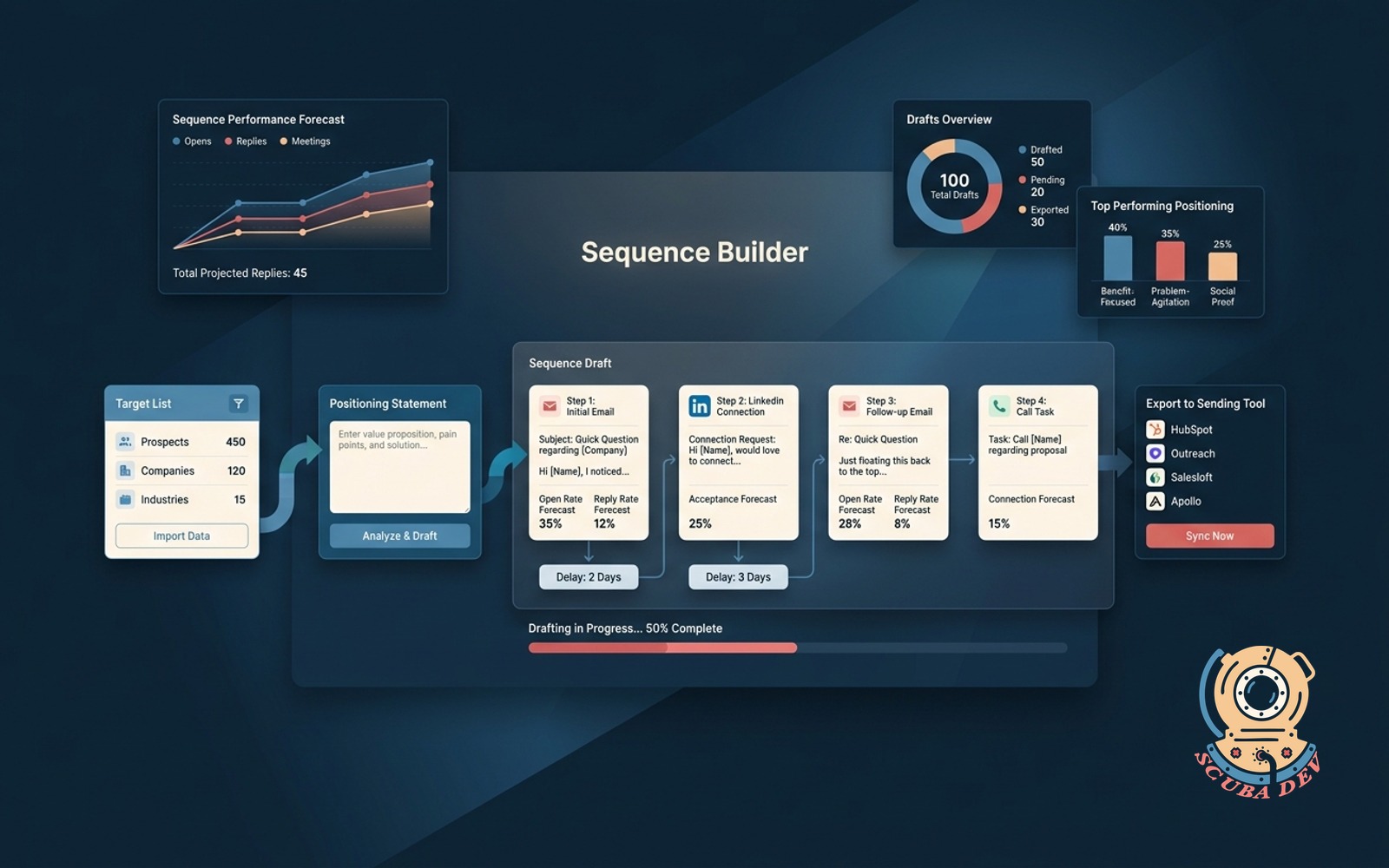
Drafts multi-step sequences from a target list and a positioning statement. Exports to your sending tool.
Possibilities
Where this could go
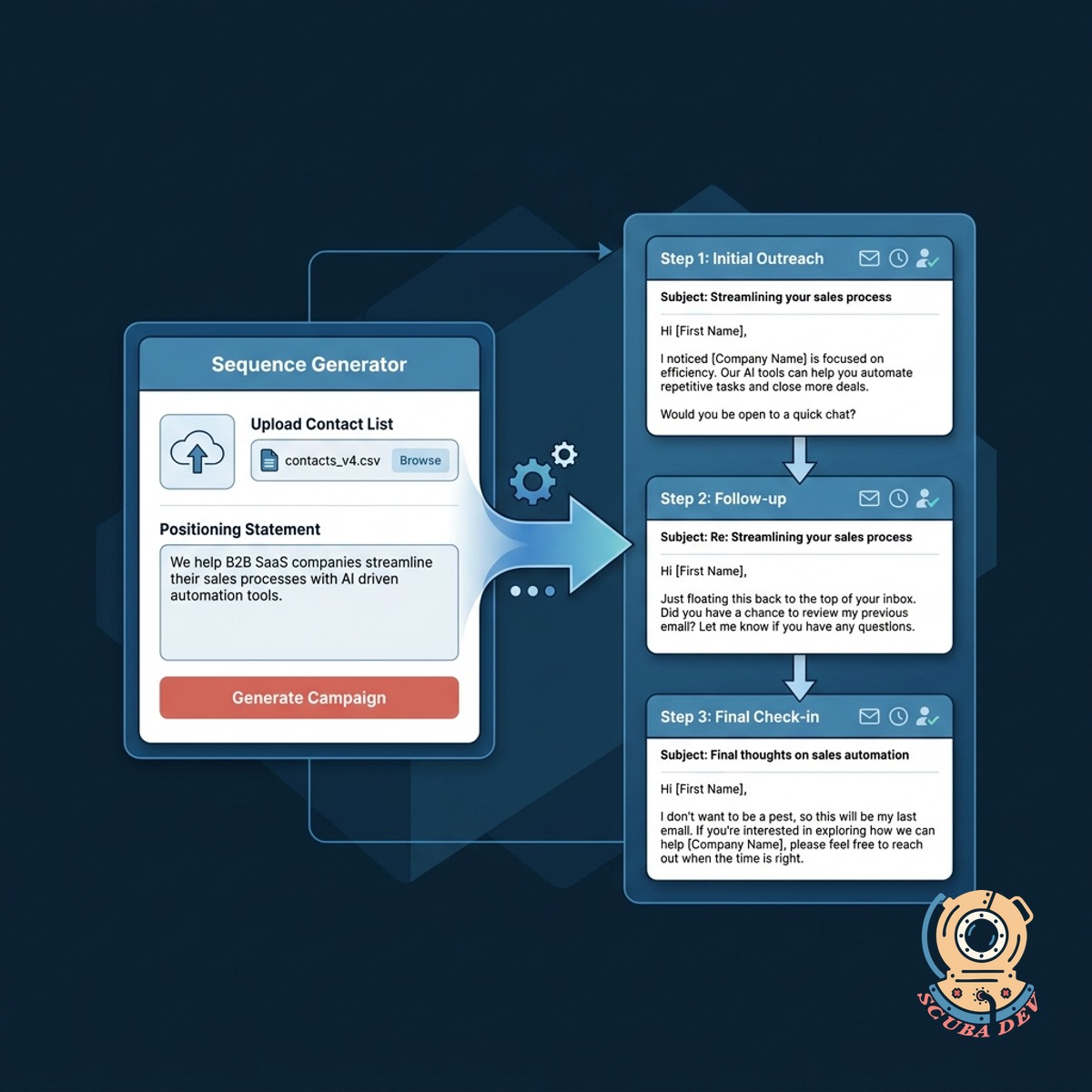
Generate Sequences From Target Lists
Upload your contact list and positioning statement to instantly draft personalized multi step outreach campaigns.
- Upload CSV contact lists
- Input core positioning statements
- Define sequence step counts
- Generate personalized email drafts
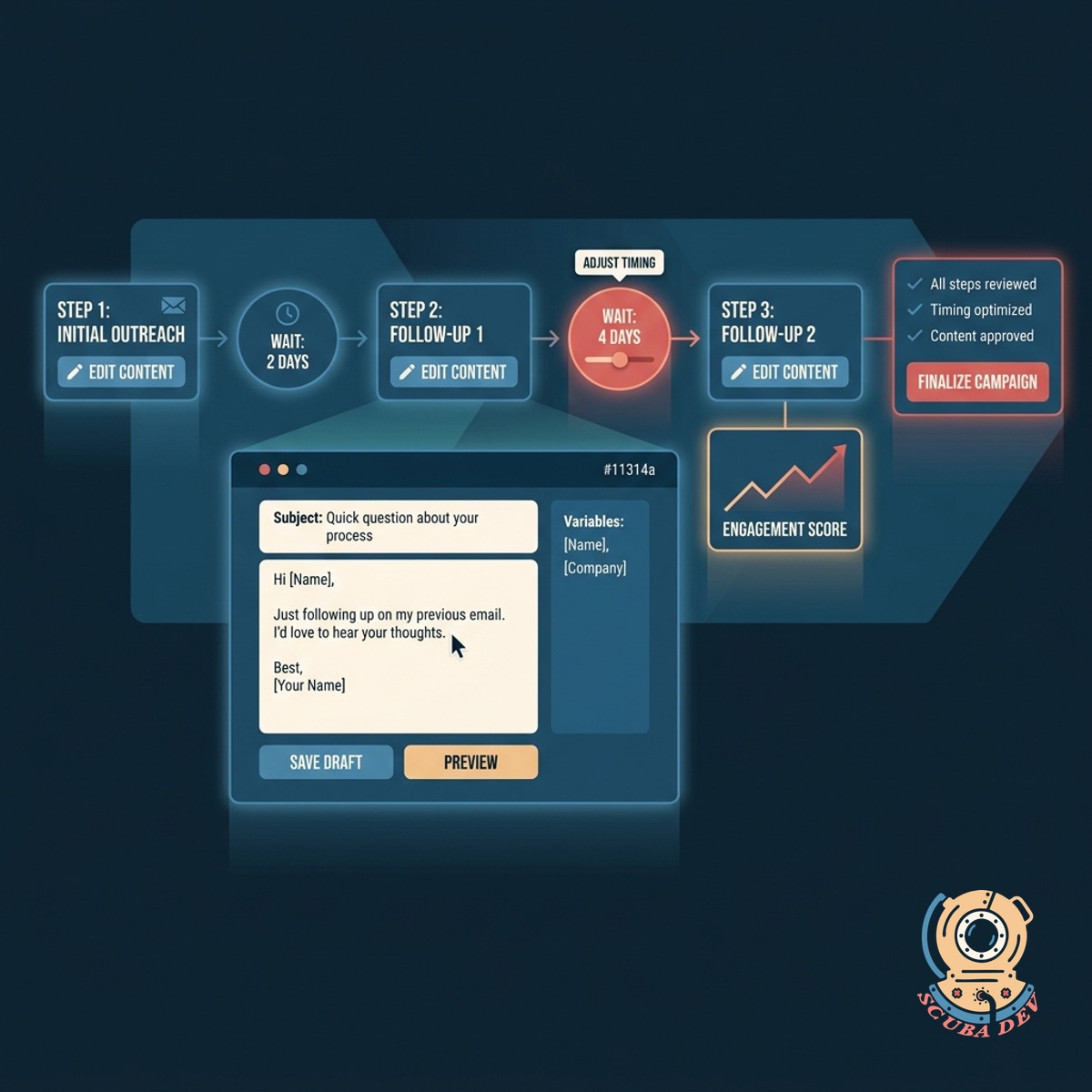
Review And Refine Outreach Steps
Edit individual emails and adjust the timing between each step before finalizing your outbound campaign.
- Edit subject lines
- Adjust body copy
- Set delay between emails
- Approve final sequence steps
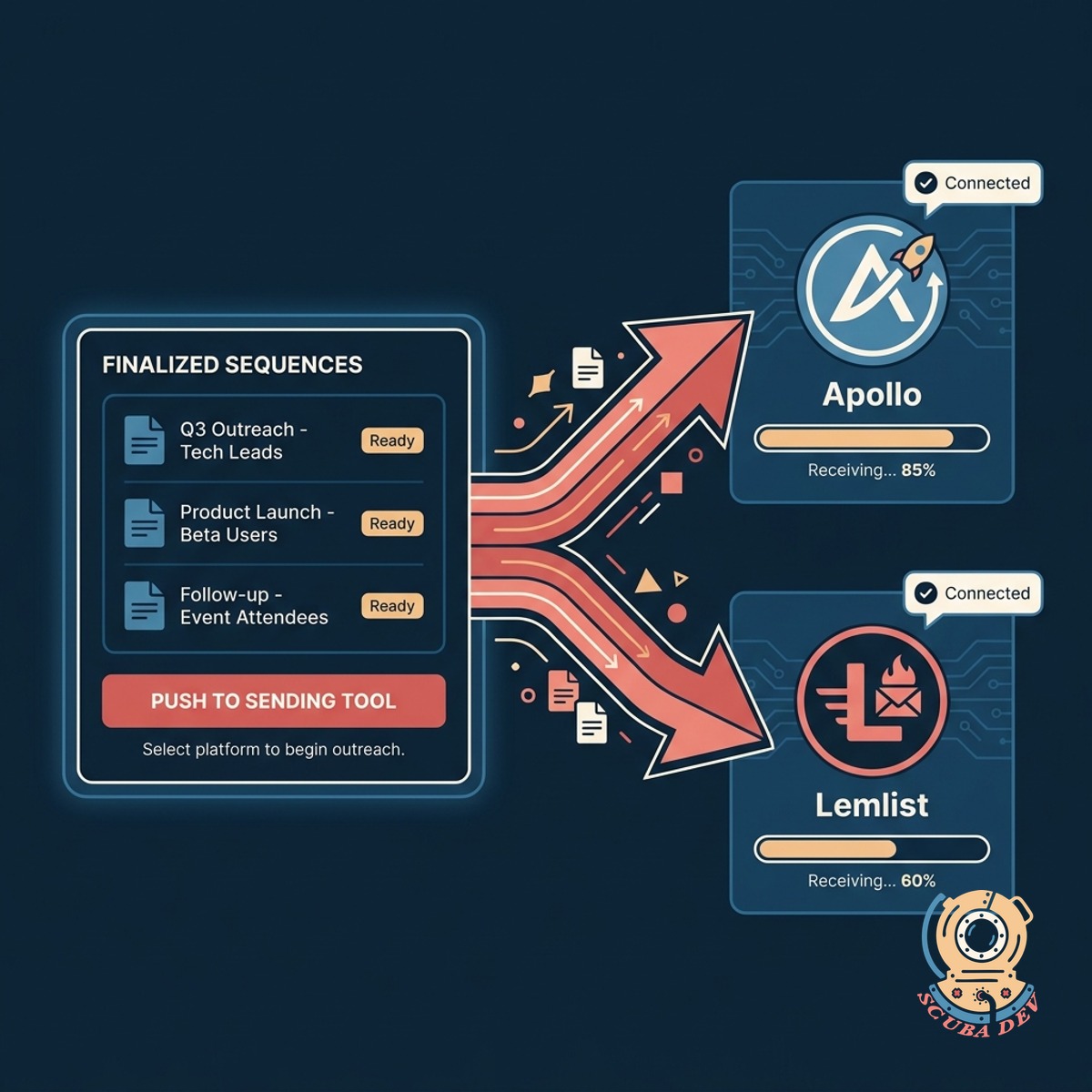
Export Directly To Sending Tools
Push your finalized sequences straight to platforms like Apollo or Lemlist to start your outreach immediately.
- Connect via API
- Export to Apollo
- Export to Lemlist
- Download as CSV
Questions
Things people ask
Which email sending tools can this integrate with?
We can build direct API integrations for popular outreach platforms like Apollo, Lemlist, Outreach, and Salesloft. If you use a custom internal tool, we can set up webhooks or standard CSV exports to match your exact format requirements.
How does the tool personalize the emails?
The builder reads the data columns in your uploaded target list and maps them to variables in the prompt. It then combines those specific details with your overarching positioning statement to draft highly relevant copy for each prospect.
Can I set the number of steps in the sequence?
Yes. You define the exact structure of your campaign before generating the drafts. You can specify the total number of emails, the goal of each specific step, and the time delay between them.
What happens if I do not like the generated copy?
The tool includes a manual review stage where you can edit the subject lines and body copy of any drafted email. You can also click a button to regenerate specific steps using a different tone or angle.
Do I need to provide my own language model API key?
We can configure the application to use your existing OpenAI or Anthropic API keys. Alternatively, we can host the model access on our end and bill you based on your monthly usage.
How do I format the positioning statement?
You can paste a simple text summary of your value proposition, target audience, and key benefits into a text box. The builder uses this context to ensure the generated emails align perfectly with your brand messaging.
Is my prospect data kept secure?
We build these tools with strict data privacy measures in place. Your contact lists are processed securely and are never used to train public language models.