Ad Creative Variant Generator
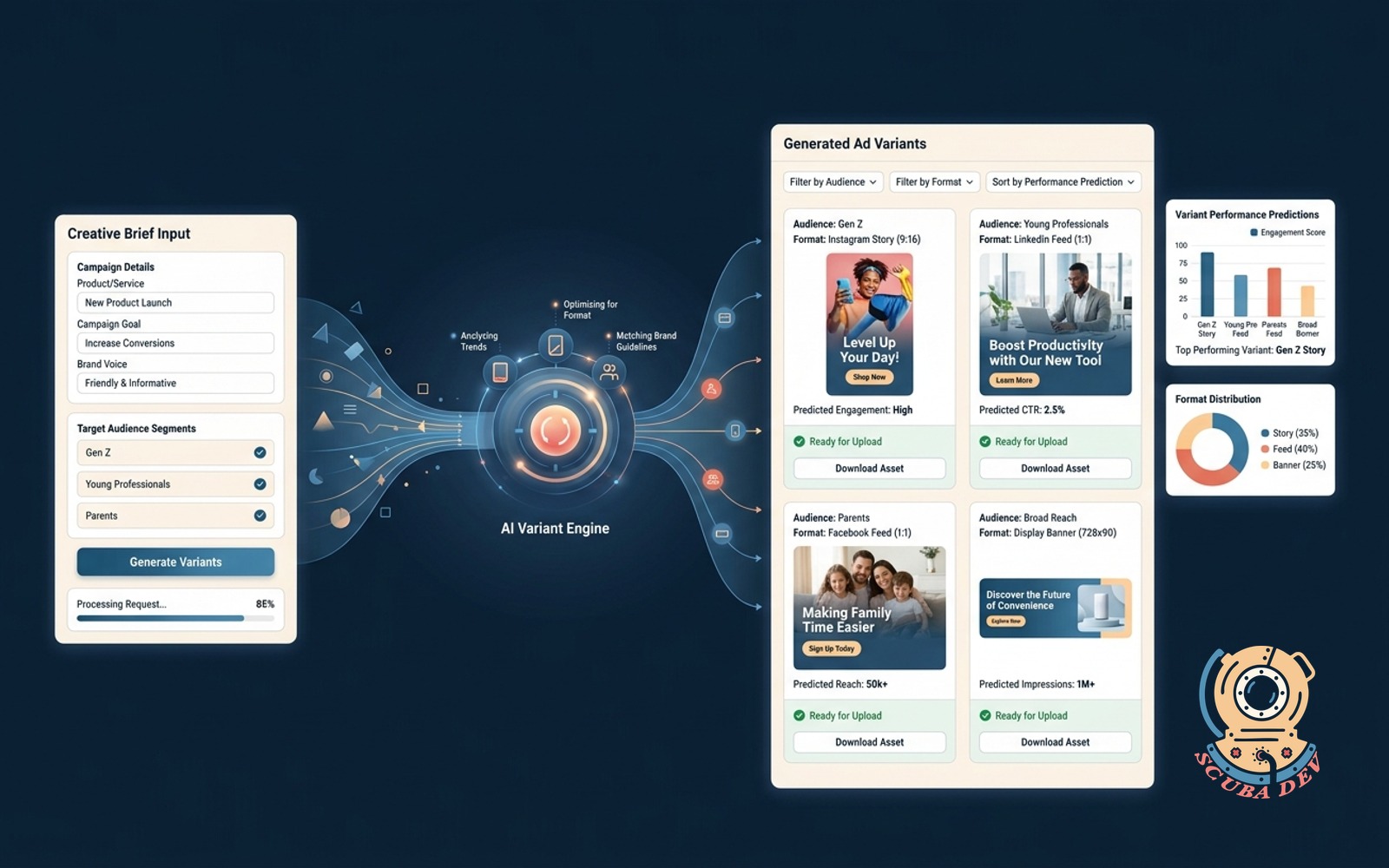
One brief in, many on brand ad variants out, labeled by audience and format and ready for upload.
Possibilities
Where this could go
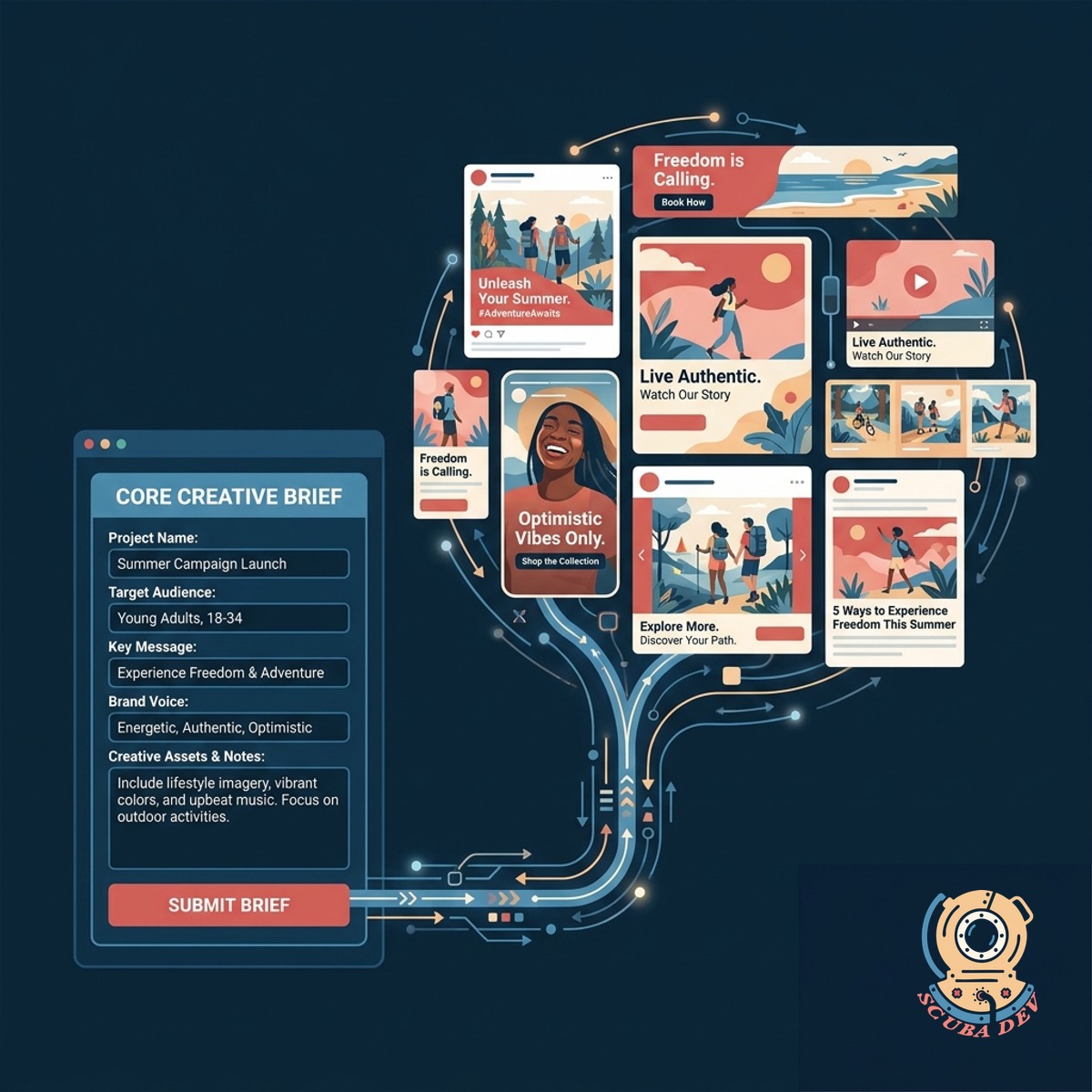
Single Brief To Multiple Variants
Submit one core creative brief and generate dozens of on brand ad variations automatically.
- Upload base assets
- Define target audiences
- Set brand guidelines
- Generate ad copy and visuals
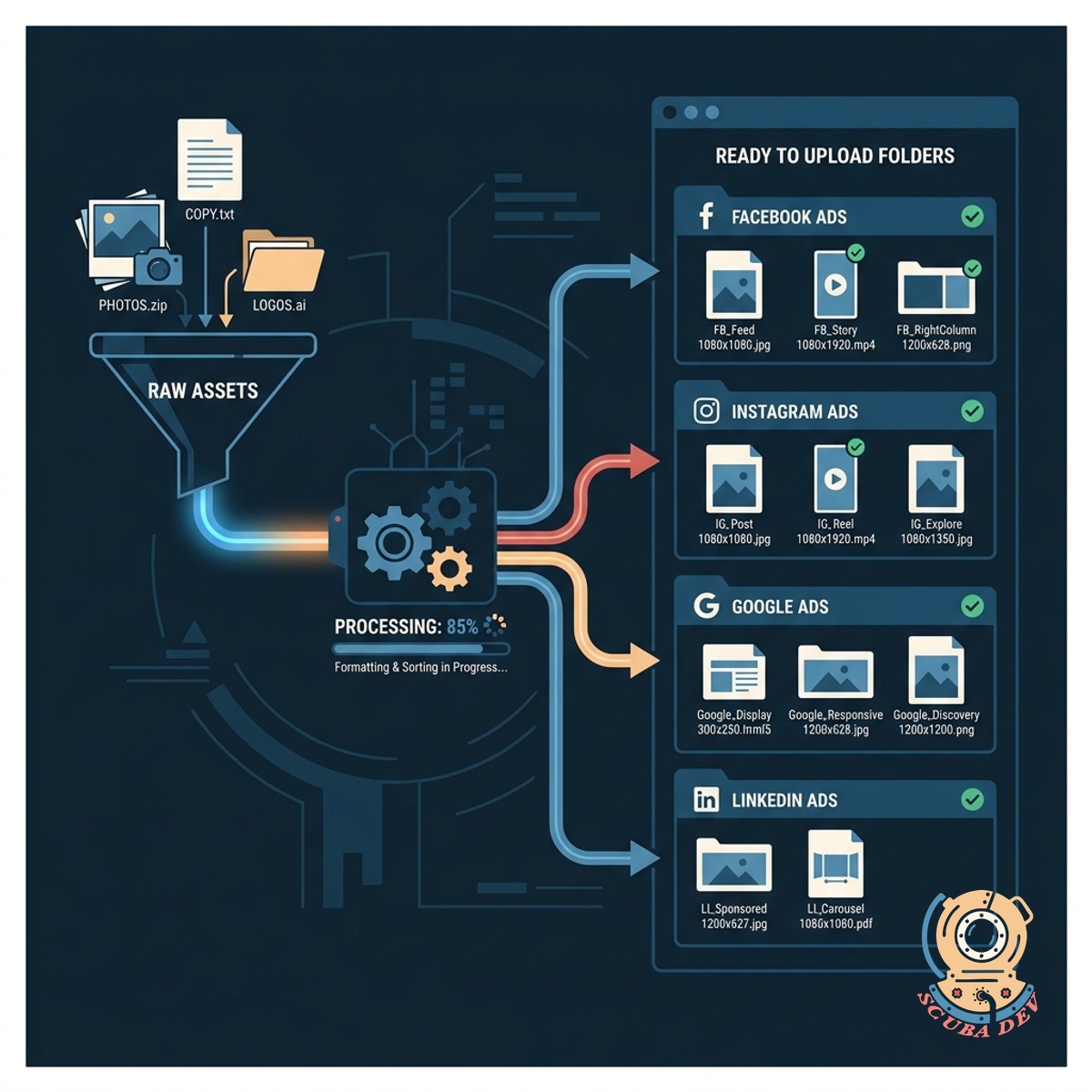
Automated Formatting And File Organization
Receive your generated ads perfectly sized for each platform and sorted into ready to upload folders.
- Resize for specific platforms
- Label by audience segment
- Group by campaign objective
- Export ready files
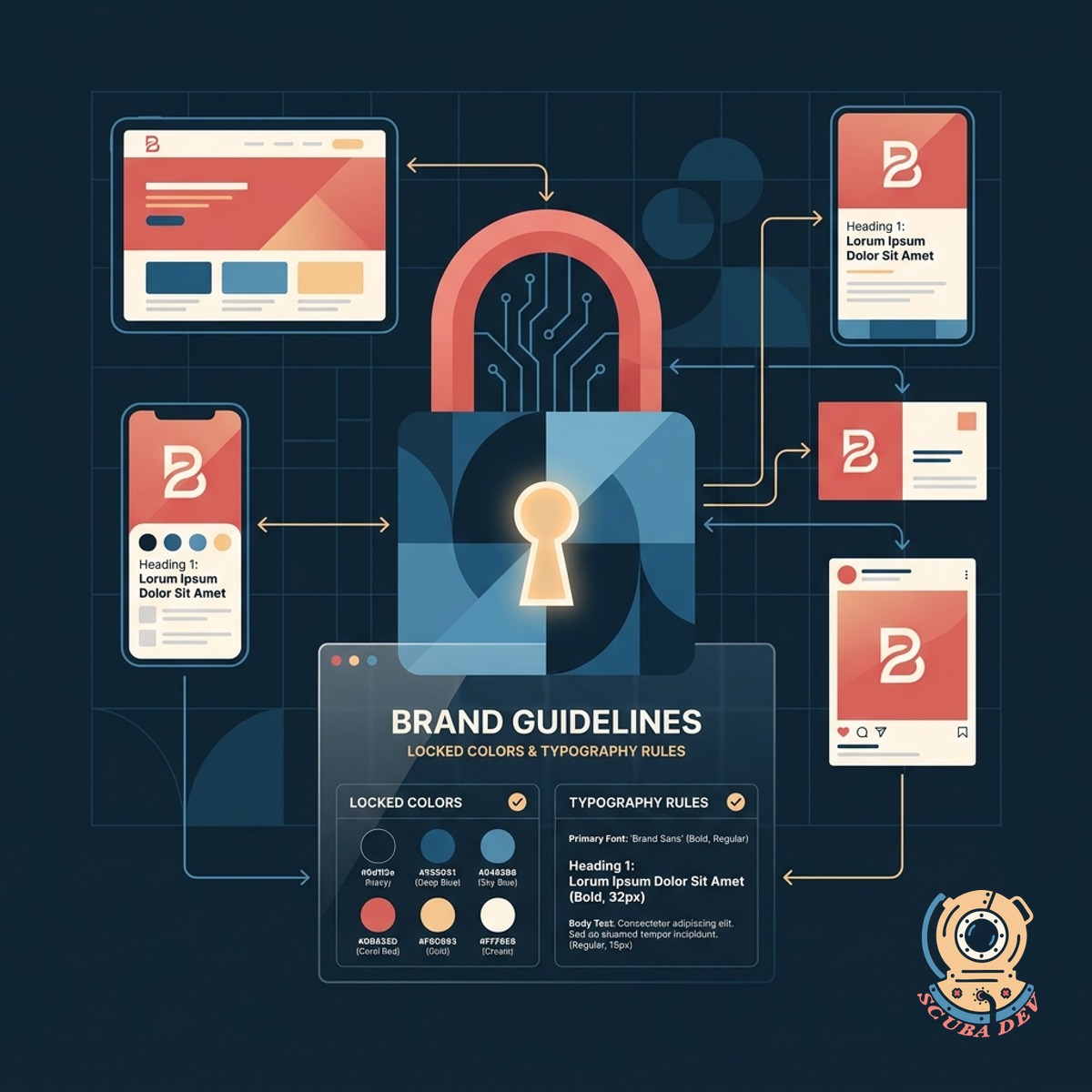
Strict Adherence To Brand Guidelines
Keep every variant aligned with your visual identity through locked brand colors and typography rules.
- Lock brand color palettes
- Enforce font hierarchies
- Apply approved logos
- Maintain tone of voice
Questions
Things people ask
How does the generator know my brand guidelines?
You upload your brand kit during onboarding. We store your logos, color palettes, and typography rules to ensure every generated variant matches your visual identity.
Can it write copy tailored to different audiences?
Yes. You define the audience segments in your initial brief. The tool adjusts the messaging, tone, and visual emphasis to appeal directly to those specific groups while keeping the core offer intact.
Which ad platforms and formats are supported?
The generator exports files sized for major networks like Meta, LinkedIn, Google Display, and TikTok. It handles square, vertical, and landscape aspect ratios based on the platforms you select.
What file types does the system export?
You receive standard image formats like PNG and JPG for static ads. We can also configure the tool to output layered design files or HTML5 packages if your team needs to make manual adjustments later.
Do I need to review the ads before uploading?
Yes. You can review all generated variants in the dashboard and make manual adjustments to text or imagery before downloading the final batch.
How are the final files organized for upload?
The system uses a standardized naming convention based on your campaign structure. It groups the final assets into folders labeled by platform, format, and audience segment so you can upload them directly to your ad manager.
What tools do you use to build this generator?
We export your approved ads into a structured zip file. The files are organized into folders by platform, audience segment, and aspect ratio for easy uploading to your ad accounts.