Comparison Directory Builder
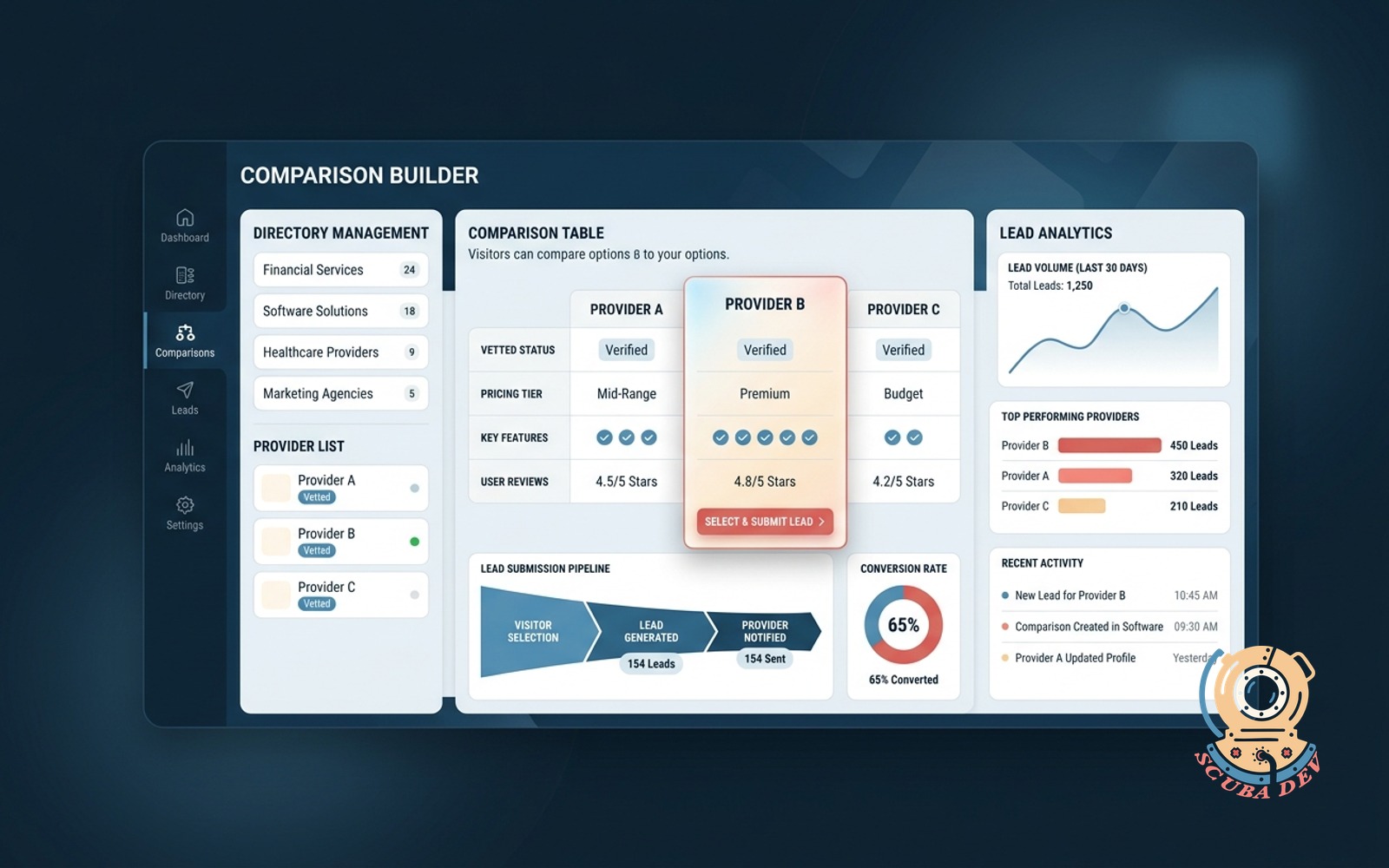
Directory tool that lets visitors compare vetted options side by side and pick one. The selected provider receives the lead submission.
Possibilities
Where this could go
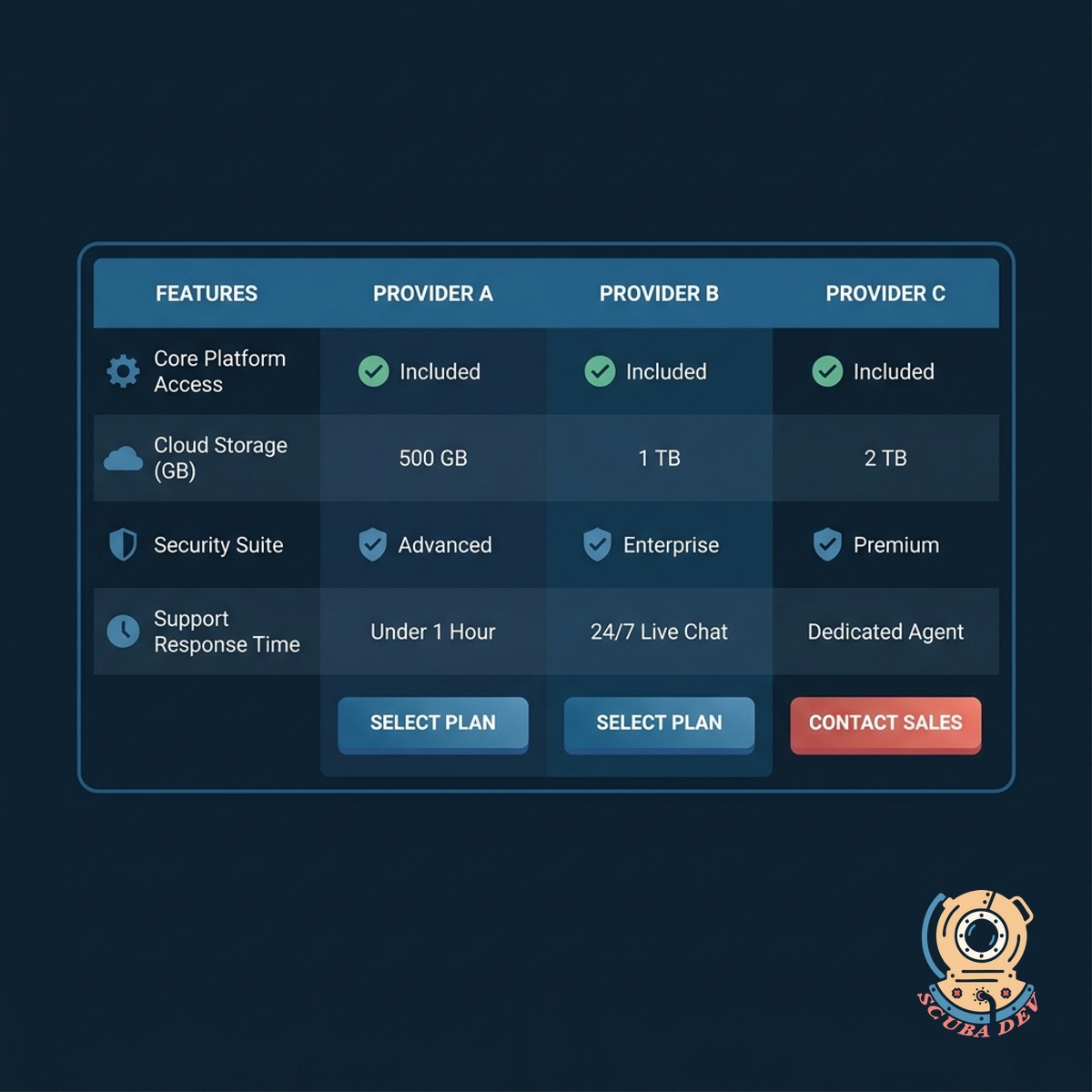
Side By Side Provider Comparison
Let your visitors evaluate multiple vetted options at a glance to make informed decisions.
- Custom comparison attributes
- Dynamic filtering and sorting
- Visual feature checklists
- Mobile responsive tables

Automated Provider Lead Routing
Send user inquiries directly to the selected vendor using automated background workflows.
- Route form submissions directly to the chosen provider via email or webhook.
- Map custom form fields to match the specific data requirements of each vendor.
- Store a backup copy of every lead in your administrative dashboard for auditing.
- Trigger automatic confirmation emails to the visitor after they submit their inquiry.

Centralized Directory Content Management
Maintain complete control over the vendors and data displayed on your comparison platform.
- Add, edit, or remove provider profiles from a secure administrative dashboard.
- Define custom comparison criteria like pricing, features, and service areas.
- Upload provider logos and marketing assets to keep branding consistent.
- Temporarily hide inactive providers without deleting their historical data.
Questions
Things people ask
How do we manage the vendor data?
We build the directory using a database like Airtable or Webflow CMS. This gives you a central place to add new providers, update their features, and manage their contact information.
Can visitors filter the directory before comparing?
Yes. We use tools like Finsweet Attributes or Jetboost to add robust search and filtering capabilities. Visitors can narrow down the list by category or price before selecting specific options to compare.
How does the lead routing actually work?
When a visitor selects a provider and submits a form, we use automation platforms like Make or Zapier to process the request. The system reads the selected provider ID and automatically emails the lead details to that specific vendor.
Can we charge providers for these leads?
We configure the platform to send lead data directly to the selected provider through email or a webhook. You can customize the data payload to match the specific CRM requirements of each vendor. This ensures the provider gets the exact information they need to follow up with the visitor.
Is the comparison table mobile friendly?
We design responsive layouts that adapt to smaller screens. On mobile devices, side by side tables typically convert into swipeable cards or stacked accordions to ensure readability.
How many providers can a user compare at once?
We usually limit the side by side view to three or four options to prevent information overload. You can adjust this limit based on the complexity of the data being compared.
Can providers update their own listings?
You can monetize your directory by charging providers for premium placement or access to leads. We integrate standard payment processors to handle recurring subscriptions or one-time fees. This allows you to build a revenue stream while maintaining full control over the listing quality.