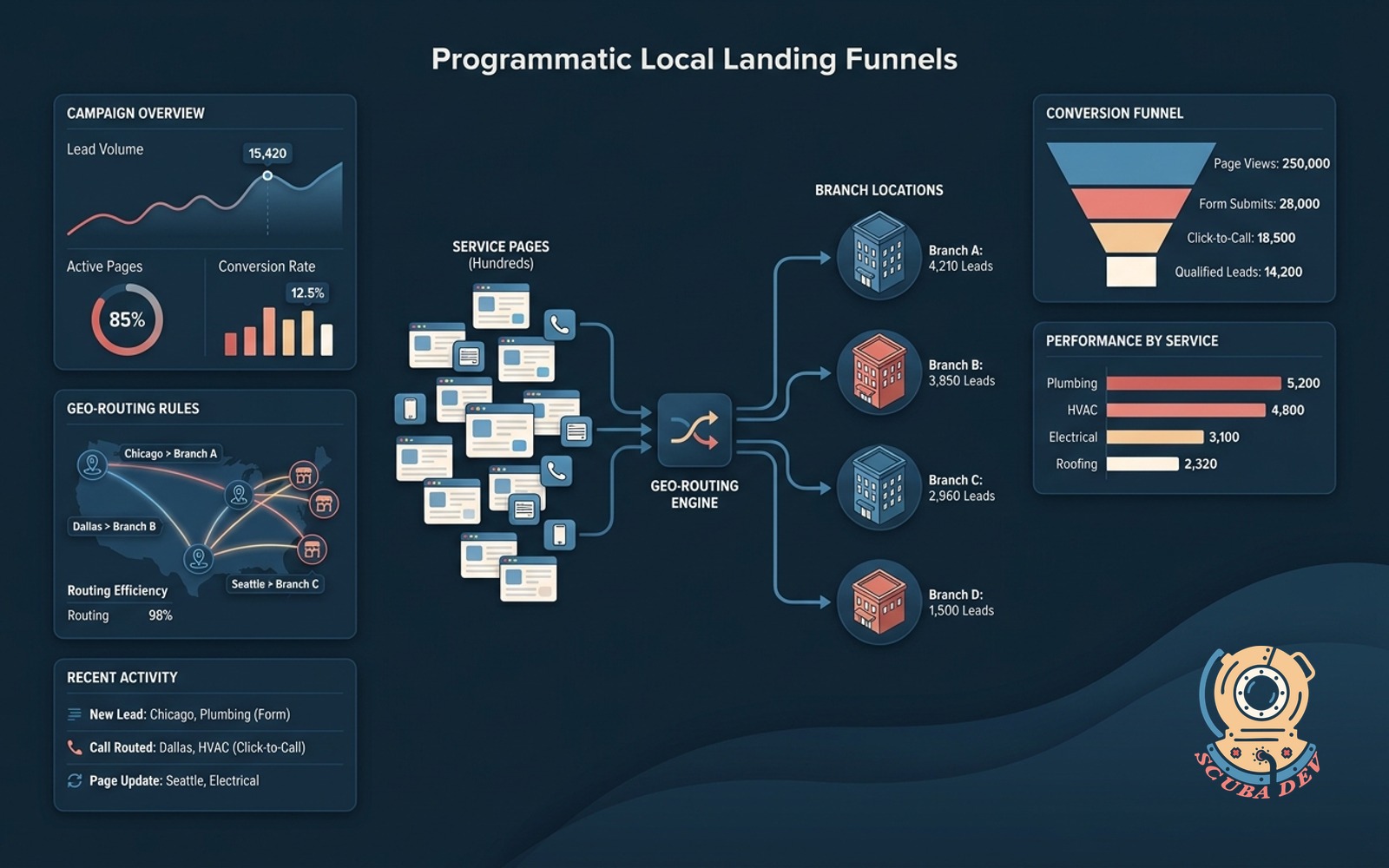
Programmatic Local Landing Funnels
Hundreds of service-in-city pages each with unique form capture and click-to-call, routing leads by geo to the nearest branch.
Possibilities
Where this could go
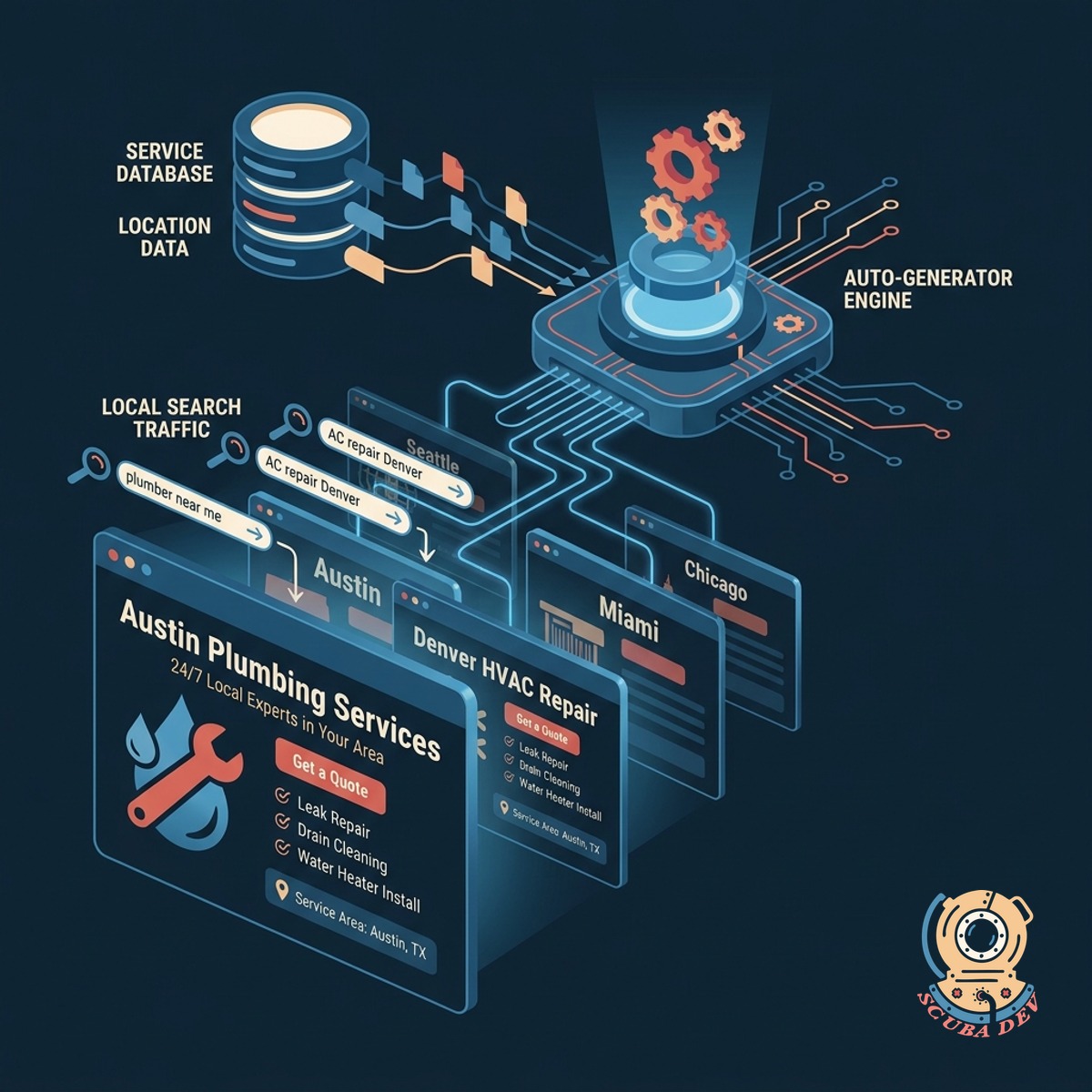
Automated Local Landing Page Generation
Create hundreds of unique city specific service pages from a single database to capture local search traffic.
- Connect a central database to your page templates to manage all locations in one place.
- Inject city names, zip codes, and local service details into the page text automatically.
- Generate unique meta titles and descriptions for every geographic area.
- Publish and update hundreds of local pages simultaneously without manual coding.
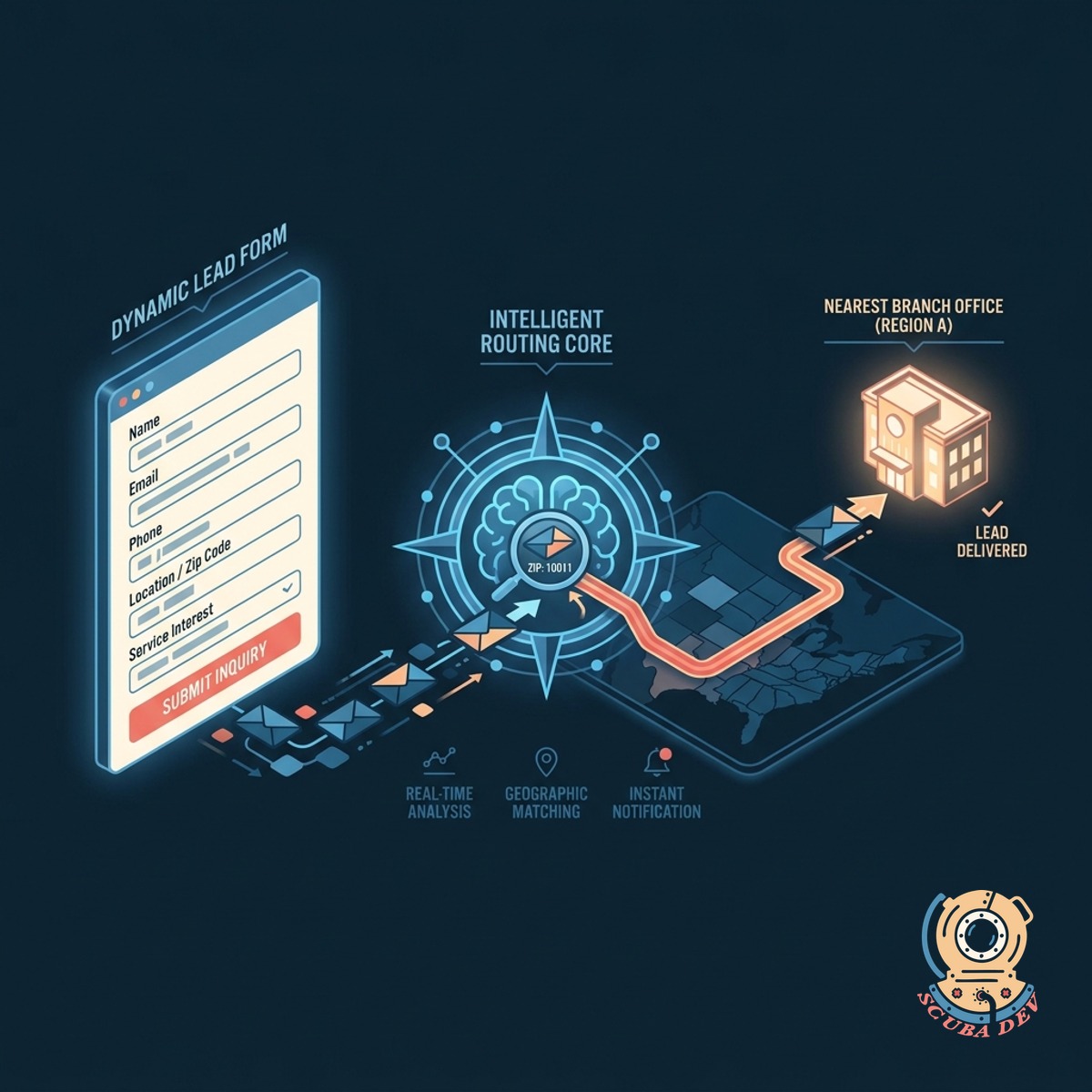
Intelligent Geographic Lead Routing System
Capture visitor information through dynamic forms and route the lead directly to the nearest branch office.
- Embed dynamic capture forms
- Map leads to branch locations
- Trigger instant notifications
- Sync directly to your CRM
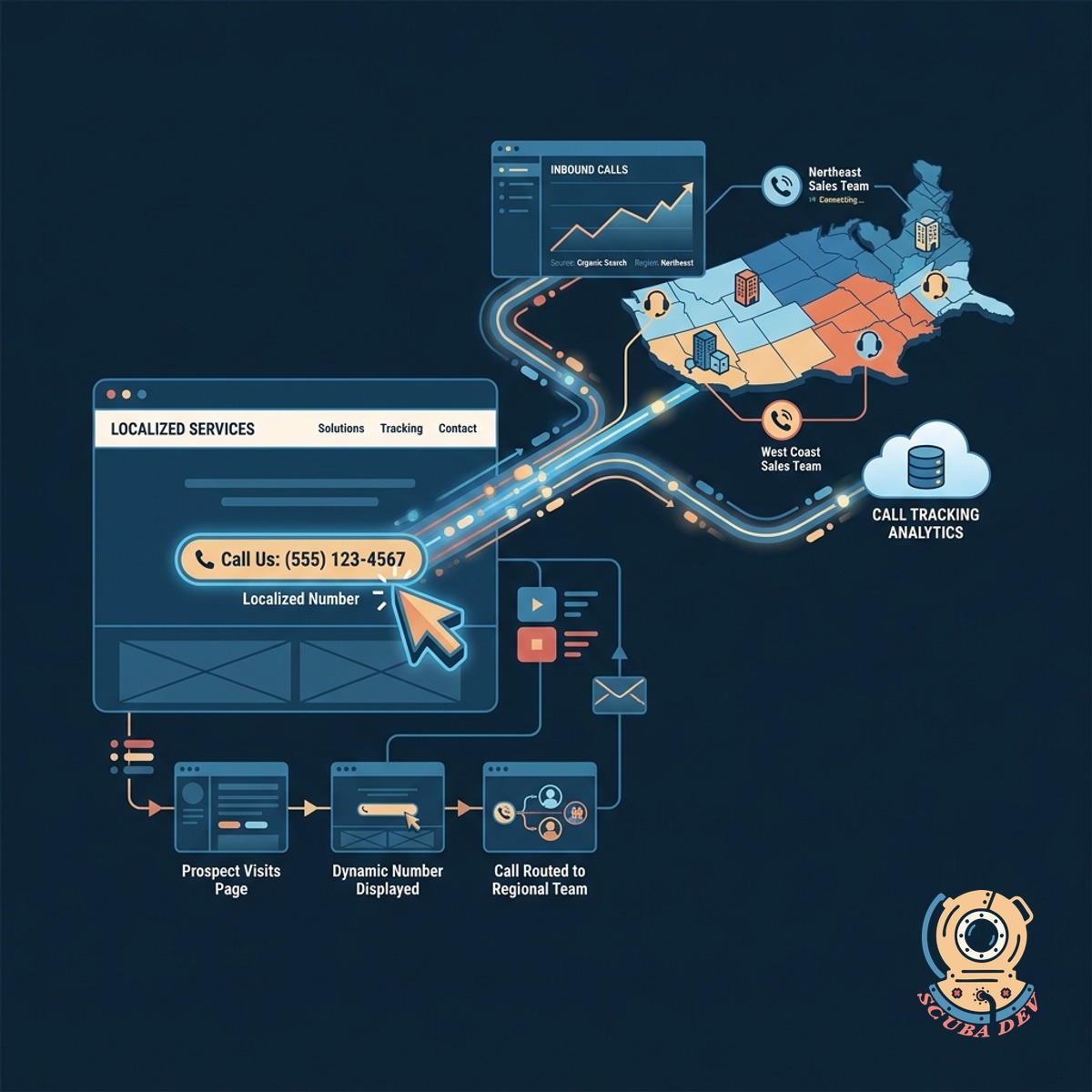
Dynamic Click To Call Phone Tracking
Display localized phone numbers on every page to track inbound calls and connect prospects with regional sales teams.
- Insert local area code numbers
- Track call volume per page
- Forward calls to regional reps
- Monitor funnel performance
Questions
Things people ask
How do you generate hundreds of pages without writing them individually?
We use a headless CMS like Contentful or Airtable to store your core service information and local variables. The system automatically merges this data with a master page template in Webflow or Next.js. This creates a unique page for every city in your database.
Will search engines penalize these pages for duplicate content?
We structure the programmatic data to ensure each page provides unique value to the visitor. By varying local testimonials, regional team members, specific service offerings, and localized schema markup, the pages remain distinct. We also implement proper canonical tags to guide search engine crawlers.
How does the system know which branch to send the lead to?
Each programmatic page is tied to a specific geographic region in the database. When a user submits a form, a tool like Make or Zapier reads the page origin and cross references it with your branch territory map. The lead is then routed to the correct regional sales inbox or CRM pipeline.
Can we track phone calls from specific city pages?
We structure your database to include unique regional content, local testimonials, and specific service variations for each area. This prevents search engines from flagging your local pages as duplicate content. You maintain full control over the template to ensure the messaging stays consistent while the local details change.
What happens if we need to update a service description across all pages?
You only need to update the core service description once in your central database. The programmatic setup automatically pushes that change to every connected city page instantly. This eliminates the need to manually edit hundreds of individual landing pages.
How do we add a new city to our service area?
Adding a new location is as simple as adding a new row to your database. You input the city name, local variables, and assigned branch. The system automatically generates the new landing page and publishes it to your live site.
Which CRM platforms can receive these routed leads?
We can route leads to almost any modern CRM with an open API. Common integrations include HubSpot, Salesforce, Pipedrive, and GoHighLevel. The automation layer ensures the lead data maps perfectly to your existing custom fields.