Pitch Deck Generator With Brand Kit
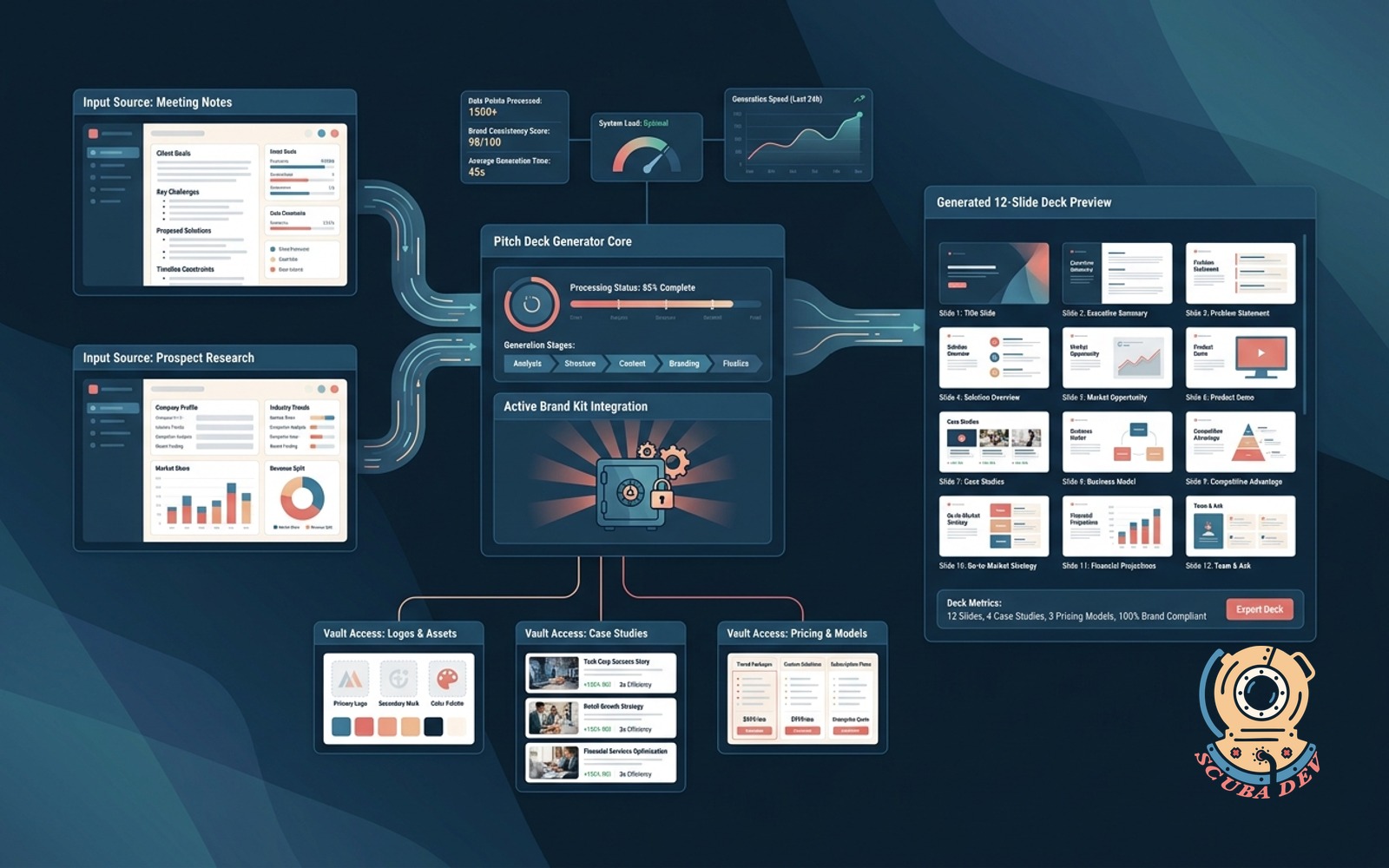
Meeting notes plus prospect research become an on-brand 12-slide deck pulling logos, case studies, and pricing from a vault.
Possibilities
Where this could go
Automated Slide Generation From Notes
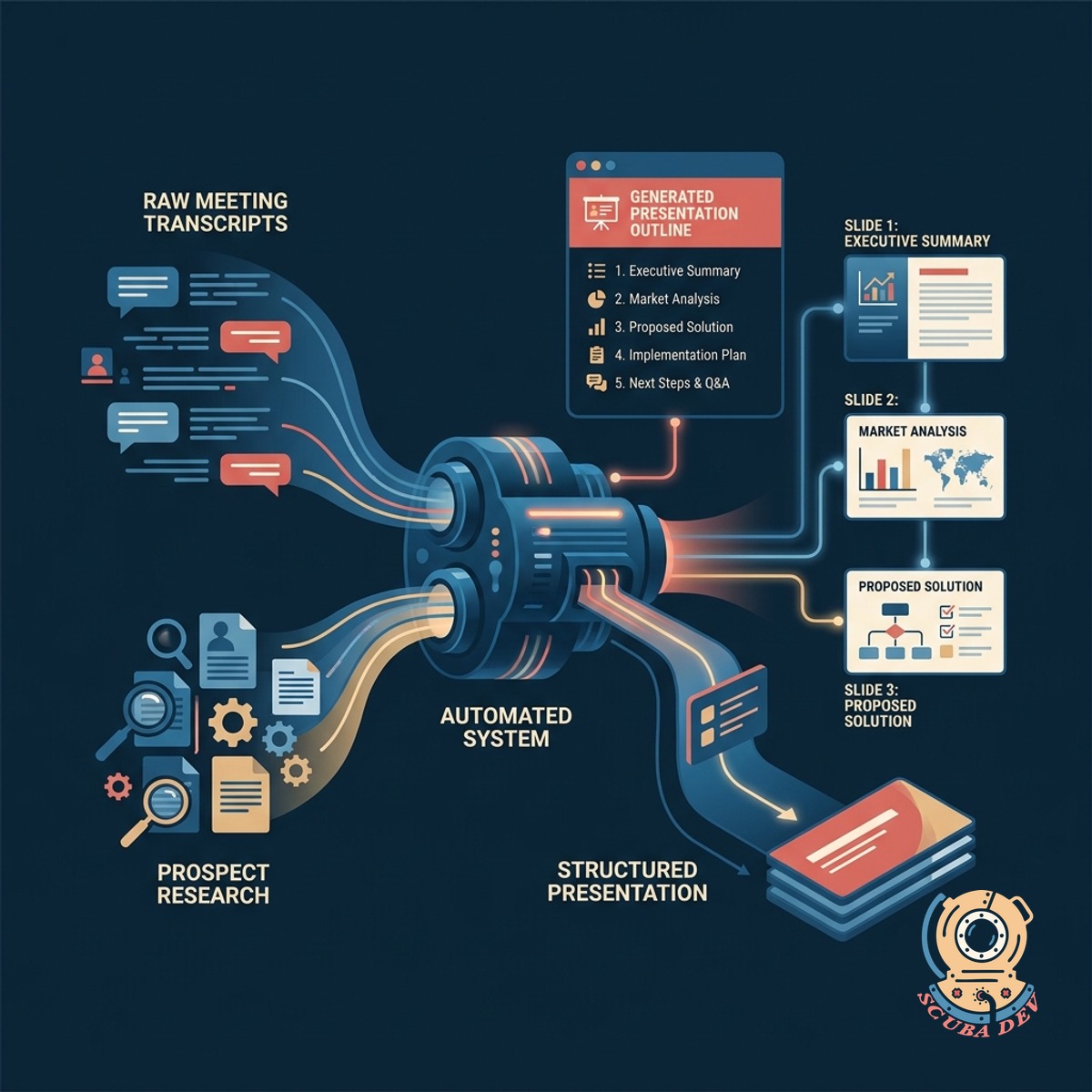
The system reads your raw meeting transcripts and prospect research to build a structured presentation outline.
- Ingests transcripts from Gong or Zoom
- Extracts key prospect pain points
- Maps notes to standard pitch templates
- Generates targeted slide copy

Centralized Brand And Asset Vault
It automatically applies your exact brand colors, fonts, and logos while pulling relevant case studies from your content library.
- Stores hex codes and typography rules
- Houses approved company logos
- Indexes case studies by industry
- Inserts relevant pricing tables
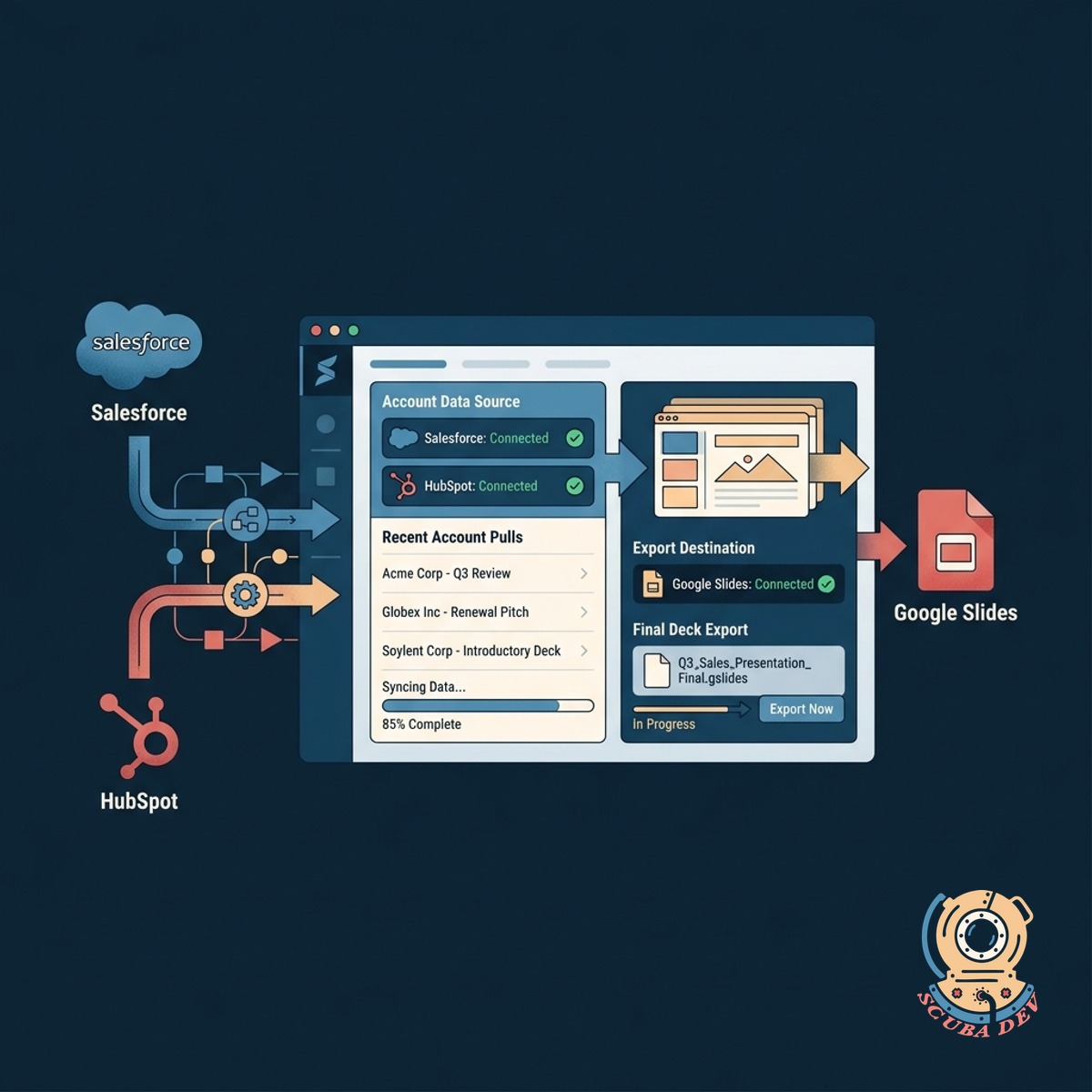
Automated Pricing Table And Proposal Assembly
The tool connects directly to Salesforce or HubSpot to pull account data and exports the final deck to Google Slides.
- Connects to HubSpot and Salesforce
- Pulls current account details
- Exports directly to Google Slides
- Notifies the sales team via Slack
Questions
Things people ask
How does the tool know which case studies to use?
The system tags your existing case studies by industry, company size, and pain point. It matches these tags against the prospect data found in your meeting notes and CRM records to select the most relevant examples.
Can we edit the decks after they are generated?
Yes. The tool exports directly to Google Slides or Microsoft PowerPoint. Your team can make manual adjustments to the text, layout, and images before sending the final presentation to the prospect.
Which CRM platforms do you support?
We build custom integrations using standard APIs. This allows the generator to connect with platforms like Salesforce, HubSpot, and Pipedrive to pull account names and firmographic data.
How do we update our brand assets?
The system includes a central vault for your brand kit. Administrators can upload new logos, adjust hex codes, and update pricing tables at any time to ensure all new decks use current assets.
Does it work with call recording software?
The generator can process text transcripts from tools like Gong, Chorus, or Zoom. You provide the transcript file or API connection, and the system extracts the relevant discussion points for the slides.
How long does it take to generate a deck?
The automated process typically completes in a few minutes once the notes and CRM data are submitted. The final file is then sent to your team via a Slack notification or email.
Can we customize the twelve slide template?
The slide structure is fully configurable during the initial setup. We map the generator to your existing sales methodology, whether your standard pitch requires ten slides or twenty.