Vendor portal
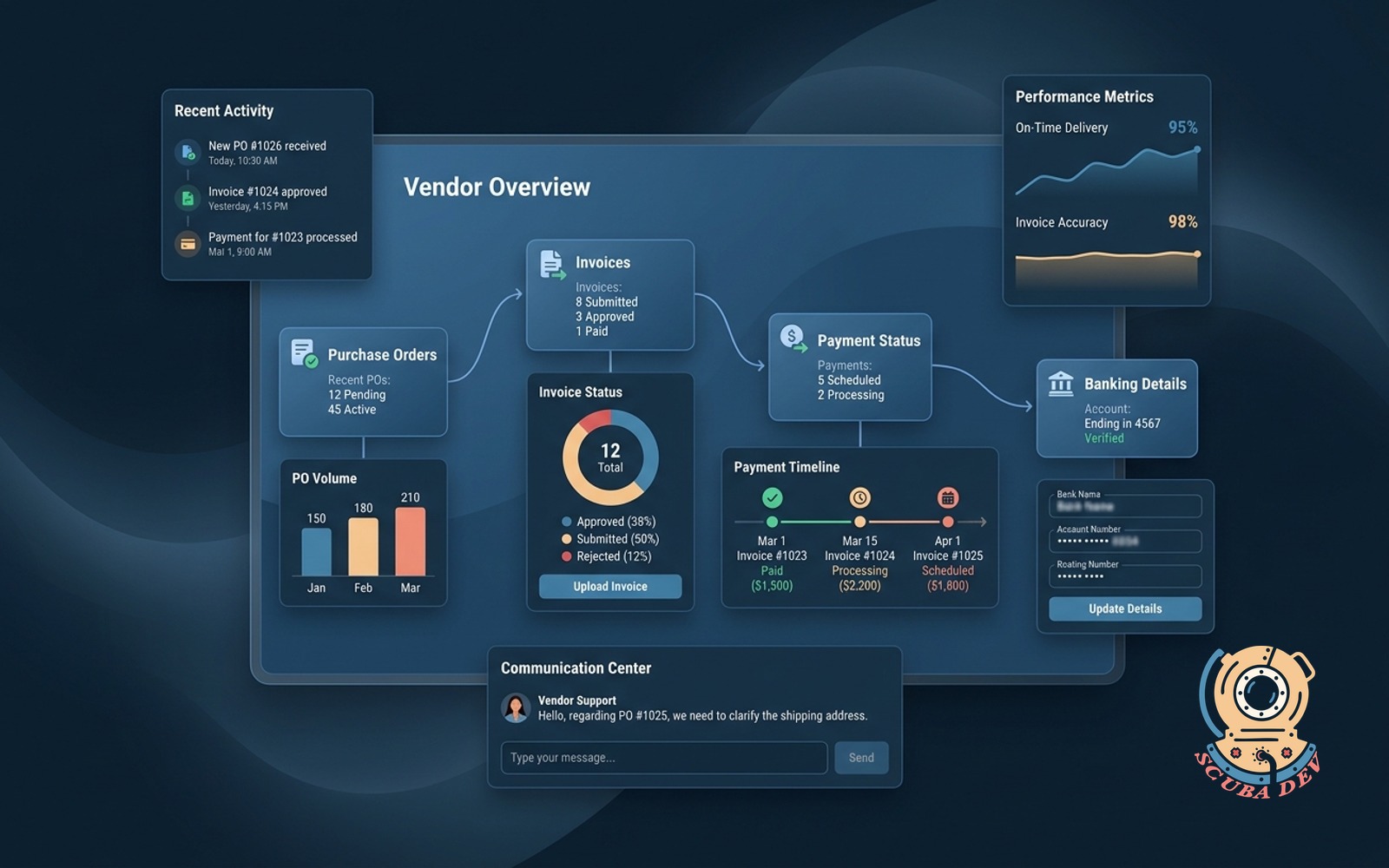
Vendors see POs, upload invoices, track payment status and update banking details without emailing you.
Possibilities
Where this could go
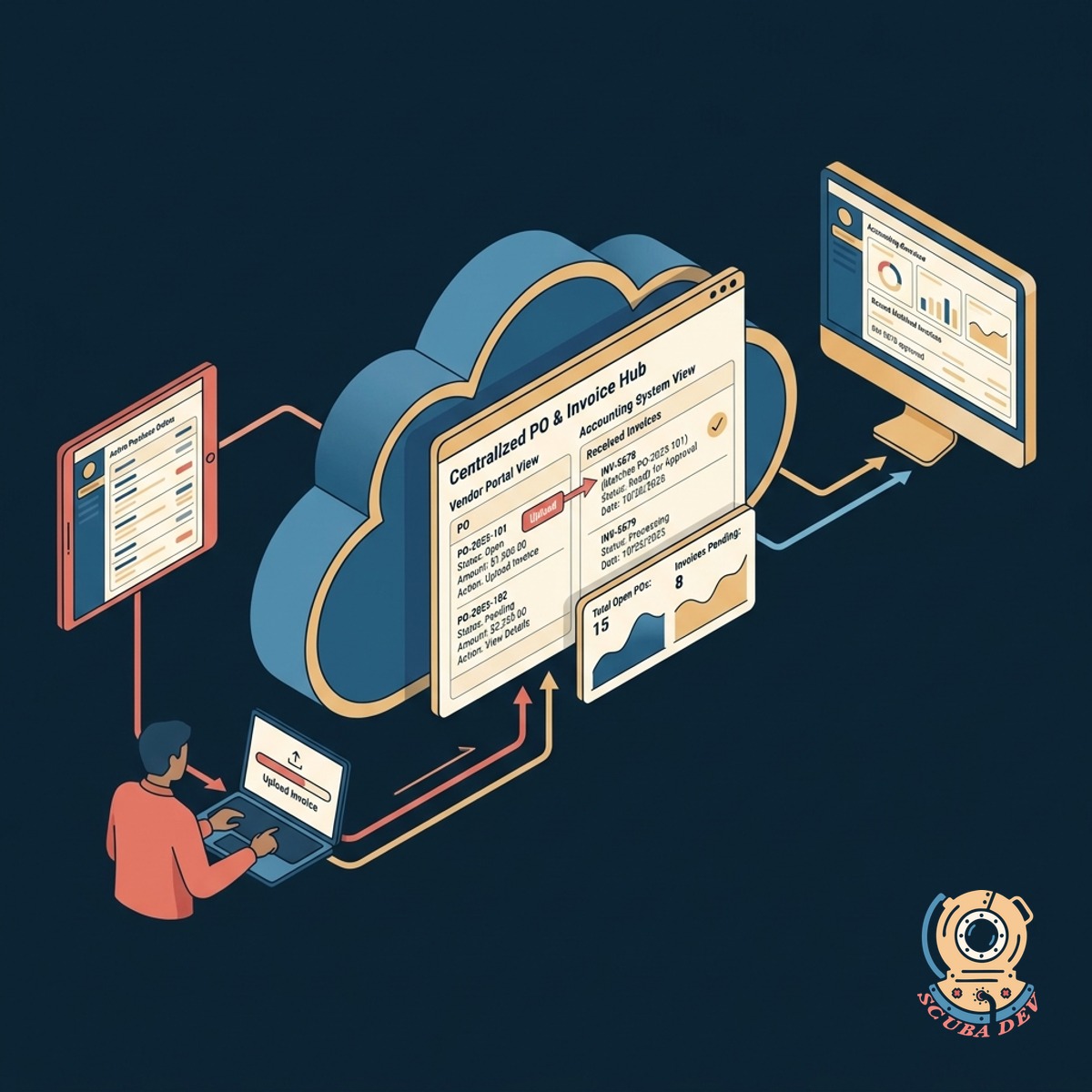
Centralized Purchase Orders And Invoices
Vendors can view their active purchase orders and upload matching invoices directly to your accounting system.
- View open purchase orders
- Upload PDF invoices directly
- Match invoices to system records
- Sync data to QuickBooks or Xero
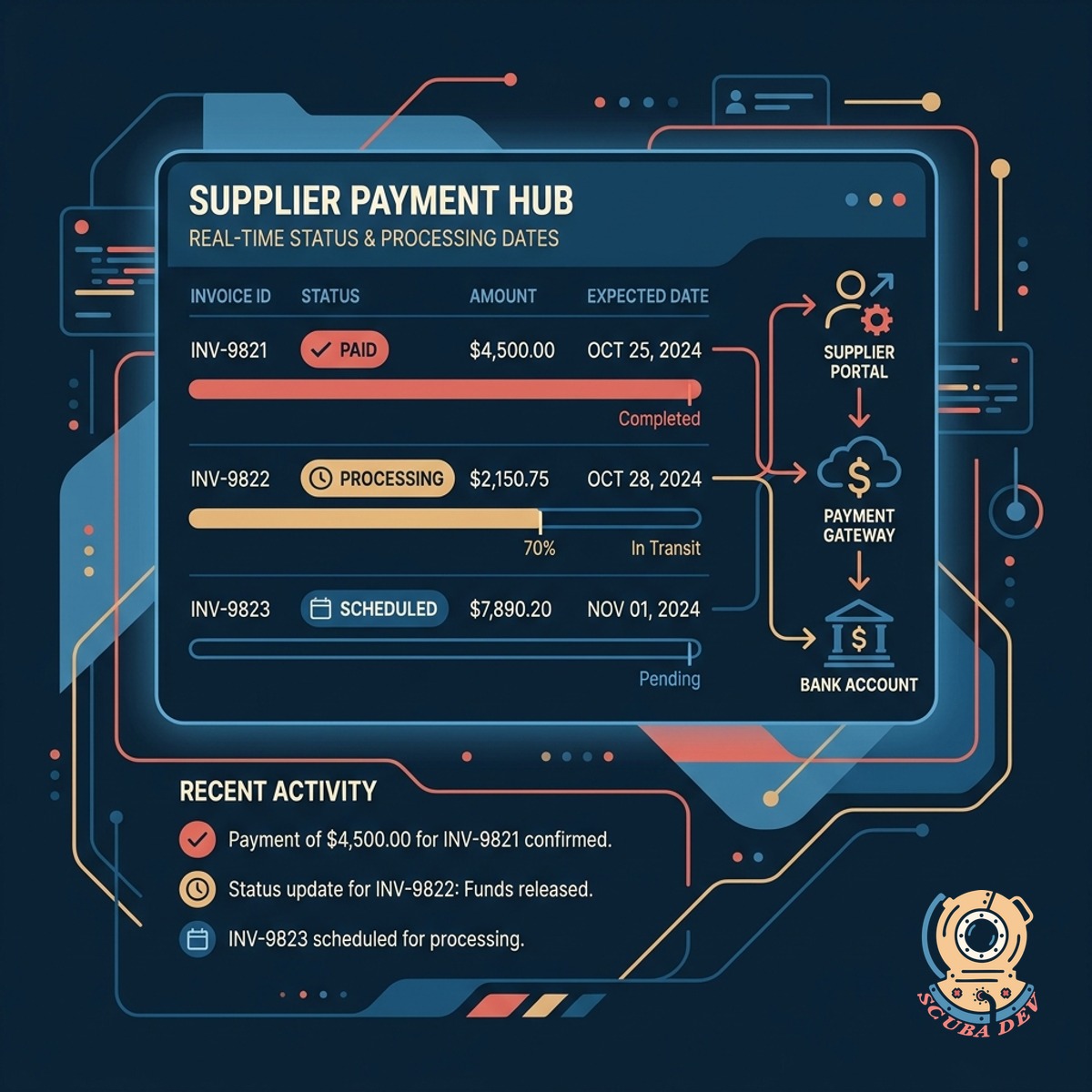
Real Time Payment Status Tracking
Suppliers check their own payment statuses and expected processing dates instead of asking your accounts payable team.
- Display pending payment dates
- Show cleared transaction history
- Provide remittance advice downloads
- Reduce inbound status inquiries
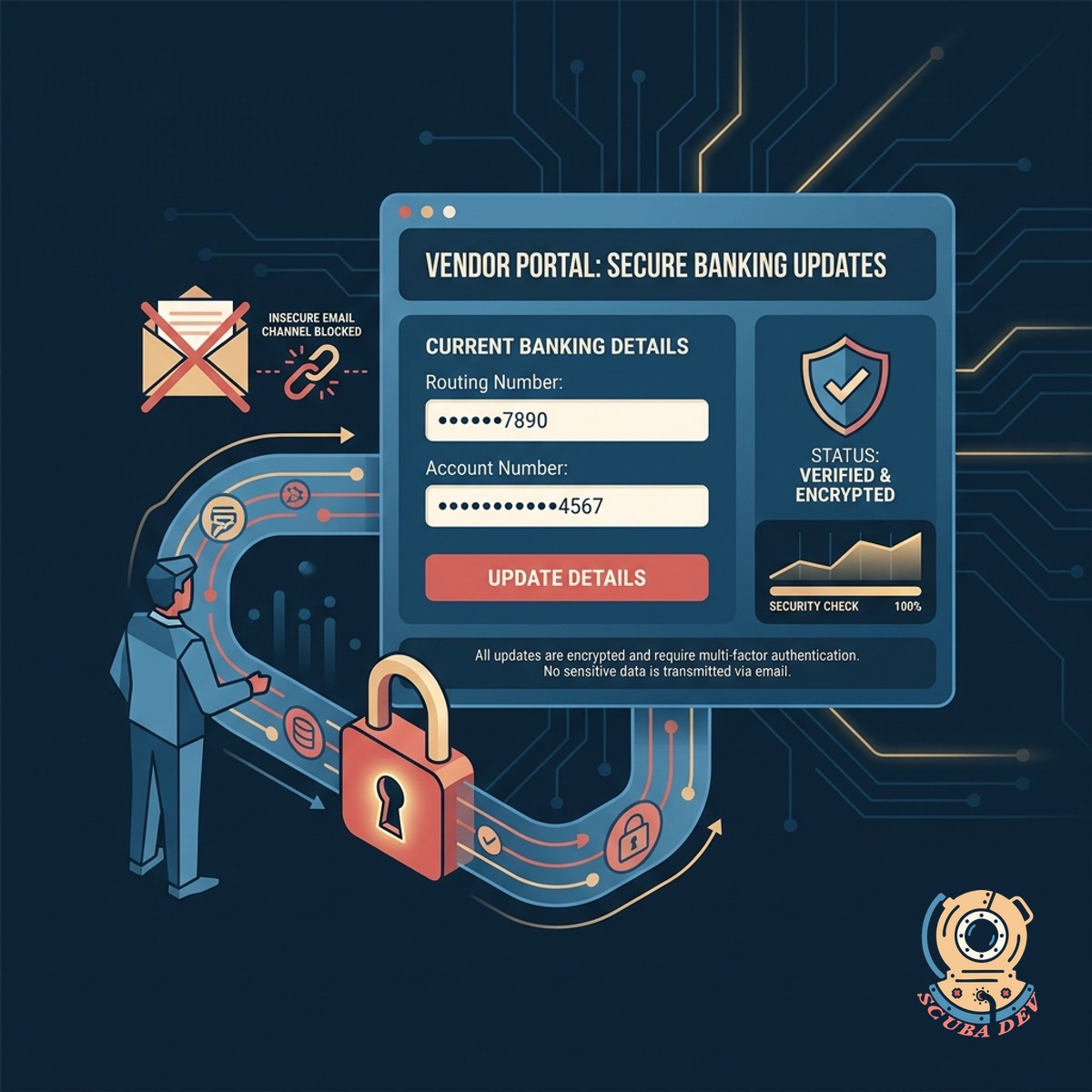
Secure Vendor Banking Detail Updates
Vendors manage their own routing and account numbers through a secure portal rather than sending sensitive data over email.
- Update bank account information
- Require multi factor authentication
- Log all profile changes
- Store data in compliant vaults
Questions
Things people ask
How does the portal connect to our accounting software?
We integrate the portal with tools like QuickBooks, Xero, or NetSuite using their native APIs. This allows purchase orders to flow out to the vendor and invoices to flow back into your ledger.
Can vendors see each other's data?
No. Each vendor gets a unique login that restricts their view to their own company profile and documents. Row level security ensures they cannot access records belonging to other suppliers.
How do vendors update their banking details securely?
Vendors log into the portal using multi factor authentication. They can submit new routing and account numbers through an encrypted form that updates your central vendor master file.
Does the portal automatically match invoices to purchase orders?
The portal prompts vendors to select the relevant purchase order when they upload an invoice. The system then flags any discrepancies in amounts or line items for your accounts payable team to review.
What happens when a payment is processed?
Once your accounting system marks a bill as paid, the portal updates the status on the vendor dashboard. The system can also trigger an automated email notification to the vendor with the remittance details.
Do we need to create accounts for every vendor manually?
You can send automated email invitations to your existing vendor list directly from your ERP or accounting tool. Vendors click a secure link to establish their credentials and complete their profile setup.
Can vendors upload supporting documents like tax forms?
Yes. The portal includes a dedicated section for compliance documents. Vendors can upload their W9 forms, insurance certificates, and other required paperwork directly to their profile.