Gmail deal log
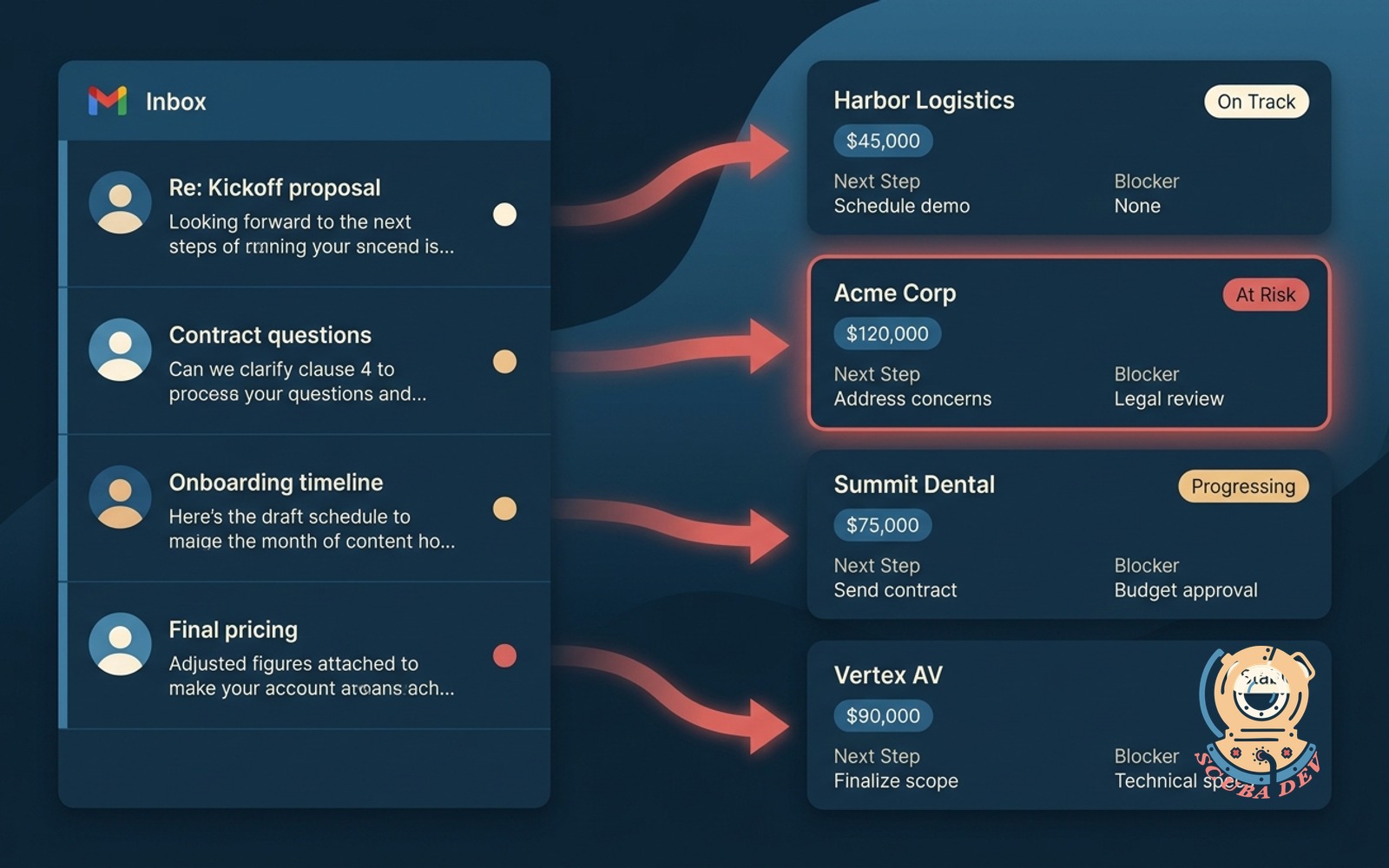
Client email threads log against the matching opportunity, with sentiment and next step extracted.
Possibilities
Where this could go
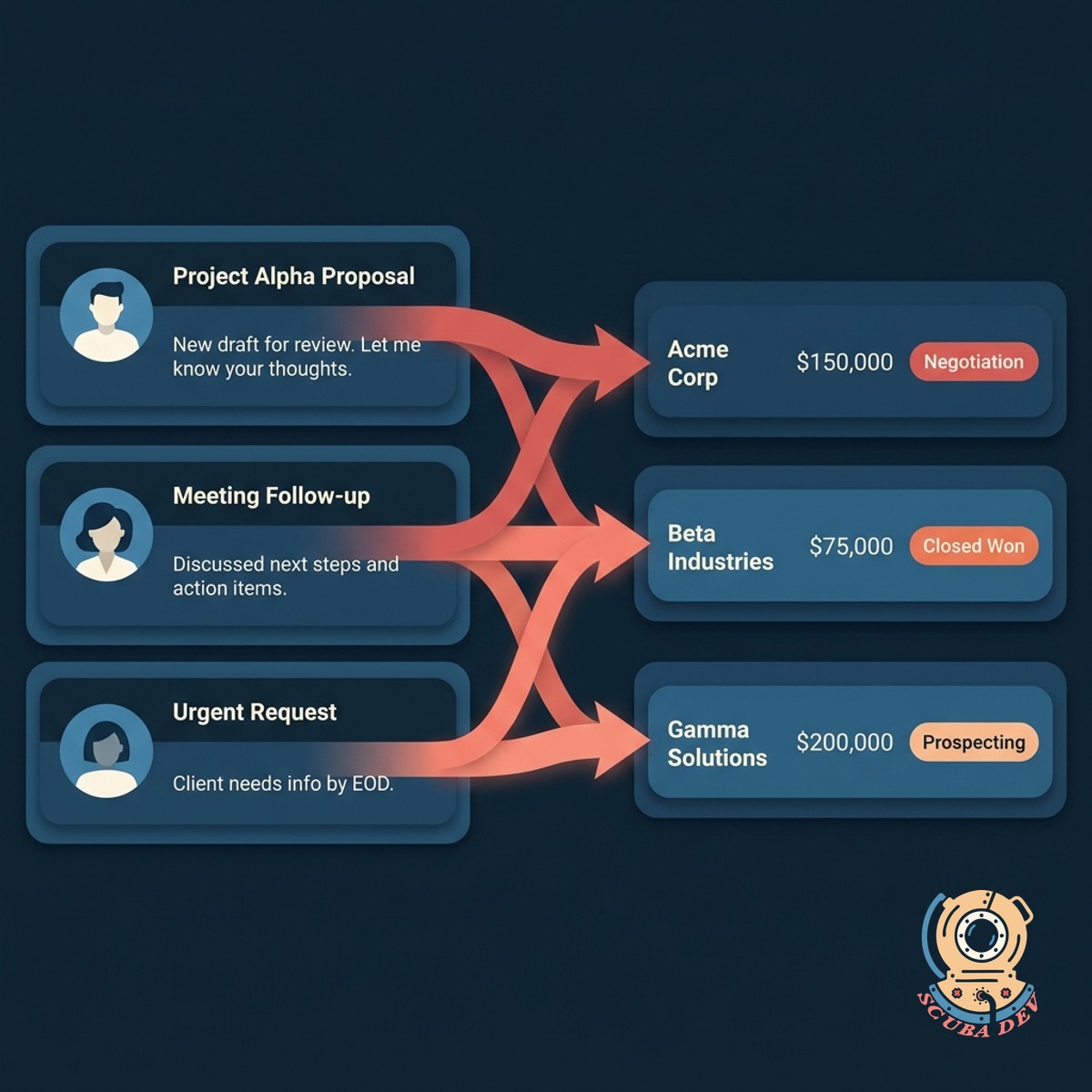
Threads Log Themselves
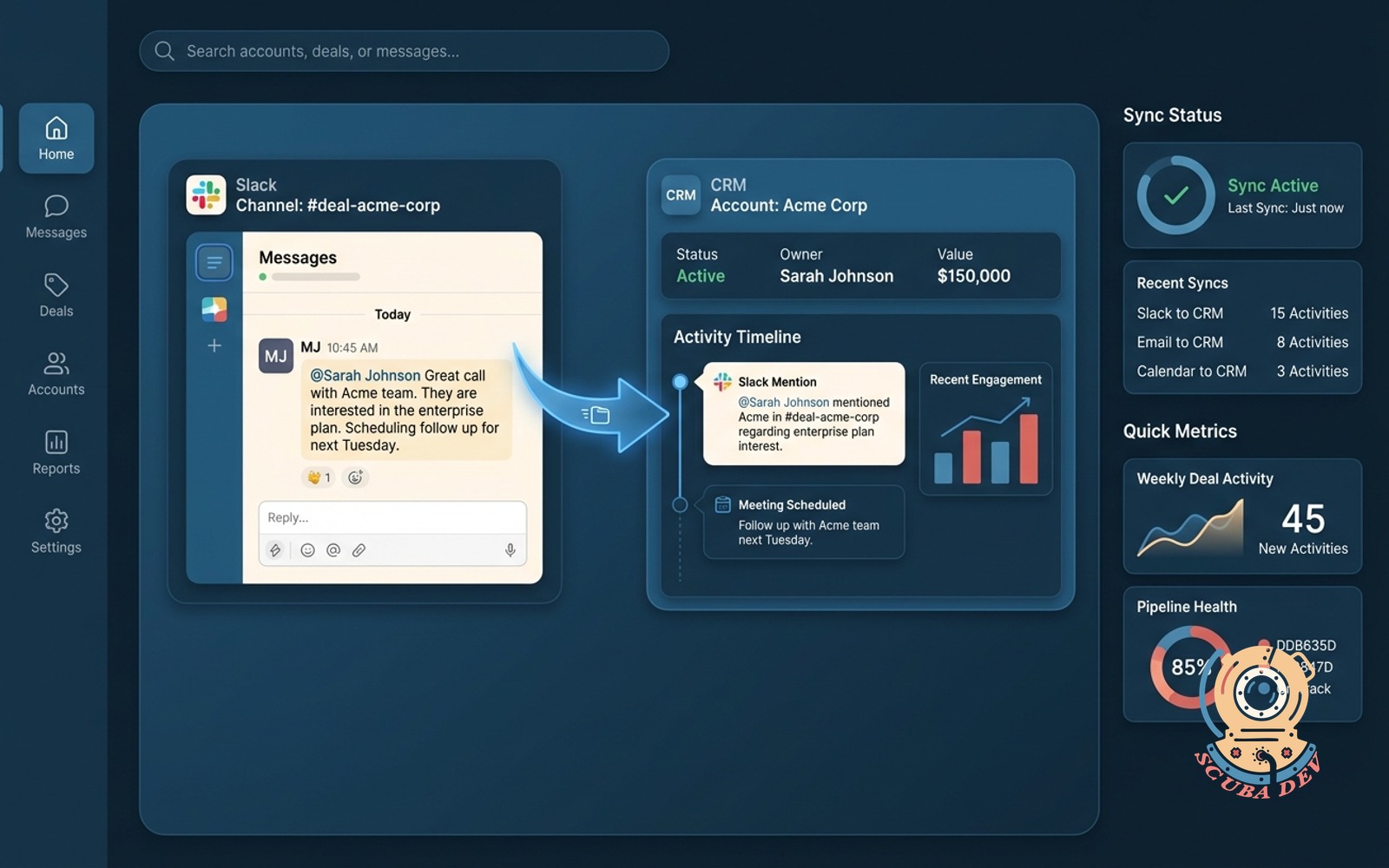
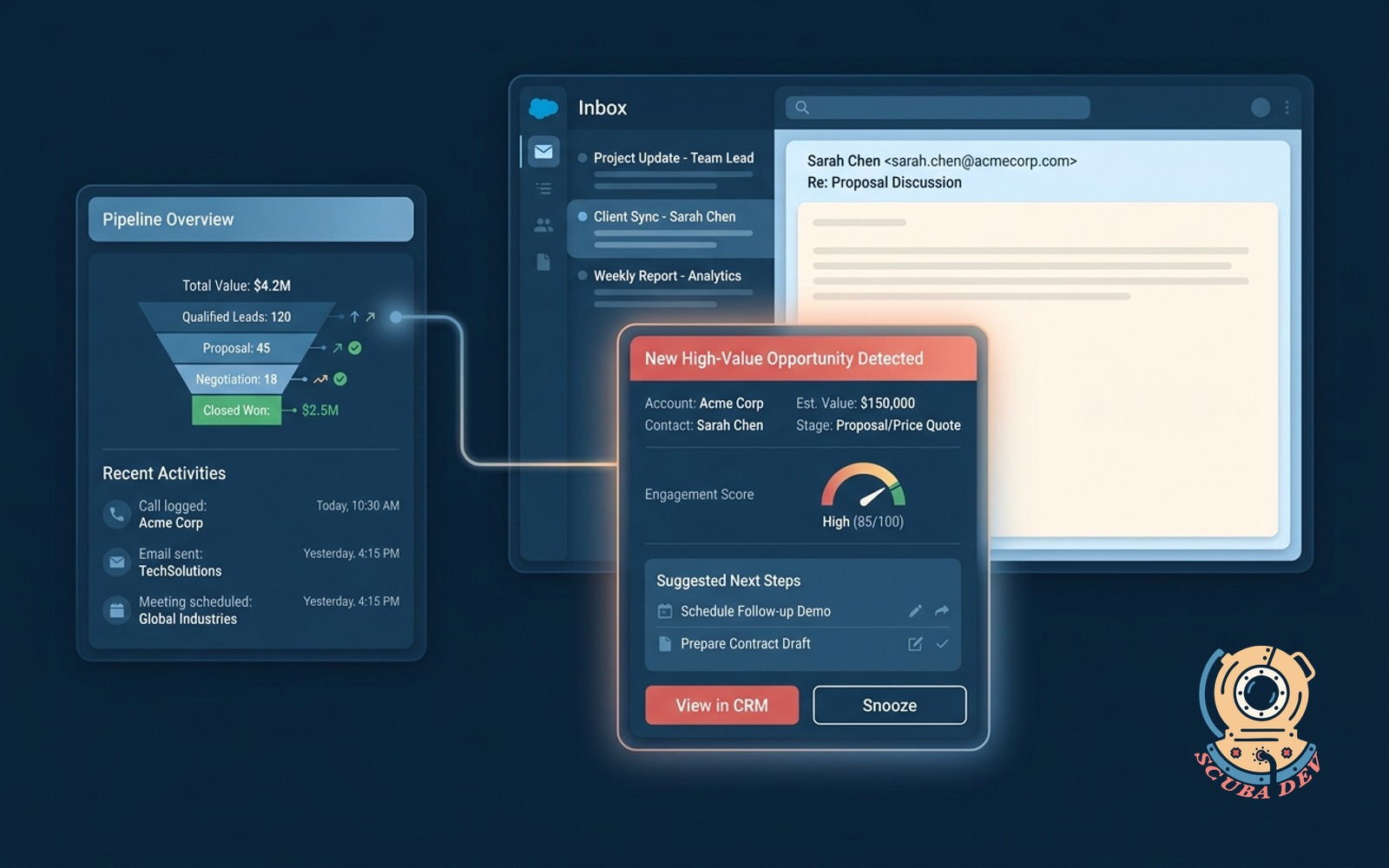
Every client email thread finds the right opportunity and attaches itself. No more copy-pasting into the CRM, no more missed context in the next review.
- Connects directly to your Google Workspace account
- Scans incoming and outgoing messages for domain matches
- Links the thread to the open opportunity for that account
- Ignores internal domains and personal emails automatically
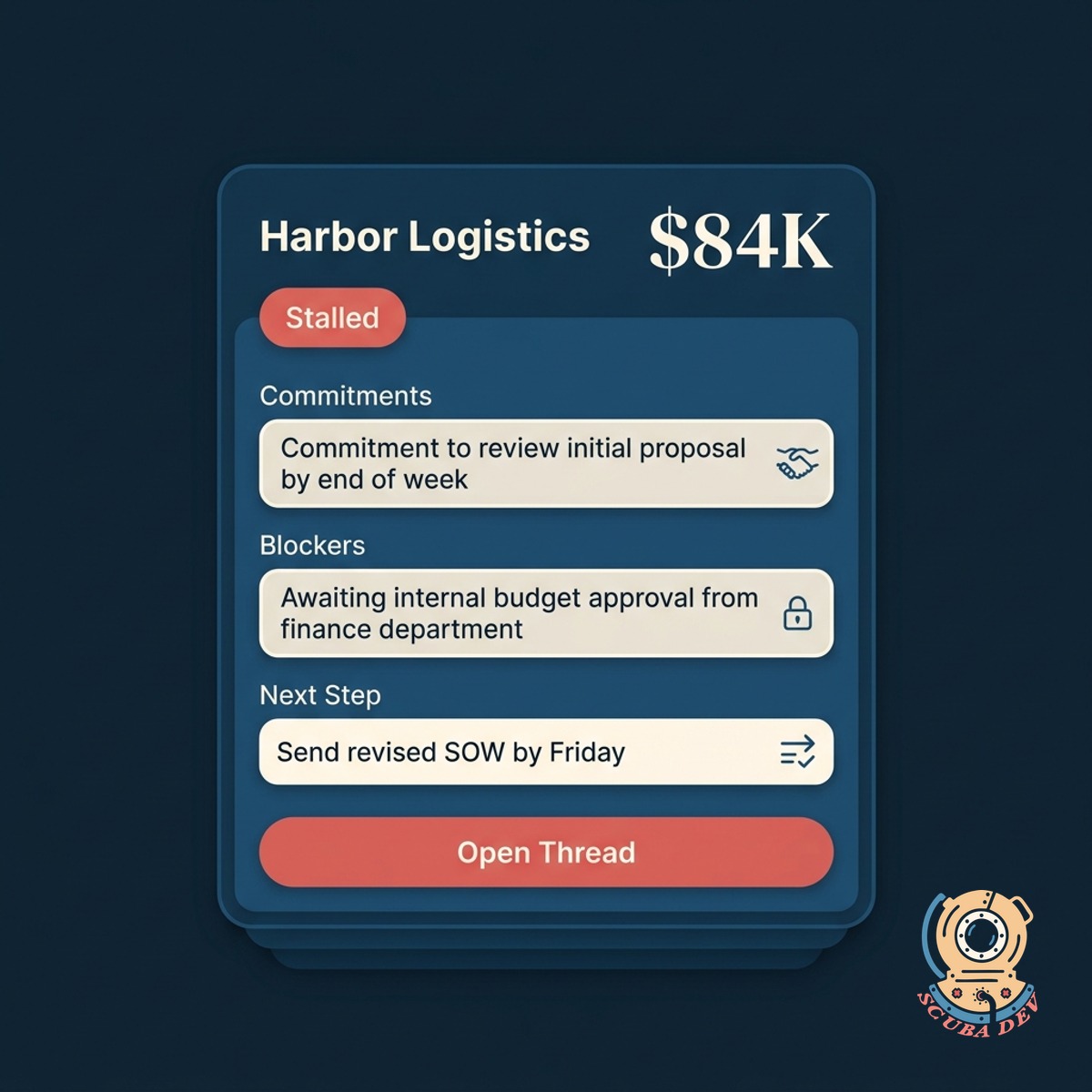
Sentiment And Next Step Extracted
Reads each thread and tags it with sentiment. Pulls the commitment, the blocker, and the next step so reps see the state of the deal without reading 40 messages.
- Sentiment per thread: positive, neutral, negative, stalled
- Extracts commitments, blockers, and next steps as structured fields
- Highlights when a prospect's tone shifts from enthusiastic to hesitant
- Surfaces open questions the prospect asked that never got answered
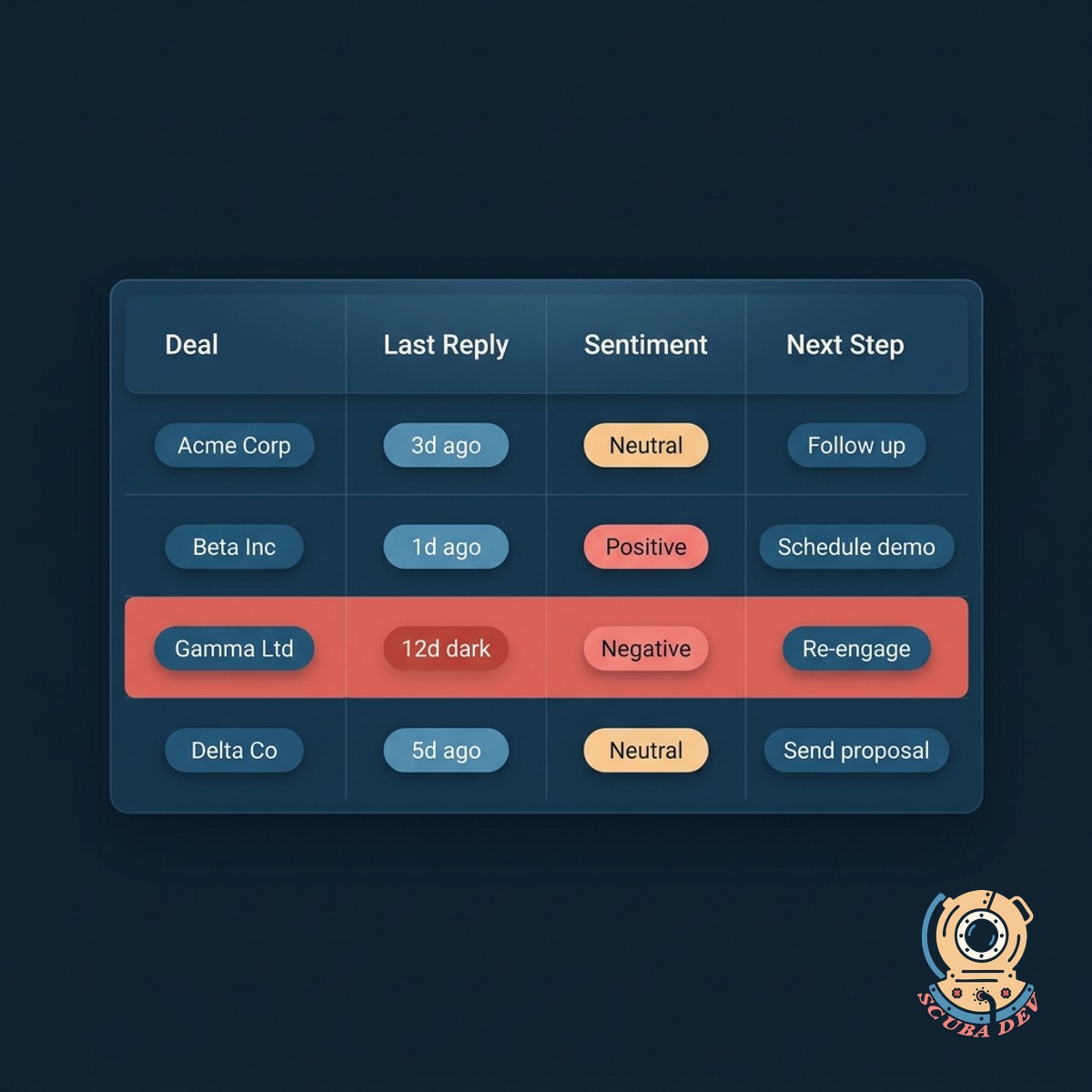
Rolls Into Your Review
At the weekly pipeline review, the log shows which deals had real activity, which went dark, and what the prospect actually said. Not a dashboard of clicks.
- Weekly rollup of deals with real email activity
- Flags deals that went dark more than 10 days
- Shows the prospect's last reply, not the rep's last send
- Exports a review doc with the week's movement and upcoming next steps
Questions
Things people ask
Which mail providers work?
Gmail and Google Workspace. Microsoft 365 and Outlook also supported. For older Exchange setups, we can work with an IMAP bridge. We do not touch POP3.
Which CRMs does this integrate with?
Salesforce, HubSpot, Pipedrive, Zoho, GoHighLevel, Close, Copper, and most CRMs with a REST API. Custom CRMs work as long as we can read and write deal records.
How does it match threads to opportunities?
Three signals: the external sender domain, the contact record, and the subject line. If confidence is low, the thread lands in a review queue instead of auto-attaching. Most match automatically on day one.
Is the email content stored?
Yes, in your CRM where it already would have been if a rep attached it manually. We do not store a separate copy. Retention follows your CRM policy.
Can reps opt out of specific threads?
Yes. Add a tag like "[private]" to the subject or route through a dedicated email label, and the thread is excluded. Personal and sensitive threads stay personal.
How accurate is the next-step extraction?
If a client has multiple open opportunities, we look at the thread subject and recent activity to find the best match. You can always manually reassign a thread to a different opportunity if the system guesses incorrectly. We also let you pin specific contacts to specific deals.
Does this replace Gong or Chorus?
No. Those are focused on call recordings. This complements them by adding the email layer. Together you get the full conversation context of every deal in the pipeline.