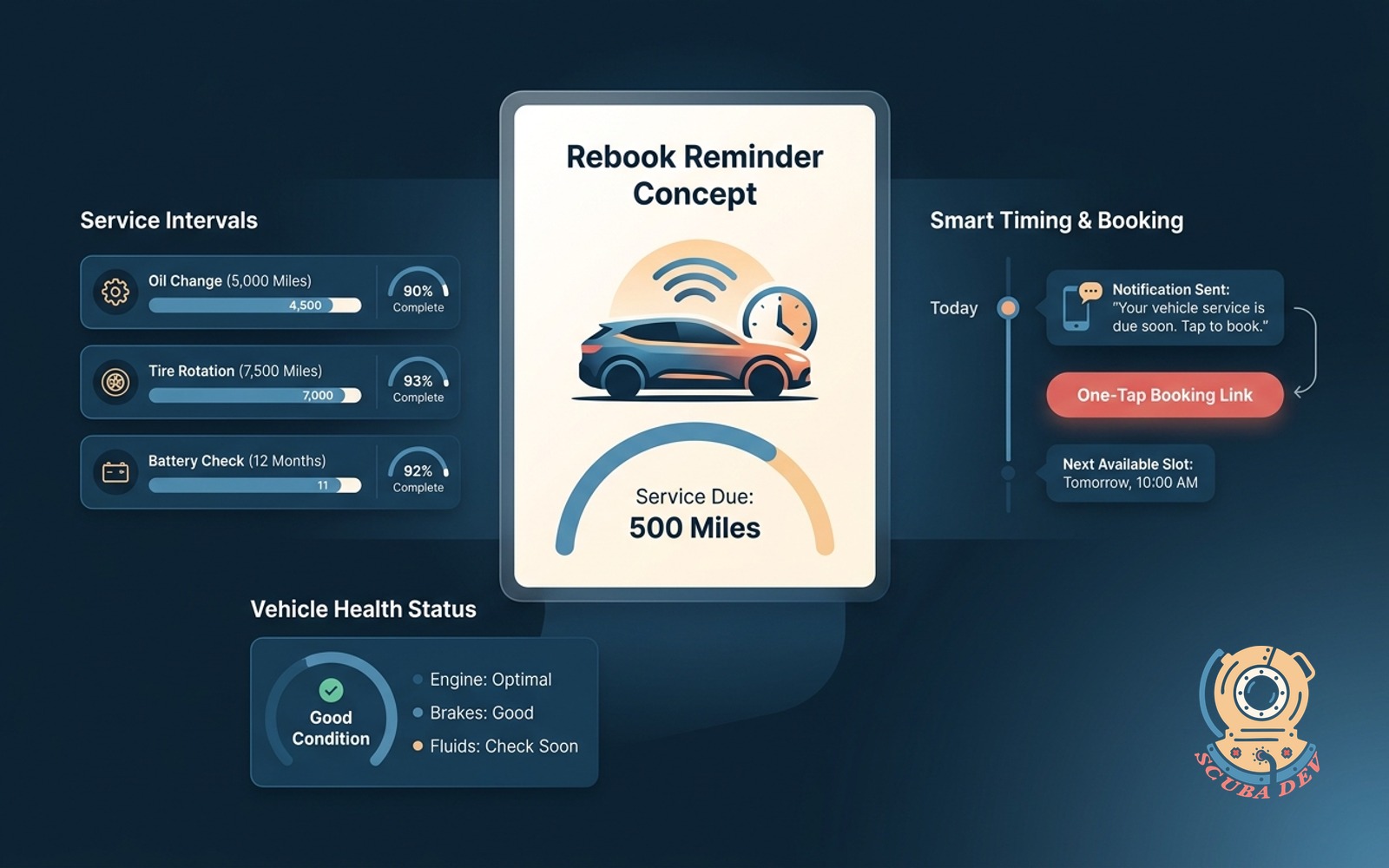
Rebook reminder tied to service interval
Knows the right interval per service. Texts at the right moment with a one-tap booking link.
Possibilities
Where this could go
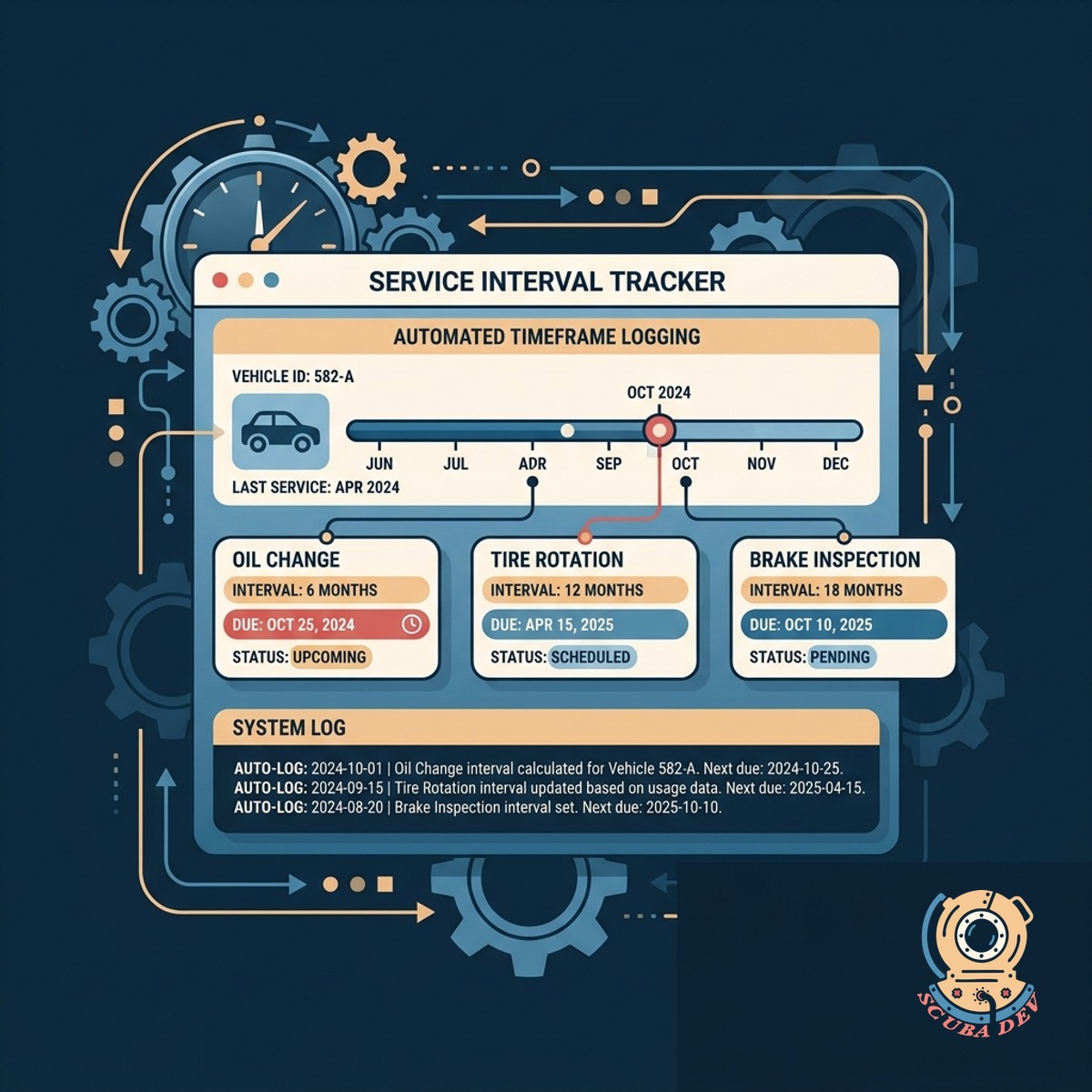
Track Custom Service Intervals Automatically
The system logs the exact timeframe required before a customer needs their next specific service.
- Assigns unique intervals to different services
- Syncs with your existing booking software
- Updates timelines when appointments change
- Stores historical service data per customer
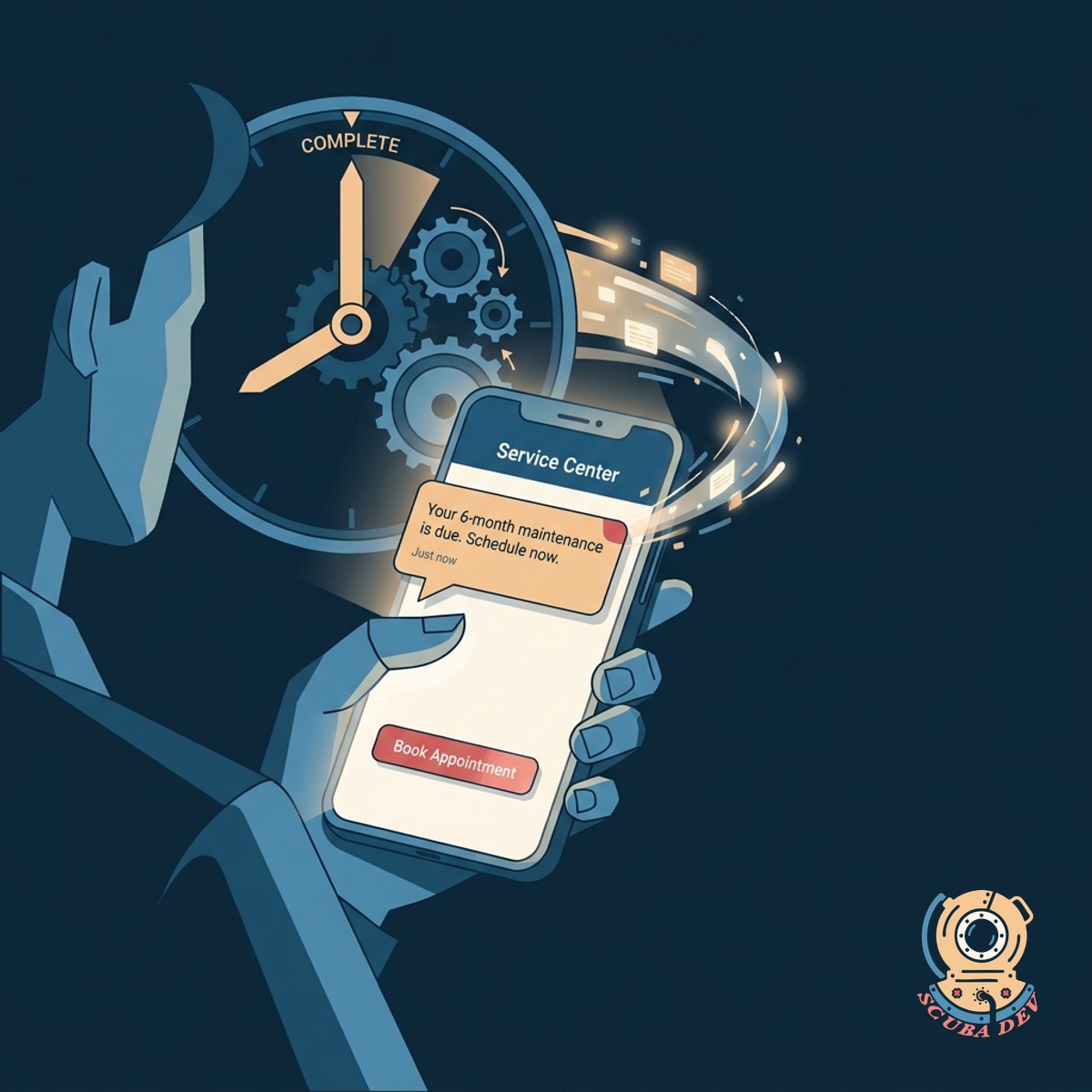
Send Timely Text Message Reminders
Customers receive an SMS at the exact moment their specific service interval completes.
- Triggers messages using Twilio or HubSpot
- Personalizes text with customer and service details
- Prevents sending messages outside of business hours
- Stops reminders if a booking already exists
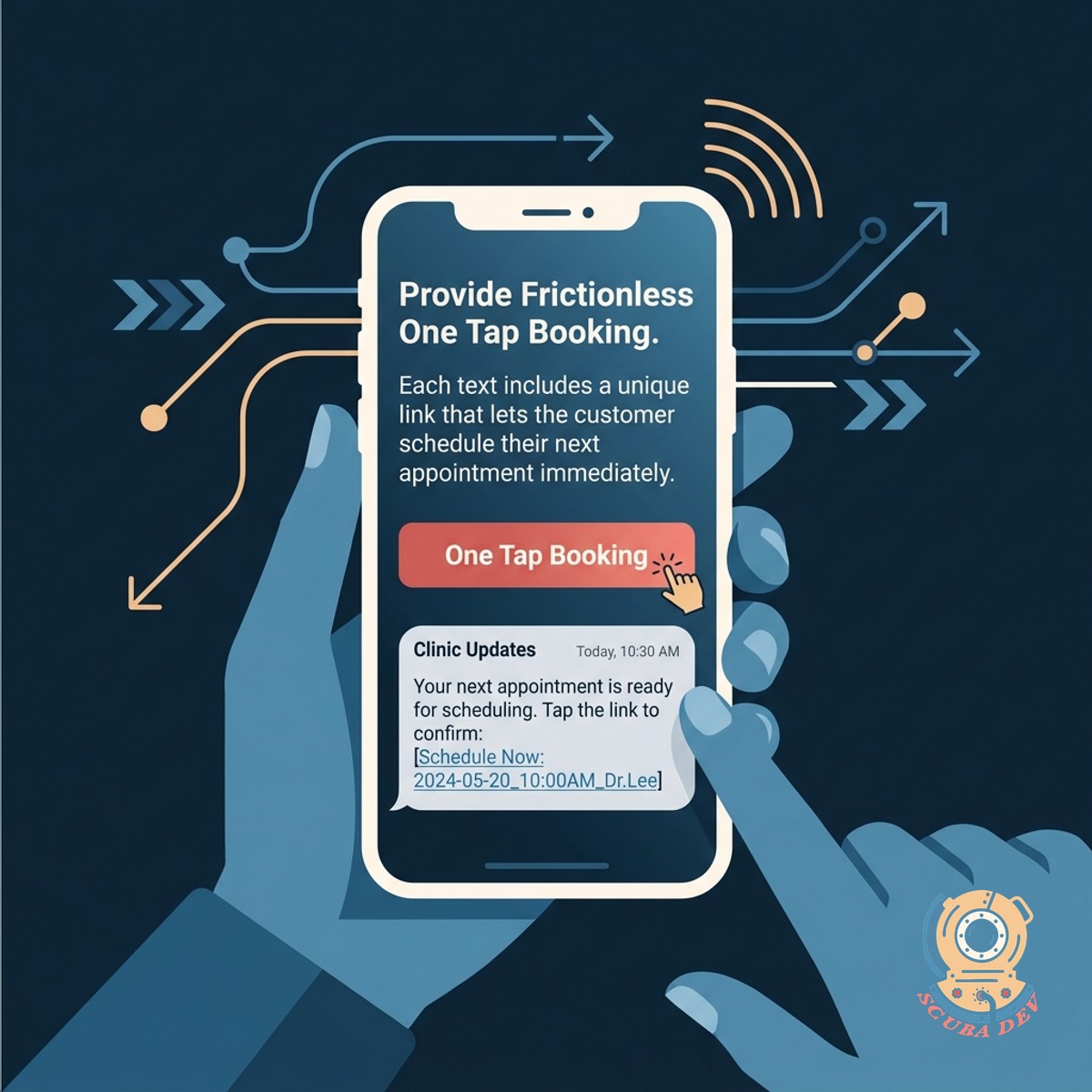
Provide Frictionless One Tap Booking
Each text includes a unique link that lets the customer schedule their next appointment immediately.
- Generates secure custom booking URLs
- Pre-fills customer information on the form
- Connects directly to Calendly or Acuity
- Logs clicked links in your CRM automatically
Questions
Things people ask
How does the system know which service interval to use?
The tool integrates with your CRM or scheduling software like HubSpot or Acuity. It reads the service type from the customer's last appointment and applies the corresponding interval rule you set.
Can I set different intervals for different types of services?
Yes. You define the rules for each service category in the database. A basic inspection might trigger a six month reminder while a full overhaul triggers a twelve month reminder.
What happens if a customer books before the reminder goes out?
The system checks your calendar right before sending any text message. If it detects a future appointment for that customer, it cancels the automated reminder to avoid confusion.
Which text messaging platforms do you integrate with?
We typically build these workflows using Twilio for direct SMS delivery. We can also route the messages through your existing marketing platforms like HubSpot or ActiveCampaign.
Do the booking links pre-fill customer information?
The system generates a unique URL for each customer. When they tap the link, it passes their known details into your booking software so they do not have to type their name or email again.
Can customers reply to the text messages?
We can configure the phone number to accept incoming replies. Those replies can be forwarded to your team via email or a Slack channel so a staff member can respond directly.
How do we handle customers who opt out of text messages?
The system includes standard SMS compliance features like recognizing STOP replies. When a customer opts out, the database updates their profile and prevents any future automated texts.