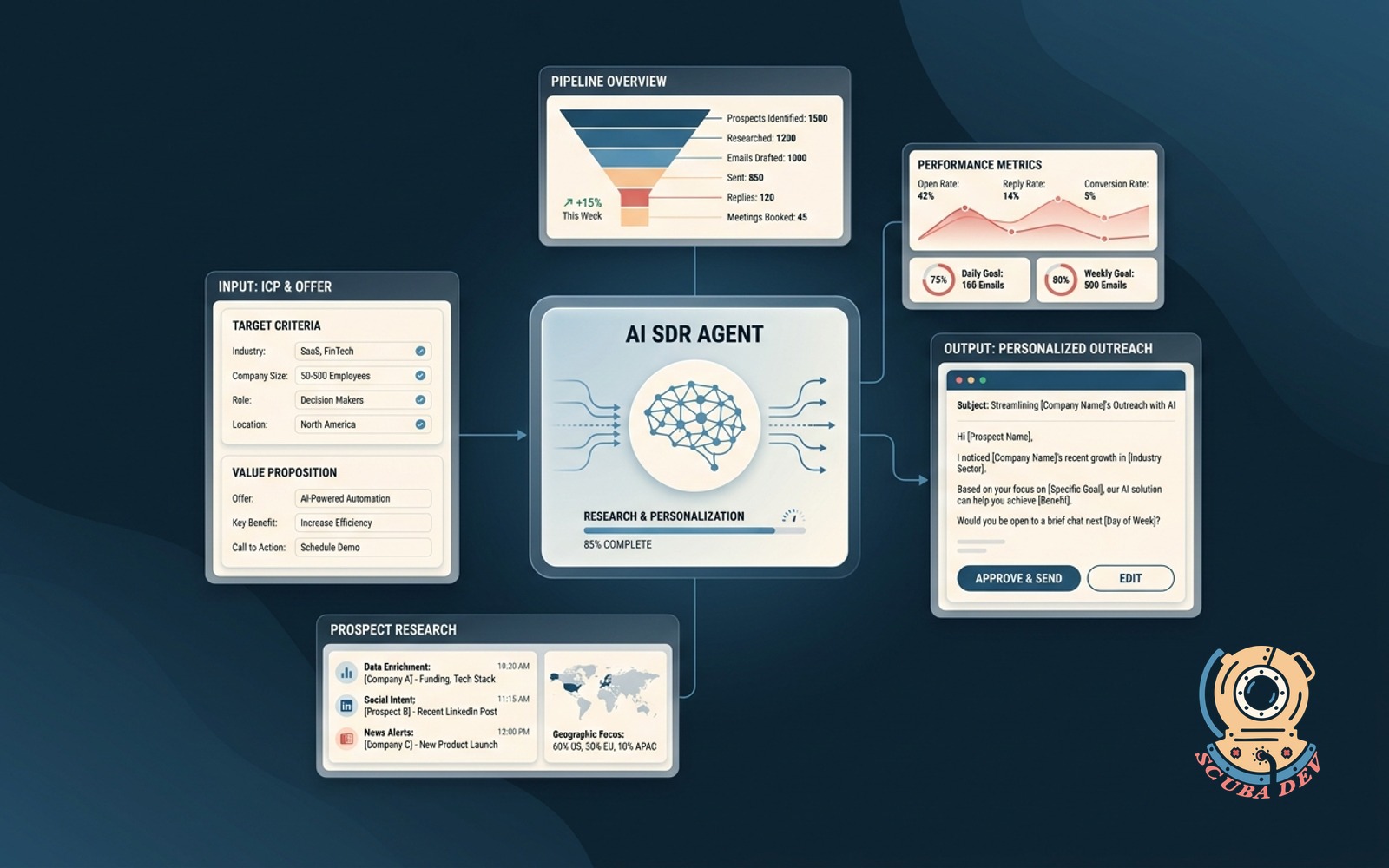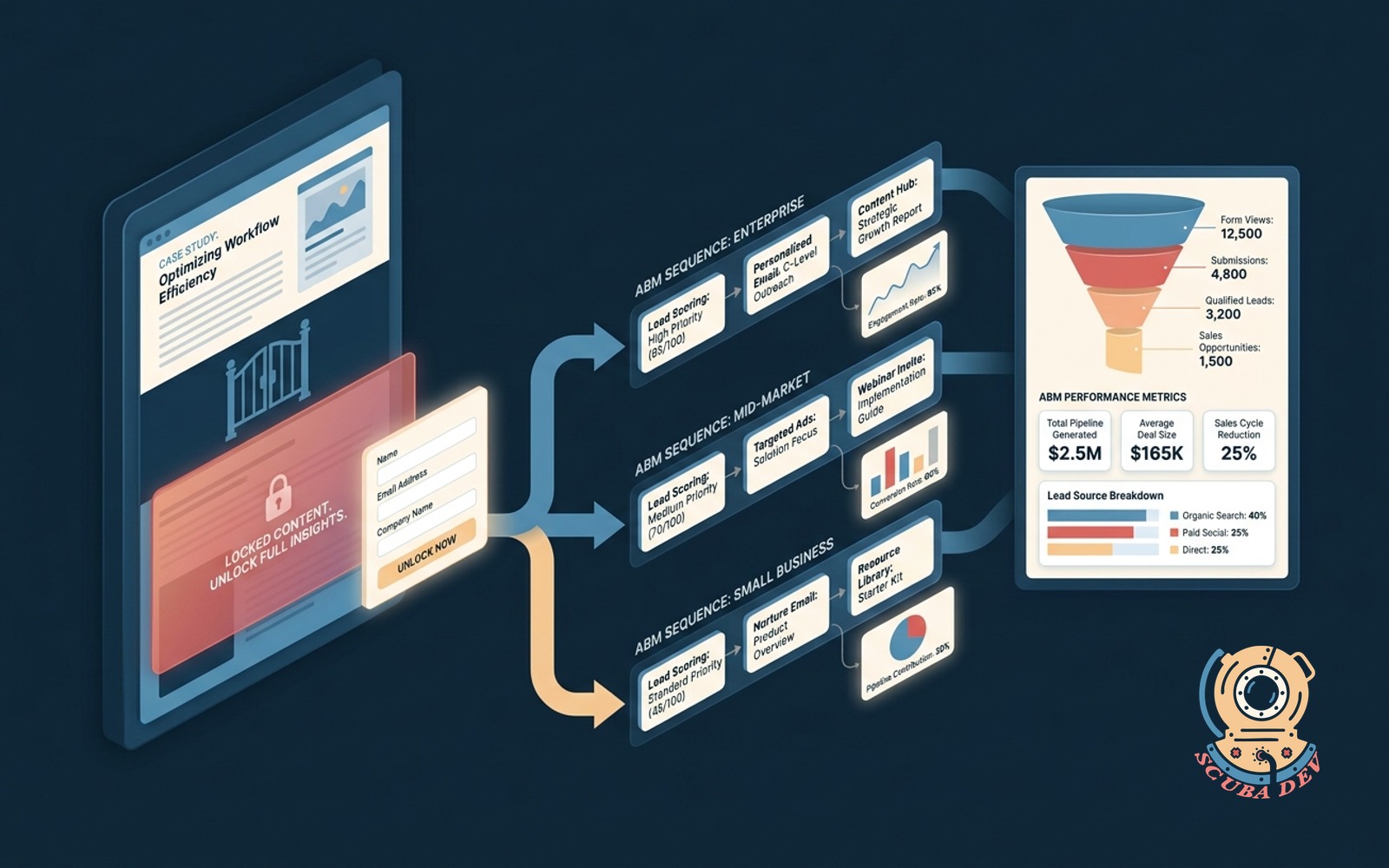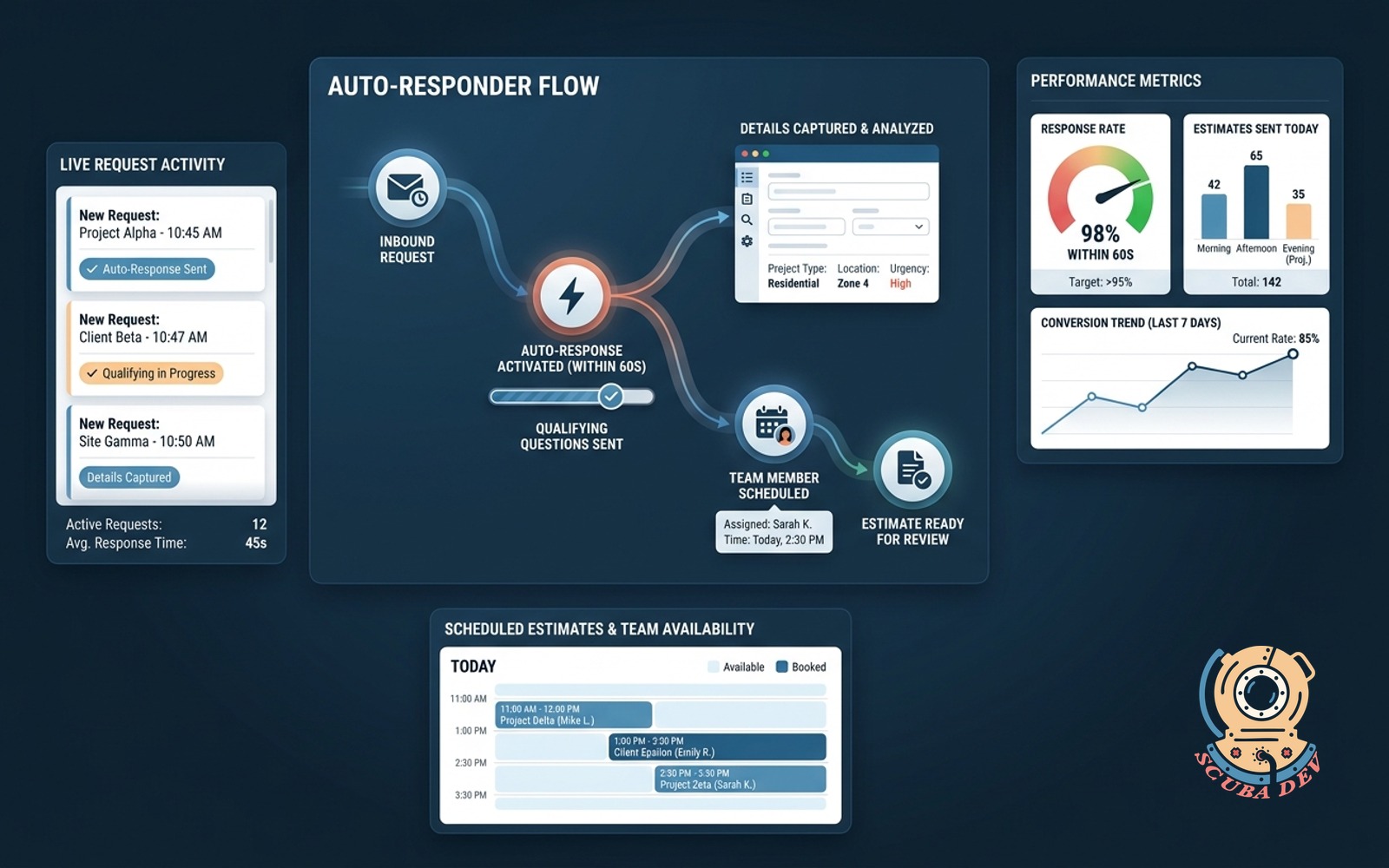
Same-day estimate auto-responder
Catches every inbound request within 60 seconds. Asks qualifying questions, captures details, and schedules the right team member.
Possibilities
Where this could go
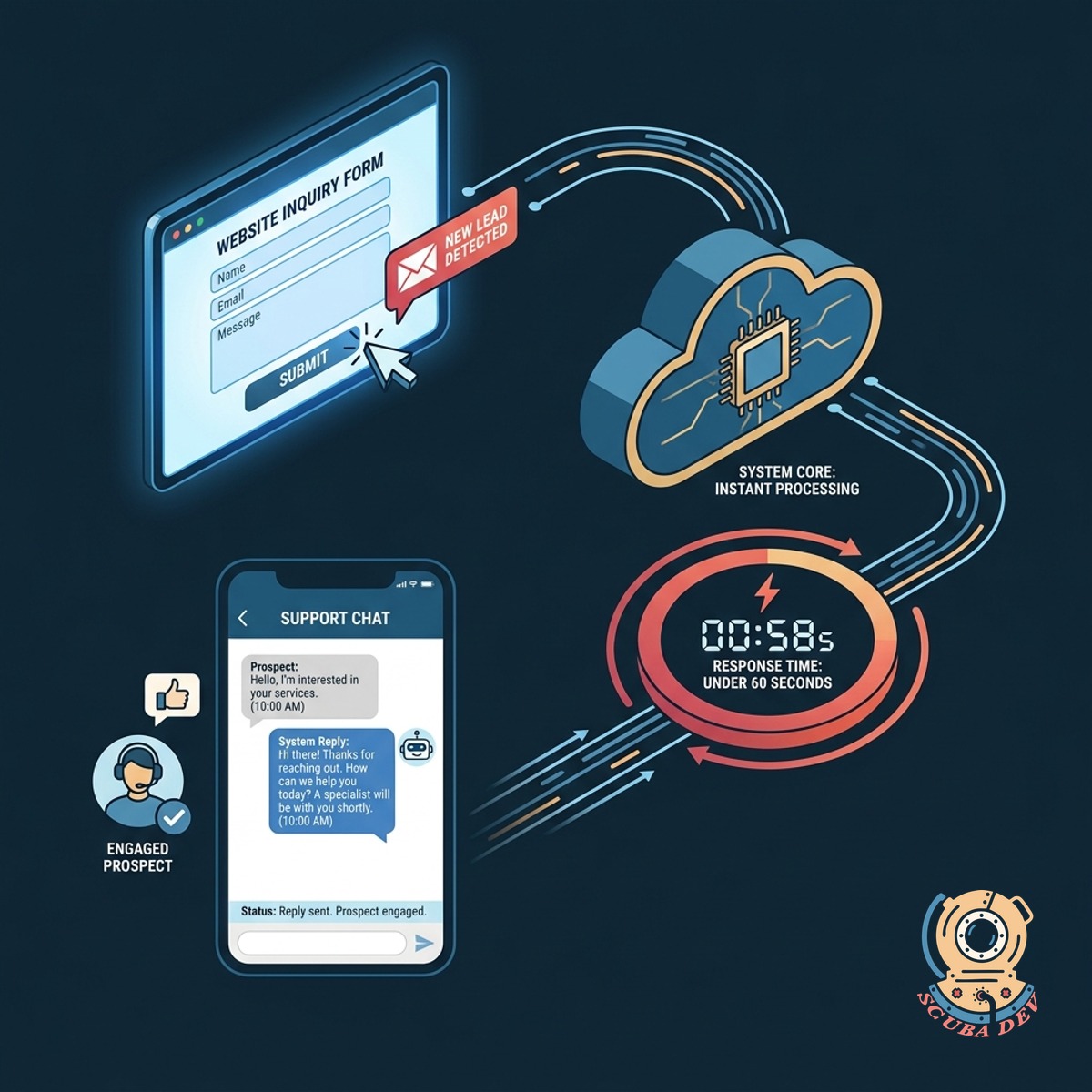
Instant Lead Capture And Response
The system detects new inquiries from your website or email and replies within sixty seconds to keep prospects engaged.
- Connects to web forms and email
- Triggers within one minute
- Sends customized initial replies
- Prevents leads from going cold
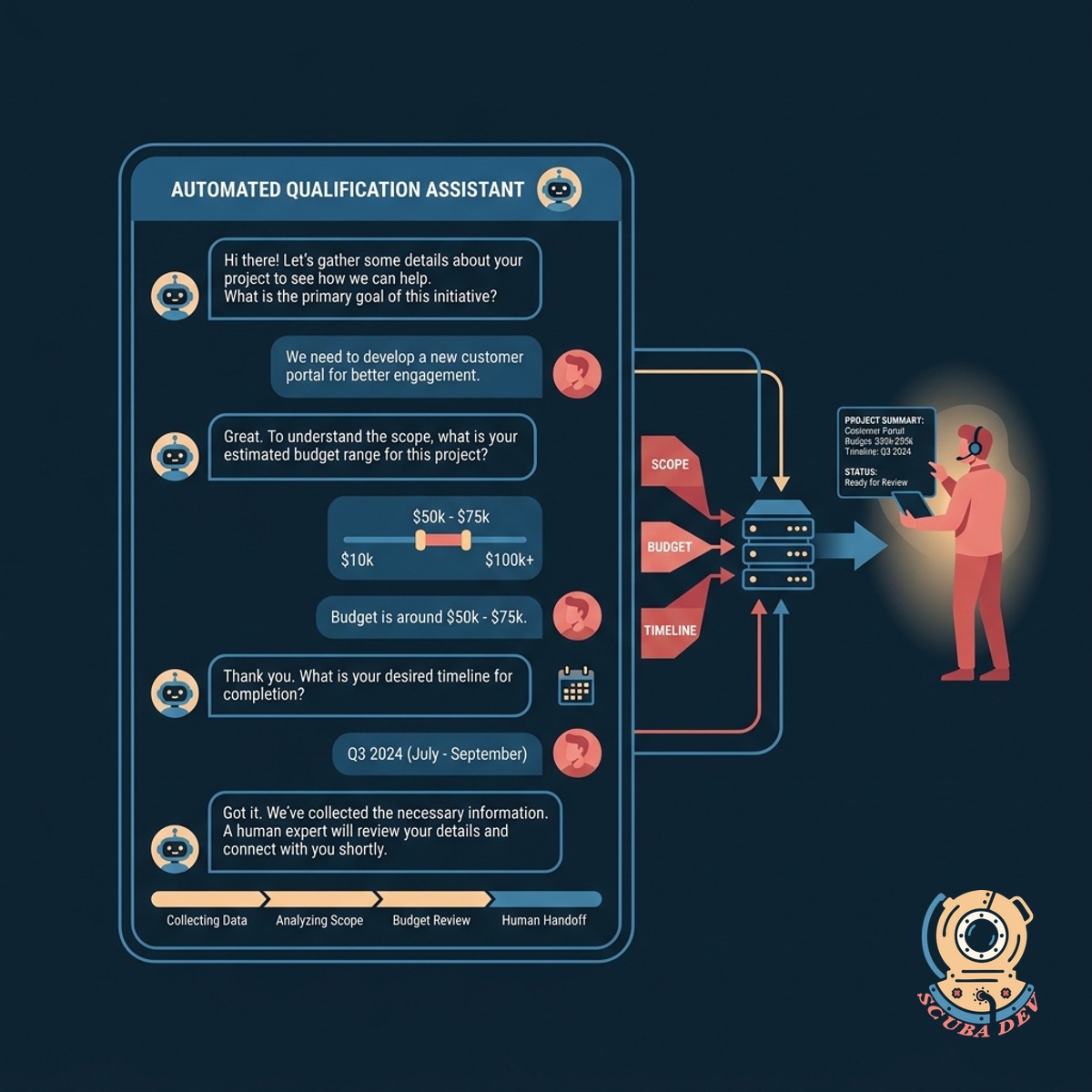
Automated Qualification And Data Collection
An interactive chat sequence asks targeted questions to gather project scope and budget details before a human steps in.
- Asks standardized qualifying questions
- Captures project scope and timeline
- Stores answers in your CRM
- Filters out mismatched inquiries
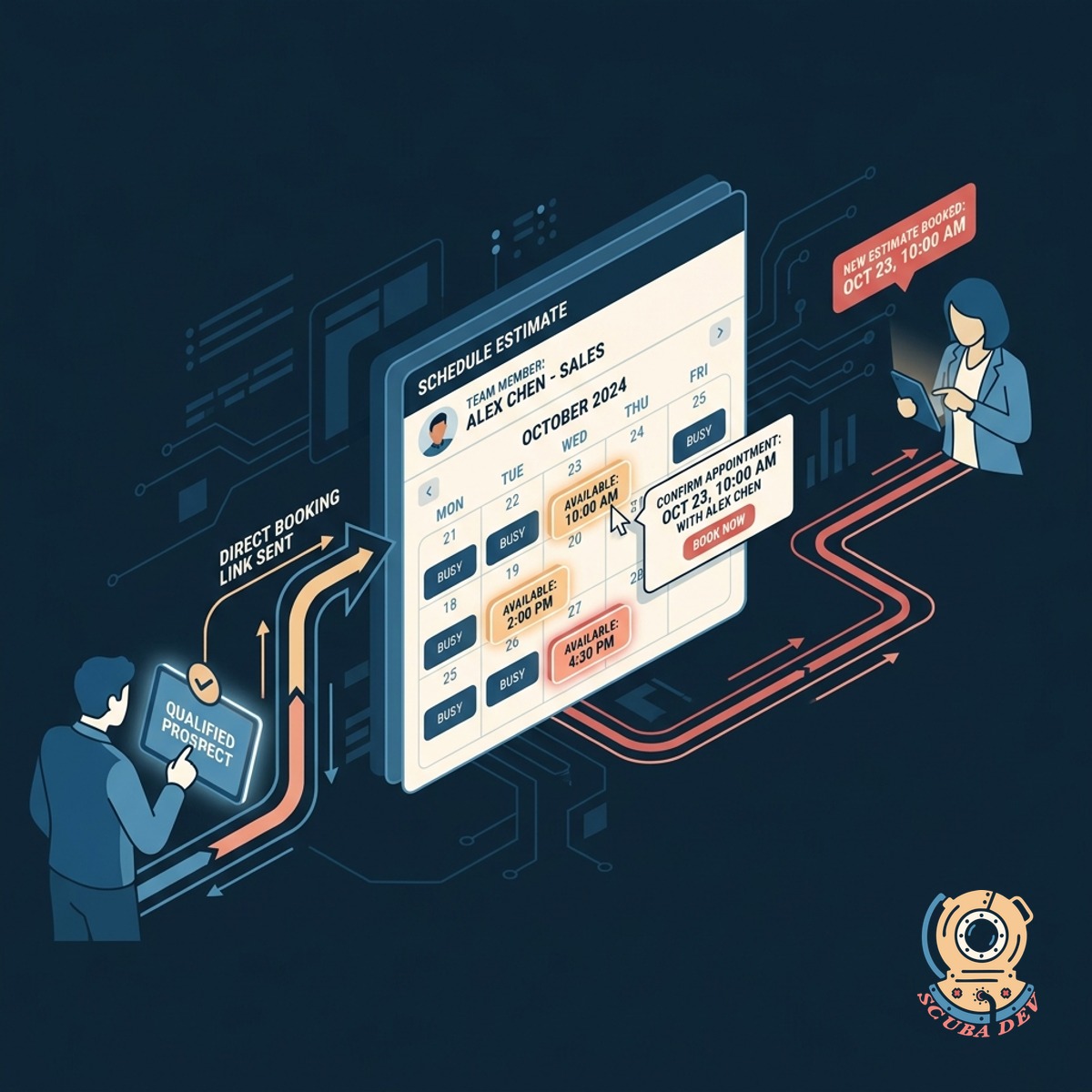
Direct Calendar Routing And Scheduling
Qualified prospects receive a direct booking link to schedule their estimate with the correct team member automatically.
- Integrates with tools like Calendly
- Routes to specific staff calendars
- Sends automated appointment reminders
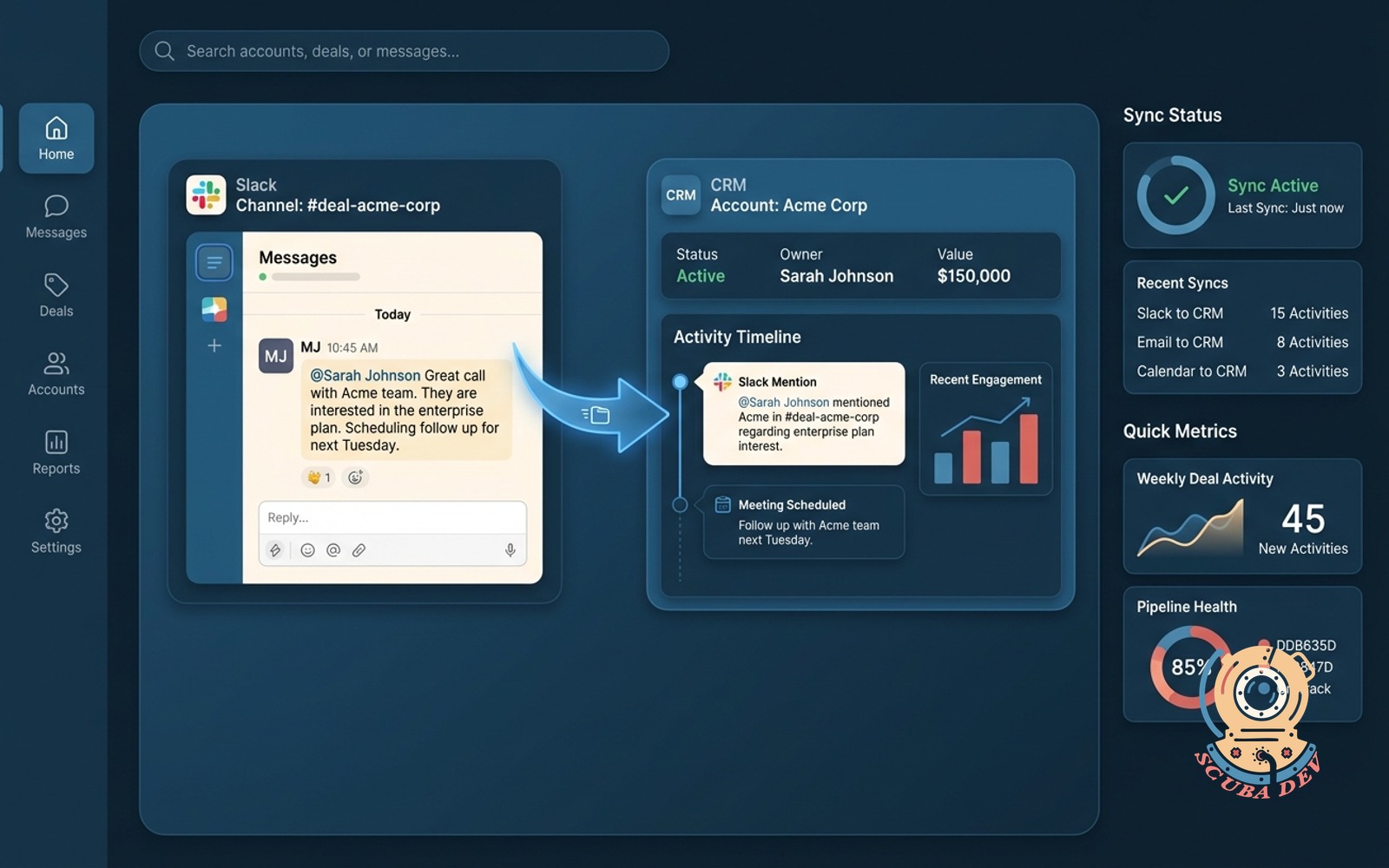
- Syncs data to HubSpot or Salesforce
Questions
Things people ask
How fast does the auto-responder reply to new inquiries?
The system is configured to send the initial response within sixty seconds of a prospect submitting a form or sending an email.
Can we customize the qualifying questions it asks?
Yes. We build the logic to ask the exact questions you need to understand project scope, timeline, and budget requirements.
What happens if a lead does not meet our minimum criteria?
The system can politely decline the project or redirect them to helpful resources without taking up space on your sales calendar.
Does this integrate with our existing calendar software?
The workflow connects directly with scheduling tools like Calendly, Acuity, or native Google Workspace and Microsoft 365 calendars.
Where does the collected customer data go?
All captured contact information and project details are automatically synced to your CRM, such as HubSpot, Pipedrive, or Salesforce.
Will the automated messages sound like a robot?
We write the response templates to match your brand voice, keeping the communication natural, professional, and plainspoken.
How does the system know which team member to schedule?
We set up routing rules based on the project type, location, or team availability to ensure the right estimator gets the appointment.