Knowledge base gap analyzer
Clusters unanswered tickets into topics the knowledge base does not cover. Drafts the missing articles for approval.
Possibilities
Where this could go
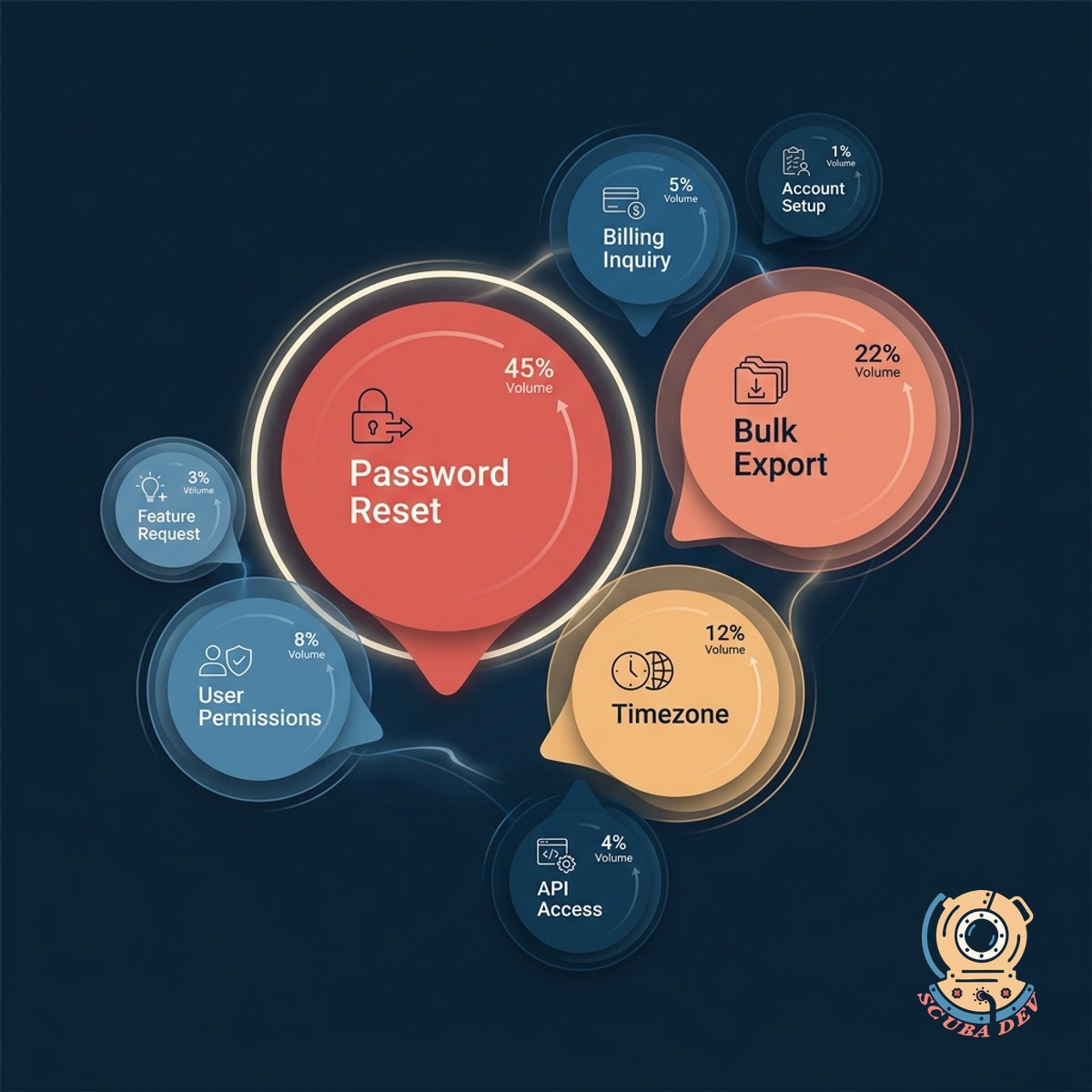
Clusters Unanswered Tickets
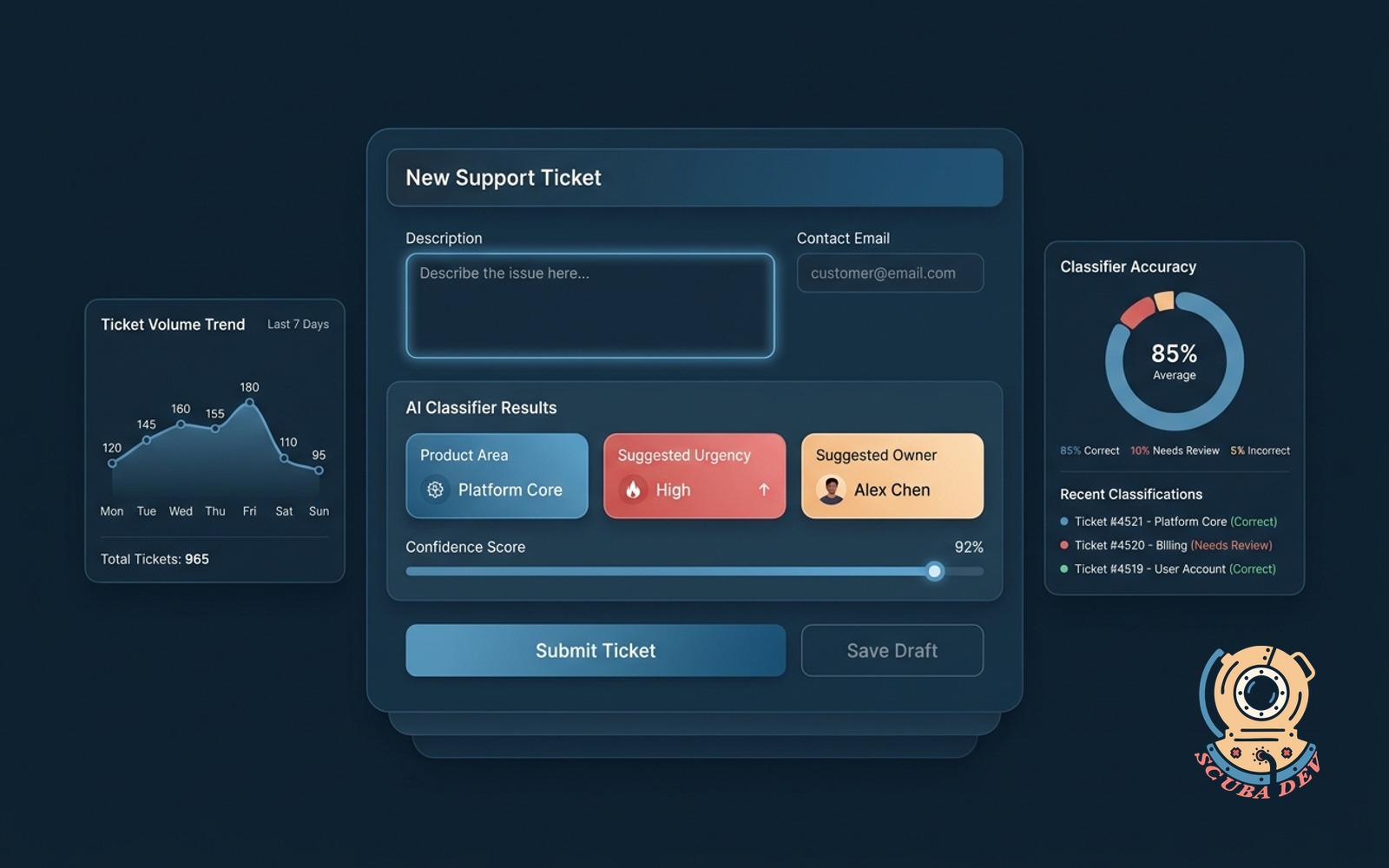
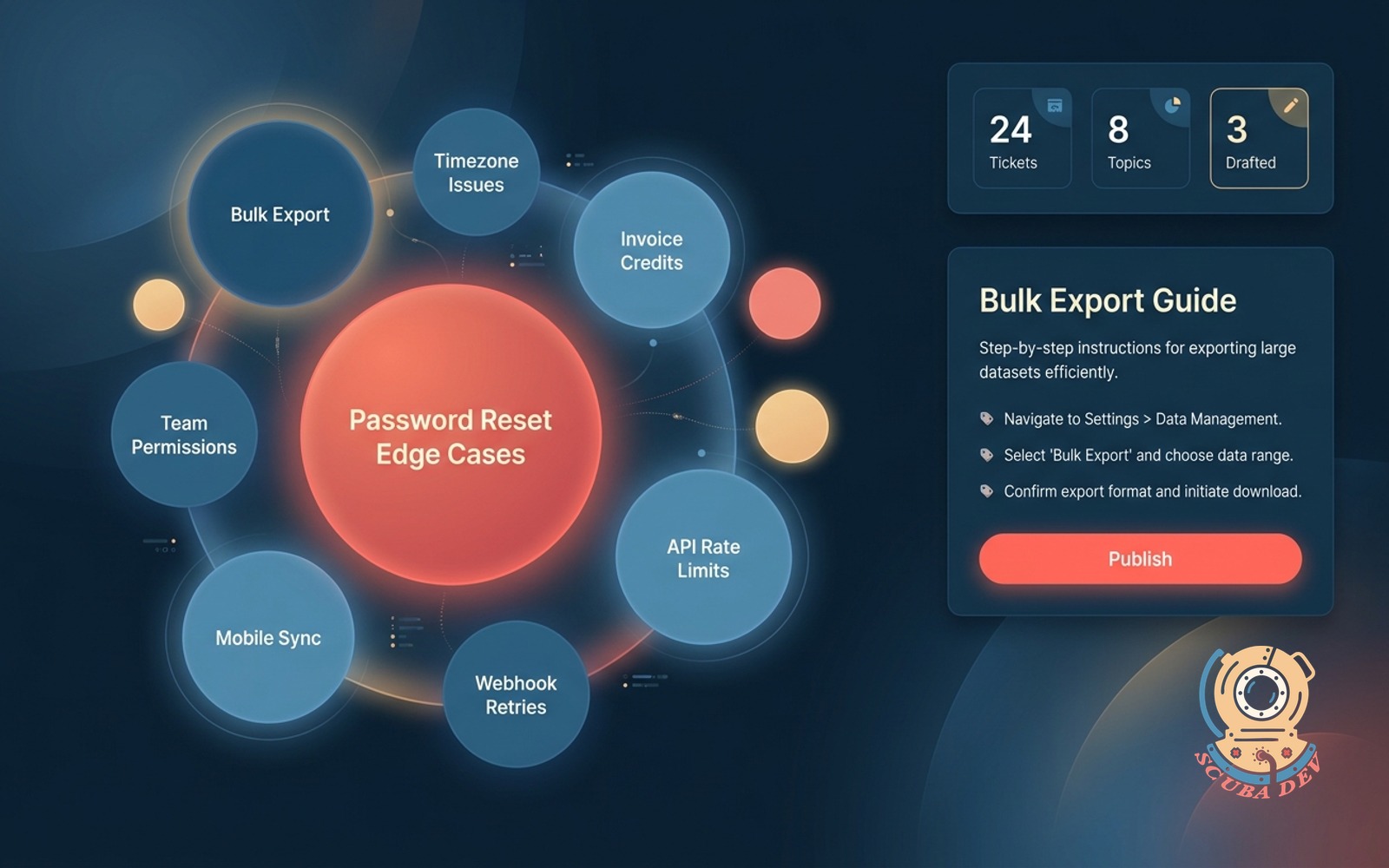
Scans the tickets your team resolved manually and groups them into topic clusters the KB does not cover. Surfaces the biggest gaps by volume and escalation.
- Reads closed and resolved tickets across Zendesk, Intercom, HubSpot, Freshdesk, or your custom tool
- Clusters by topic using the ticket content, not just the tag
- Ranks clusters by ticket volume, handle time, and escalation rate
- Updates weekly as new tickets come in
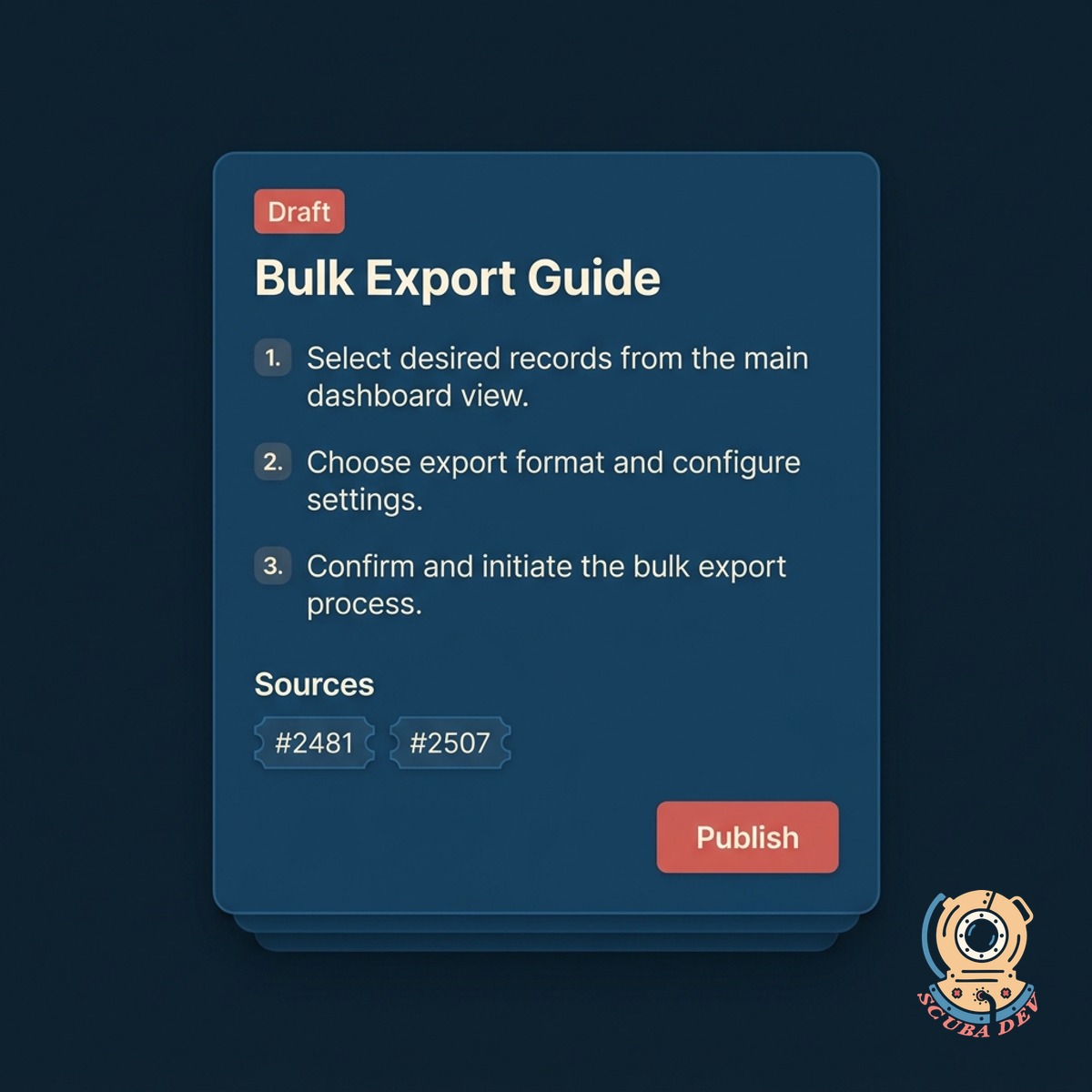
Drafts The Missing Articles
For each cluster, the AI drafts a starter KB article using the actual resolution patterns your agents used. You review, tweak, and publish.
- Pulls resolution steps from the actual agent replies
- Writes in your brand voice with your formatting conventions
- Cites the most-helpful example tickets inline
- Ships with suggested title, tags, and routing category filled in
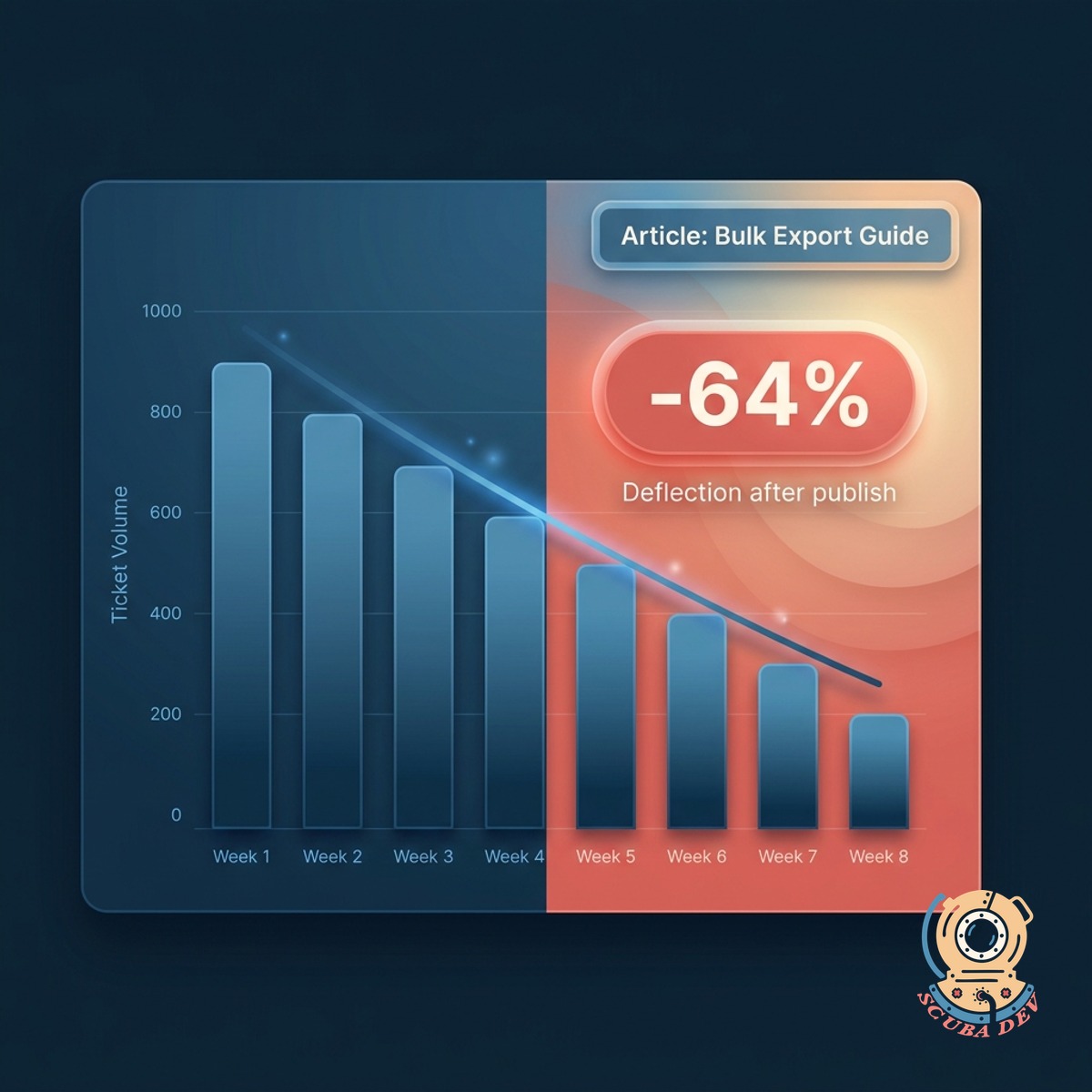
Closes The Loop
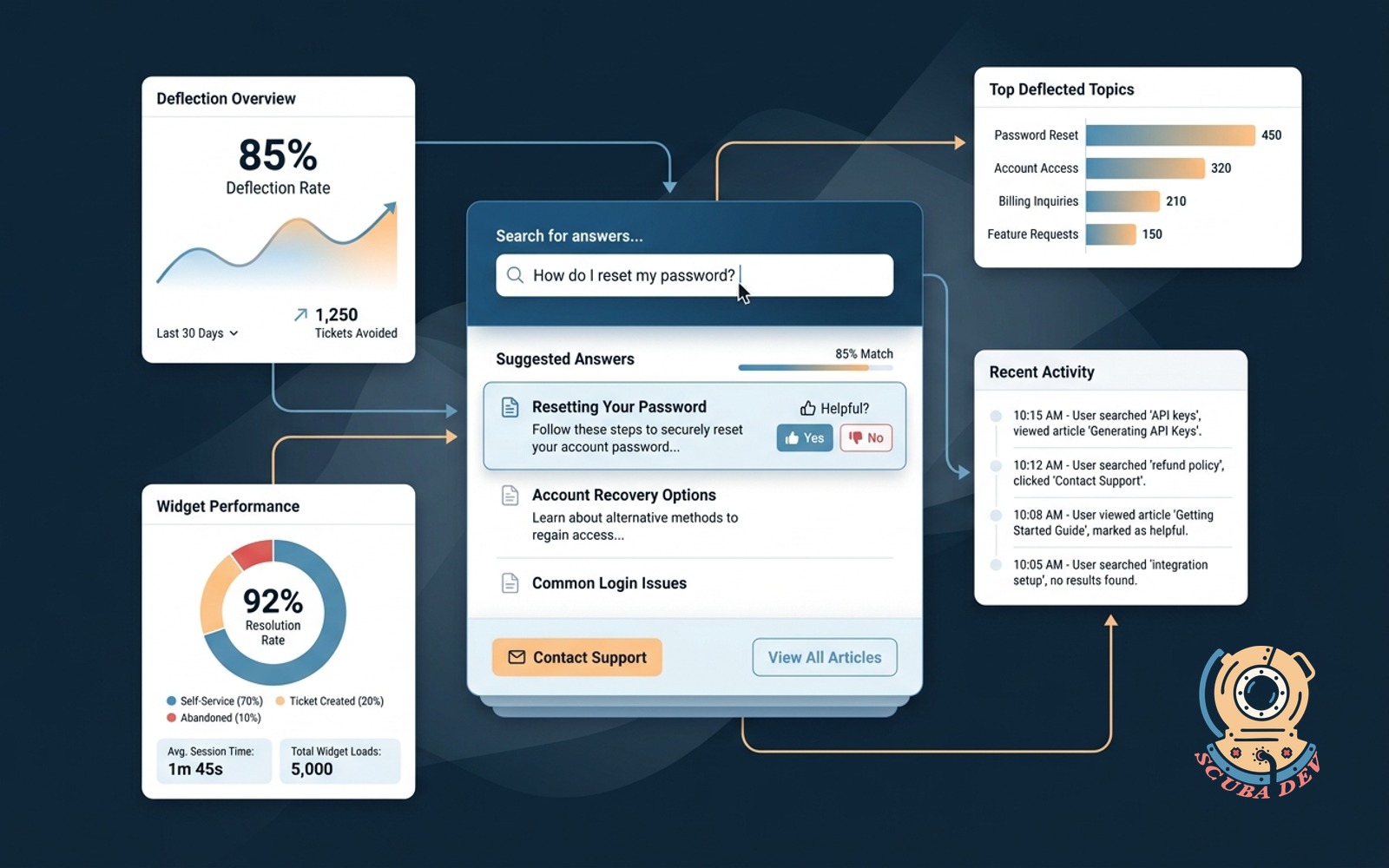
Once an article publishes, the board tracks whether the matching ticket volume drops. Shows which articles actually deflect support load.
- Ticket deflection measured per published article
- Before-and-after comparison over the first 30 days
- Flags articles that did not move the needle for rewrite
- Suggests related article links to strengthen coverage
Questions
Things people ask
Which support tools connect?
Zendesk, Intercom, HubSpot Service Hub, Freshdesk, Help Scout, Gorgias, and most systems with a ticket export API. We can also process email threads from a shared inbox.
How are topics clustered?
We use semantic similarity, not just keyword match. Two tickets phrased differently but about the same underlying issue end up in the same cluster. You can split, merge, or rename clusters anytime.
Can we exclude sensitive tickets?
Yes. Rules exclude tickets by tag, priority, customer segment, or custom field. Internal tickets, VIP threads, and legal issues can all be filtered before clustering starts.
Who approves the drafted articles?
Whoever you designate. Usually a support lead or KB manager. Drafts land in a review queue with the option to edit, publish, or discard. Auto-publish is available for low-risk topics if you want it.
Where do the published articles go?
Your existing KB tool. We publish to Zendesk Guide, Intercom Help Center, HubSpot Knowledge Base, Help Scout Docs, HelpJuice, and Document360. Custom CMS targets are supported.
How do you measure deflection?
We tag the tickets that matched each cluster before publication and after. The drop in monthly volume, adjusted for overall ticket traffic, becomes the deflection number. Shown per article and in aggregate.
Does this replace our technical writer?
No. It gives your writer a fast first draft and a prioritized list of what to cover. Your writer still owns tone, accuracy, and editorial judgment. Most teams ship 3x more articles with the same headcount.